


There are many cloud spaces for free file sharing on the Internet, but most of them have restrictions on single files, and there are not many. The maximum I have seen before is 10GB (some are even only MB), so it is not suitable for transferring large files. Recently I discovered that ACdata, launched by a Japanese company, is now launching a single file with a maximum limit of 250GB and can store up to 65 days of activities in order to allow everyone to work easily at home and share files with others. It is really amazing. More importantly, there is no registration required and it is very convenient to use.
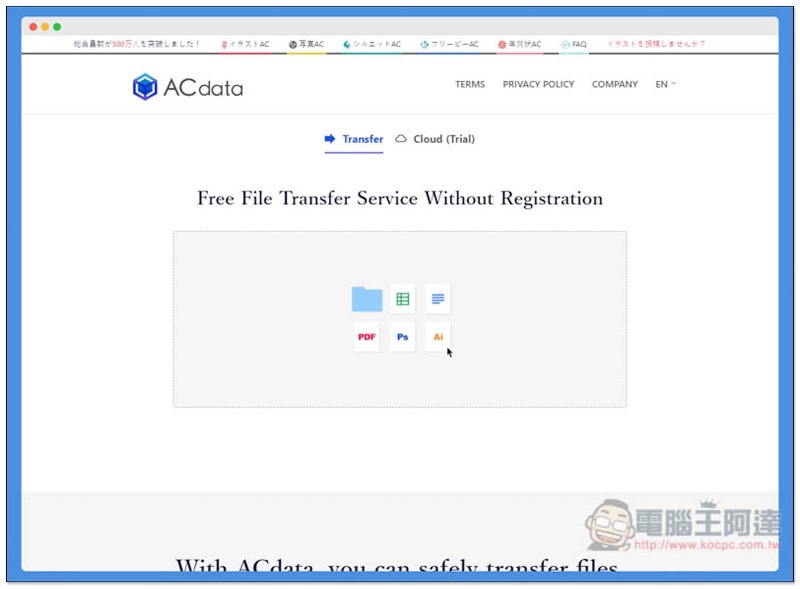
ACdata operation tutorial
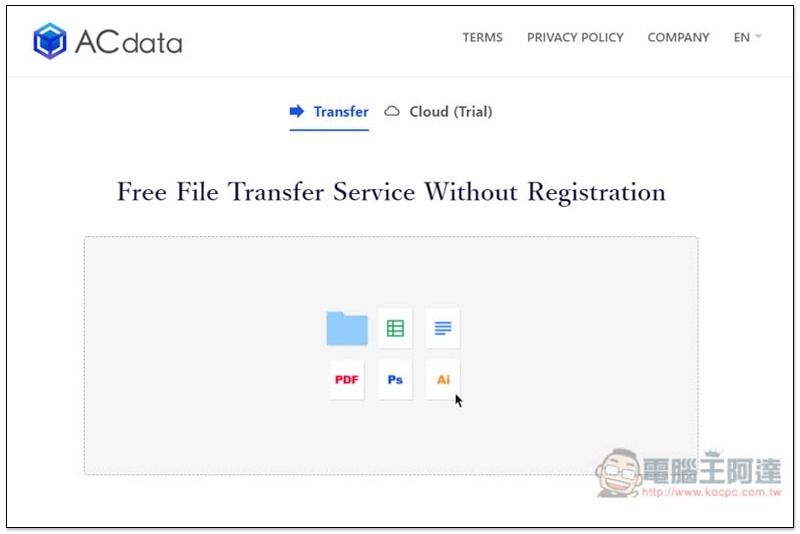
Although ACdata is launched by a Japanese company, they have an English interface, which can be switched by clicking the three small keys in the upper right corner. The method of use is very simple, just drag all the files you want to share with others into this window:
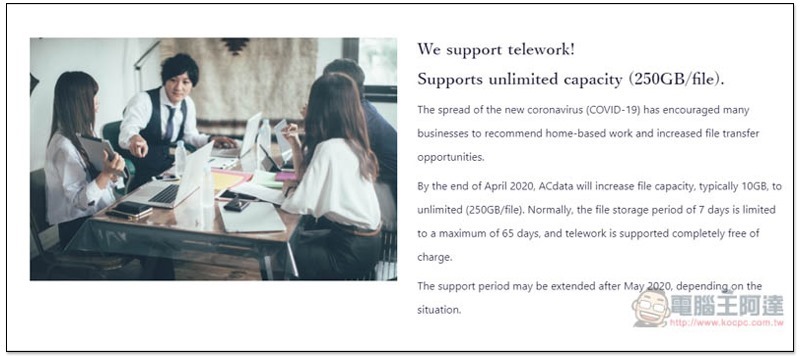
This limited event is also explained below. Generally speaking, they only support a maximum of 10GB for a single file, but due to the COVID-19 epidemic, it has been temporarily increased to 250GB, and the saved file has been extended from 7 days to 65 days. As for when it will end, they did not give an exact time. It should be to see if the epidemic has slowed down. If not, I guess it will continue:
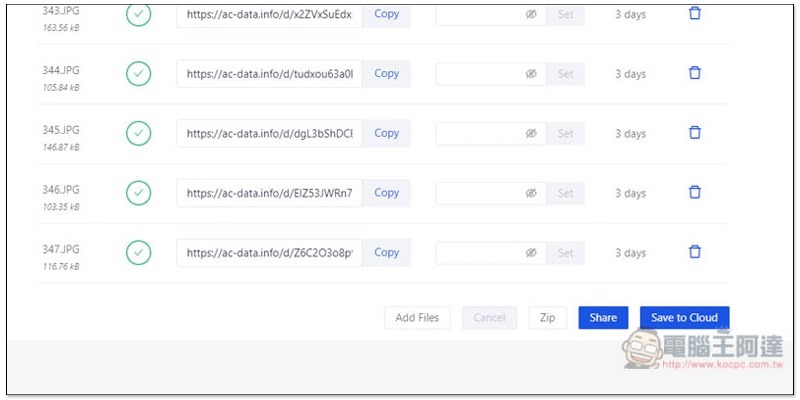
Once the file is dragged in, it will start uploading. Each file has an exclusive download link (Share URL), which means that even if you want to share it with different people, you can drag and upload it at once. In addition, sharp-eyed people should have noticed, why does Expiry say 3 days? Not 65 days? :
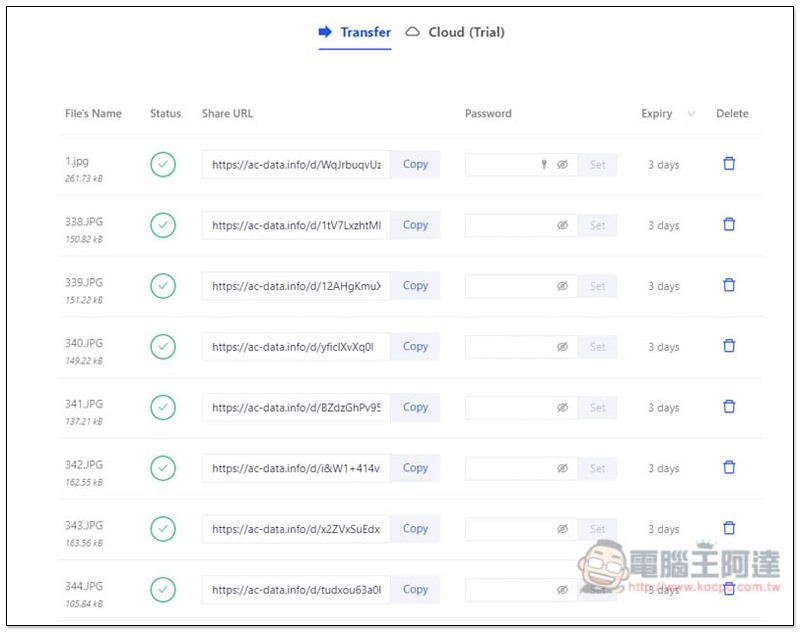
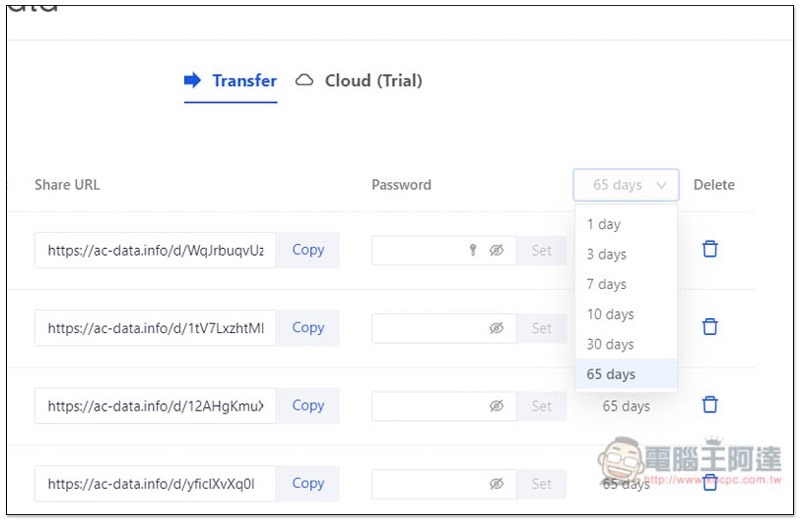
Yes, the default is 3 days. Click the inverted triangle to modify it to a longer storage time. There are 6 options: 1, 3, 7, 10, 30, and 65 days. Each file can also be set with a download password, if you need:
If you want the uploaded files to be packaged and downloaded at once, please click the Zip option in the lower right corner:
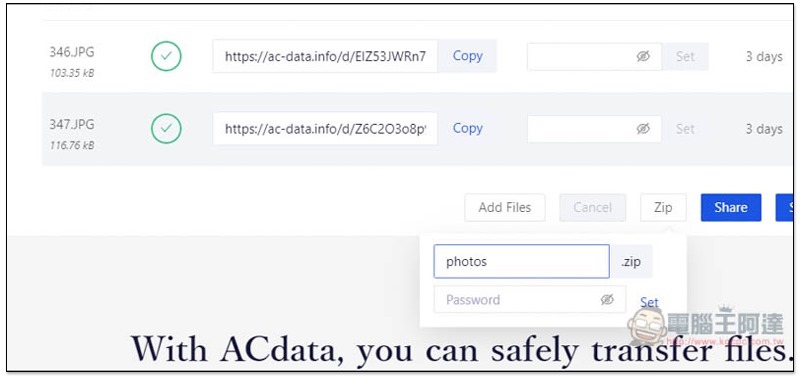
You can create a Zip file and set a download password:
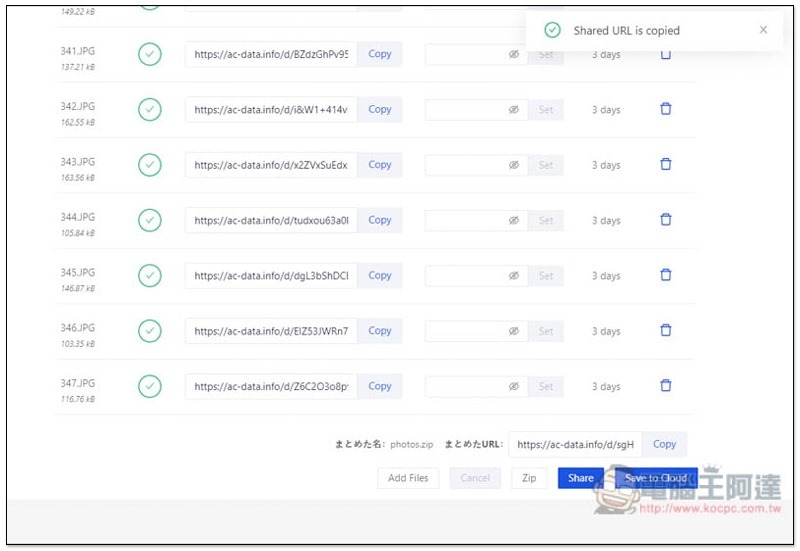
Once created, you will receive an exclusive download link:
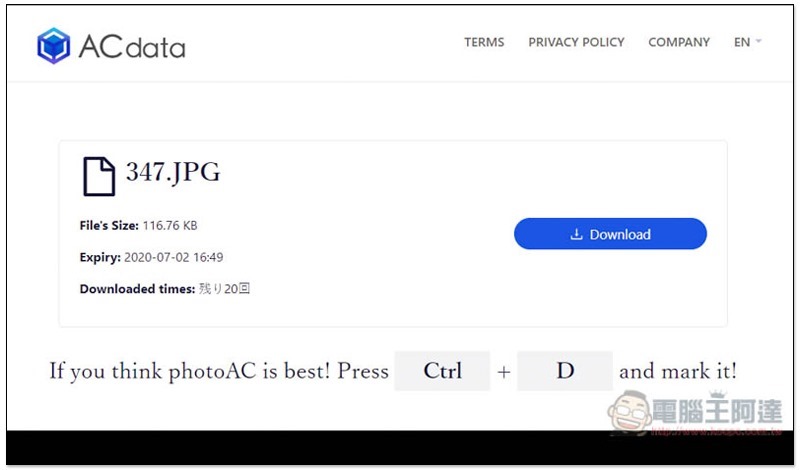
The picture below is the download screen of a single file, which will display the format, file size and other information:
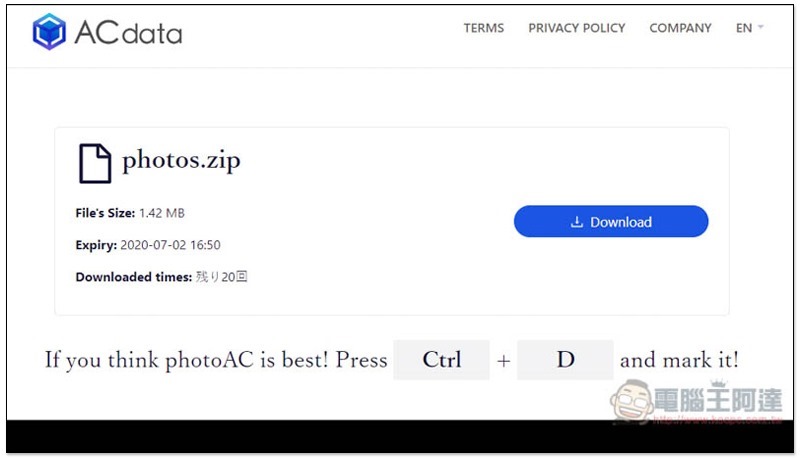
Zip compressed file download screen, each file is limited to 20 downloads:
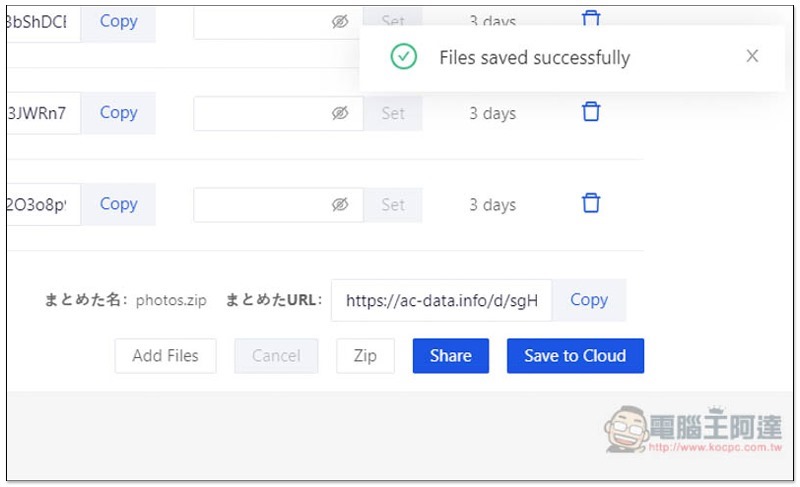
If you want to be able to manage these files in the future, please click Save to Cloud in the lower right corner:
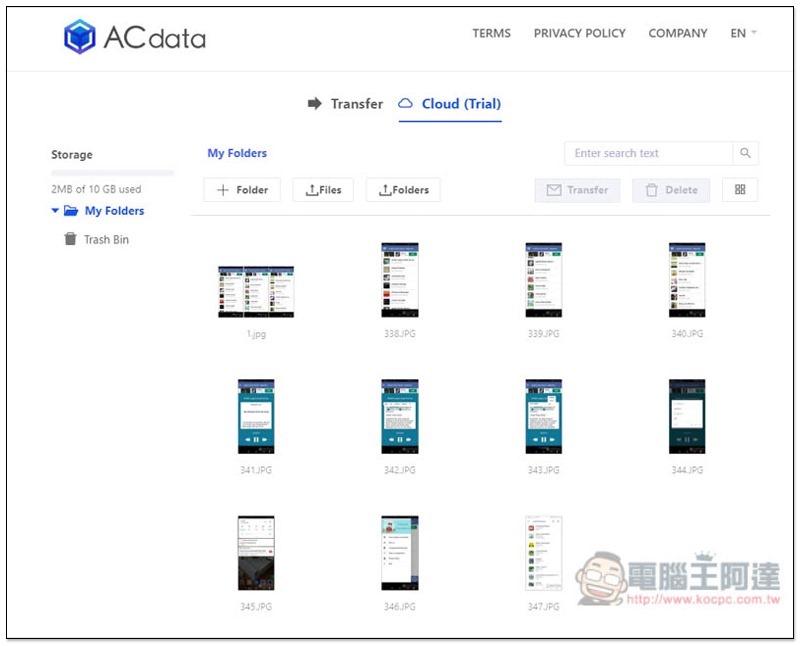
When you enter the Cloud menu in the future, you will see the files you uploaded in the past. This is really special. You can manage it without registering. I guess it is through browser cookies:
Supplementary information
- Website name: ACdata
- Nature: Free file sharing service
- URL:Click here to go
Source: KOCPC Chinese