


In recent years, the Pomodoro work method has become more and more popular. If you are using a Mac and want to try it to see if it can improve work efficiency, then Sprints is worth trying. It is completely free, simple and easy to use. The time has been preset, you just need to click whether you want to start working, take a short break, or take a long break, and the time will start counting down. Of course, the length of time can also be modified manually.
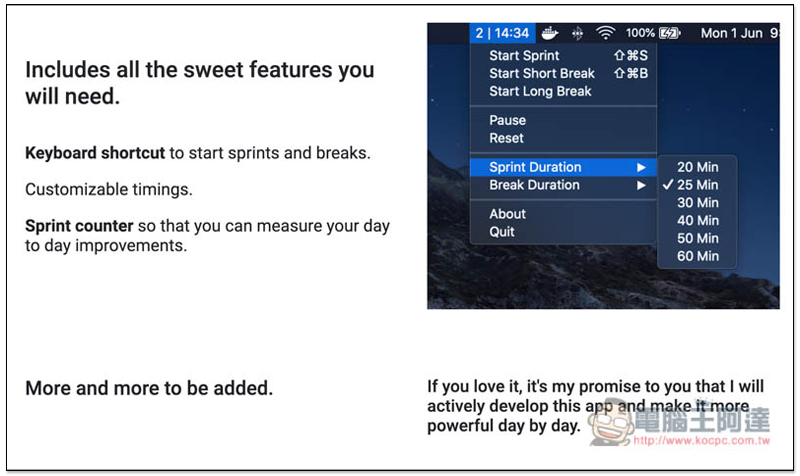
Introduction to Sprints
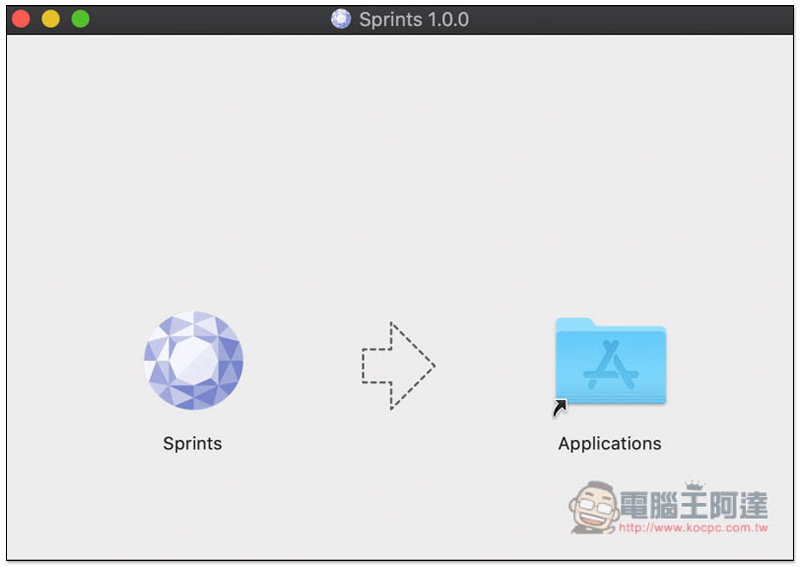
Click here to download the installation file from the official website, drag Sprints to Applications and the installation is complete:
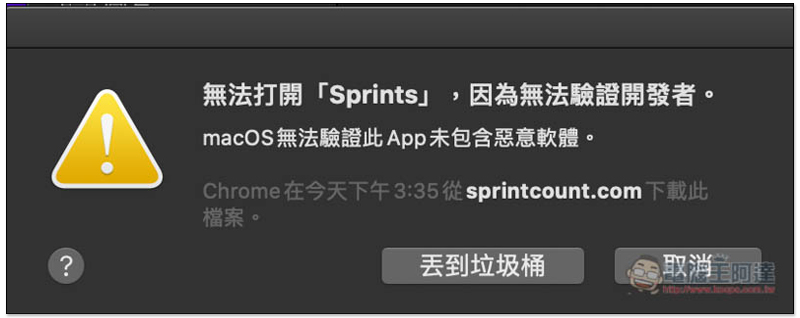
Because the application is downloaded from the Internet, this message will basically pop up, saying “Cannot open, cannot verify developer.” If you get bounced, click “Cancel” first:
Open System Preferences, enter the “Security & Privacy” option, you will see blocked messages under the general menu, click “Force Open” on the right: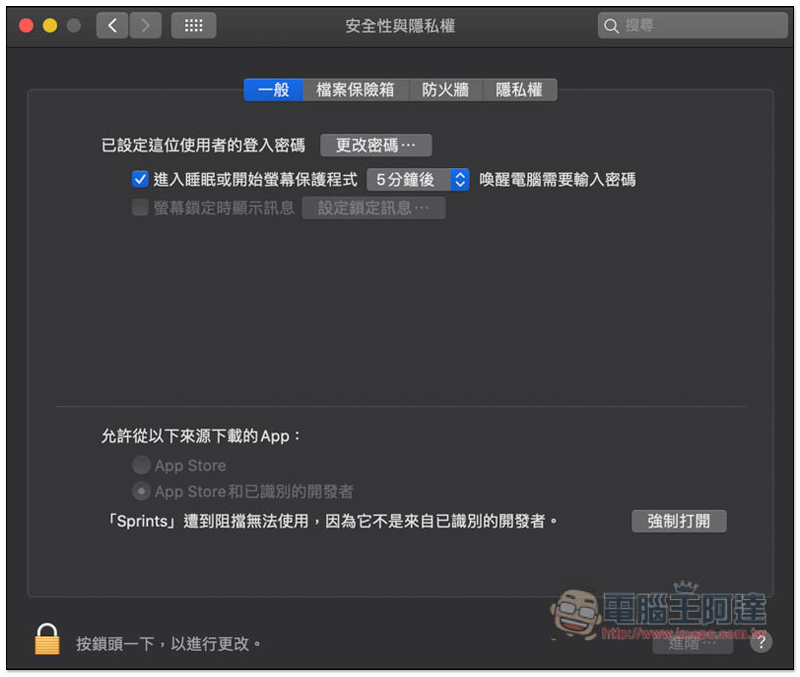
This message will pop up, click “Open”:
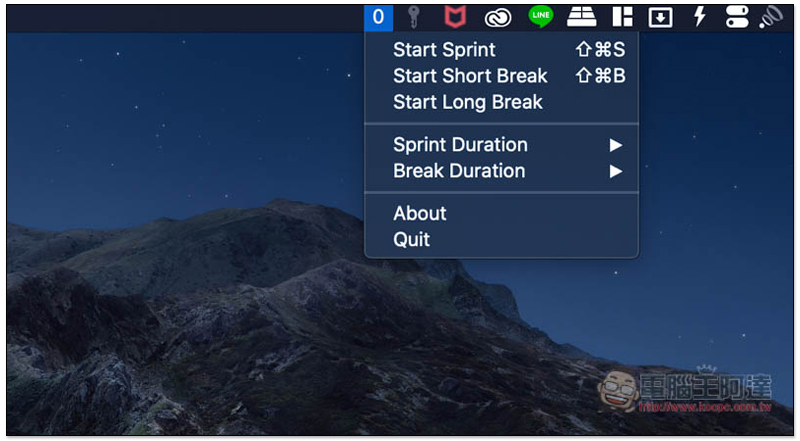
You will see this tool (the icon of the number 0) in the Menu Bar in the upper right corner. Click to open the menu and you can choose whether you want to start work (Start Sprint), start a short break (Start Short Break), or (Start Long Break):
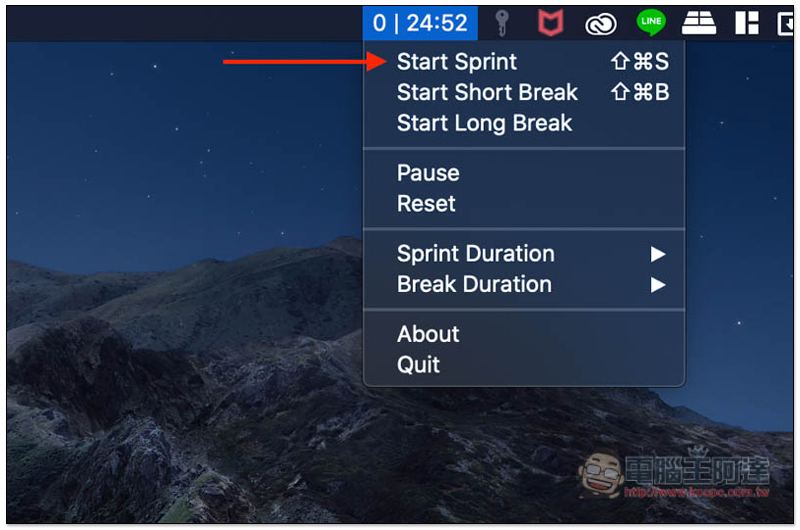
The working time is the same as the Pomodoro recommended, 25 minutes, and the Menu Bar will count down the time so you can check it at any time:
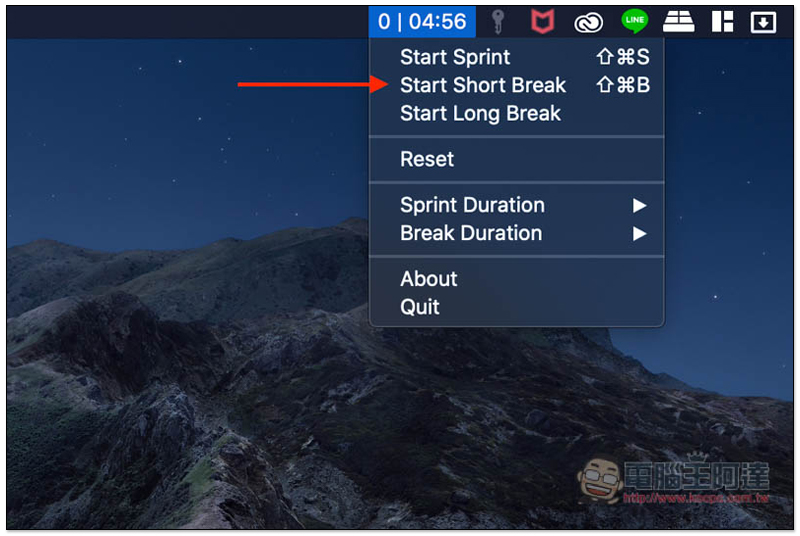
The default short break is 5 minutes, and the countdown time will still be displayed after clicking:
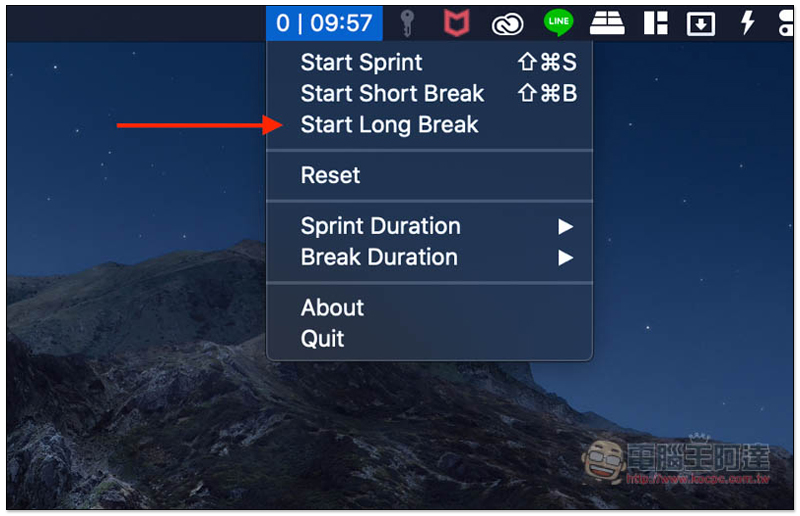
Long rest is 10 minutes:
In addition to the preset working time of 25 minutes, you can also manually adjust the working time to 20, 30, 40, 50 and 60 minutes. If you don’t know how long, use the preset first. After trying it a few times, you will roughly know how long is best for you: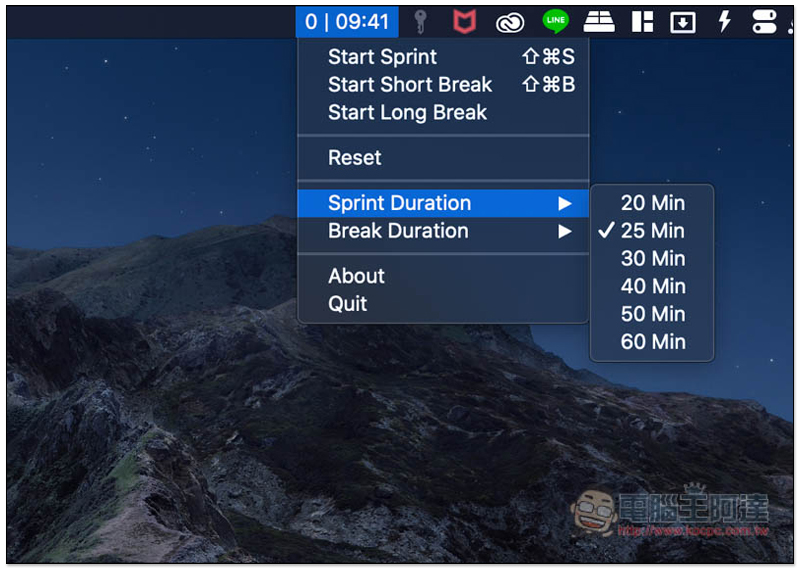
There are three rest times to choose from: 5 minutes/10 minutes, 10 minutes/20 minutes, and 15 minutes/30 minutes:
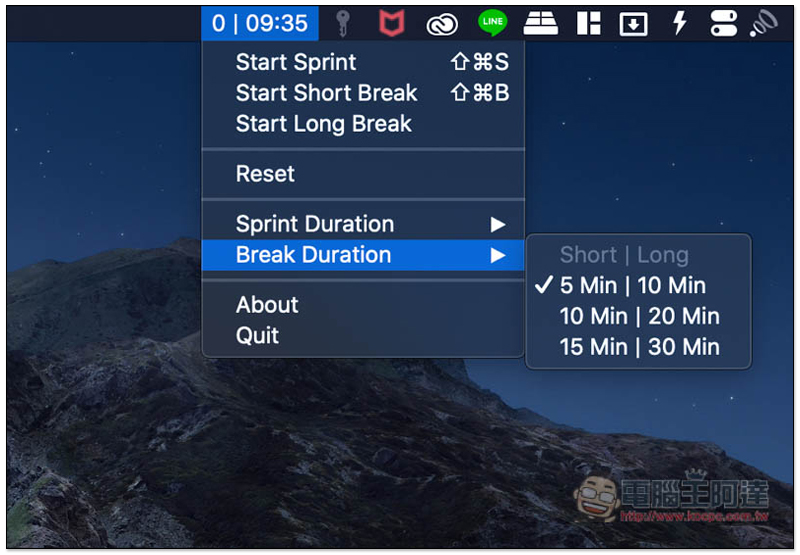
The recommended time of the Pomodoro Technique is 25 minutes of work, 5 minutes of short rest, and a long break for every 4 tasks completed, which is the same as the preset time, so if you want to follow the most standard Pomodoro Technique, there is no need to change the time.
Supplementary information
- App name: Sprints
- Nature: Free
- Supported operating systems: Mac
- Official website:Click here to go
Source: KOCPC Chinese