


Although the comments and descriptions of YouTube videos have already had the function of timestamps (Timestamps), allowing both authors and commenters to directly mark specific time points in the video. There will even be many kind-hearted viewers who will help directly mark the time points of each issue in the film, turning it into a chapter-like operation method. And now, YouTube is finally ready to add similar features. Continue reading YouTube finally has a “chapter” timestamp feature for reporting content.
▲Picture source:
YouTube finally has a “chapter” timestamp function, allowing you to quickly find the clips you want to watch
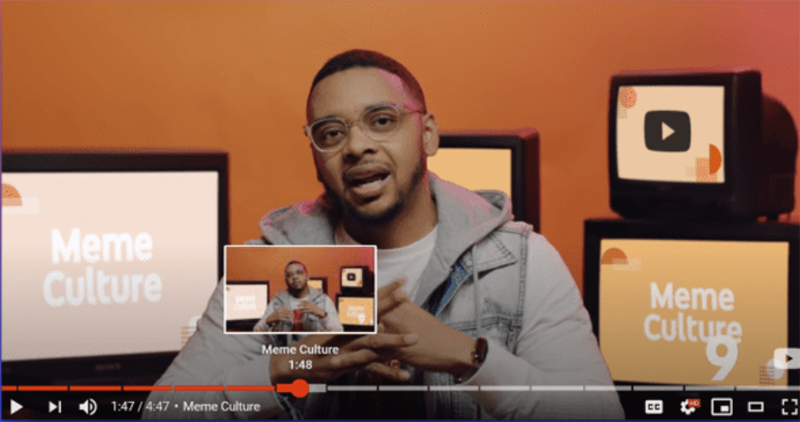
On YouTube’s Twitter (again, condolences to G+), they announced a new “Chapter” feature in the form of a GIF. Simply put, creators can now choose to add the time block of a chapter in the timestamp function. For users, there is no need to specifically look for time stamps in descriptions or comments. Instead, users can directly drag and drop the video to see the information with quick thumbnails and chapter descriptions. Blocks for each chapter are also displayed on the timeline for your reference.
0:00 We heard you and added Video Chapters.
0:30 You liked it.
1:00 Now it’s official: Video Chapters are here to stay.
1:30 Creators, try Chapters by adding timestamps starting at 0:00 to your video description. Viewers, scrub to find exactly what you’re looking for.
2:00 Enjoy! pic.twitter.com/bIHGsGVmyW— YouTube (@YouTube) May 28, 2020
In order to write this report, the editor also wants to know where the chapter function is set up in the creator studio. It turned out that this function only needs to be edited and written directly in the video description using the original “number + text description” method like this tweet. The remaining restrictions are that there must be at least three chapters (meaning three paragraphs), each chapter must be at least 10 seconds long; the first paragraph must also start at 0:00 seconds. Then the video will be magically divided into several blocks for display.
It is said that YouTube has been testing this feature for a long time. Although it feels a bit late, since it is so easy to use, I still have to give it a thumbs up. If you often upload YouTube videos, you can really set it up, which is quite fun!
Pictures/sources cited in this article
Further reading:
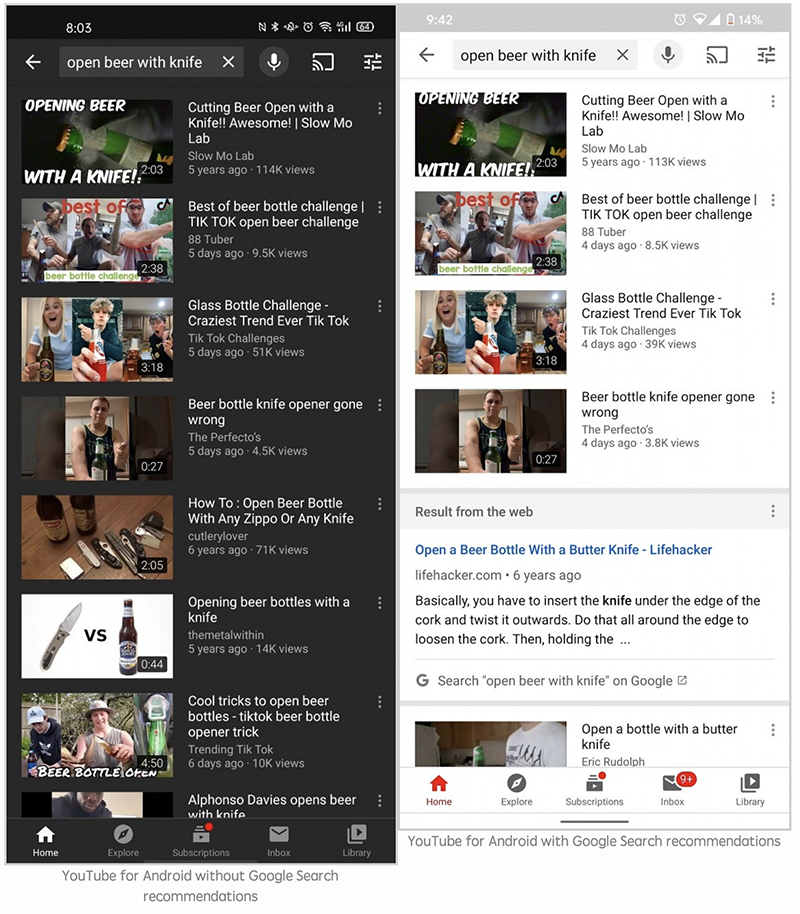
YouTube app tests mixed Google search content, does it take time to get used to it?
A good partner for liberating your shoulders and neck! ergomi magnetic laptop holder unboxing experience
Source: KOCPC Chinese