


The “Pomodoro Time Technique” is very popular these days, and many people who feel that their work efficiency is not very good want to try it. If you usually use a Mac for work, then this article will recommend a very useful free Pomodoro App “Flow – Focus & Pomodoro Timer”. The interface design is simple and high-quality, and you can also set the work and rest time by yourself to meet the needs of different people.
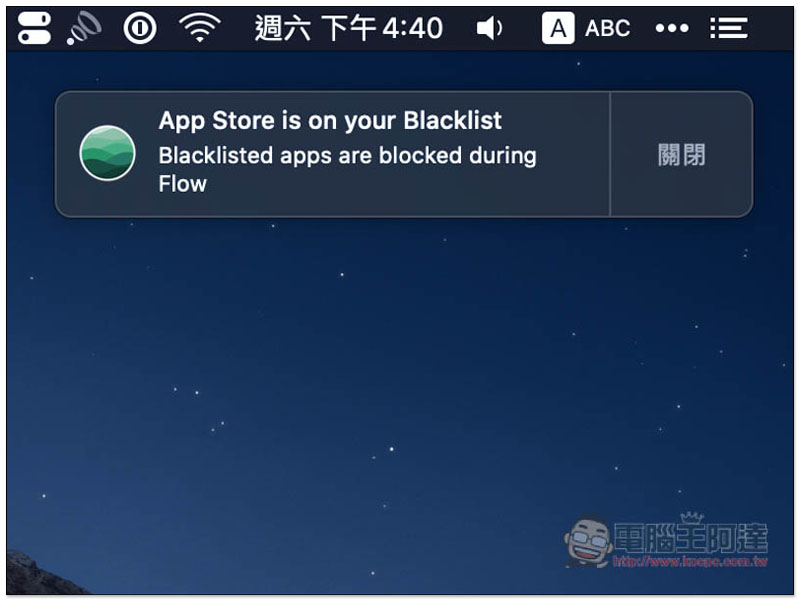
More importantly, this app also provides a “blacklist” function. After adding Apps that will affect work efficiency, the Pomodoro will not be able to be opened again during the Pomodoro process and will be immediately blocked, allowing you to focus more on your current work.
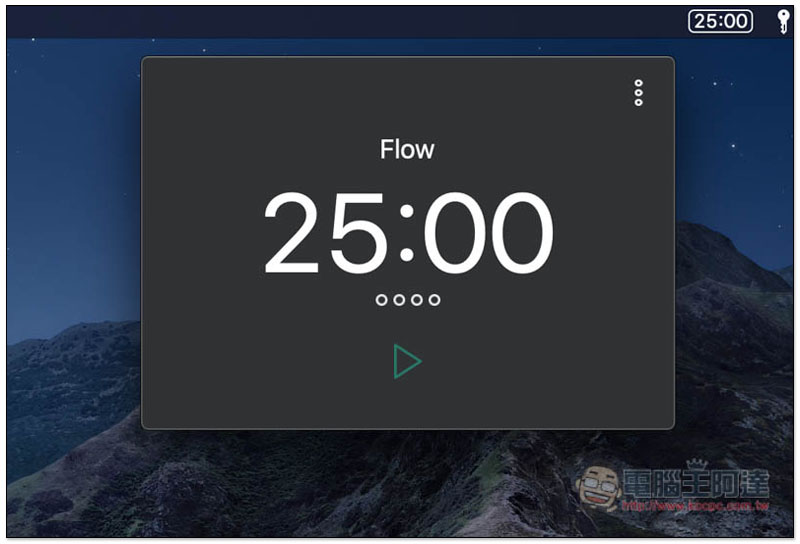
Flow – Focus & Pomodoro Timer Introduction
Flow – Focus & Pomodoro Timer currently only has a Mac version. If you are looking for a Windows version of the Pomodoro Timer tool, there is one that is quite similar to this one. It is called: wnr and has a Chinese interface.
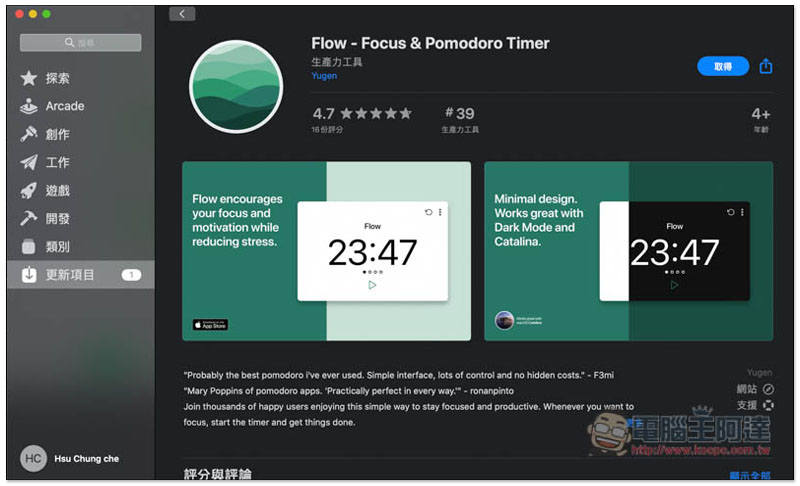
This set is available on the Mac App Store, completely free, and currently has a high rating of 4.7 stars:
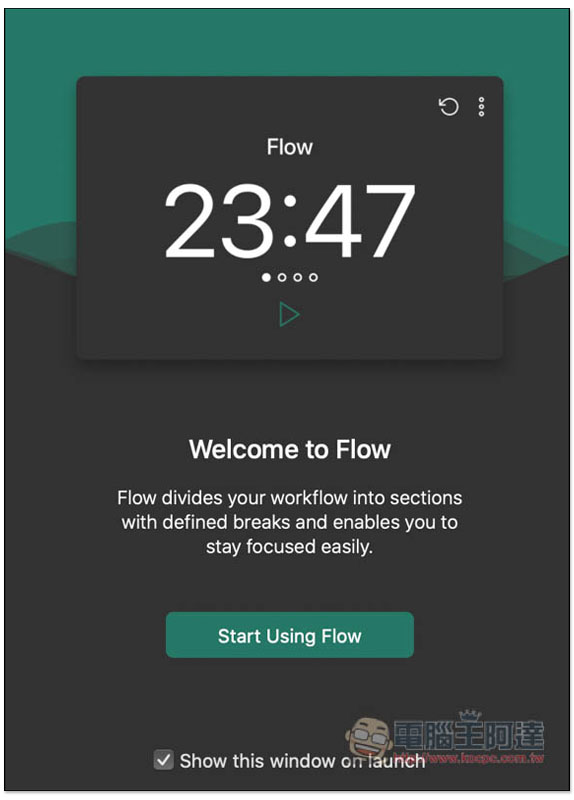
After installation and opening, a welcome screen will pop up. By default, this window will be displayed every time it is opened. If you don’t want it, please uncheck “Show this window on launch” below and click Start Using Flow to start using it:
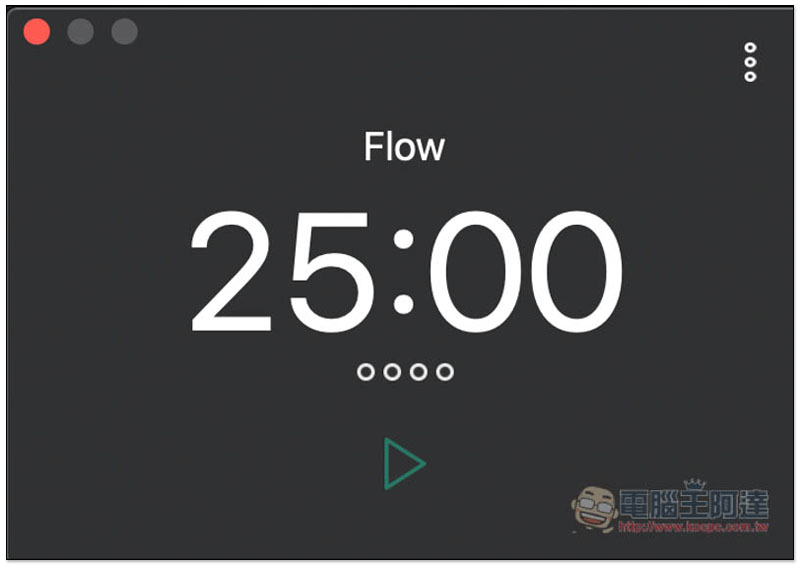
The default is the most common working time of 25 minutes. Press the lower triangle key to start the countdown:
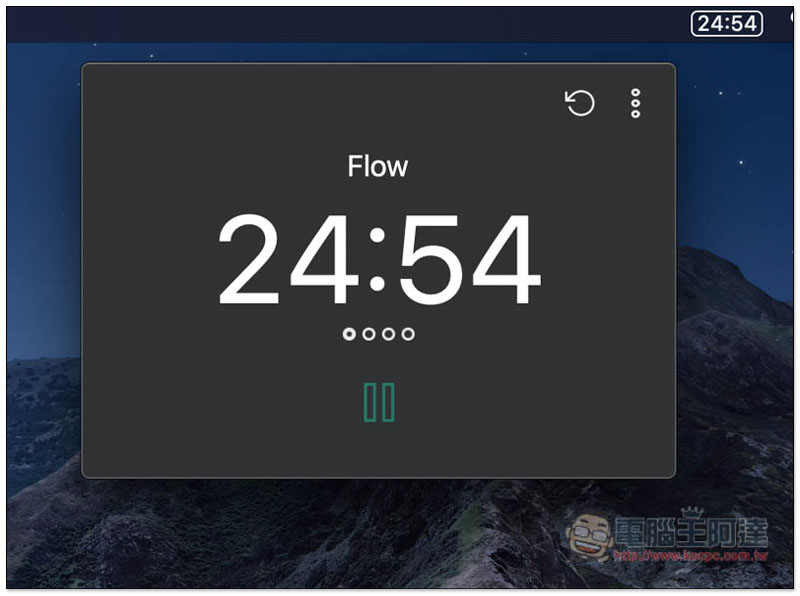
As shown below, the Menu Bar in the upper right corner will also display the current remaining time:
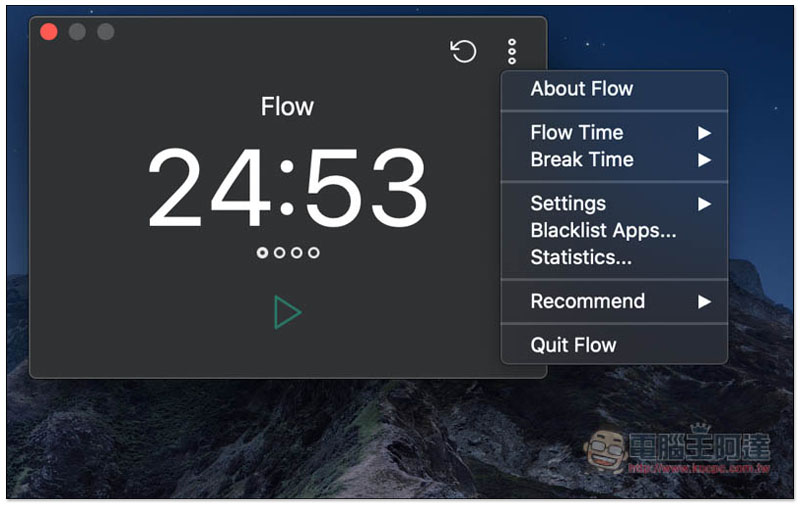
If you want to change your work or break time, open the … menu in the upper right corner of the window and you will see the Flow Time and Break Time options:
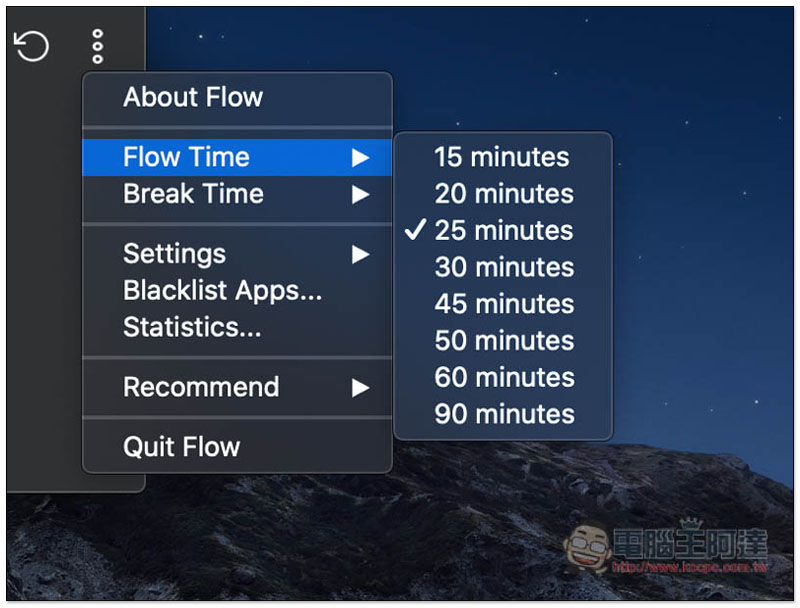
Flow Time is the working time, which can be set to 15, 20, 25, 30, 45, 50, 60 or 90 minutes:
Break Time is the break time. The short break is preset to 5 minutes (can be changed to 10 minutes), and the long break is preset to 30 minutes (can be changed to 15 or 20 minutes):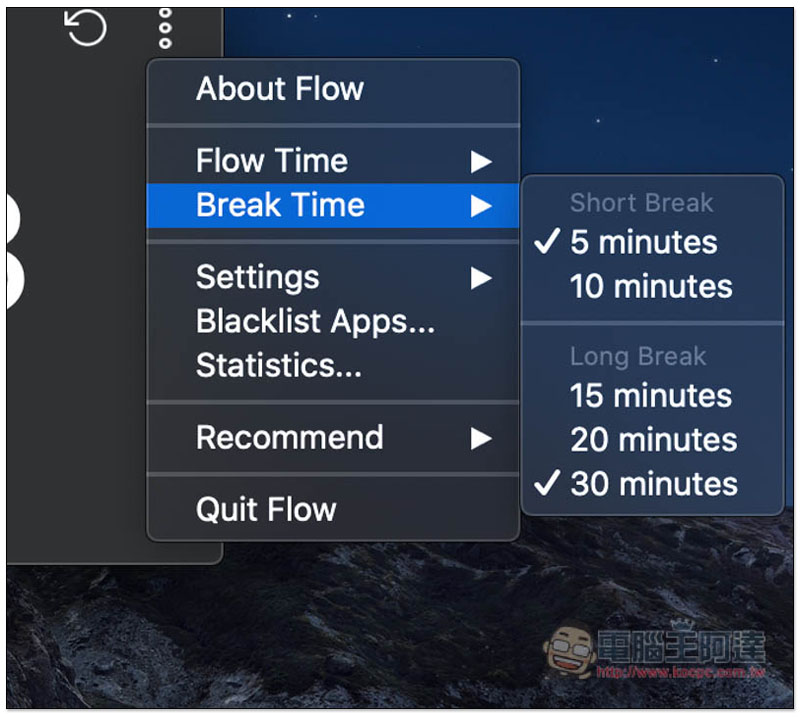
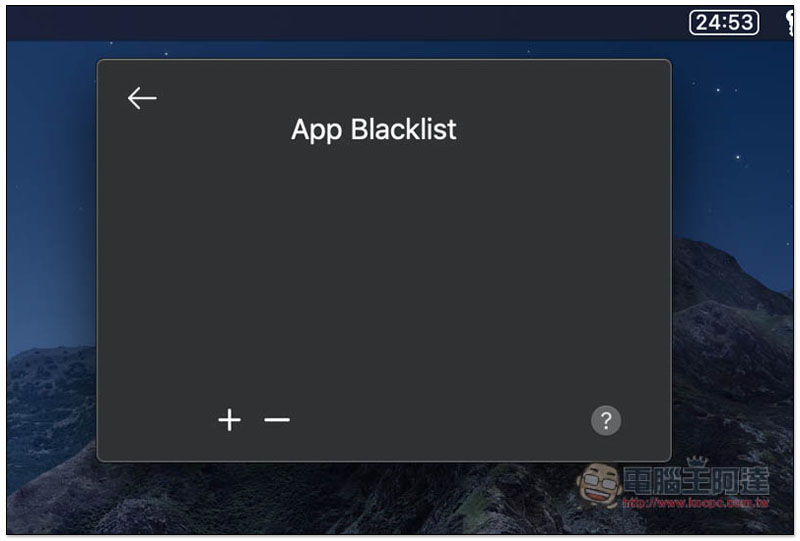
Blacklist is the App blacklist. Press + to select the Apps you want to add. Apps added to this list cannot be opened when the Pomodoro timer starts counting down:
If you try to open it, this notification will pop up. The app is blocked during work (Flow):
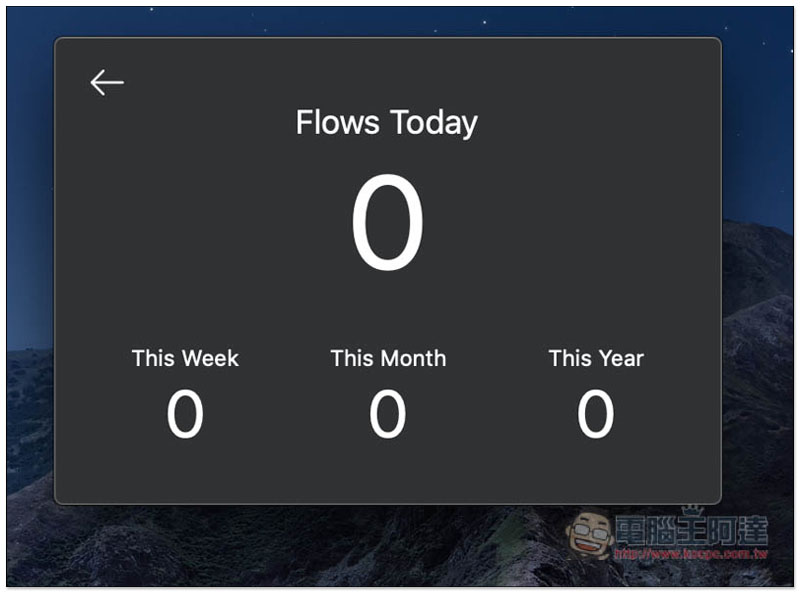
There is also a statistical reporting function that will record how many times you have executed Flow today, this week, this month, and this year:
The only small drawback of this device is that you cannot enter the values yourself for work and rest time, you can only choose the built-in ones.
Supplementary information
- Software name: Flow – Focus & Pomodoro Timer
- Nature: Free
- Supported system: Mac
- Mac App Store installation page
Source: KOCPC Chinese