


A few days ago we recommended using VPN to unlock thousands of foreign Netflix libraries, many people responded that unless the foreign language skills are very good, it is useless without Chinese subtitles. This is indeed true. Many foreign Netflix movies do not have Chinese subtitles, but there is actually a way to solve it, which is through “Netflix external subtitles”.
There are many subtitle groups in China that translate large and small movies, videos, and even foreign exclusive Netflix videos, and put them on the Internet for people to download. However, Netflix itself does not have a plug-in subtitle function, so it needs to be implemented through other tools. This article will teach you the complete steps, using the tool Chrome extension plug-in “Super Netflix”.
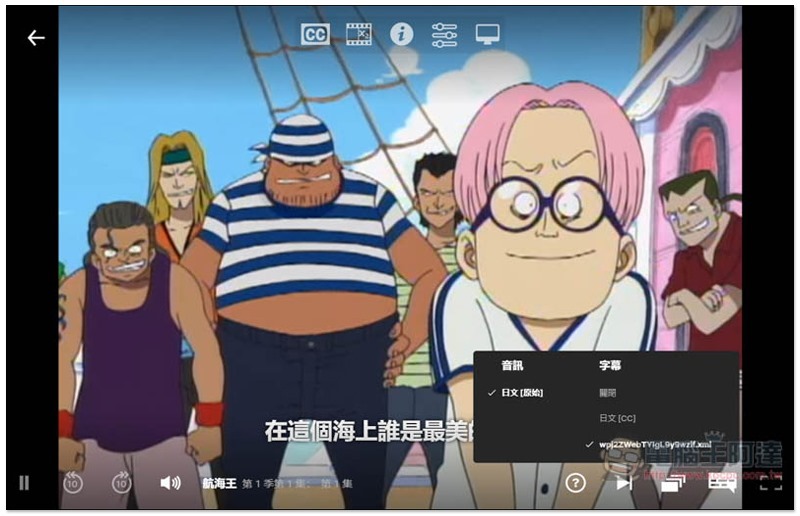
Teach you how to implement the Netflix external subtitle function
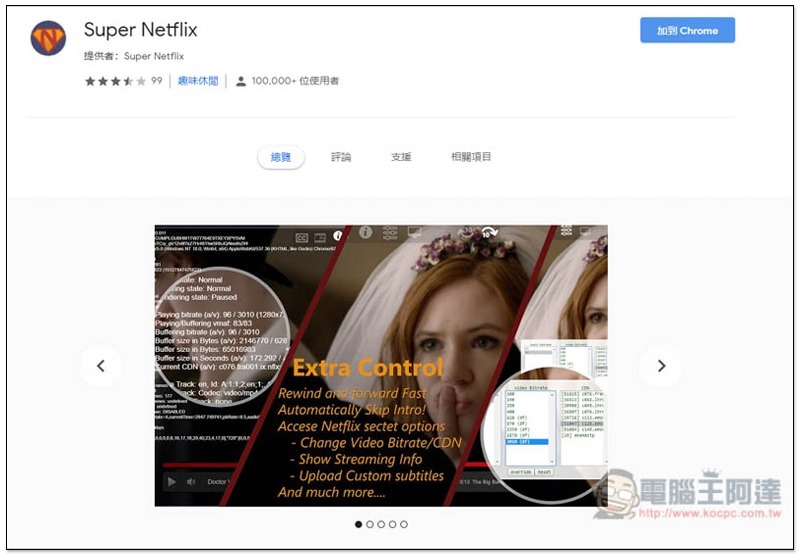
Super Netflix is a set of free extensions that enhance Netflix functions. It is currently only available in Chrome.
After entering the extension store page, click “Add to Chrome” on the upper right:
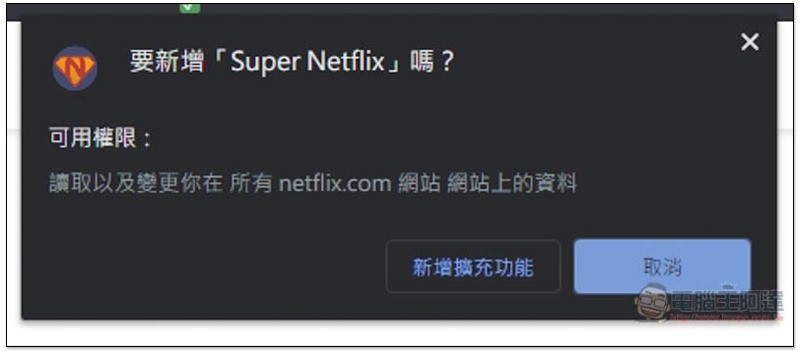
This message will pop up above, click “Add extension” to install:
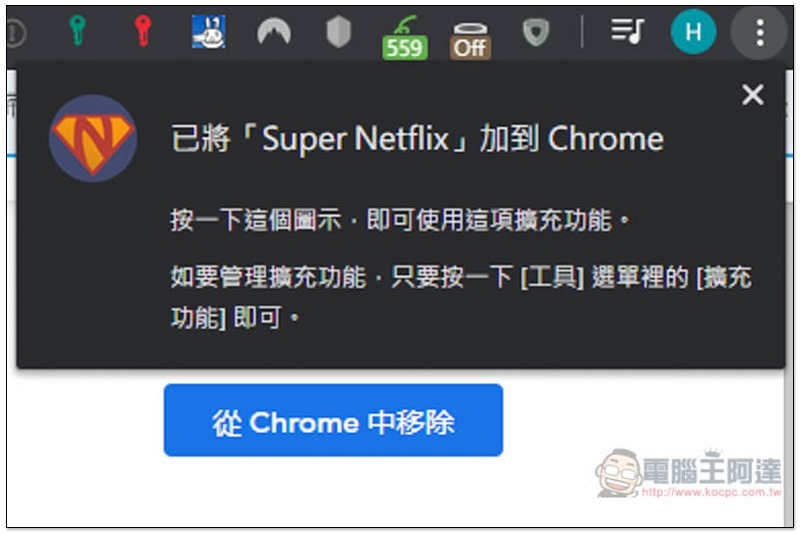
When this message appears, the installation is complete:
After the expansion plug-in is installed, if you still don’t know how to find subtitles, I’ll teach you here first. There are many subtitle websites on the Internet. The one I commonly use is R3 Subtitle Network (R3SUB). It depends on which one you want to choose.
However, the subtitle formats downloaded from such subtitle websites are usually in .SRT or .ASS. Netflix only supports .DFXP, so I will also provide a website that can convert to DFXP below.
How to find video subtitle files?
I take R3 Subtitle Network as an example. After entering the website, search for the movie name you are looking for. It is recommended to enter English for more accuracy. If you really can’t find it, try Chinese:

Each video on this website will indicate the subtitle format, language, and where it comes from (Blu-ray or subtitle translation):

The format part is either SRT or ASS, and then converted to DFXP.
How to convert SRT or ASS to DFXP?
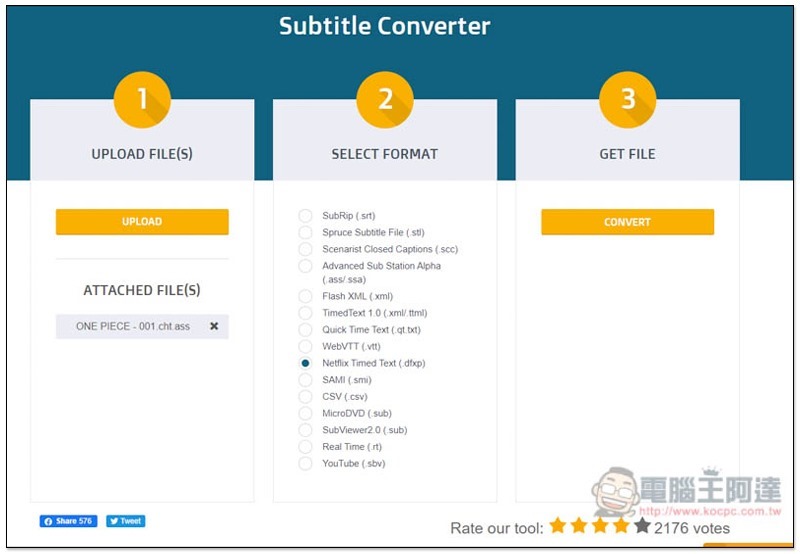
It’s very simple. Use this foreign Subtitle Converter website service to upload your subtitle files (you can upload multiple ones at one time), select Netflix Timed Text (.dfxp) in SELECT FORMAT, and click CONVERT in the third part:
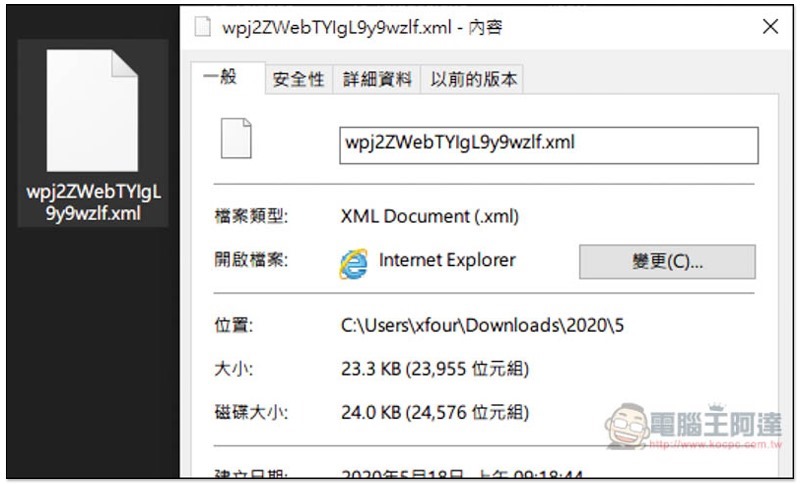
After downloading, it will be an .xml file:
Operation process of plug-in Netflix subtitles
I take Japanese Netflix as an example (if you still don’t know how to unblock foreign Netflix movies,Please refer to this article), there is One Piece animation here, but it is only in Japanese, so people who don’t speak Japanese will not be able to understand it. After installing Super Netflix, five icons will appear above the Netflix video. The CC on the far left is the external subtitle function:

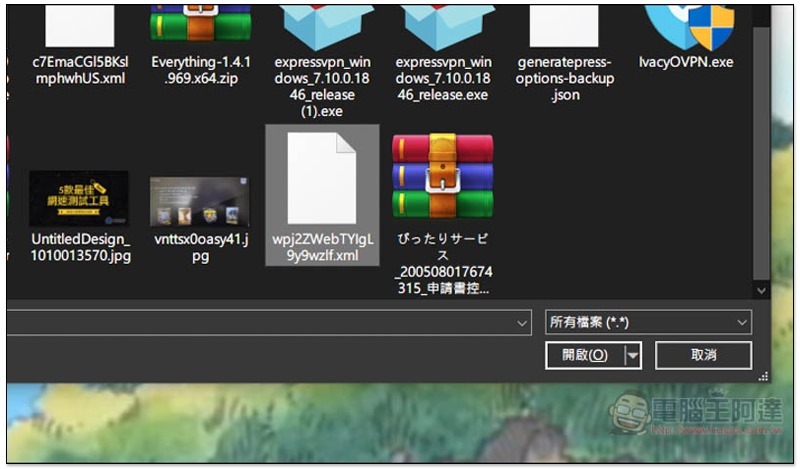
Select the .xml end subtitle file you just converted:
Chinese subtitles appear:

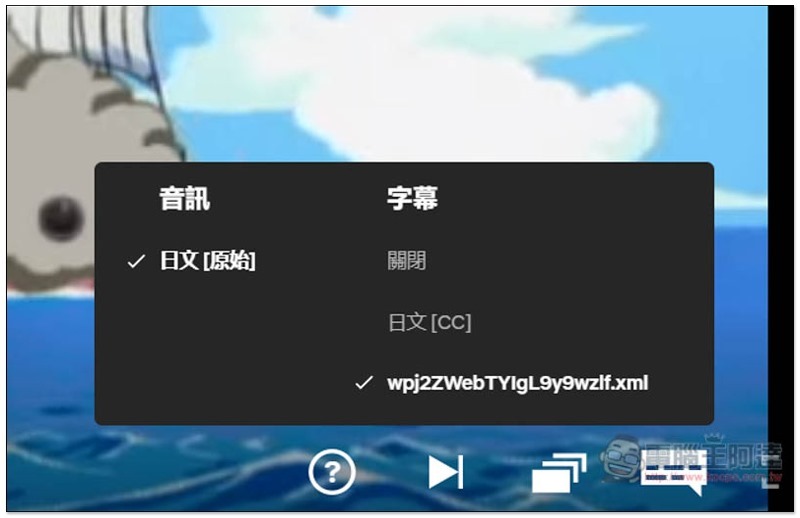
The Netflix subtitle settings in the lower right corner will also display the use of this subtitle file:
If the foreign Netflix movies you want to watch in the future do not have Chinese subtitles, you can use this method to solve the problem. Of course, the prerequisite is that someone provides Chinese subtitle files.
If you really don’t want to watch Simplified Chinese subtitles, there are some tools on the Internet that can automatically convert them to Traditional Chinese, such as:ARPULI。
Supplementary information
- Super Netflix Chrome extension plug-in store page:Click here to go
- R3 subtitle network:Click here to go
- Subtitle Converter subtitle conversion website:Click here to go
Source: KOCPC Chinese