


Super Mario 64 is a game launched by Nintendo on the N64 platform in 1996. When I played it for the first time, I was quite shocked by the 3D graphics in the game. After all, Mario games are not 2D sideways games, otherwise you would just drive a small racing car to play, and Super Mario The 3D graphics of 64 is a very free world. Although the scope is limited to inside and outside the castle, it is quite special for the games at that time! This time! The author found a Super Mario 64 in the Chrome extension. I thought it was a scam at first, but I didn’t expect that it can be played after downloading it, and as long as you have a Chrome browser, you can play it. However, this Super Mario 64 64 is not produced by Nintendo, but is an emulator made by a player who likes Mario games. The author has tested that it has the same content as the original Super Mario 64, and you can play it with peace of mind.
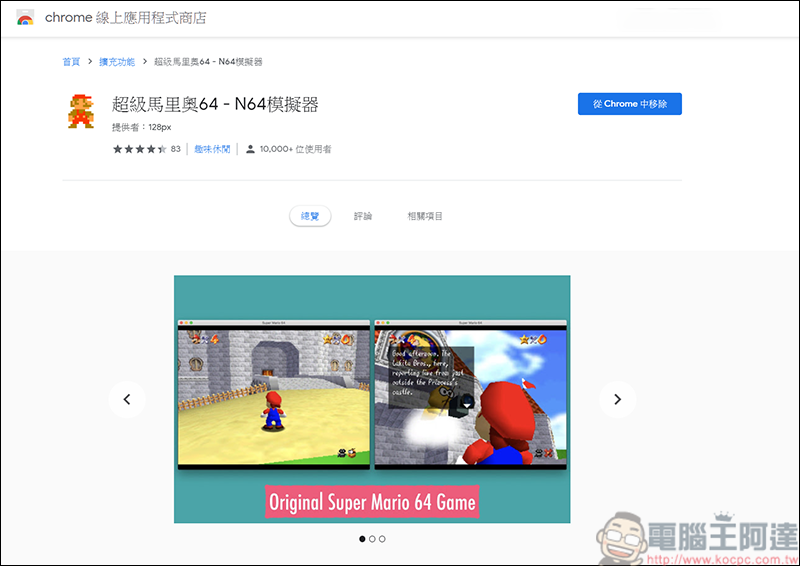
(Chrome Super Mario 64 download page)
After downloading, a small icon of Mario will appear in the bookmark bar. Click on it to play:
After executing the game, another browser window will pop up specifically to execute Super Mario 64:
The initial setting is for a joystick. If you don’t have a joystick, you can also enter the game settings and play with the keyboard:
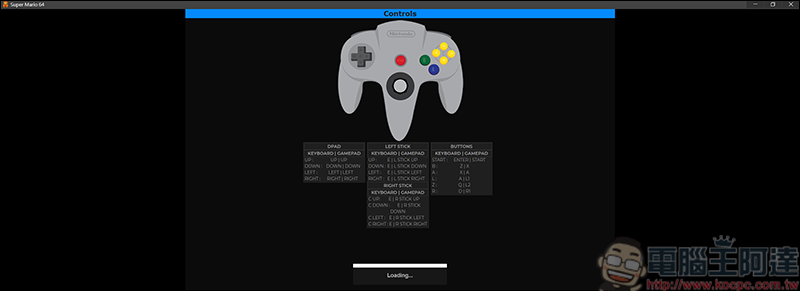
The setting method is also very simple. Click the mouse on the screen and the setting bar will pop up. You can set game control settings (joystick or keyboard), also provide a self-archiving function, and change the settings displayed on the screen: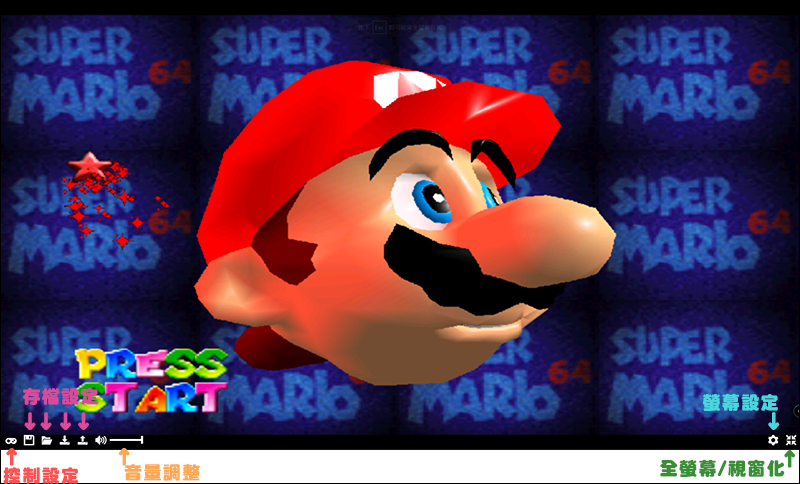
I believe those who are old must know how to play, which is to collect stars in each level, and then continuously collect the stars in each level, and finally defeat Bowser from different worlds: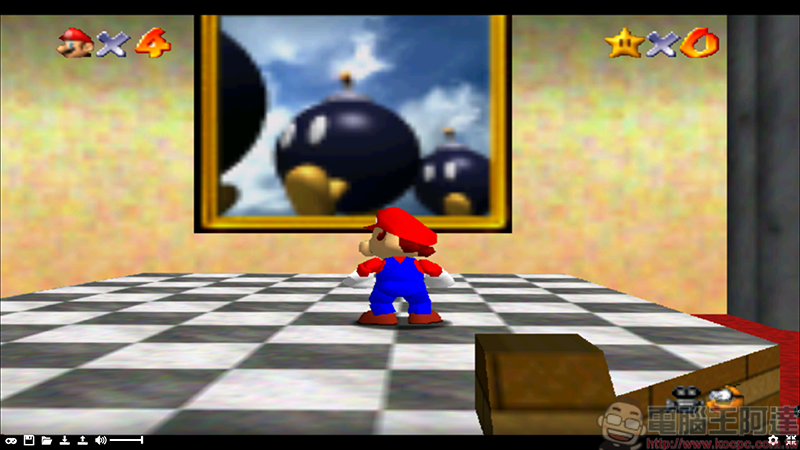
There are a total of 120 stars to collect in the game. You need to collect coins, fight bosses, race, interact with props… etc. The way of collecting some stars will really make you want to throw the joystick! If you want to reminisce about this Super Mario 64 or want to try playing it, you might as well download it and give it a try!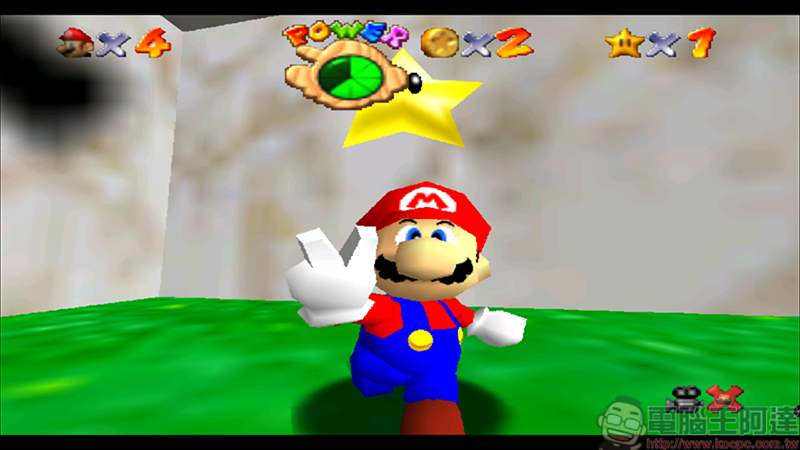
Source: KOCPC Chinese