


Most RSS reading tools on the Internet are similar, but the Feeds Pub I will introduce in this article is very special. It focuses on a minimalist style and only displays the title of the article. You must click on the website to read the content. It also has a concept similar to a community. You can see which websites and channels others are following (Following). In turn, others can also see your list. I think this is very good. You can discover more good websites that you don’t know about from your peers.
In addition, this RSS tool also supports dynamic walls and podcasts for tracking social media, not just websites.
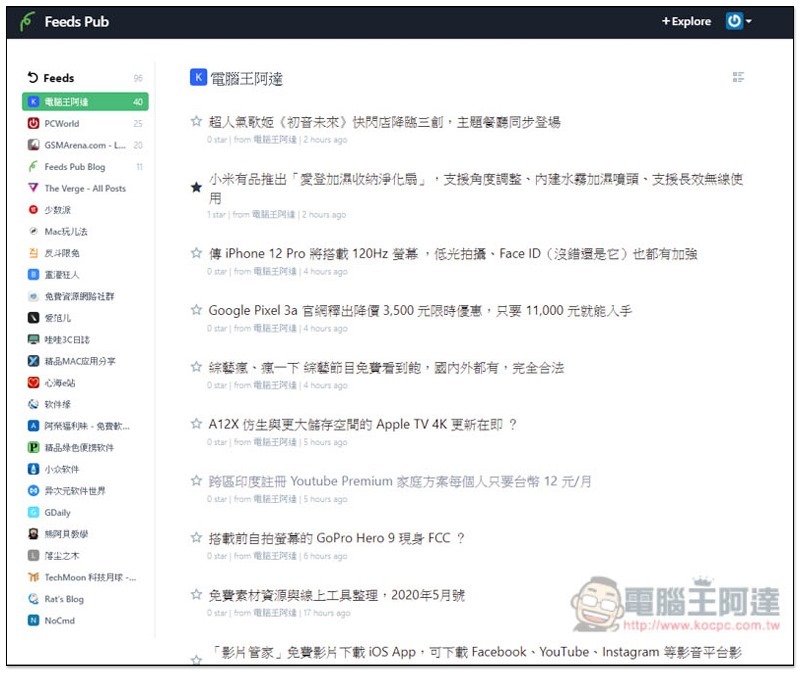
Introduction to Feeds Pub online RSS tool
Feeds Pub is a set of free online RSS reading tools, and the mobile version is also available. Free members can track 50 channels, but if you want more, you’ll have to upgrade to a paid membership for a monthly payment ($1).
After entering the Feeds Pub website, fill in your email address in the Email field on the right to register:
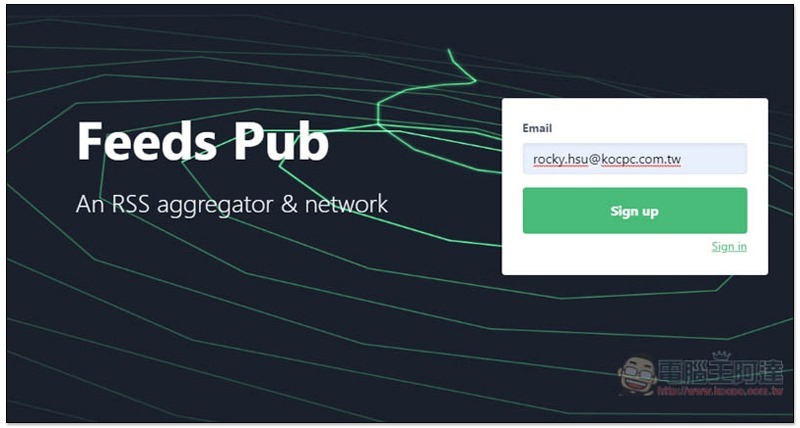
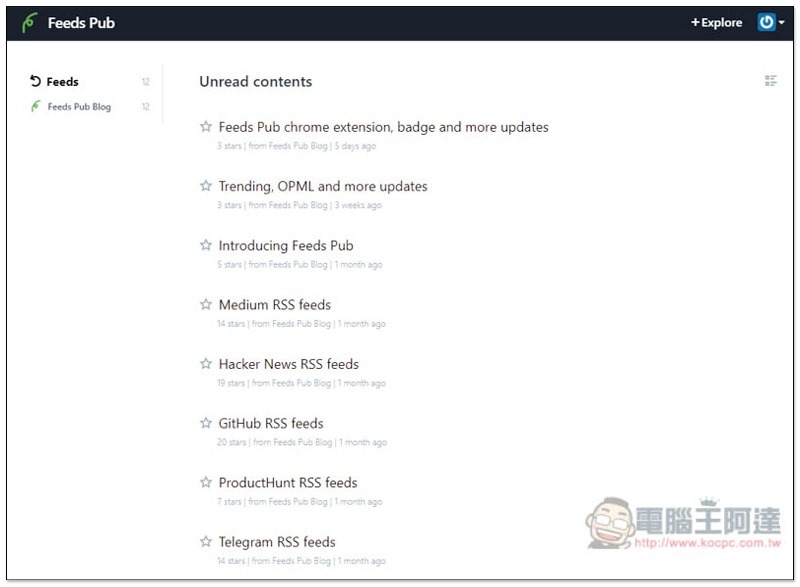
After setting your username and password, you can start using it. The Feeds Pub Blog will provide some usage tips and Q&A articles:
The usage is very simple. Click + Explore in the upper right corner and paste the RSS link of the website you want to track into the “Feed URL field”. There will also be some recommended content below, if you are interested, you can take a look:
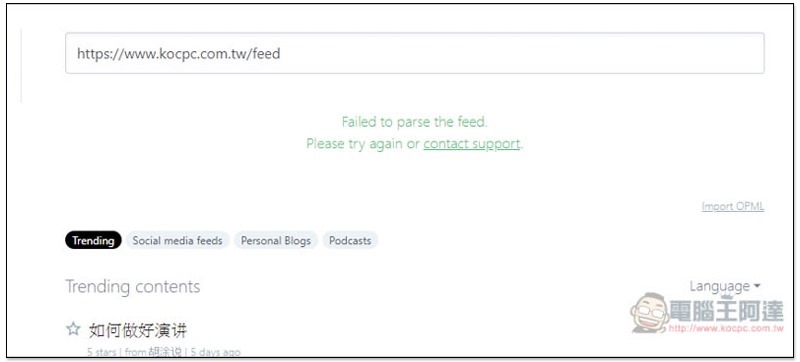
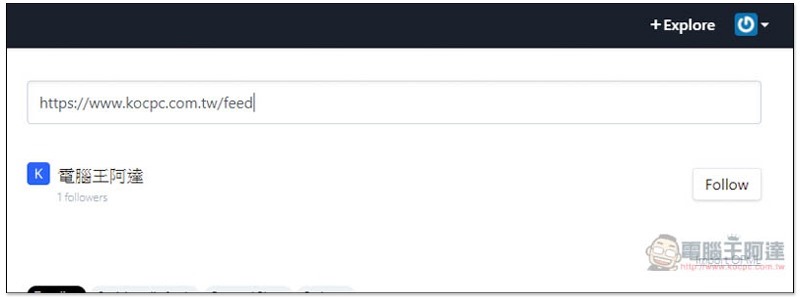
Take Computer King Ada as an example. After pasting it and pressing Enter, you will see the Follow tracking function on the right:
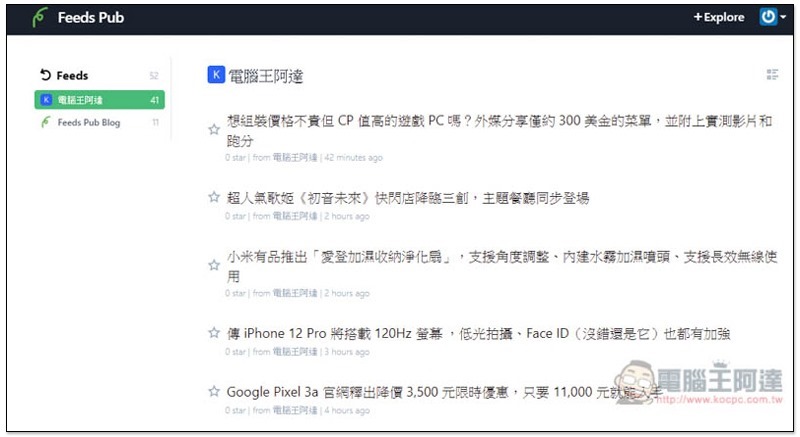
The website will appear in the list on the left, click to start reading. Only the title of each article will be displayed, and the content needs to be read on the website. This design method has advantages and disadvantages. The advantage is that you can quickly know what new topics are currently available and read what you are interested in. The disadvantage is that you need to open a separate web page. I personally prefer to only display the title:
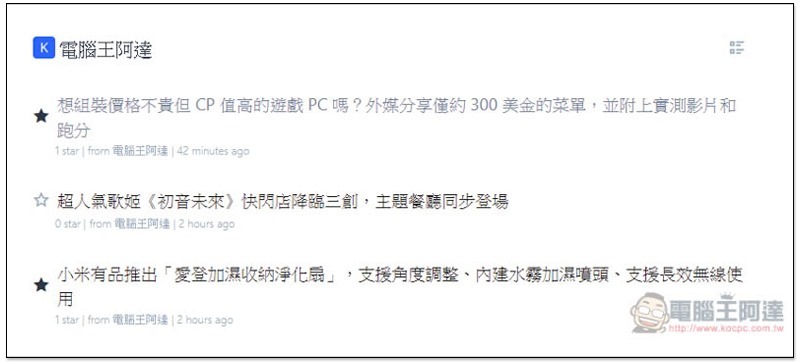
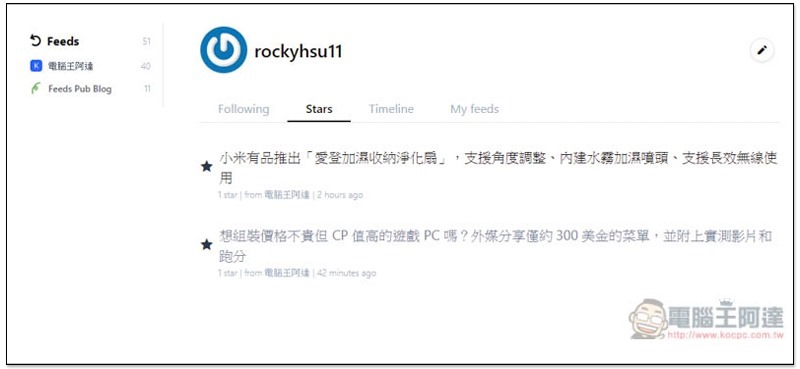
If you are interested in certain articles and want to read them again, you can click the star on the left to add them to your collection:
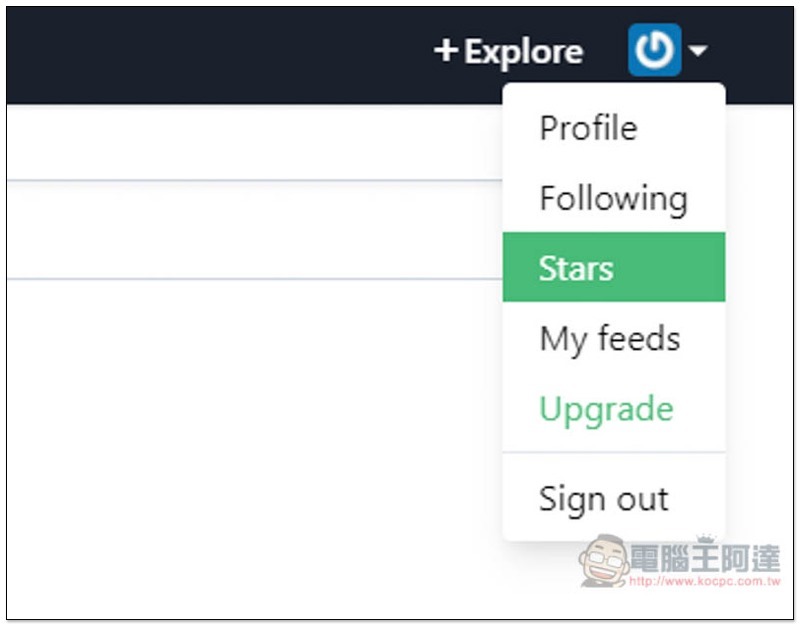
Collected content can be found in the Stars option in the upper right corner:
As shown below:
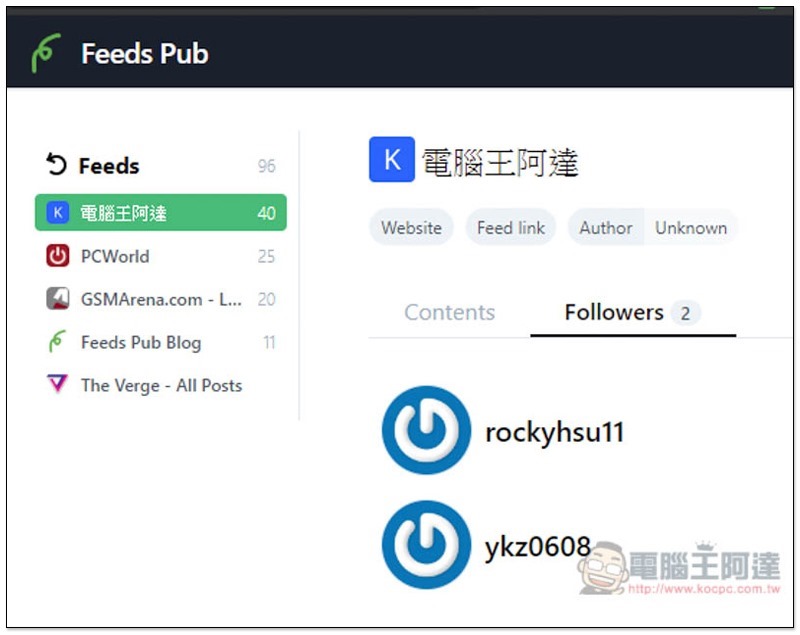
In addition, each website can see which Followers are currently there and who are following this website like you:
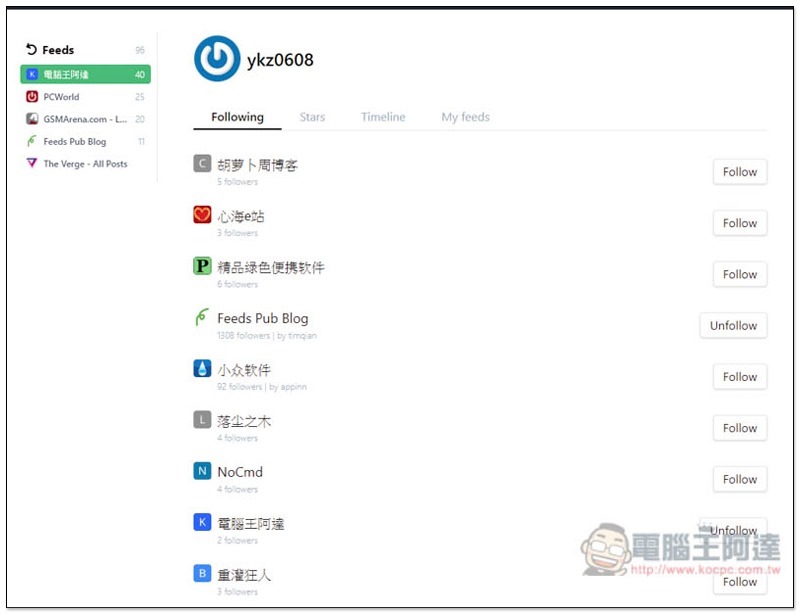
Click on the names of other users to see which websites they are currently following. They will usually be websites that you are also interested in. If you are also interested, you can also directly click Follow on the right to add it to your Feeds list:
This website is also completely ad-free and very comfortable to use. I highly recommend everyone to try it.
Supplementary information
- Tool name: Feeds Pub
- Nature: free, paid
- website:Click here to go
Source: KOCPC Chinese