


Many news stations now have dedicated YouTube channels, allowing everyone to watch them for free without having to pay for a fourth channel. However, sometimes you will definitely want to switch to other news channels. At this time, YouTube is not so easy to use and difficult to switch. If you have an Android phone, there is such a useful “live news report” in the Google Play store. It is not only available on domestic news stations, but also on foreign news stations, such as: CNN in the United States, BBC in the United Kingdom, ANN in Japan, etc. There are also live broadcast channels. Basically, people who want to watch news can rely on this App.

Introduction to Live News and Breaking News App
When the live news report is launched for the first time, there will be a brief introduction to its features. You can take a look at:

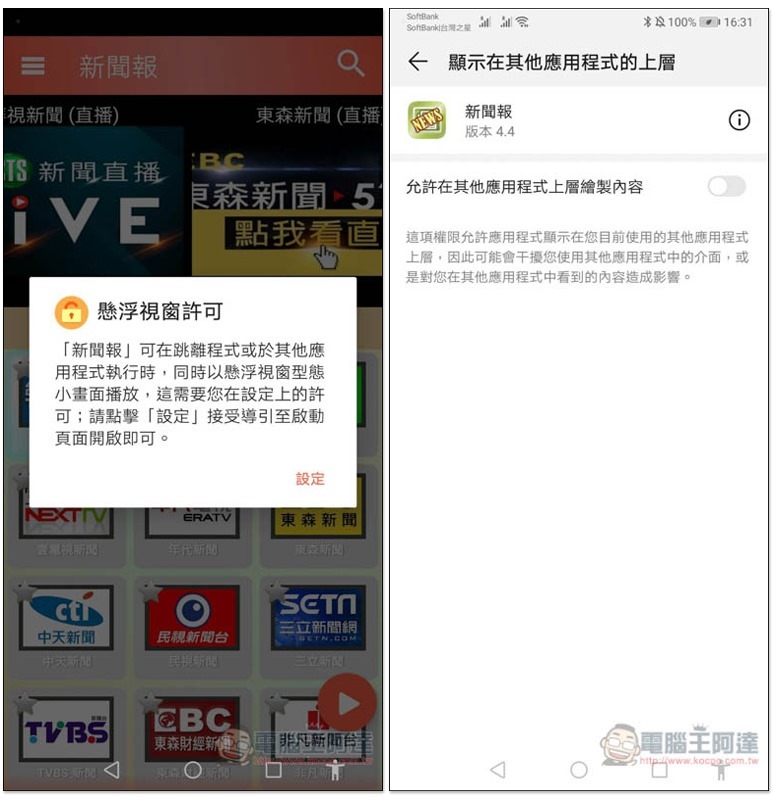
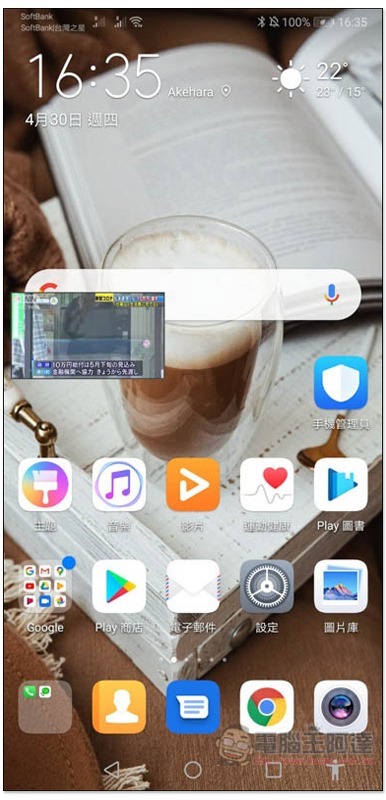
It supports floating windows. If you want to jump to the desktop and continue watching or listening to news using other apps, remember to allow it. Click on the settings on the screen and turn on “Allow content to be drawn on top of other applications”:
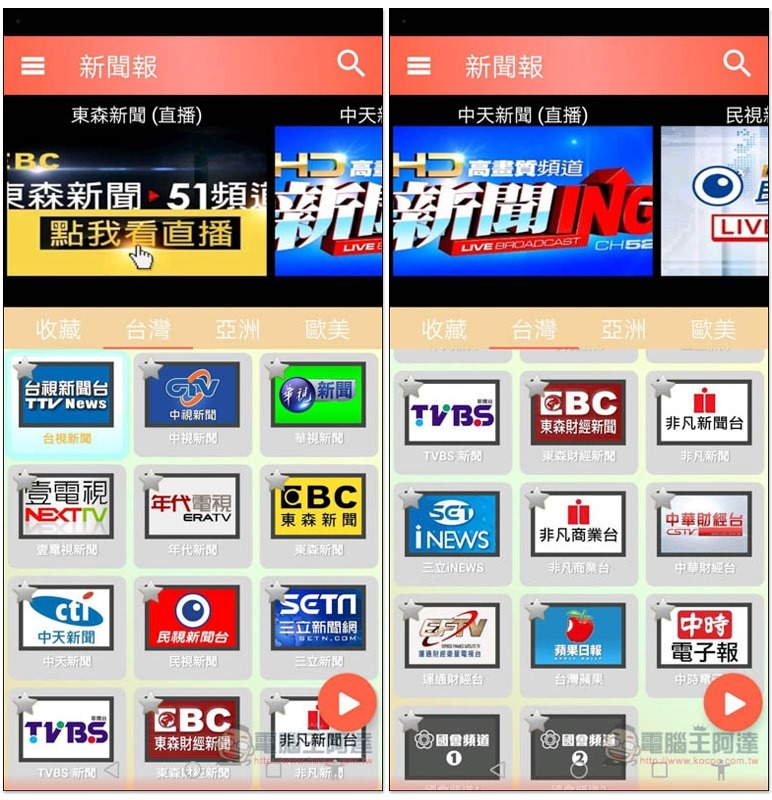
The user interface is a bit simple, but the design and color scheme are a bit unrefined, but it’s easy to use. Anyway, it’s just for watching videos and listening to news. The upper part of the screen is the live broadcast channel, and the lower part is a collection of YouTube channel videos of news stations from various countries. In Taiwan, there are currently Taiwan TV, China Television, China Television, One TV, Times, Eastsen, Zhongtian, FTV, Sanli, TVBS News, Eastsen Finance, Feifan, Sanli NEWS, Feifan Business, China Finance, American Express Finance, Taiwan Apple and China Times Electronic News. There are also two congressional channels.
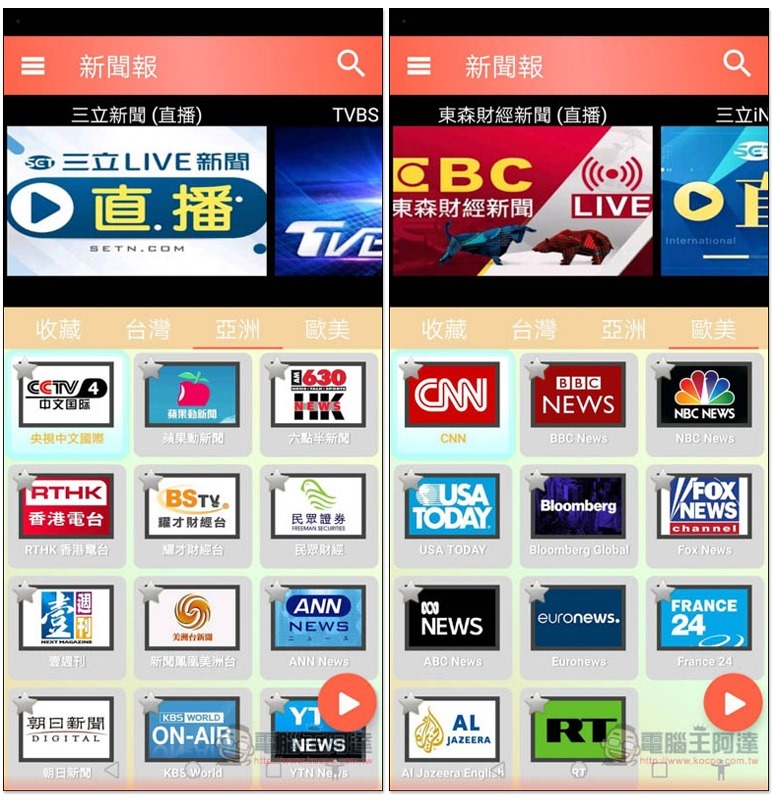
There are also many in Asia, including CCTV, 6:30, RTHK, Asahi, KBS, etc., while in Europe and the United States, there are CNN, NBC, BBC, USA TODAY, Fox, ABC News, etc.:
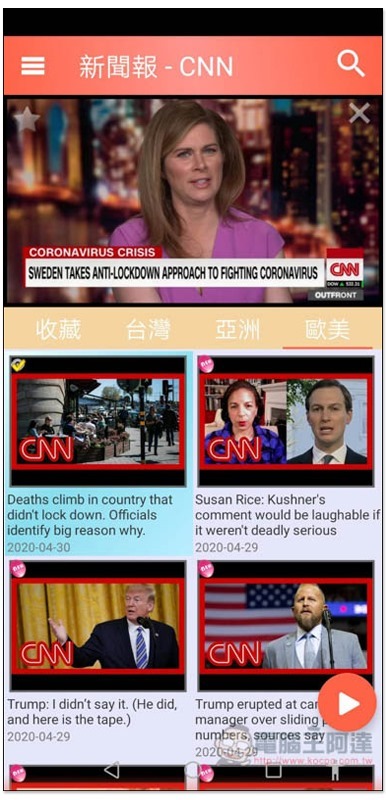
After selecting the channel you want to watch, the latest videos will be displayed on the screen:

Just click on the video to start watching it, which is pretty quick. There is also a big play button on the lower right, which allows you to quickly play/pause:
If you want to watch the live broadcast channel, please select from above:
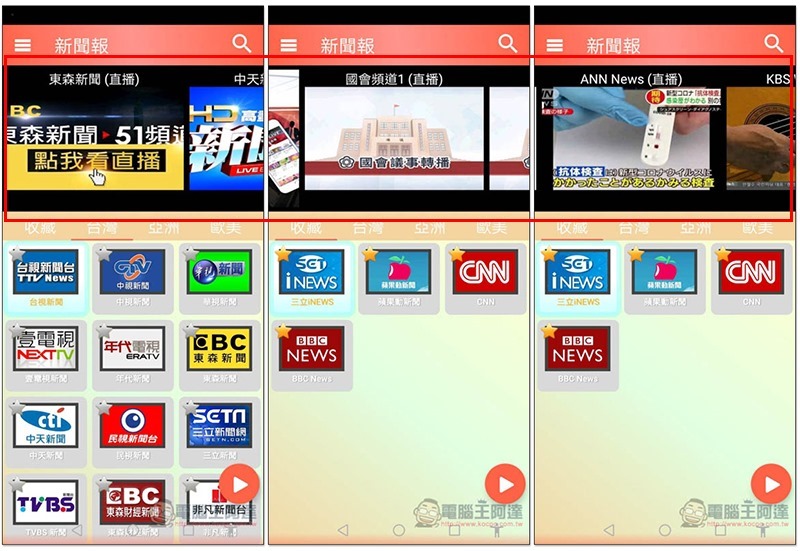
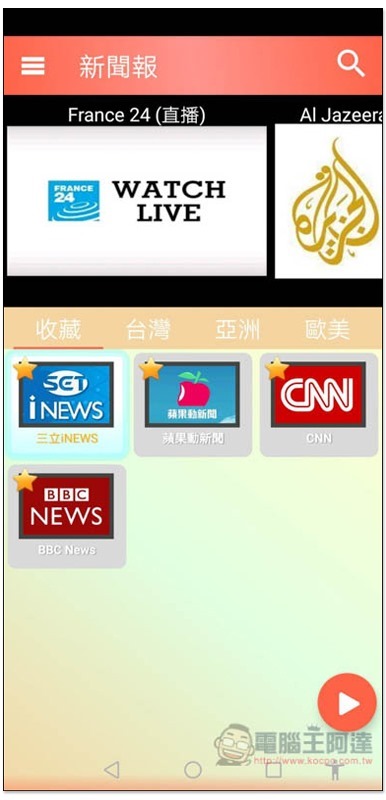
For frequently watched channels, you can click on the star in the upper left corner and add them to our favorites. You can quickly watch them by entering the favorites menu in the future:
Playable in full screen:

Floating window mode:
Supplementary information
Live news report, breaking news (hover to watch news) download link:Click here to go
Source: KOCPC Chinese