


Recently, most of my work has been switched to Windows desktops, and the work timing tools previously used on Macs cannot be used, so I was looking for a useful Windows version, and then I found this very good Toggle professional productivity timing tool. It is easy to operate, and the free version can create an unlimited number of projects. It can not only be used individually, but also provides team functions. You can invite up to 4 members, which is convenient for you to manage projects and track time. It supports multiple platforms, including Windows, Android, and iOS, although there is no Mac desktop version, but you can use the web version instead.
Toggle A free productivity timing tool that supports individuals and teams. The free version can create unlimited projects
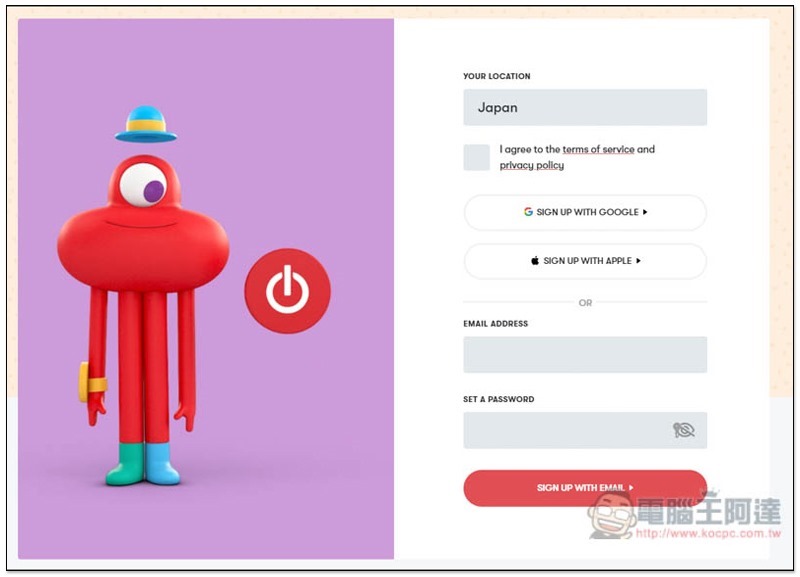
Toggle You need to register an account before use. Registration is free. You can quickly log in using Google or Apple ID:
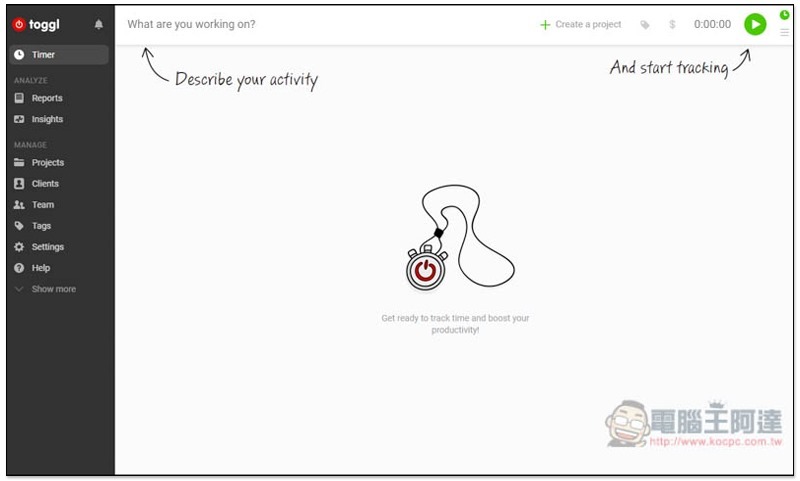
You will then enter the account backend. You can create, manage projects, and track working hours directly through the web version, so you don’t need to install anything on your computer. However, I personally prefer the desktop version, which is more convenient to use:
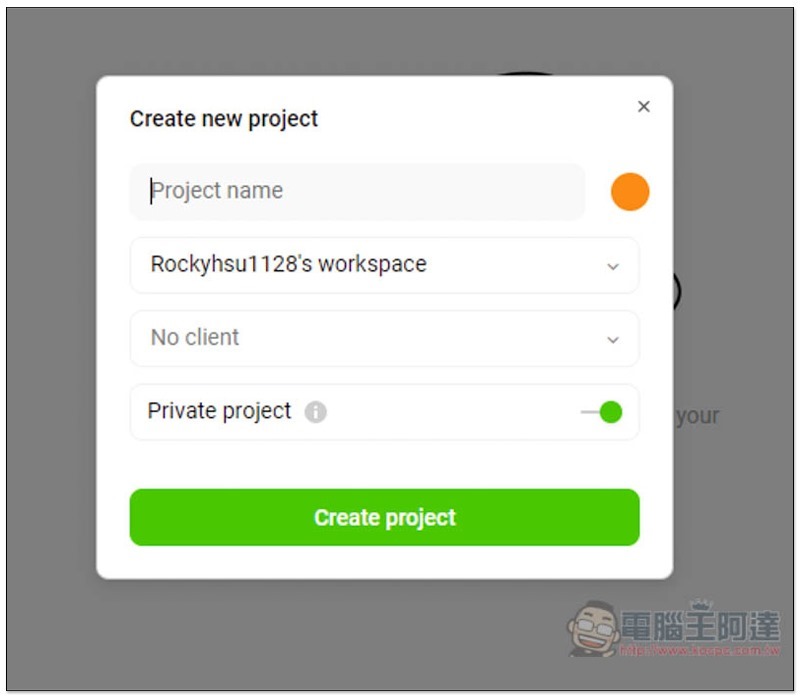
Click the Create new project function above to create your upcoming project. Enter the name, select the color, and click Create project below to create:
As shown below, first create each project, and you can quickly switch and time in the future:
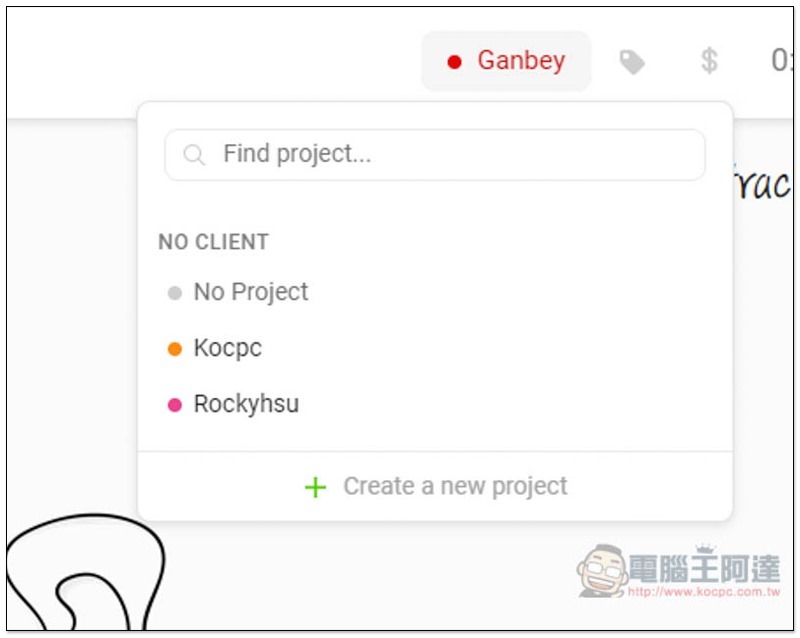
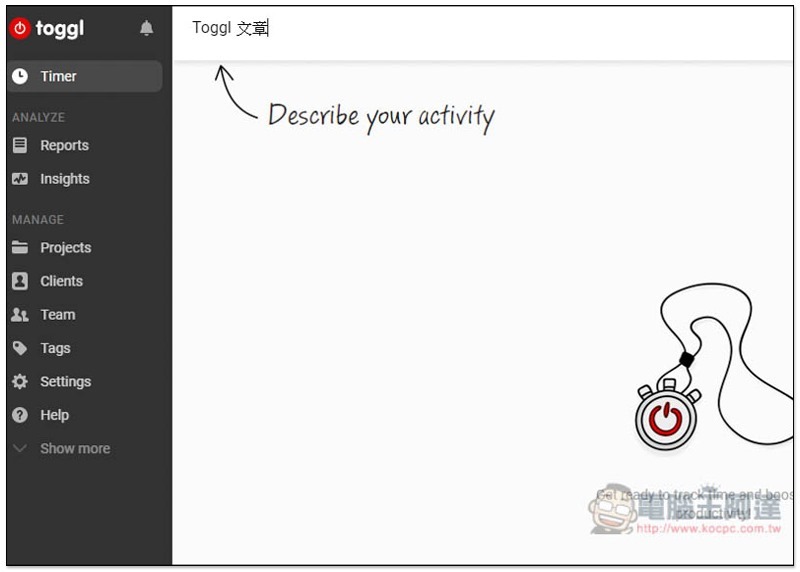
Next, enter the work content you want to start now, fill in the name in the blank field above, and press Enter to start the timing:
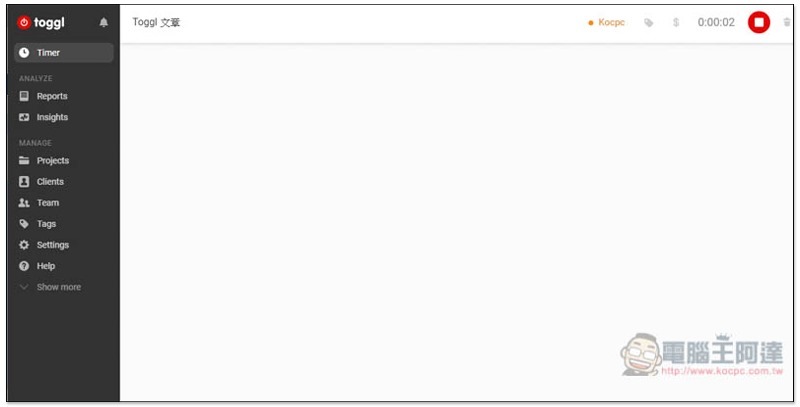
The elapsed time will be displayed on the upper right. Even if you close this web page, it will continue to count until you press the stop key:
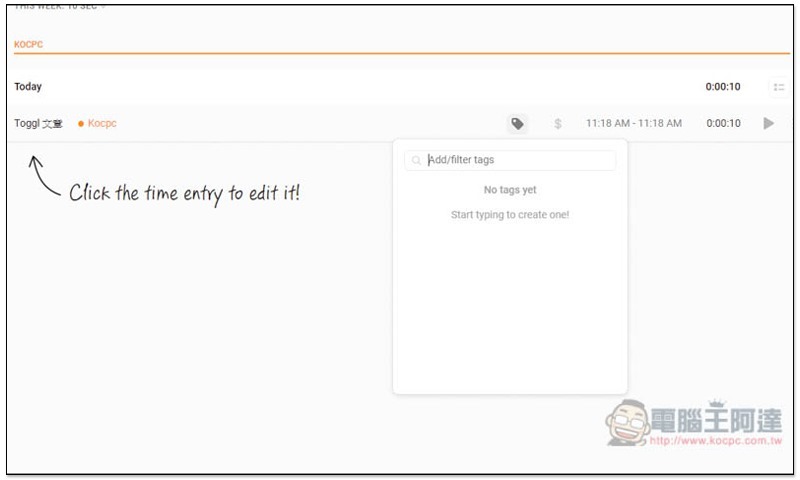
This working time record will be displayed below, and the label function is also supported:
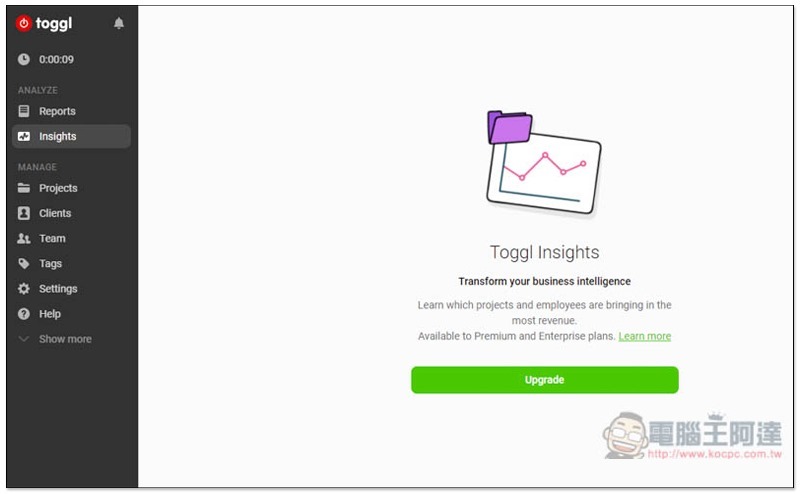
It also has analysis and statistical reporting functions, but it is only available in the paid version. It depends on whether you need it:
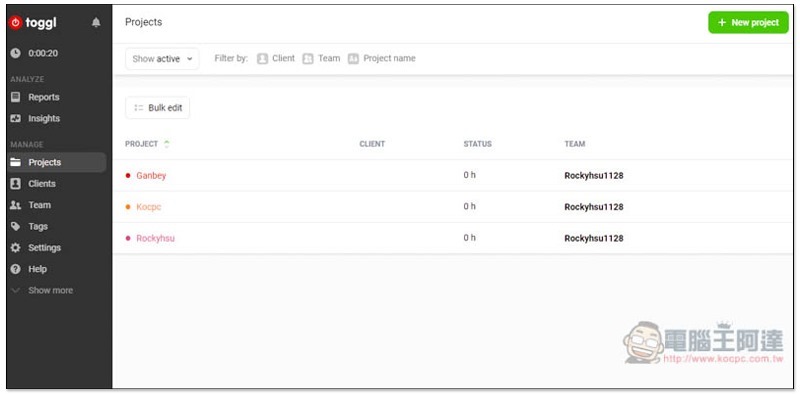
In order to manage all projects, Projects will also count how much time is currently spent on this project. The free version allows you to create unlimited projects:
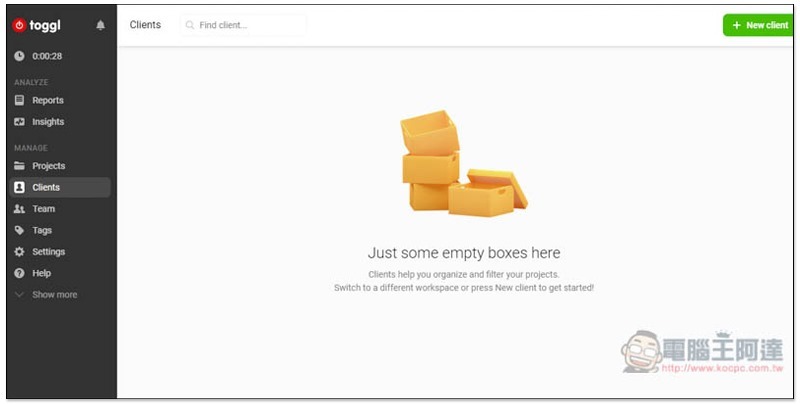
You can also add to the customer list:
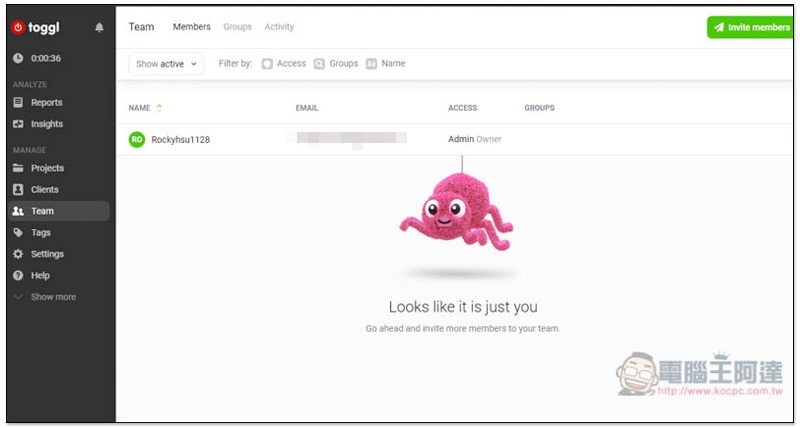
There is also a team function. The free version can have up to 5 members (which means you can invite 4 more people). If a small company or team wants to track and manage time in a unified way, it is highly recommended to try:
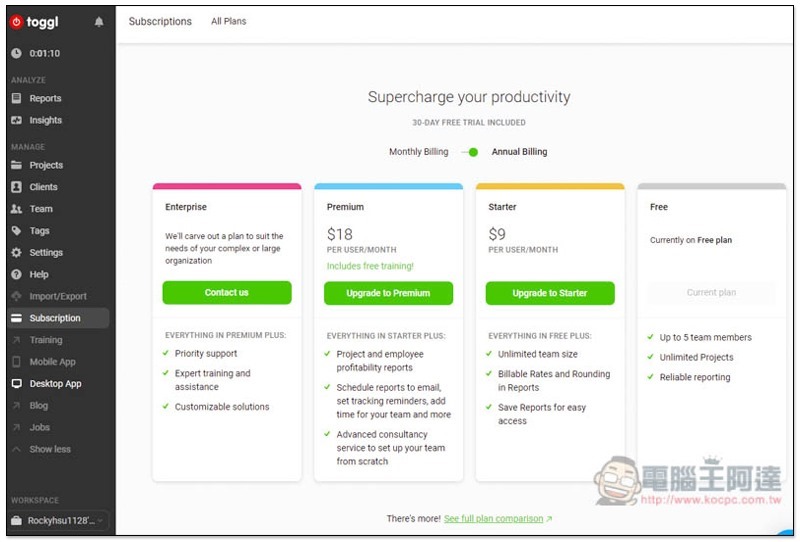
Below is its complete project price. For individuals or small teams, the free version is sufficient:
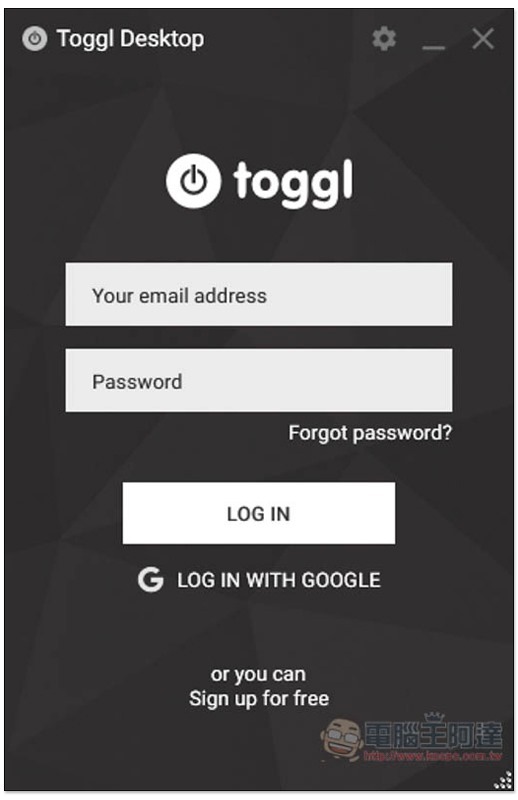
The picture below shows the Windows desktop version. Log in to the account you just applied for, and all data will be synchronized:
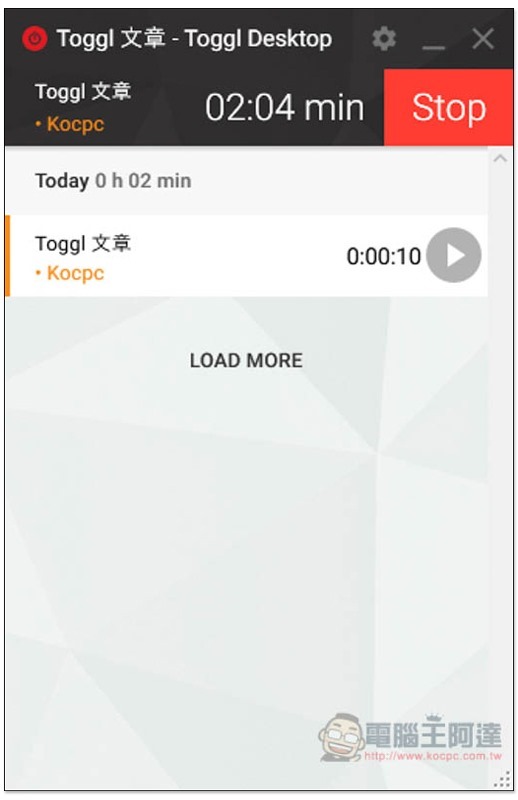
The Windows interface is also simple to operate. If you have enabled the timer on the web version, it will also be enabled on the desktop version (and vice versa), which is quite good:
Supplementary information
Toggle official website:Click here to go
Source: KOCPC Chinese