


Adding subtitles has always been a nightmare for many film producers. Although it is not difficult, it is very time-consuming. You have to listen to it from beginning to end. When you encounter words that are not clear, you need to listen again and again, not to mention the time-consuming work. This iAutoSub video automatic subtitle service is a very good helper. Just paste it on YouTube or manually upload the video, and within a few minutes, subtitles will be automatically generated. It is not only Chinese, but also English, Japanese, Korean, etc. are supported. In addition, this set also provides an automatic translation function, which is very convenient for people who want to create subtitles in multiple languages.
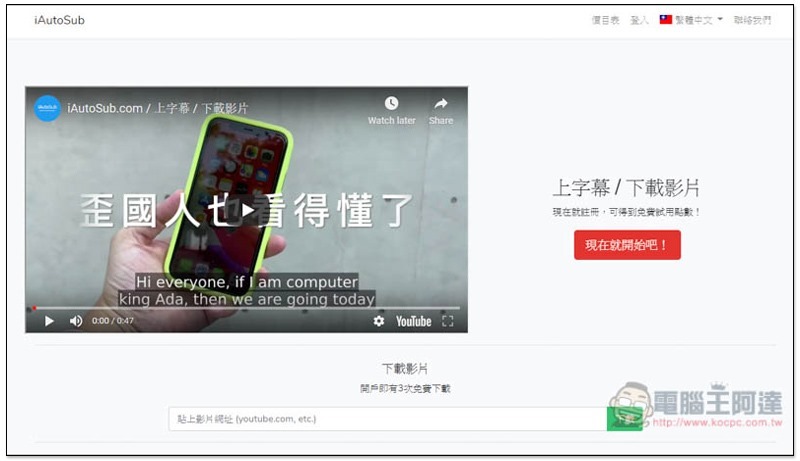
Introduction to the iAutoSub video automatic subtitle tool
Click here to enter the iAutoSub website, paste the YouTube or other website video you want to subtitle in the search field below and click Download. This set of subtitle tools is not completely free, but new users are provided with 150 points, and the points are 10 points per minute, which means that you can at least add (or translate) subtitles to 15 minutes of video for free:
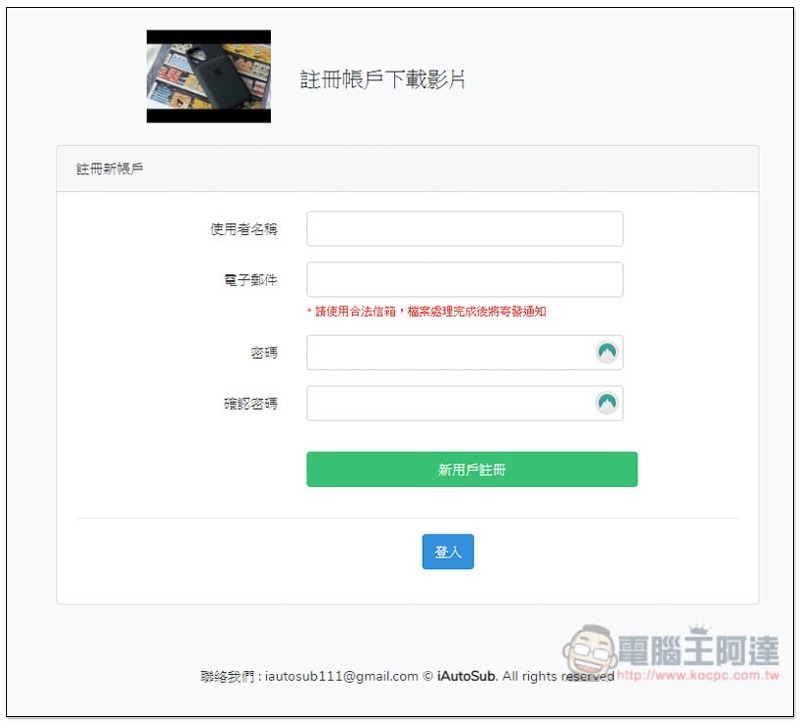
To register, you only need to fill in a simple username, email and password. Remember to enter the email you are using, because after the video processing is completed, you will be notified via email, so you don’t have to wait at that screen. Discount code information will also be sent when you register for the first time. If you have additional purchase points later, this can save a lot of money:
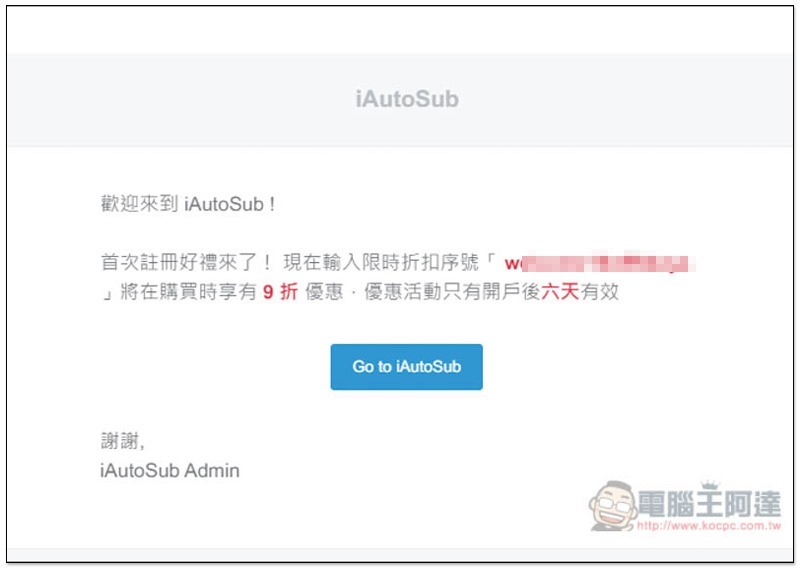
As shown below, after registration, you will receive this letter with a 10% discount code:
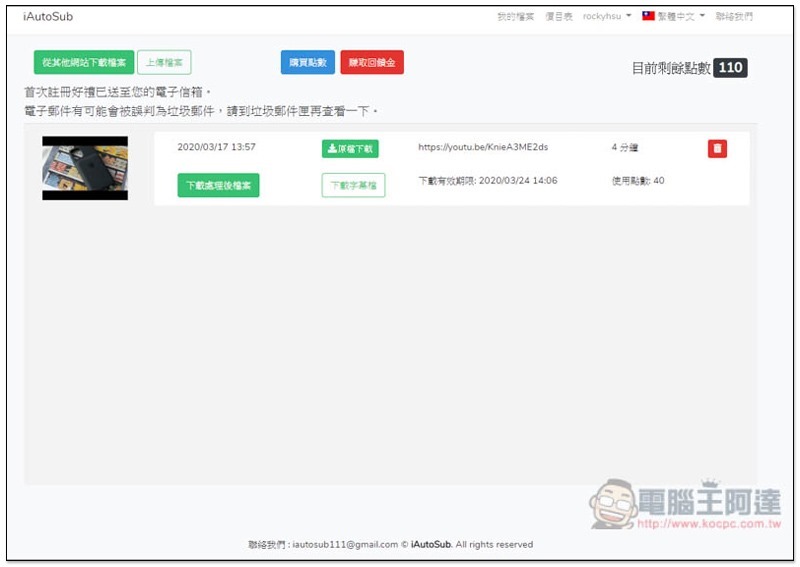
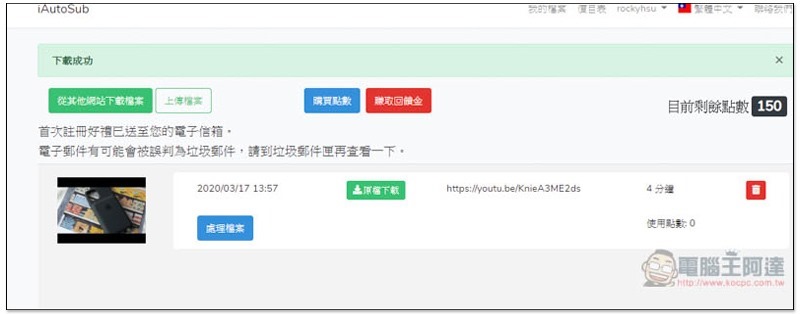
Then the screen will automatically jump to the background. If the video URL has just been posted, it will immediately appear in the list below. Those who have not posted it can click “Download files from other websites” or “Upload files” in the upper left corner. You can also notice that 150 free points will be given in the upper right corner, allowing you to try out the subtitle service. Click “Process File” to select the subtitle languages to include or translate:
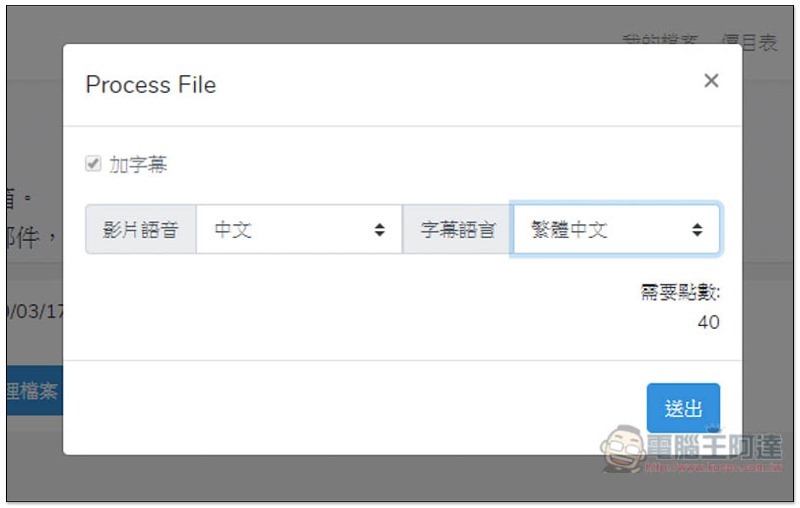
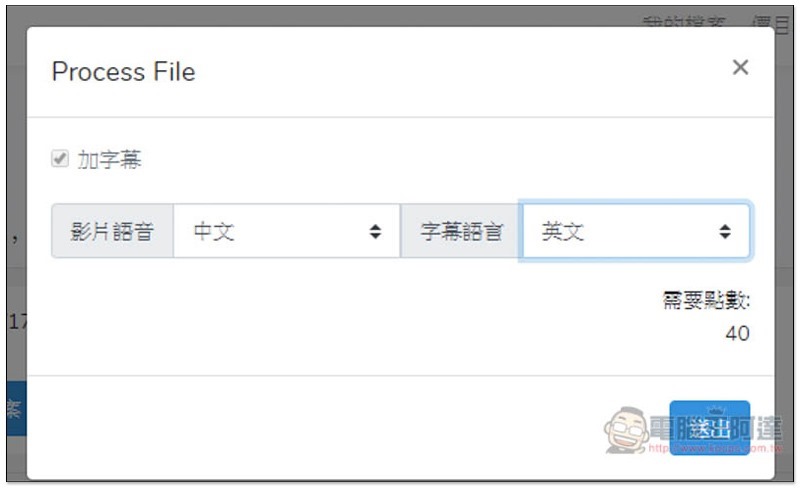
Select the voice of this video and the subtitle language to be generated. The lower right corner will tell you how many points this video requires, 10 points per minute.
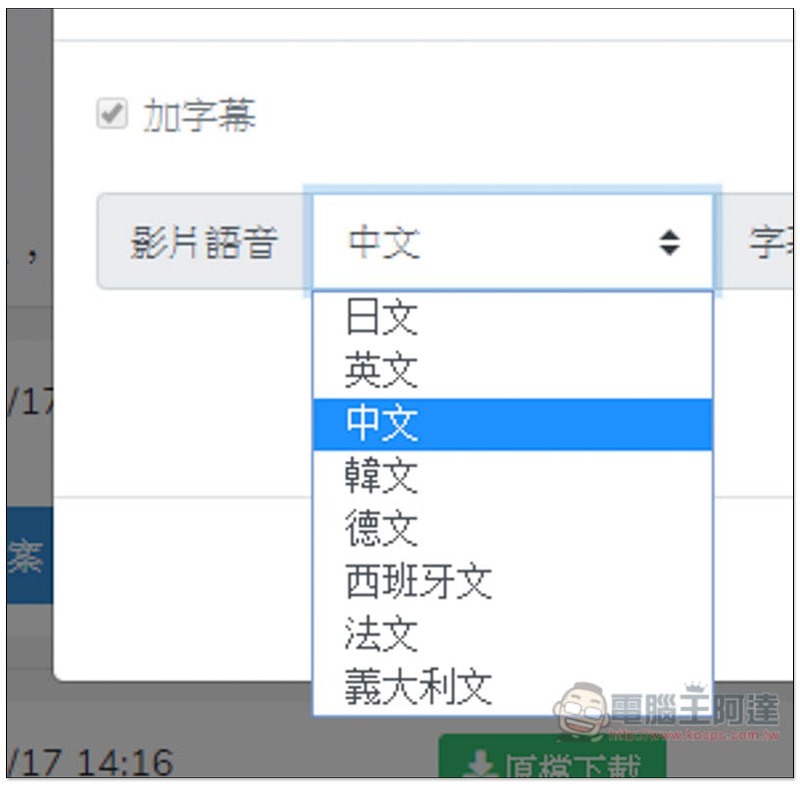
Video audio supports Japanese, English, Chinese, Korean, German, Spanish, French, and Italian:
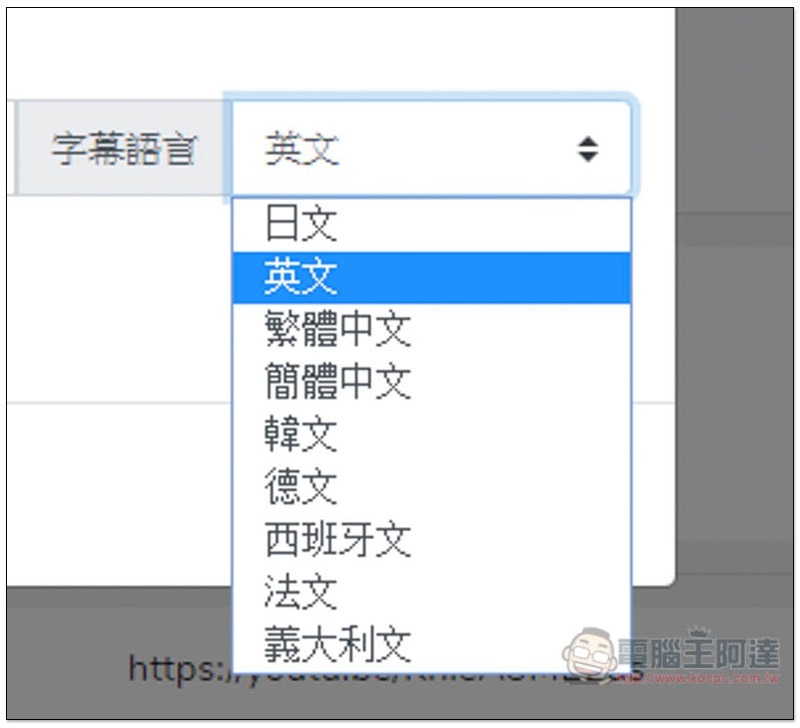
Subtitle languages support Japanese, English, Traditional Chinese, Simplified Chinese, Korean, German, Spanish, French and Italian:
After pressing Submit, this service will start to add subtitles. The time required depends on the length of your video. Mine took about 3 minutes and it felt like it could be completed in less than 5 minutes:
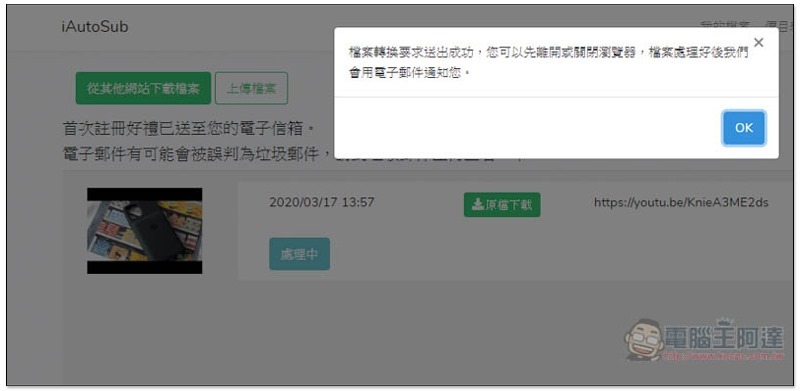
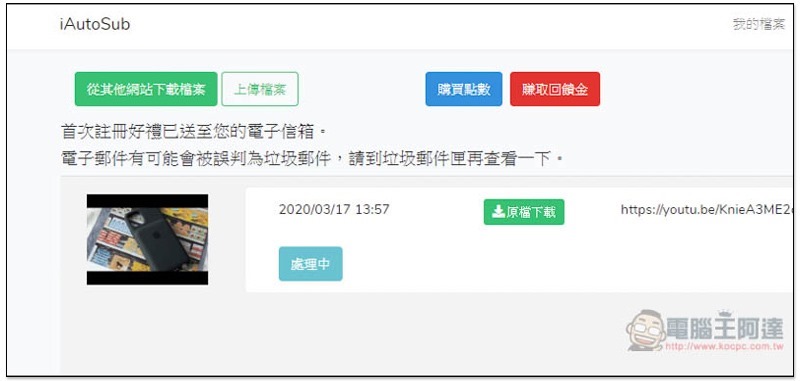
The video will also become “Processing”:
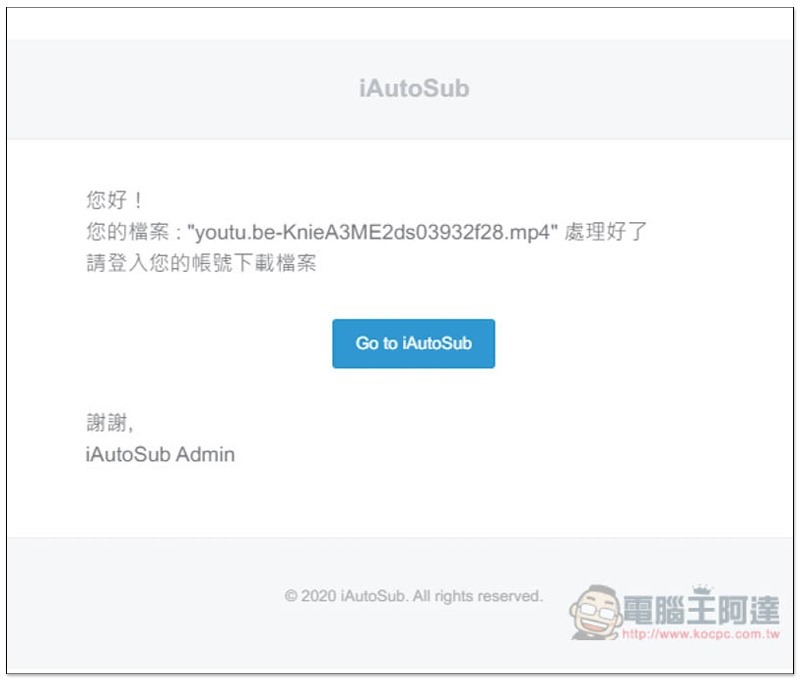
You will receive an email notification after completion, so you don’t have to stay on that screen:
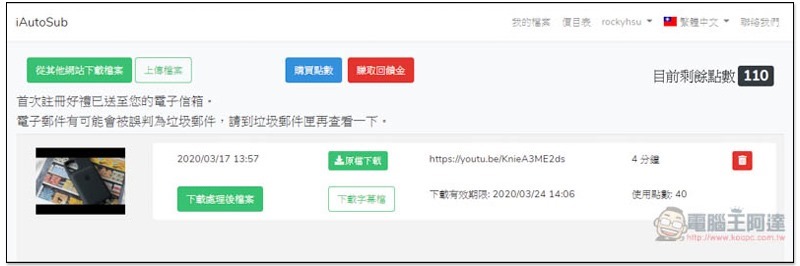
There will be “Download processed file” and “Download subtitle file” below the video:
Click to download the processed file, and a new tab will open for you to preview. If you feel that the entire subtitle is ok and has no errors, you can download it to your computer:

If there are errors, you can download the subtitle file in SRT format. The time of each subtitle has been marked, you only need to change the wrong content, and then combine the subtitles through editing software:
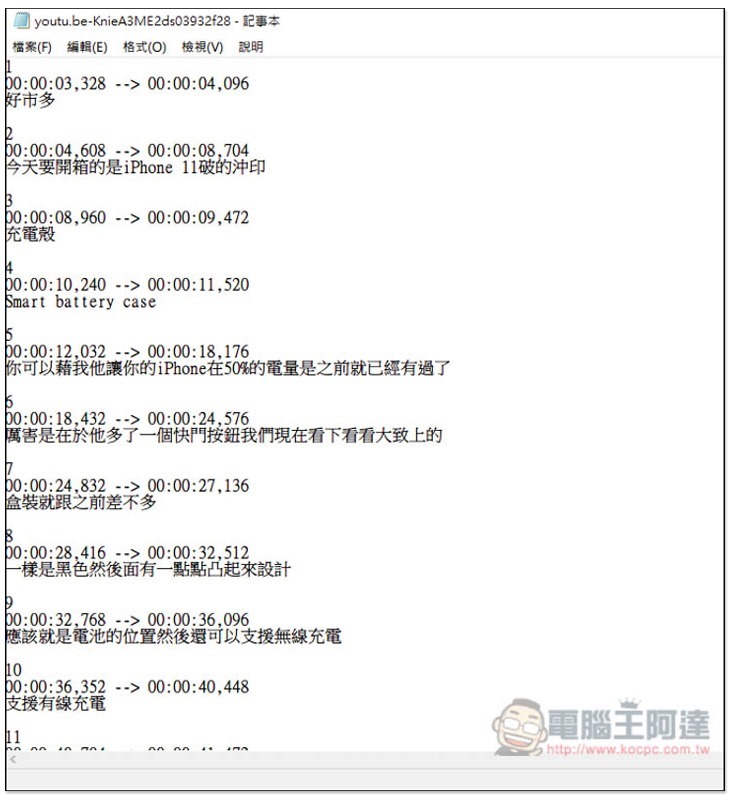
If the speakers in your video speak clearly and there is no background music or noise, then the recognition is basically correct.
For those who need translation, select the language you want to translate the subtitles into. I will use English as an example. Points cost the same, 10 points per minute:
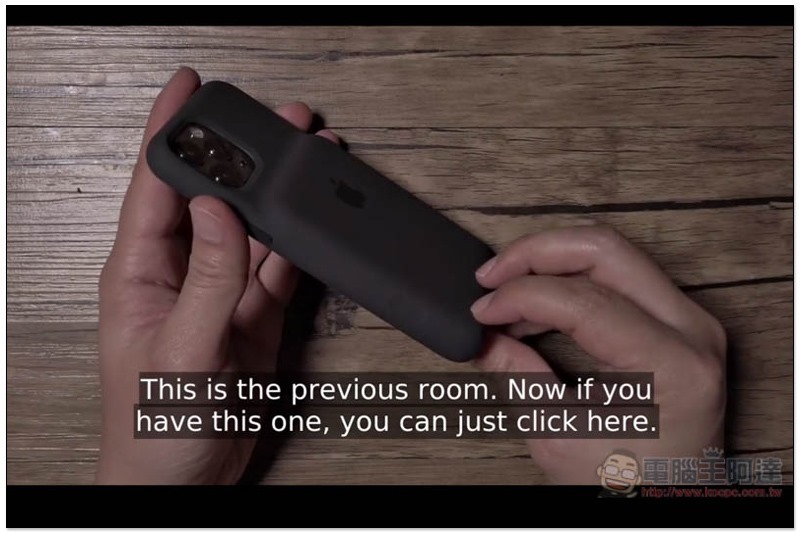
The translation quality is considered moderate, and manual correction is still required. However, compared to starting from scratch, it can still save a lot of work, especially the super tedious work of “time subtitles”:
Supplementary information
iAutoSub website:Click here to go
Source: KOCPC Chinese