


I bought dumbbells a while ago and started exercising at home. Although I saved a lot of time going to the gym, after practicing for a few days, I didn’t have a workout plan. I felt like I was just practicing here and there, and I couldn’t train my whole body. So I recently went to the Play Store to look for any useful apps, and then I found this pretty good dumbbell – Exercise at Home.
It provides three exercise plans, “Beginner”, “Weight Loss” and “Full Body”. Each action is shown with animations. If you don’t know how to do it, you can roughly understand it by looking at it. It also has a record and report function to facilitate us to track the exercise results. I recommend it to everyone.
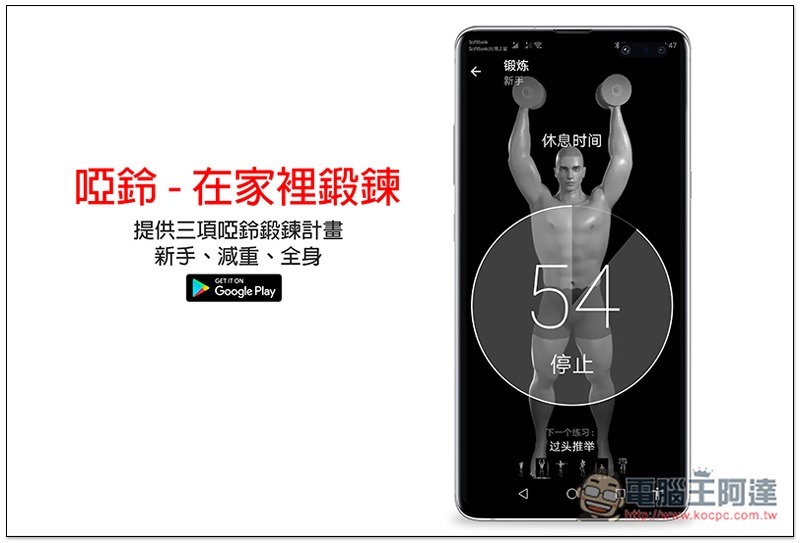
Dumbbell – Workout at Home App Introduction
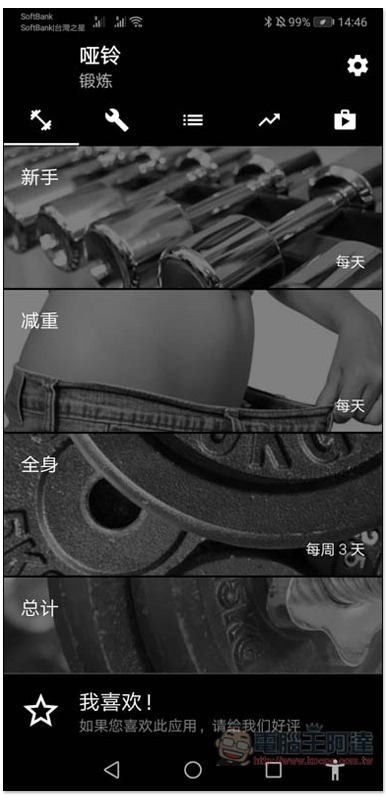
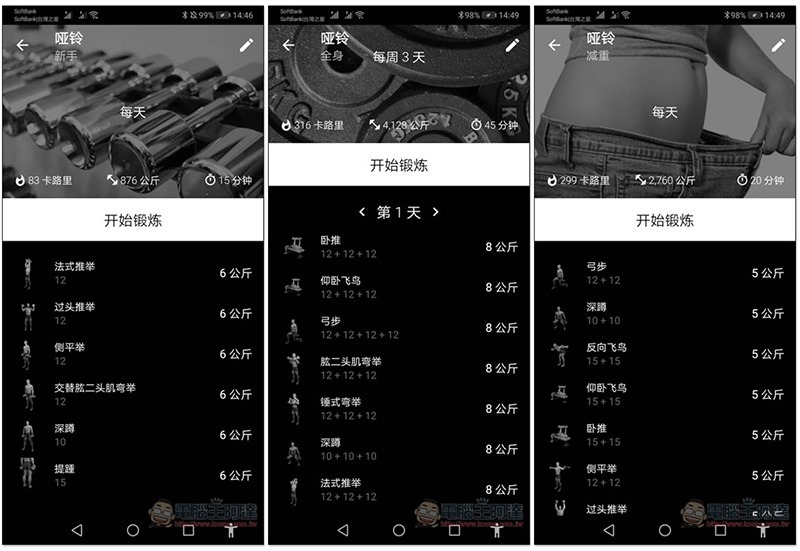
After opening the Dumbbell App, you can select the exercise plan you want. The lower right corner of each plan will prompt how often you need to exercise. For beginners and weight loss, it is every day, and for the whole body, it is three times a week:
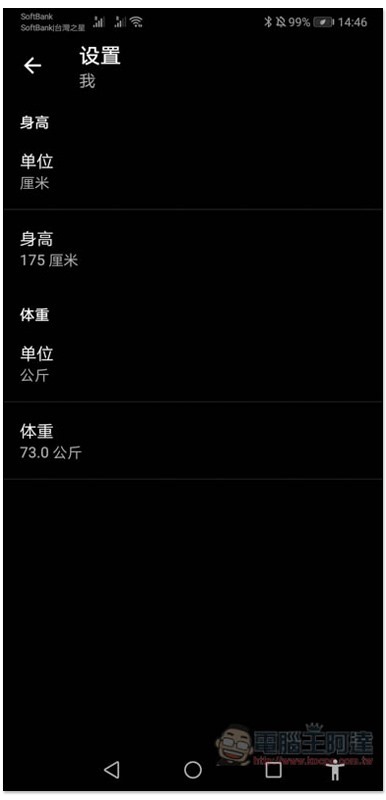
If you want it to record the calories you burn during exercise, remember to enter your height and weight first to support Google Fit data synchronization:
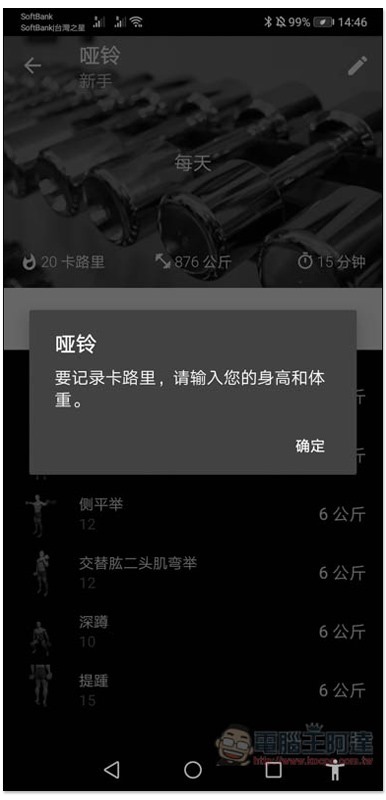
As shown below, after the input is completed, you can start exercising:
Each exercise plan will have different movements. For novices, they are all relatively basic, such as: French press, lateral raise, squat, etc. There will also be recommendations on the kilograms of dumbbells on the right side, but I personally think it depends on the kilograms you can bear. Just look at this number:
In addition, remember to stretch and warm up before starting the exercise. Do not start directly, as it is easy to get injured. This set does not provide warm-up actions.
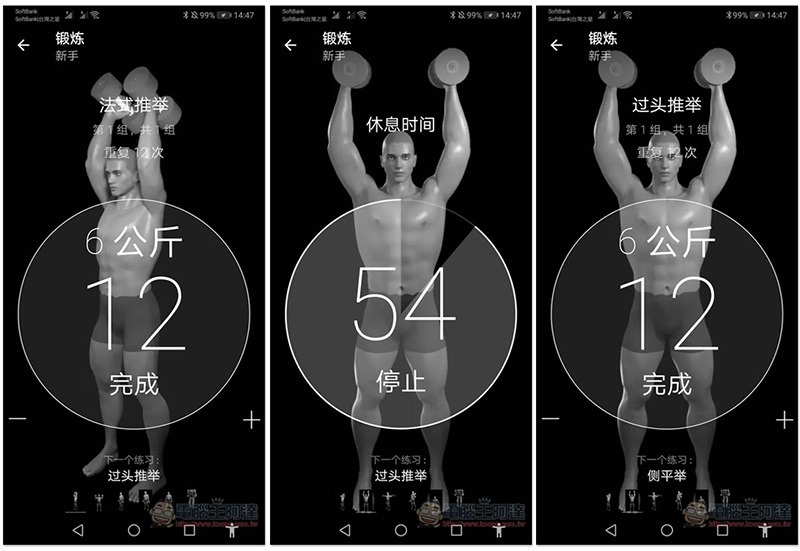
There is no limit to the number of seconds for each action. Just wait until you are sure to complete the specified number of times, then click the screen to mark the completion. There is also a 60-second rest period between each movement. If you don’t know how to do this action, you can watch the animation show first, or go to YouTube to see if there are any instructional videos:
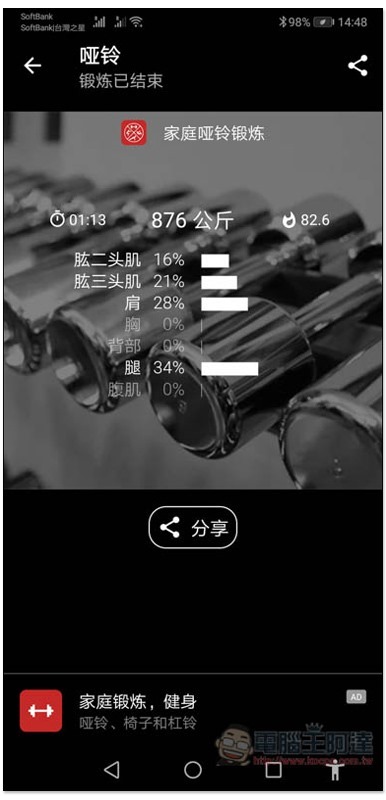
After finishing, it will tell you which parts you practiced today, the time and calories consumed:
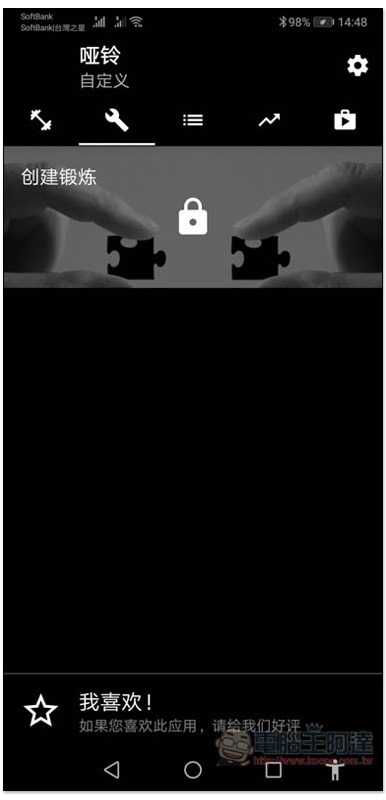
In addition to the three presets, it also provides the function of creating your own exercise plan, but you must upgrade to the paid version:
There are also statistical reporting functions:
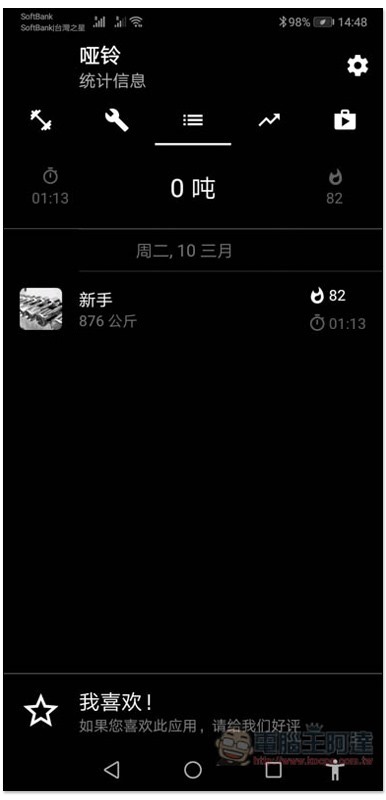
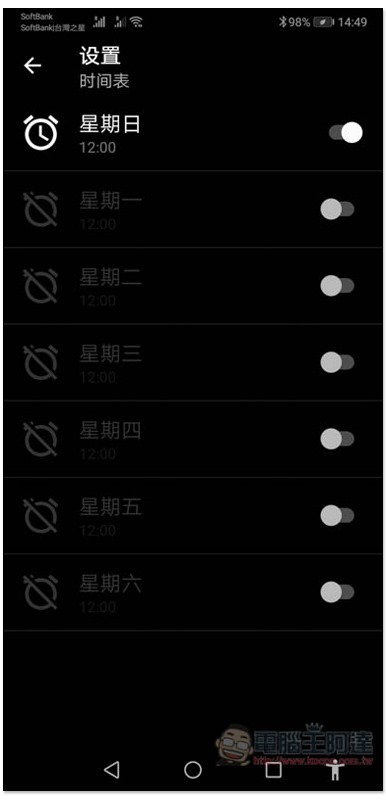
If you are worried that you will be too busy and forget to exercise, a reminder notification function is also provided. You can find it in the settings:
This is a relatively simple dumbbell exercise program and is quite suitable for novices or friends who are new to dumbbell exercise.
Supplementary information
Dumbbells – Workout at Home Download Page:Click here to go
Source: KOCPC Chinese