


In order to better control their work, carry out various tasks, or use their Mac, many people, like me, will use tools such as timers. Now there are many choices on the market, such as those we have introduced before Serene、Klokki for Mac、Timepal etc. are all good, but these are a bit more complicated to operate. If you are just looking for a simple-to-operate tool that can quickly set timers, then the Horo recommended in this article is very good. You only need to set the time to start, and it also supports multiple simultaneous timings.
Introduction to Horo Mac Free Timer Tool
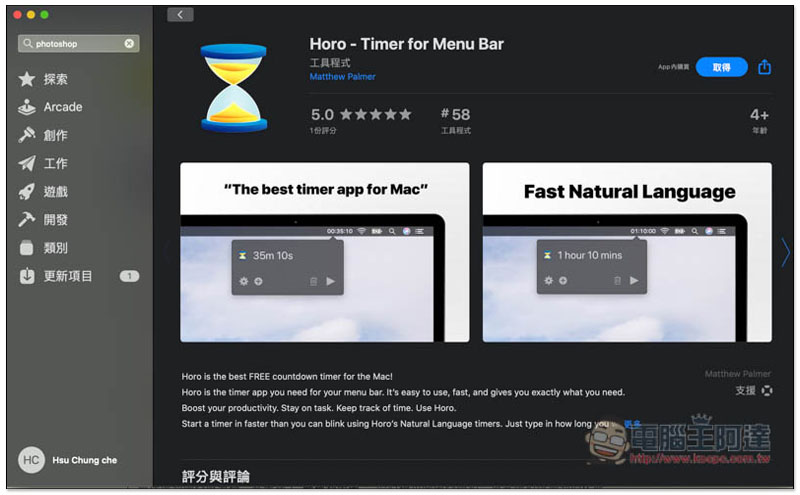
Horo is available on the App Store.Click me to go to the installation page, free download to obtain:
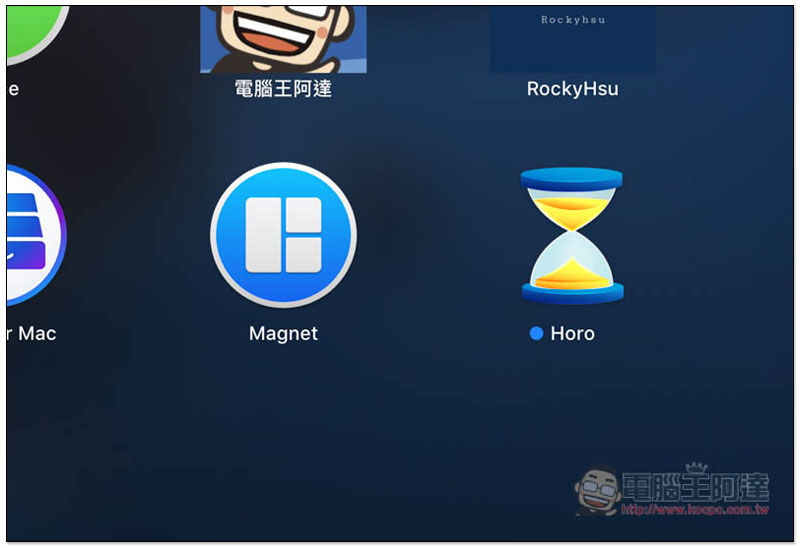
After installation, go to the Launchpad page and you will see this tool, the picture is an hourglass:
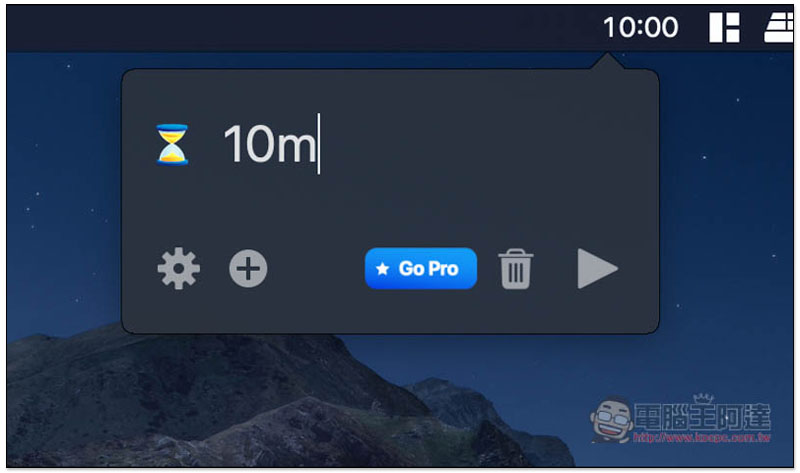
After opening, a number 00:00 will appear in the Menu Bar in the upper right corner. Click it to set the time you want, such as: 10m (10 minutes), 10:10 (10 minutes and 10 seconds):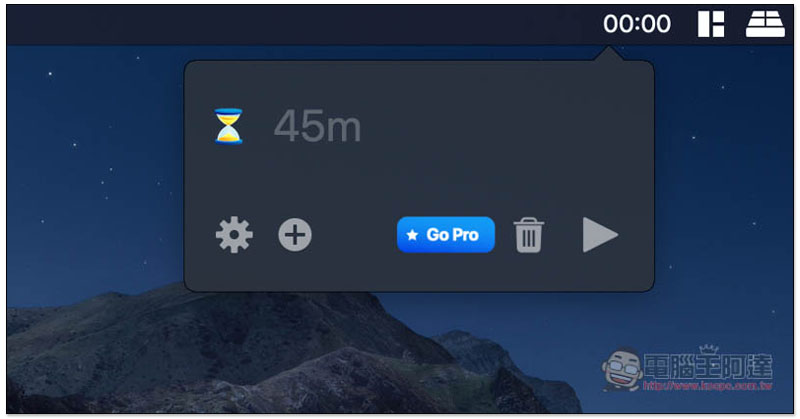
m means Minute in English. If you do not set any unit, it will become seconds. For example, if you enter 10, the timer will become 00:10:
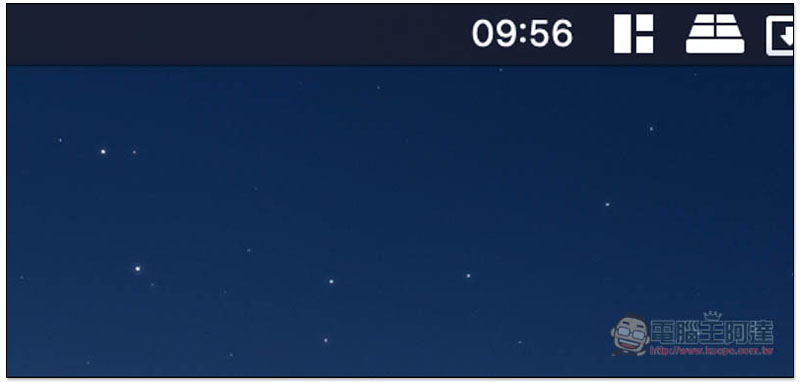
After pressing Enter, the timer will start counting down and you can start the task at hand:
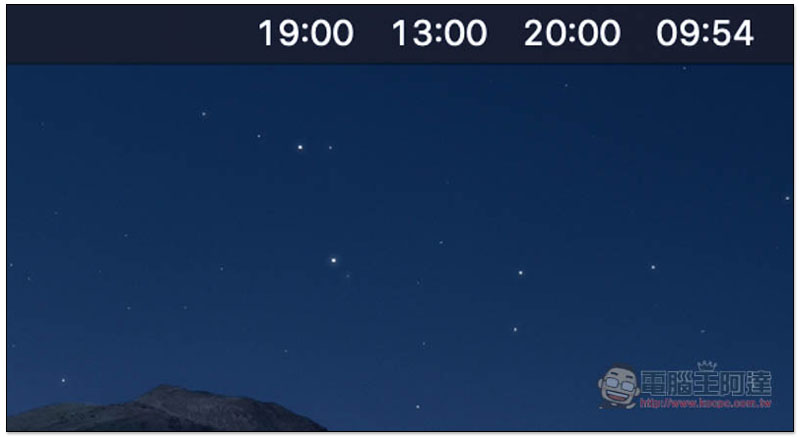
This set also supports multiple timers to synchronize countdowns. If you have a big project and there are a lot of small tasks to be done below, you can set it up this way, but I personally think it will be a bit messy:
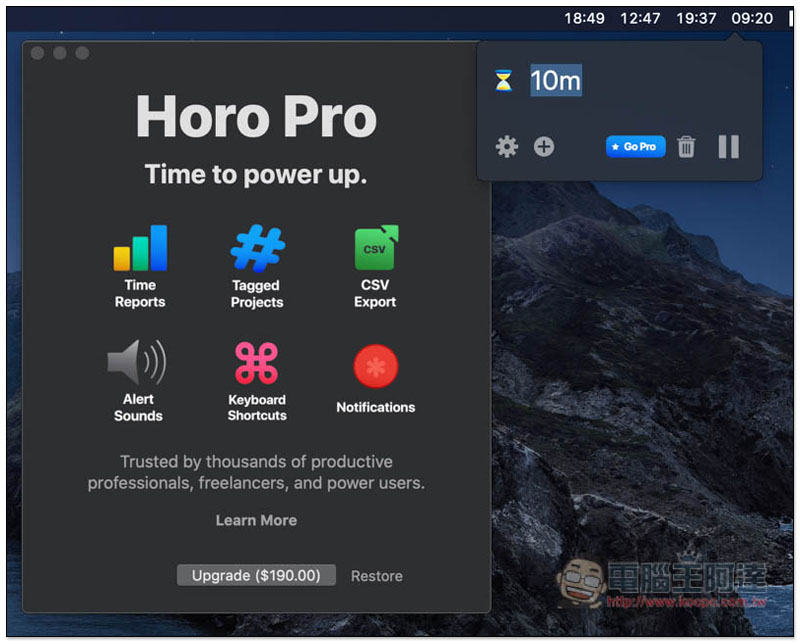
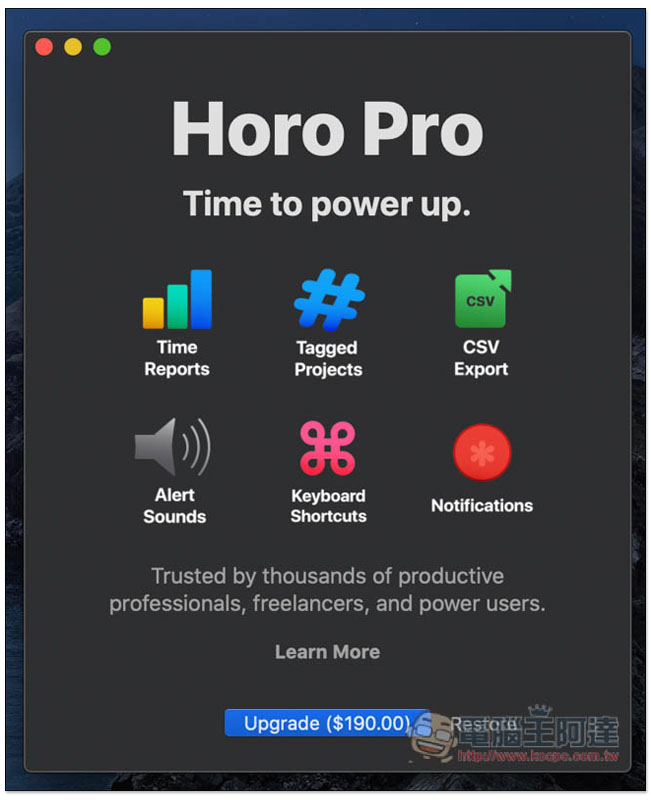
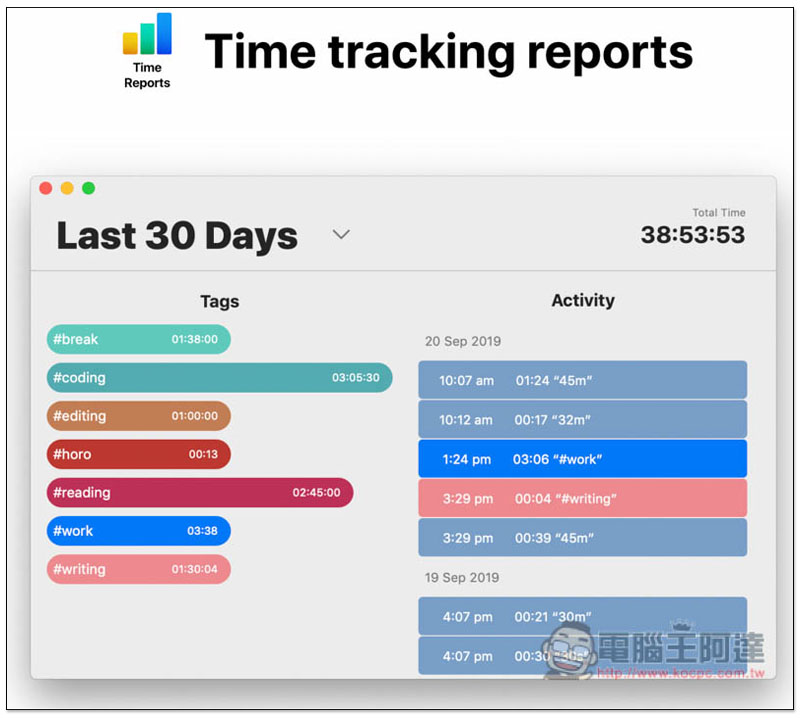
The functions of the free version can only set timers. After upgrading to the paid version, you can get statistical reports, add project tags, CSV file output, warning sounds, shortcut keys and notifications, see if you need it:
The function of adding tags is quite good. Fill in the project name after each timer, so you don’t have to worry about confusion. The reports obtained in the future will also be classified according to the tags:
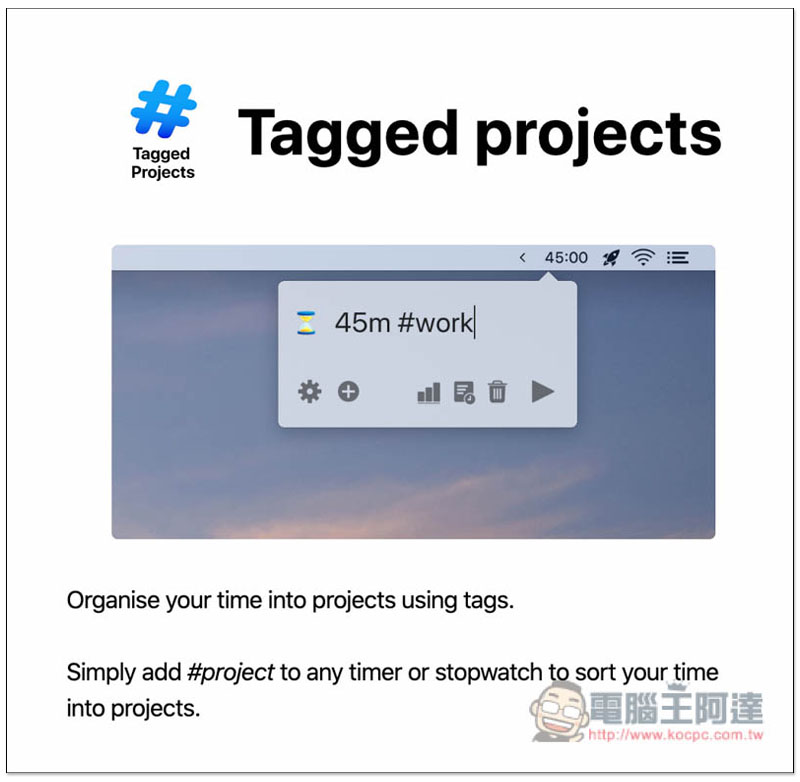
The President of Statistical Reports is like this. I personally recommend trying the free version first. If you think this model is suitable for you, you can consider whether to upgrade to the paid version. After all, as a work tool, you still need to invest in:
In addition, I also added several other Mac timer options at the beginning of the article. People who have not used them yet also recommend trying them first to see which one best meets your needs.
Supplementary information
Horo timer free tool download link:Click here to go
Source: KOCPC Chinese