


Microsoft is quietly giving PowerPoint a fresh boost. For years, many users felt that PowerPoint’s image editing tools were adequate but limited—functional enough for simple adjustments, yet never quite a replacement for professional image editing software. That is about to change. Microsoft’s latest update introduces generative AI technology, significantly enhancing PowerPoint’s image processing capabilities. Users can now erase unwanted objects, reposition subjects, enlarge image details, and even edit text directly on images, making the slide creation process more intuitive and complete.

Microsoft is turning PowerPoint into a powerful photo editor.
Past PowerPoint image tools offered basic features like cropping, background removal, shadows, and reflection effects, but these adjustments mostly stayed on the surface and couldn’t truly fix flaws in an image. For example, if a finger accidentally appeared in the corner of a photo, or a low-resolution company logo became blurry and pixelated on a large screen, you usually had to open Photoshop or another editor to fix it. This “good enough but not powerful enough” state has long left many presentation creators feeling limited.

This update marks a new phase in Microsoft’s strategy to fully integrate AI across its productivity tools. The traditional image editing interface is replaced by a more modern mode focused on image processing. When you enter the new editor, PowerPoint switches to a dedicated window with an AI toolbar shown along the side. Adjusting brightness and contrast is no longer the only option—you can now erase unwanted objects with one click and have AI automatically fill the background, move the main subject in a photo to better fit your slide composition, or even have AI automatically enhance image quality and add stylized text effects to images. After using it, you’ll find these features aren’t just “a few extra buttons”—they bring PowerPoint closer to professional editing tools, reducing the need to jump back and forth between different apps.
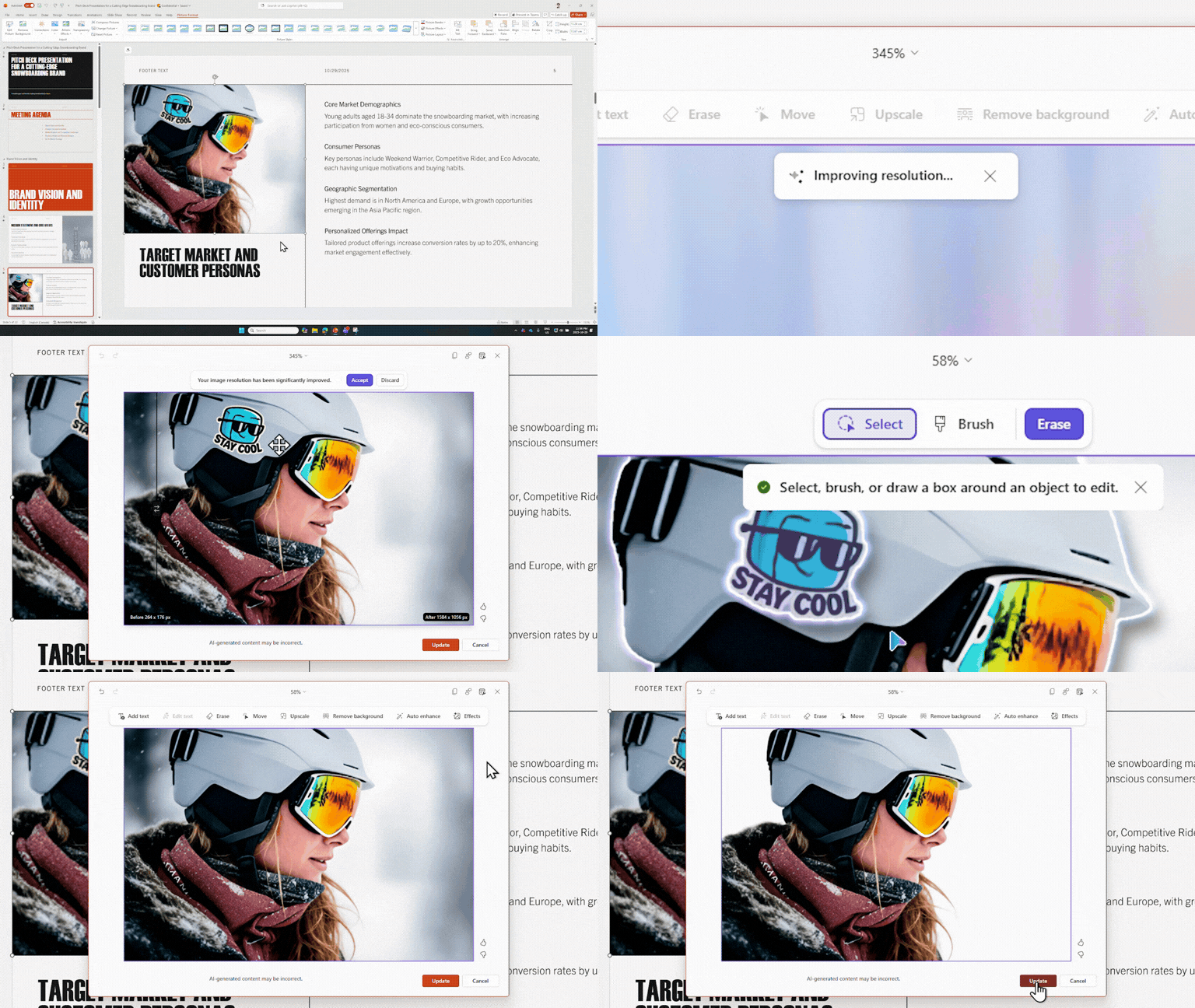
However, as exciting as this upgrade is, there are a few details worth keeping in mind. First, the nature of generative AI means results may not be perfect—occasionally leading to odd edges, unnatural fills, or other artifacts. Second, the editor applies changes in one go: once you hit “Update” and return the image to the slide, undoing it only reverts to the original state, so you cannot roll back individual adjustments one by one. Therefore, it’s best to confirm that all changes meet your needs before applying them. Finally, while the AI text editing feature is impressive, it still relies on clear fonts and sufficient resolution. If the text in an image is overly stylized, blurry, or distorted, the AI may fail to recognize it correctly.
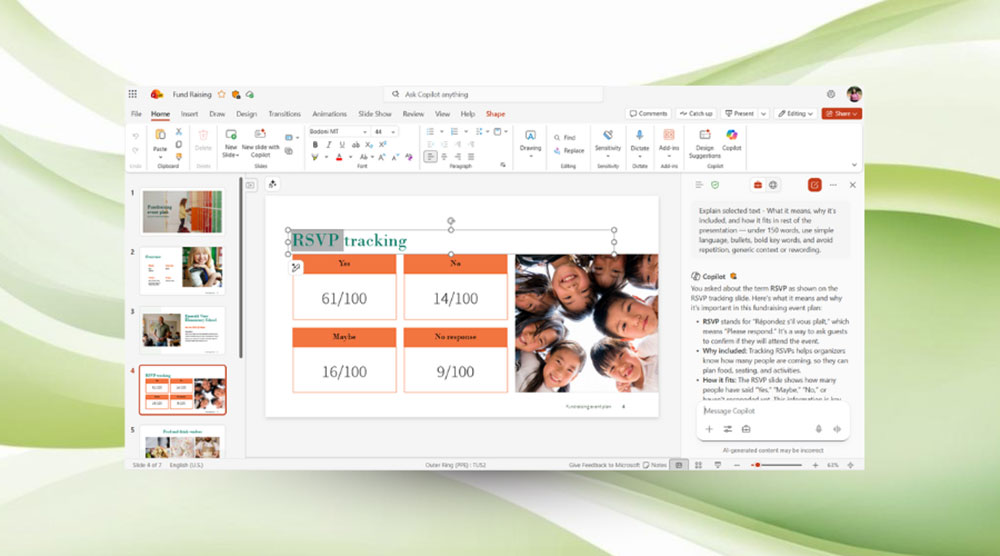
Currently, this new feature is rolling out to different platforms. PowerPoint for Windows (version 2510, build 19422.20000 and later) and PowerPoint for macOS (version 16.104, build 25121423 and later) already support the new image editor. As for PowerPoint for the web, Microsoft is gradually enabling it, and users can check over the next few weeks whether new editing options appear in the “Picture Format” tab.
Overall, this update is more than just a feature enhancement—it’s a major step that truly brings PowerPoint into the AI era. It lets presentation creators accomplish more within a single platform, reducing the need to rely on external tools, and makes image editing more intuitive and creative. For anyone who frequently works with visual content, this is undoubtedly a welcome change.
Source: KOCPC Chinese