


Typeless Although it’s quite useful, heavy usage requires a paid subscription, which some people may not have the budget for, or they might want to look for free alternatives. We have previously introduced several tools, including SayIt、ByeTypebut it may not necessarily meet your needs. I recently found this one which also works quite well — “Vibing,” a free and open-source (tool).Voice inputA tool based on Microsoft’s VibeVoice-ASR speech recognition model that supports over 50 languages, with built-in translation and AI text polishing features—meaning it can translate spoken content directly into other languages, which is quite impressive.
More importantly, it can be used immediately after installation without any model or API setup—it’s very simple.
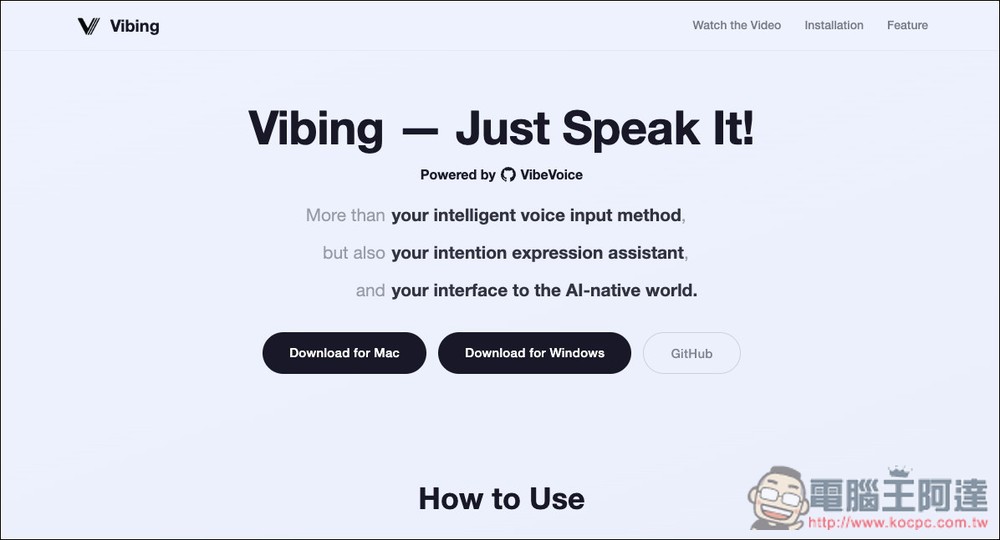
Introducing Vibing: A Voice Input Tool Built on Microsoft’s VibeVoice-ASR
Vibing is a recently released open-source voice input tool on GitHub, powered by the VibeVoice-ASR speech recognition model, with the tagline “just speak to input text.” In simple terms, you talk to your computer and it instantly converts your speech into text that can be input into any application—notes, documents, search, or chat tools, to name a few.
Unlike common voice input tools that require cloud connectivity, Vibing runs on local computation, offering exceptional privacy—you don’t need to worry about your voice data being uploaded, and there’s no impact from daily usage limits or subscription restrictions. It supports macOS and Windows platforms. After installation, you can start using it directly without any model setup, making the overall learning curve very low.
It also has translation and AI text polishing features similar to Typeless. The only thing to note is that although it supports over 50 languages, you cannot set the output language, and Chinese defaults to Simplified Chinese, so you may need to use it with a Simplified-to-Traditional conversion tool, which is a bit inconvenient.
Though I’ve had a few successes outputting Traditional Chinese, I’m not sure exactly how to properly enable this feature, so you’ll have to try it out on your own.
Main Features
- Built on VibeVoice-ASR, featuring high-quality speech recognition capabilities
- Uses local computing without relying on cloud services
- No subscription required, completely free to use
- Supports macOS and Windows platforms
- Built-in automatic translation and AI text refinement
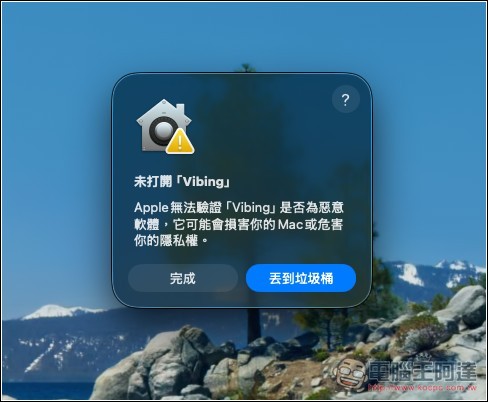
I’m using the macOS version. When you open it for the first time, a verification warning will appear—please press Complete to proceed.
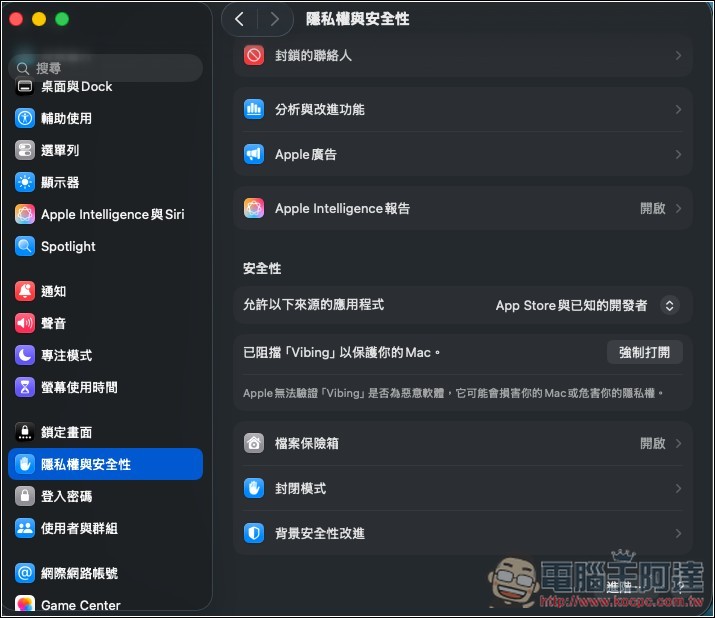
After opening Settings, go to the Privacy & Security menu, scroll down to the Security section, and you’ll find the “Force Open” button:
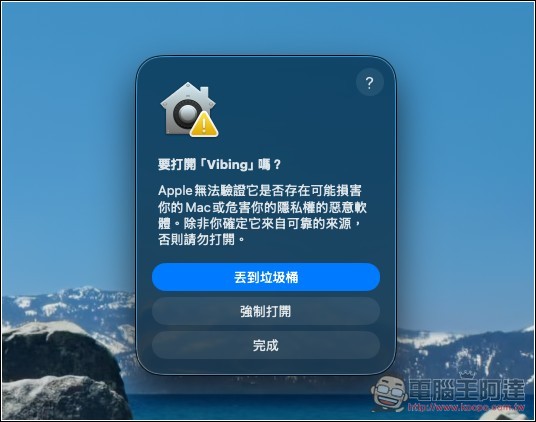
Press again to force open
Enter your login password:
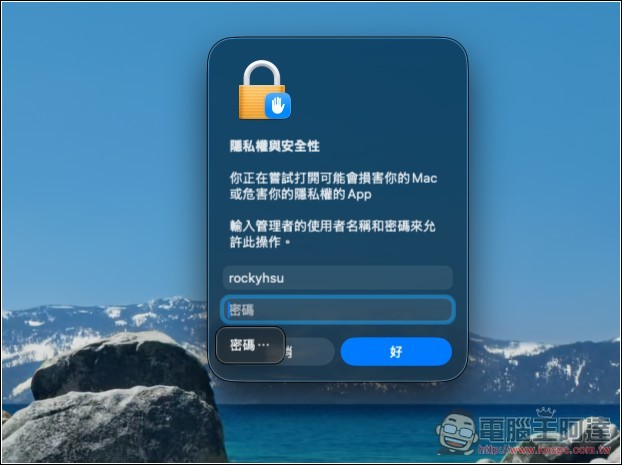
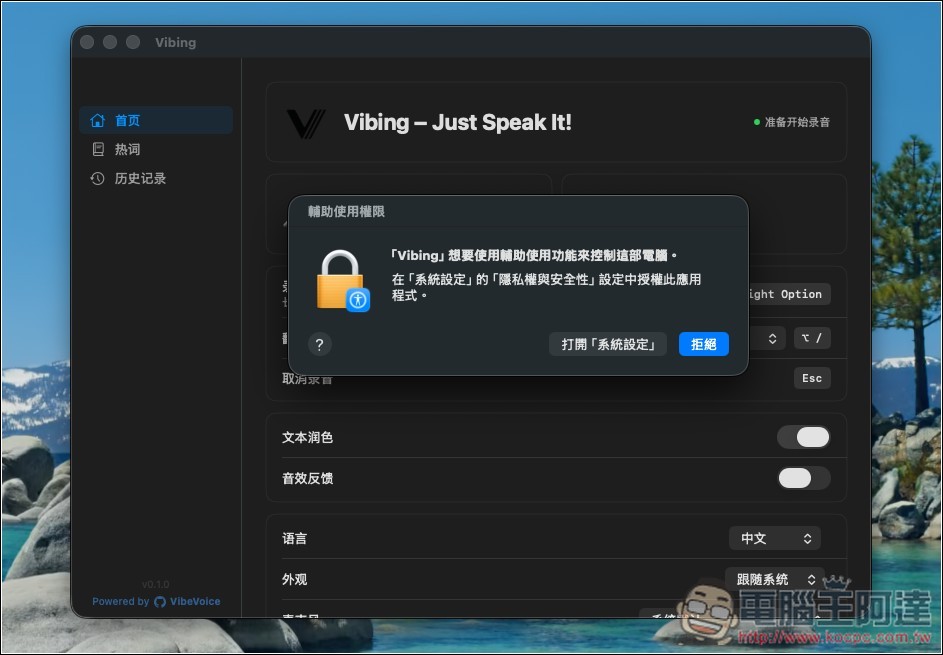
It will then open normally. During use, you will also need to grant some permissions, just follow the on-screen instructions.
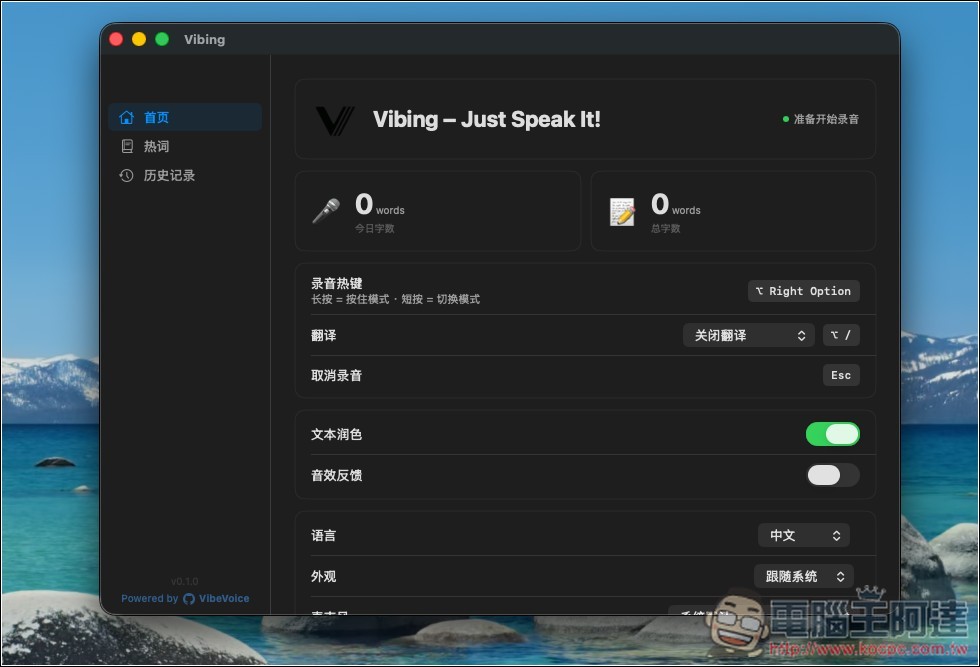
The image below shows the main screen of Vibing. At the top, you’ll see statistics for today’s word count and total word count. The auto-translation feature is turned off by default—if you need it, you can enable it and set your preferred language, and the shortcut key for toggling auto-translation is on the right. Text polishing, on the other hand, is already enabled.
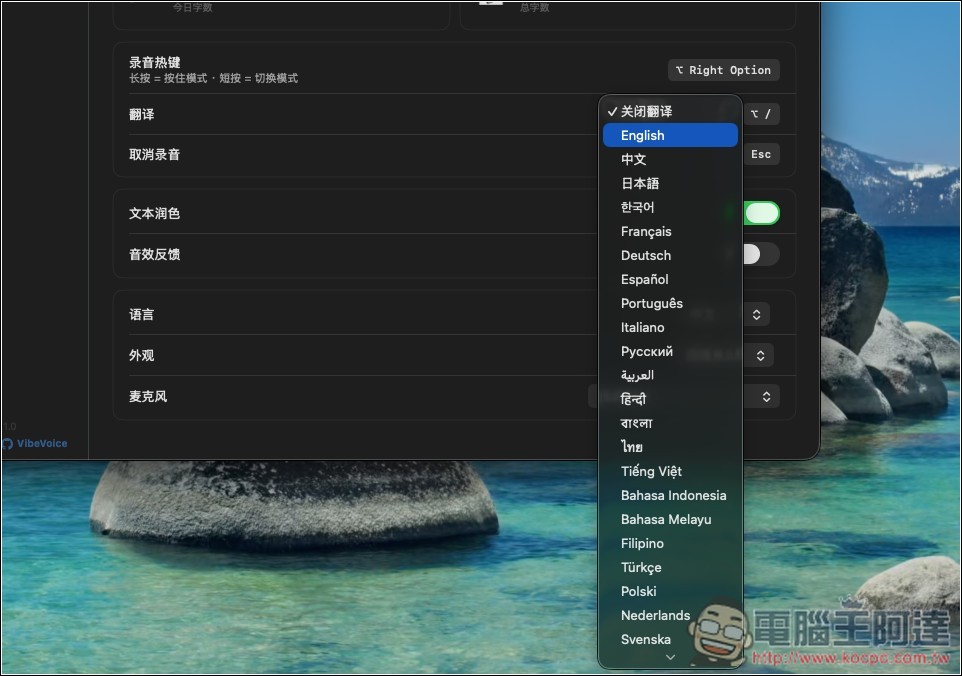
The automatic translation feature supports a large number of languages.
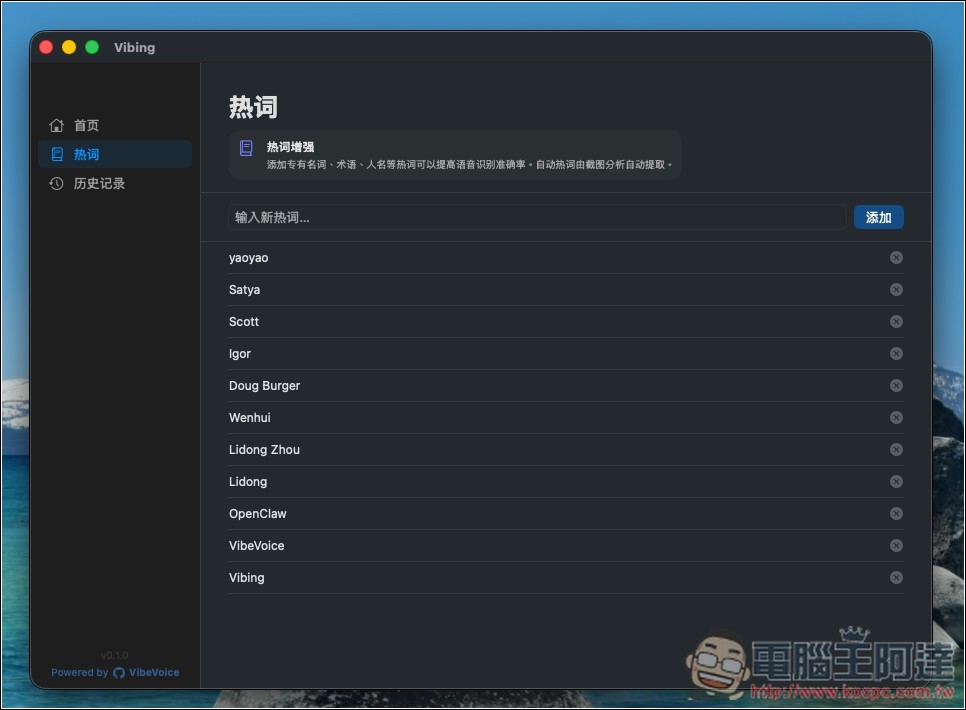
There will also only be text records of past history conversions, with no audio files.
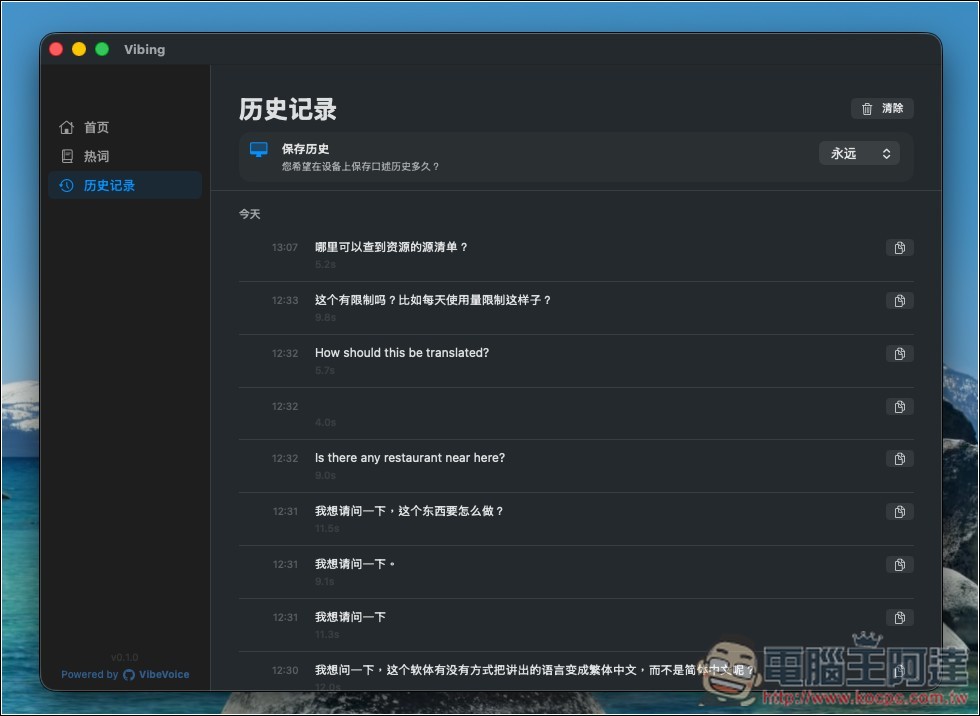
Hold the right Option key to start speaking:
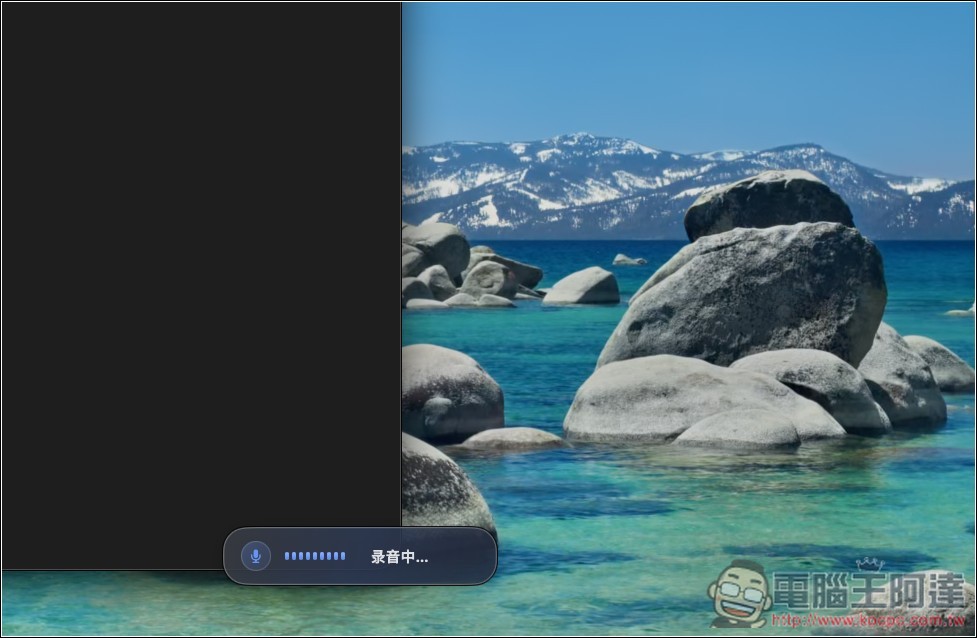
After releasing, Vibing will start to convert:
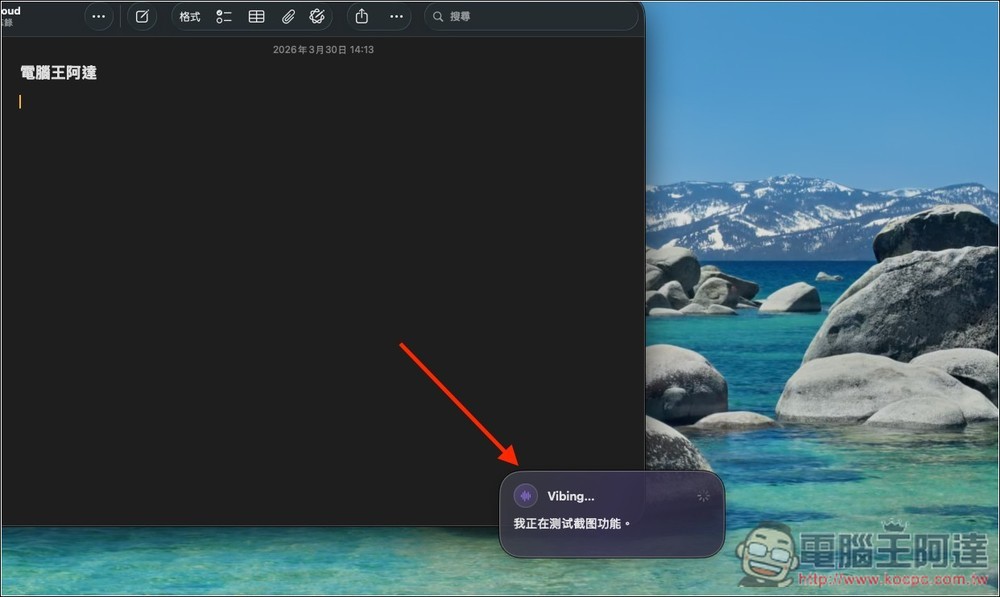
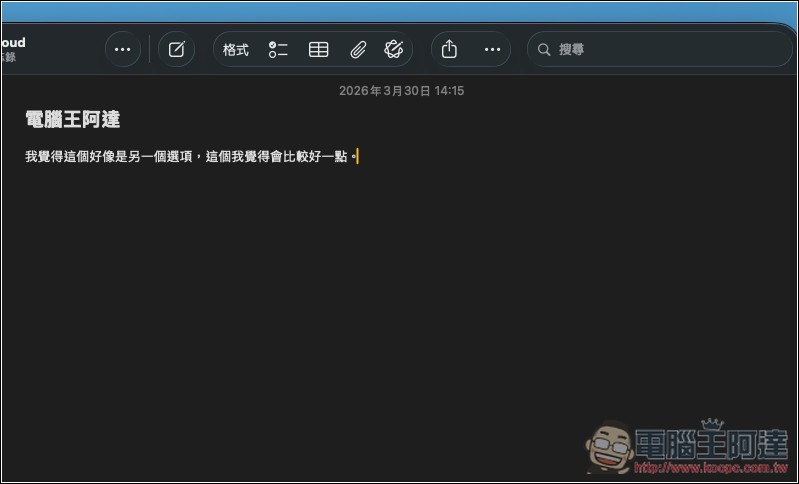
and paste it into your current window:
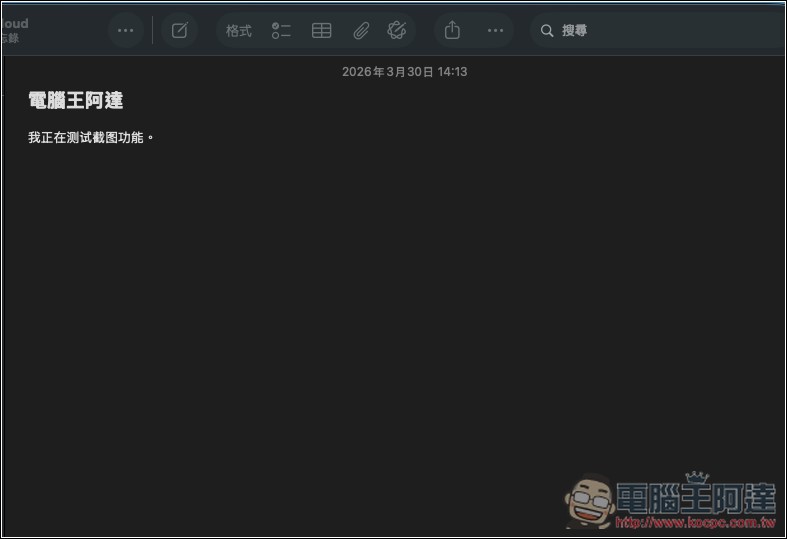
During testing, it occasionally correctly recognized Traditional Chinese. The one in the image below is an example—when I was testing the text refinement feature:
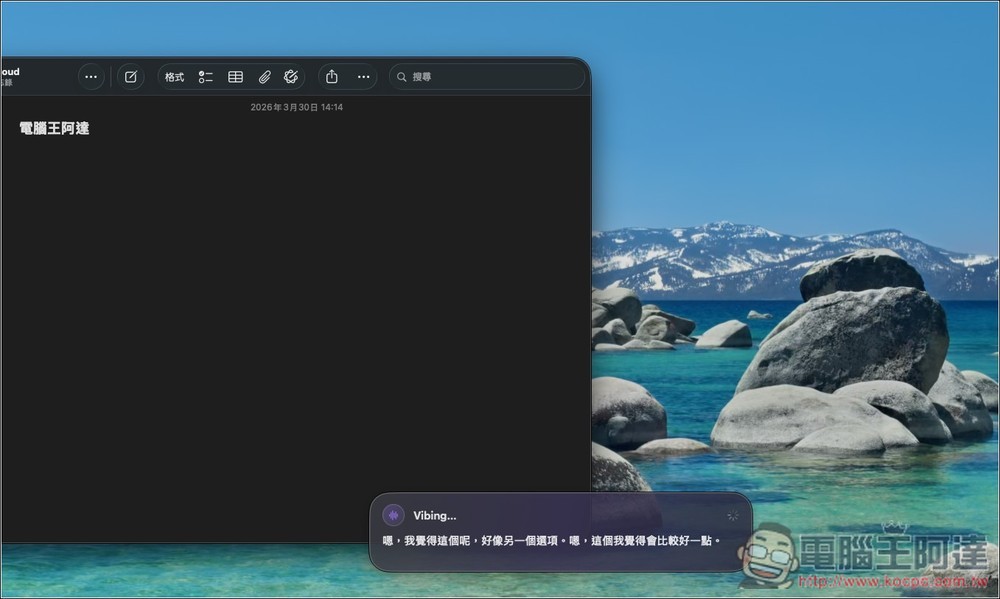
While redundant words are indeed automatically removed, the quality of content refinement still varies:
Source: KOCPC Chinese