


Although there are many video generation tools online, most of them require payment, or otherwise have limited free credits, allowing you to generate only a few videos. Recently, I discovered this incredibly generous “AI Video Maker” free tool,AI VideoAs long as it’s 480p quality, you can generate completely for free with no quantity limit. More importantly, it can even generate videos with audio, which is really great. Plus, you can use it without signing up. I want to try it out. AI People watching the video can give it a try.
AI Video Maker: Introduction and Tutorial
AI Video Maker is an online tool that offers AI video generation, image generation, and talking photo creation. It features a Chinese interface, so you don’t have to worry about not understanding it. The AI video generator is completely free for 480P and 5-second settings; higher quality or longer videos require spending points.
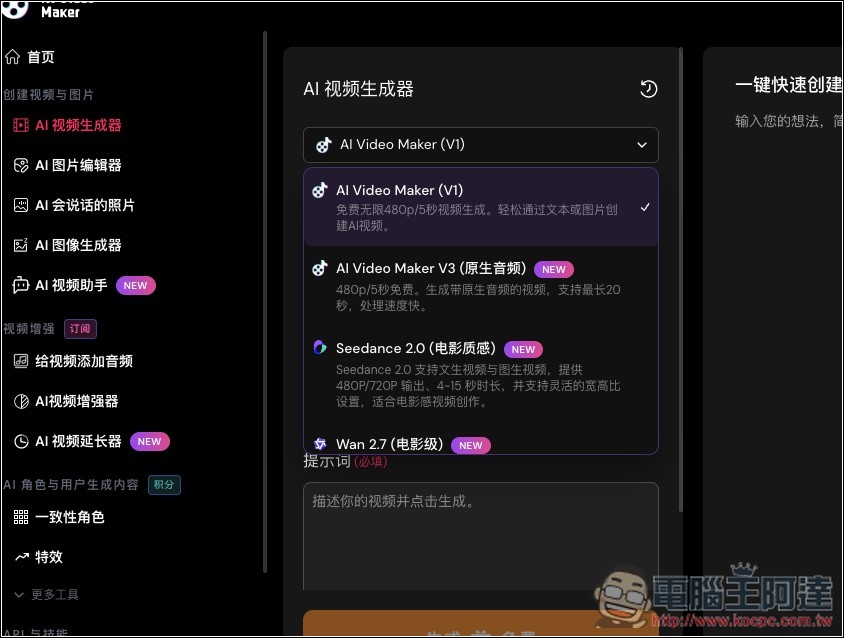
We offer multiple video generation models, with V1 and V3 available for free. We also provide the popular Seedance 2.0, Wan 2.7, Veo 3.1 Fast, and Kling v3—though these require paid subscriptions.
Image generation and talking photos are free to use as long as you use the specified quality settings. Of course, since it’s free, don’t expect it to generate videos as realistic as some paid services – there is still a significant difference.
One more thing to note is that the free generation feature may put you in a queue if there are too many users at the same time or if too much content is generated in a short period.
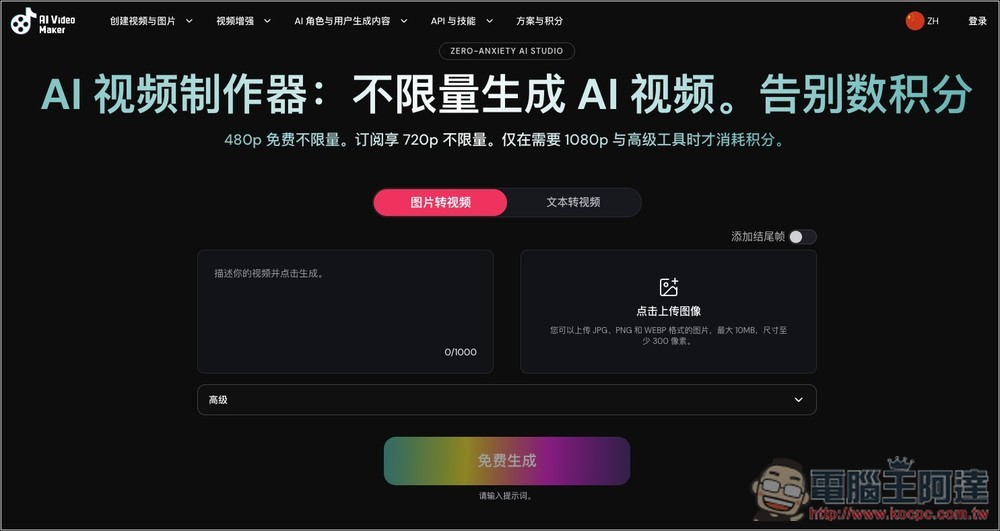
After clicking the link above to access AI Video Maker, you can choose the video generation mode you want. It offers two options: “Image to Video” and “Text to Video”. 480p is free and unlimited, 720p is unlimited after subscribing and paying, while 1080p and some advanced features require spending credits:
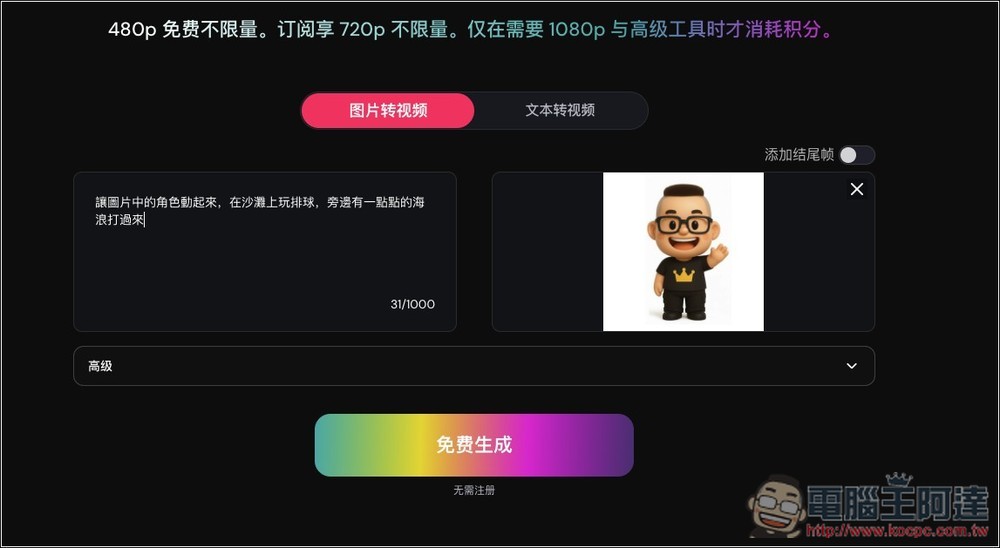
After clicking “Free Generate,” you will be redirected to the backend, where you need to click “Generate Free” again to start the generation. For the image-to-video feature, you can upload a single image, or upload a starting frame and ending frame image to generate a continuous video:
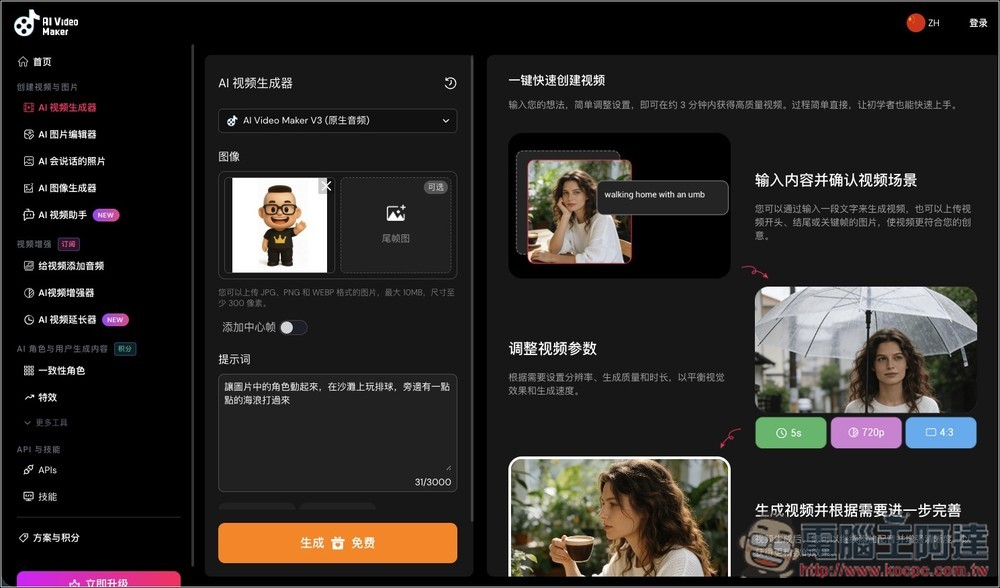
AI Video Maker (V1) is the older model, so videos generated will not have audio. AI Video Maker V3 is the newer version and generates videos with native audio. If you want videos with sound, make sure to select V3. Both models are free to use at 480p.
Once you press generate, the task will begin. Also, a reminder: if you haven’t registered an account, your generated videos will disappear once you close this page. Registered accounts retain videos for 24 hours.
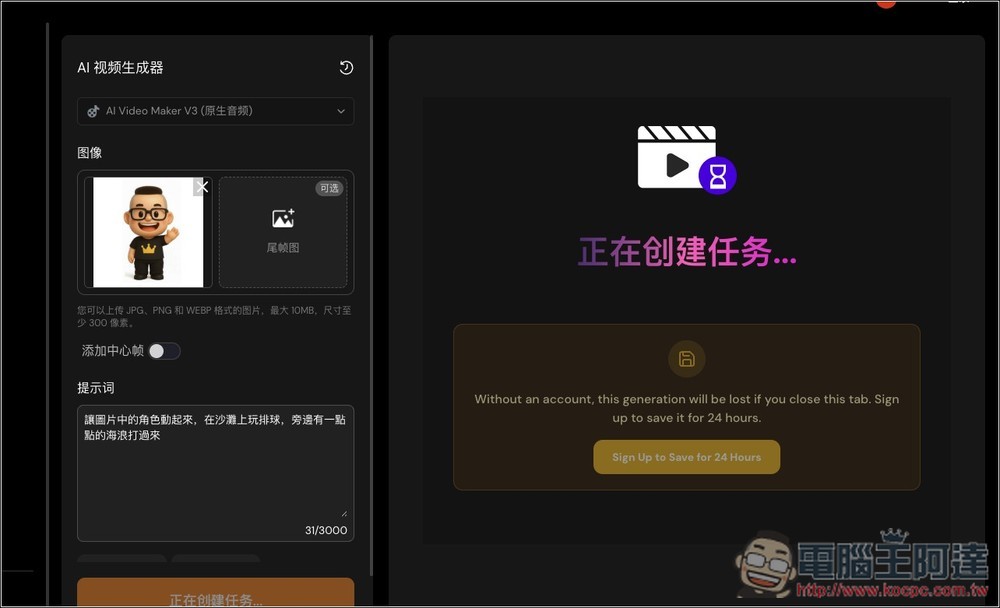
Generally, there’s a queue, but as long as you’re not generating too many videos in a short period, it usually starts within 5-10 minutes. The time shown is just for reference, and in most cases it will be shorter.
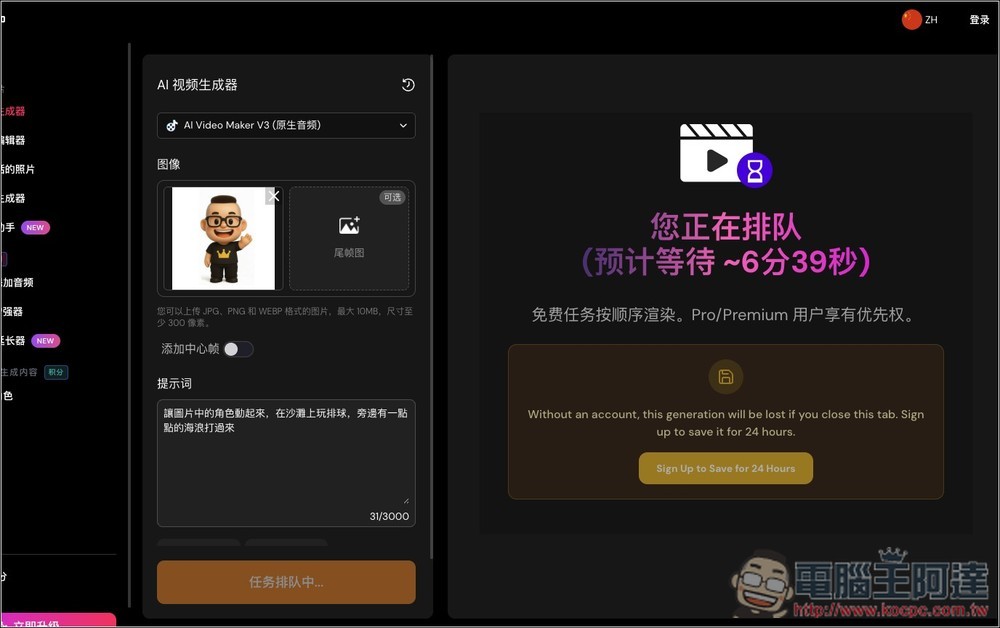
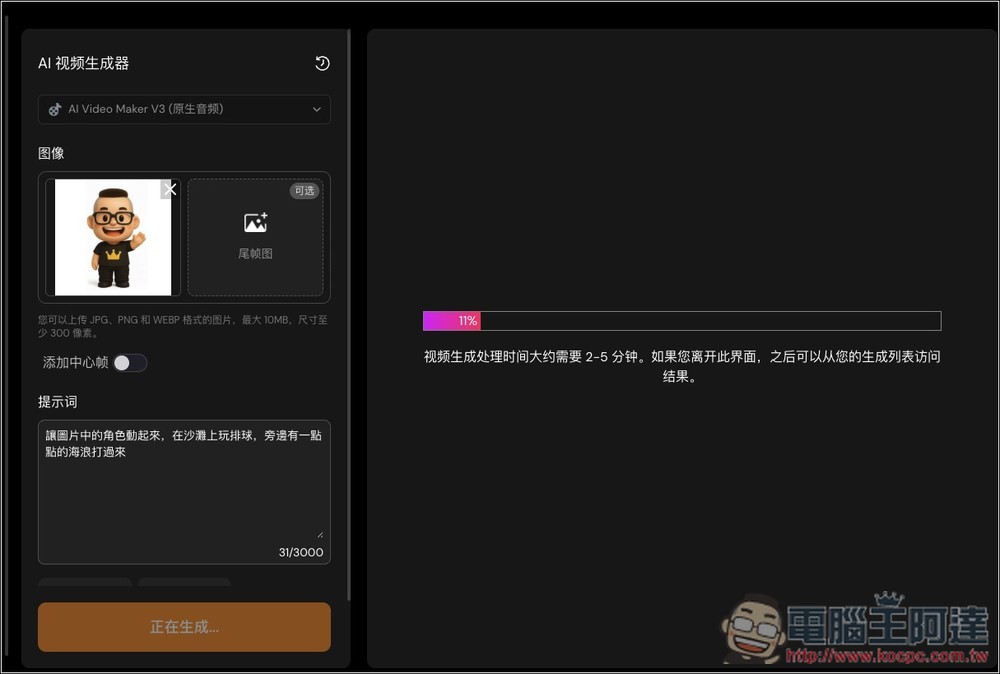
After the queue is completed, it will start generating, taking approximately 2~5 minutes:
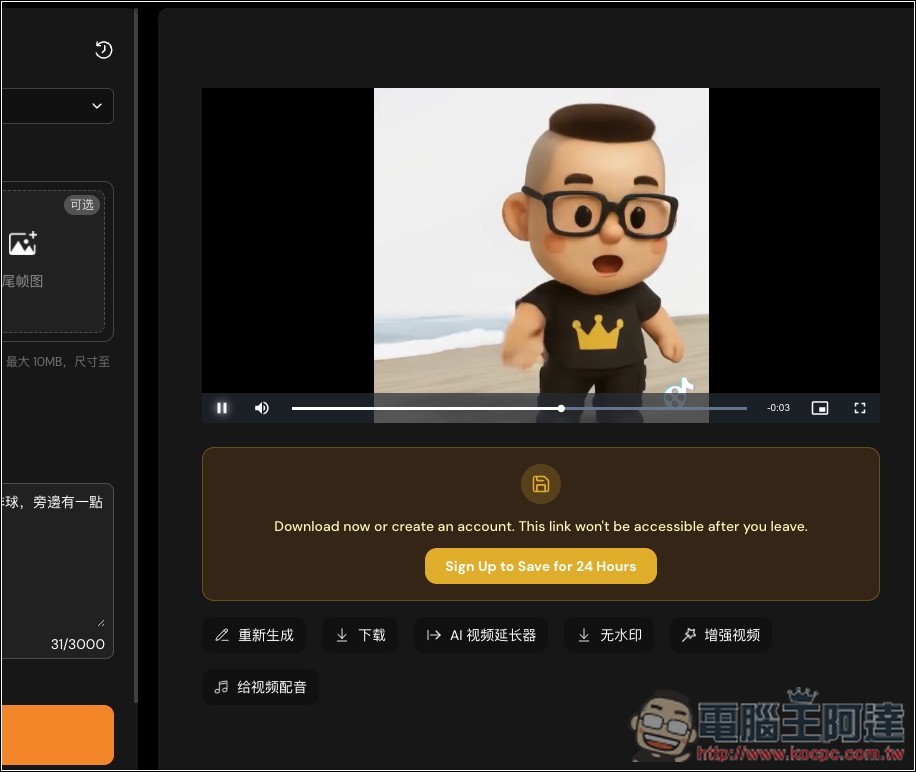
Then you can watch the video:
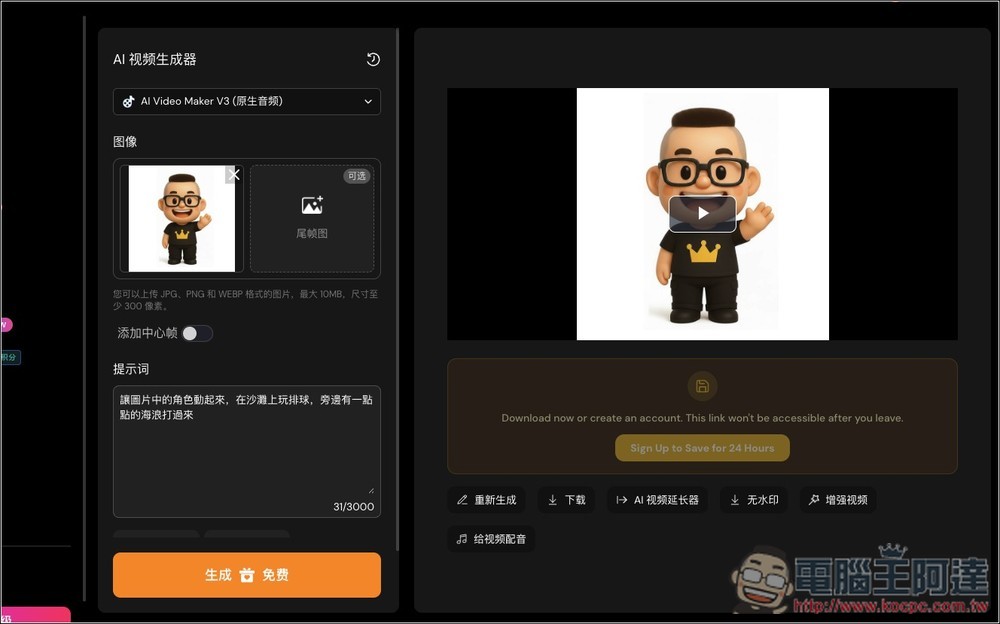
If you’re satisfied, you can click the download button below to download the video. A watermark will be included; the watermark-free version is only available for paid users.
Source: KOCPC Chinese