


When you’re immersed in a game and suddenly experience lag, many people’s first instinct is to blame the GPU. Since, on the surface, the GPU is the component in your computer responsible for rendering each frame, it’s understandable that you’d think this way—but is that really the case? In fact, lag is usually not caused by the GPU itself. What does this mean?
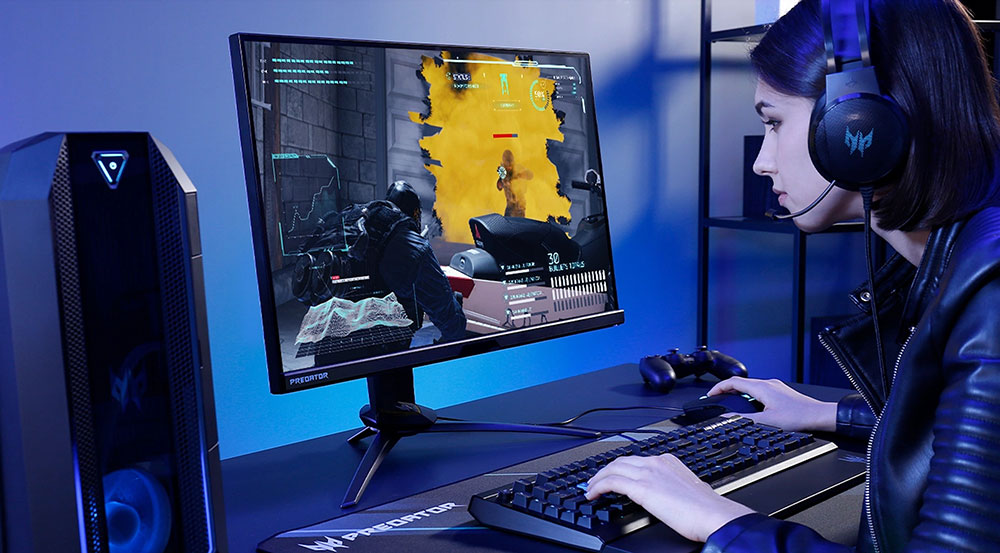
If your game is lagging, check your system first—don’t immediately blame the GPU.
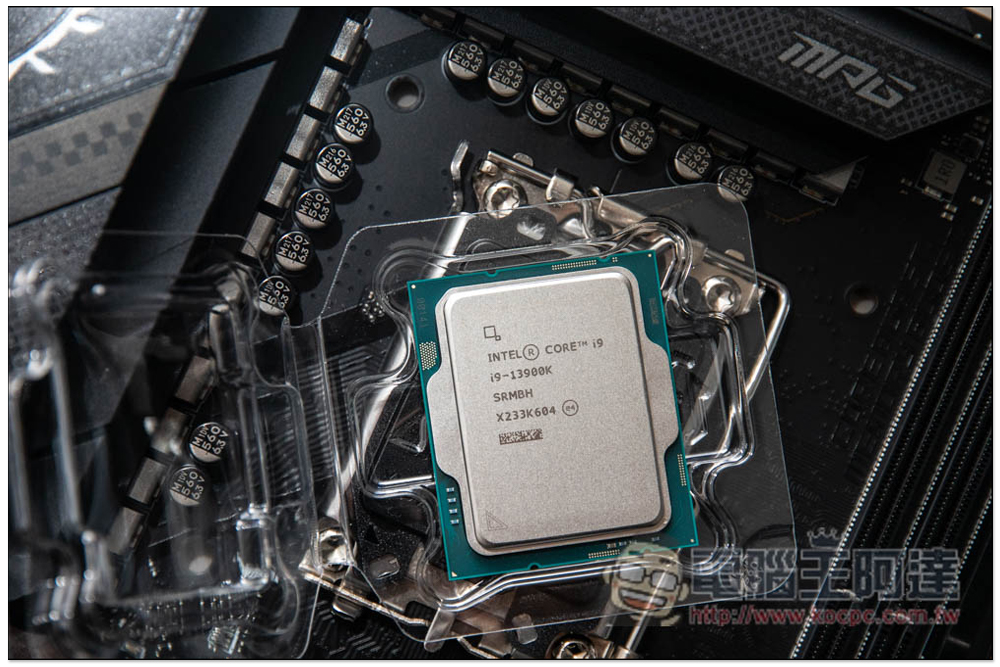
When you experience stuttering while gaming, you should look beyond the graphics card itself. CPU performance, memory behavior, storage access, background processes, and even how the game engine manages data all directly affect frame rates. When any part of the frame-rendering process becomes inconsistent, the GPU is left waiting for work, resulting in stuttering or lag. Once you understand this, pinpointing the true culprit becomes much easier.
The CPU plays a major role in determining the frame rate.
The key issue with stuttering is that it’s often masked by a “nice-looking average frame rate.” Even if the game displays an FPS of over 150, you may still experience choppiness when you quickly rotate your camera view, enter a new scene, or when a large number of events occur simultaneously on screen. This is because the average frame rate only tells you the “overall speed,” but it doesn’t reflect whether each frame is rendered at a steady pace. What truly makes a game feel choppy is the timing variation between frames—this is what we call “stuttering.” Once a game’s smoothness reaches a certain level, stability often becomes more important than a high frame rate alone.
The CPU plays a central role in maintaining stability here; it is responsible for completing the necessary preparatory work before each frame is sent to the GPU. These tasks must be completed within a fixed timeframe while sharing resources with the operating system and background processes. If the CPU is interrupted at any moment, experiences an uneven load, or its pace is slowed, the next frame will be delayed. Even if the GPU has plenty of spare capacity, it cannot begin rendering until the CPU has provided the data. This delay is the reason why you still experience stuttering even at a high average FPS.
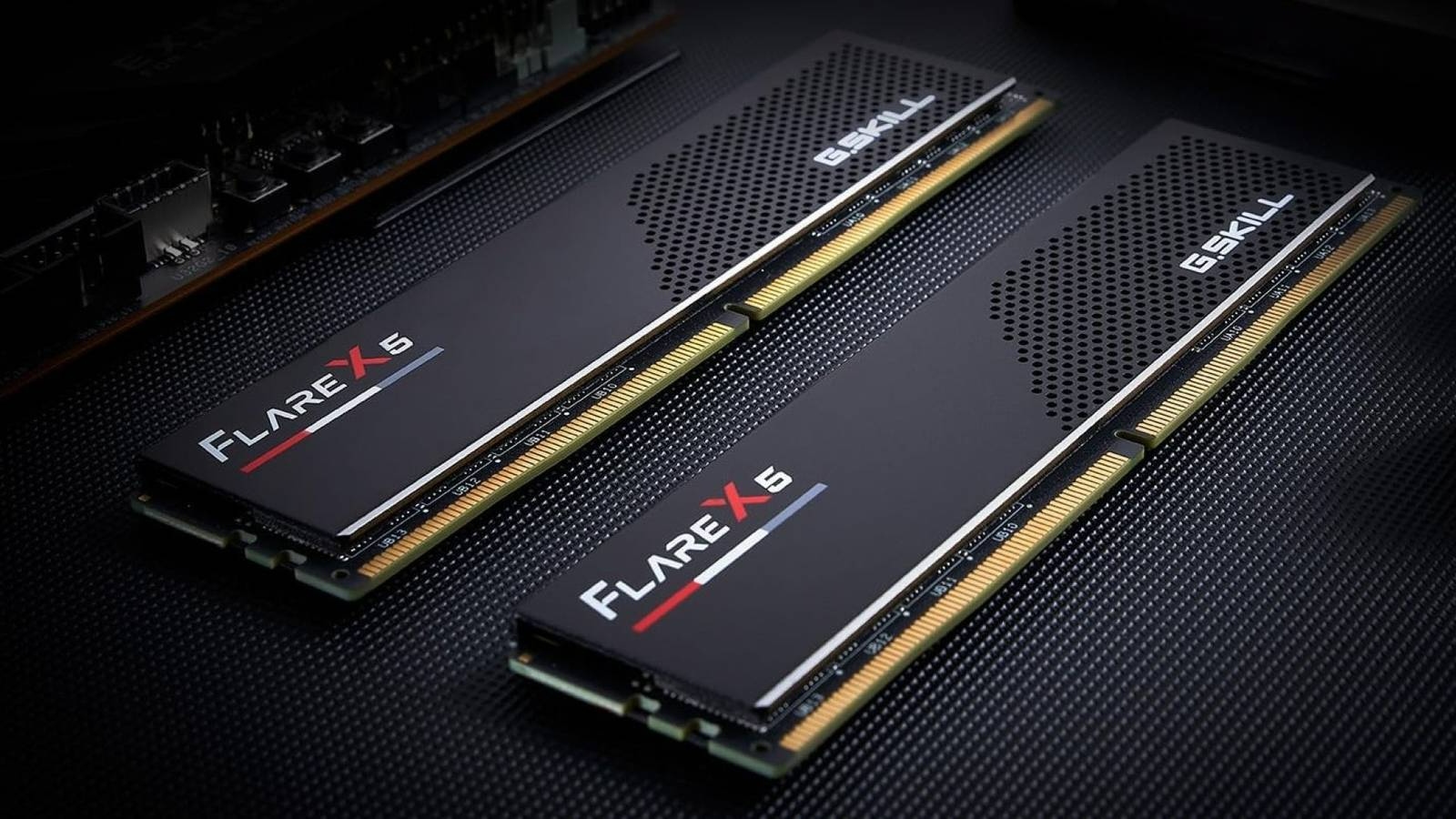
Storage space and memory can also cause lag.
Just like the CPU, storage devices and memory also affect whether each frame can be delivered on time. Modern games rely heavily on “asset streaming” to maintain the level of detail in the game world without having to load all assets at once at the start of the game. Resources such as textures, models, shaders, and sound effects are continuously read from storage and loaded into memory as the game progresses. As long as this process runs smoothly and without delay, the visuals will remain fluid, with no stuttering. However, this isn’t a problem that can be completely solved simply by swapping in a high-speed NVMe SSD.
Asset streaming also relies on sufficient memory capacity and stable data access. If memory is insufficient, Windows will begin paging some data to storage devices to free up memory. When the game suddenly needs this paged-out data, it must be read back from the SSD, a process that is much slower than accessing it directly from memory. This type of latency typically doesn’t affect the FPS but manifests as stuttering, especially when new assets are loaded—such as when you enter a new area in an open-world game.
The GPU may also cause lag.
Of course, the GPU itself can sometimes cause lag; the most common causes include driver issues and thermal throttling. However, these types of problems are usually relatively easy to diagnose. For example, if a game you play frequently suddenly starts stuttering after a driver update, rolling back the driver often resolves the issue immediately. Similarly, when stuttering occurs, we should check the GPU temperature right away; if the graphics card has throttled due to overheating, the drop in average FPS is usually very noticeable.
The same applies when GPU memory is insufficient. Once a game exceeds the available VRAM, you’ll notice a significant drop in frame rate, delayed texture loading, or sudden stuttering. However, these issues are often resolved immediately by lowering the graphics settings—unless, of course, you’re still using an 8GB graphics card to run games at 1440p or 4K in 2026. That’s precisely why GPU-related stuttering is usually easy to identify—it improves directly in response to adjustments to your graphics card settings, unlike the subtle stuttering caused by system-level issues that persist no matter what you do.
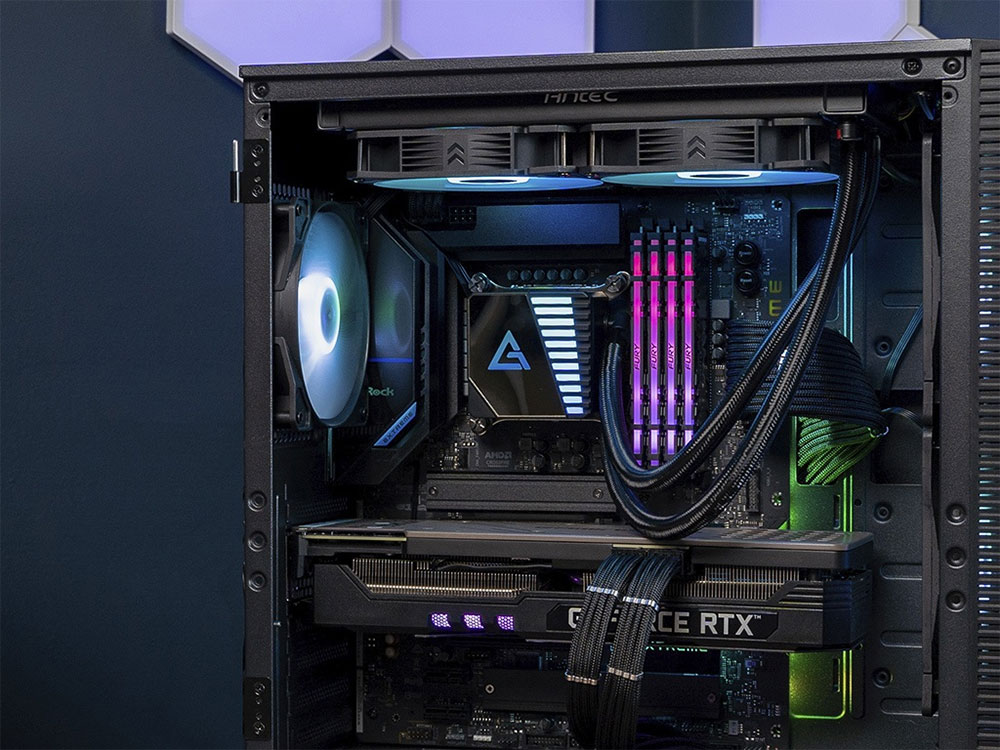
Stuttering is frustrating because it can still occur even if your computer has powerful processing capabilities. The reason is that a smooth gaming experience depends not only on whether the GPU is fast enough, but also on whether the entire system can deliver each frame on time. The CPU, memory, and storage all affect the frame generation rate; if any one of these components falls behind, stuttering will begin to occur. Therefore, looking at the problem from a holistic system perspective—rather than simply blaming the GPU—often helps pinpoint the true source of the stuttering.
Source: KOCPC Chinese