


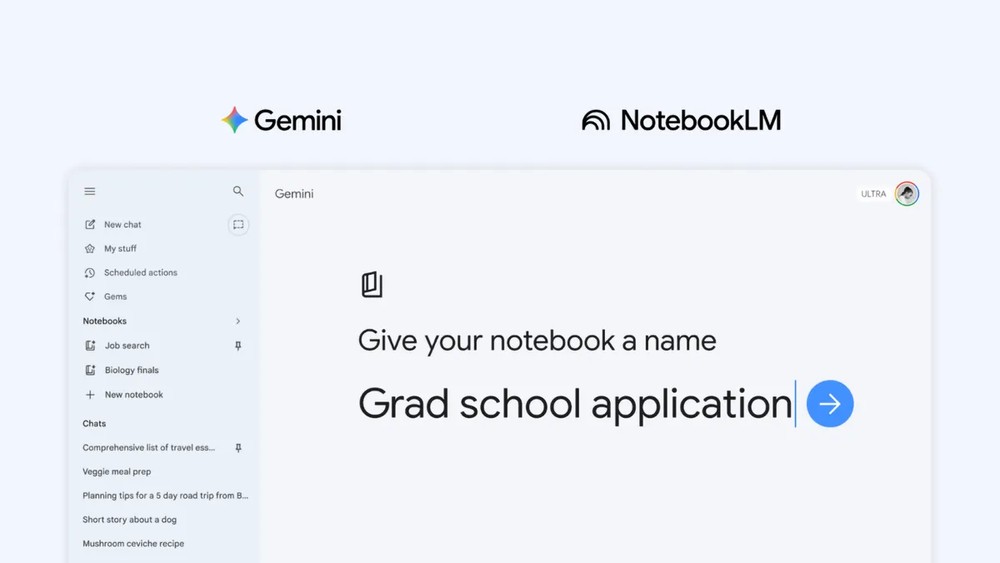
In mid-December 2025, Google officially integrated NotebookLM into Gemini, effectively combining its two most powerful AI tools. This integration was initially limited to the web version but gradually expanded to mobile apps earlier this year. By early April, Google deepened the integration further by bringing NotebookLM’s core capability—the Notebook—directly into Gemini. Now, this feature is fully available to all Gemini users, whether on free plans or paid subscriptions, allowing them to use the Notebook feature on their phones.
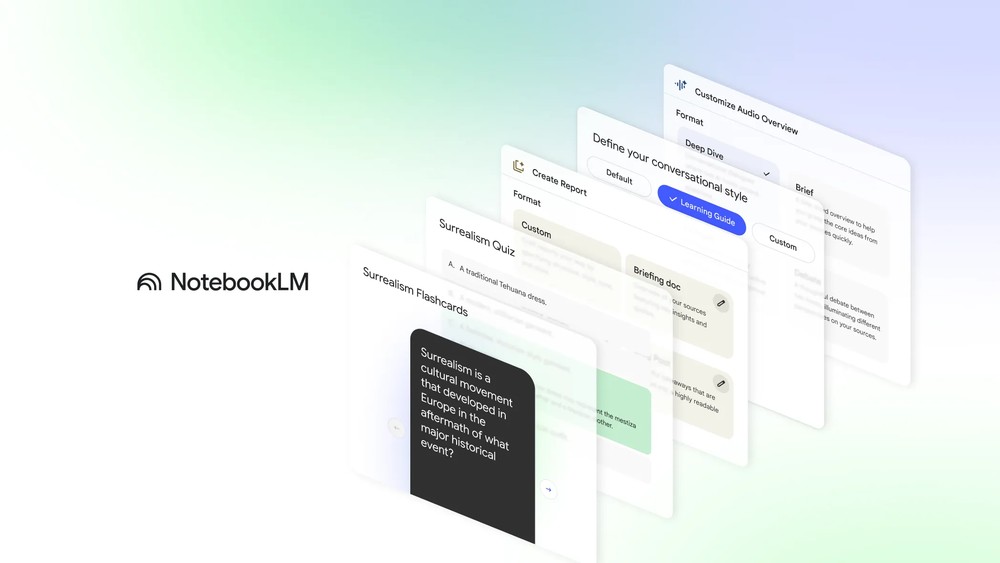
Google opens Gemini’s smartest NotebookLM feature to everyone
Early access was given to paid Google AI subscribers. In an announcement in early April, Google mentioned that the notebook feature would be rolled out to more countries and platforms over the coming weeks, including to free users. Three weeks later, the NotebookLM official account announced on X that the notebook feature in the Gemini App was fully launched and available to all mobile users, no longer limited by subscription tier.
Notebooks in @GeminiApp are officially available to Free and Paid users on mobile! 🥳
(Coming soon to additional countries in Europe!) https://t.co/BT8B3gktPR
— NotebookLM (@NotebookLM) April 30, 2026
However, there are still differences between the free and paid plans. Google says that paid Google AI users can add more data sources to their notebooks. The free plan allows up to 50 data sources per notebook, while the paid plan allows 100 to 600 data sources depending on the subscription tier. For users who need to process large amounts of research data, documents, or cross-project content, this difference directly impacts workflow flexibility.
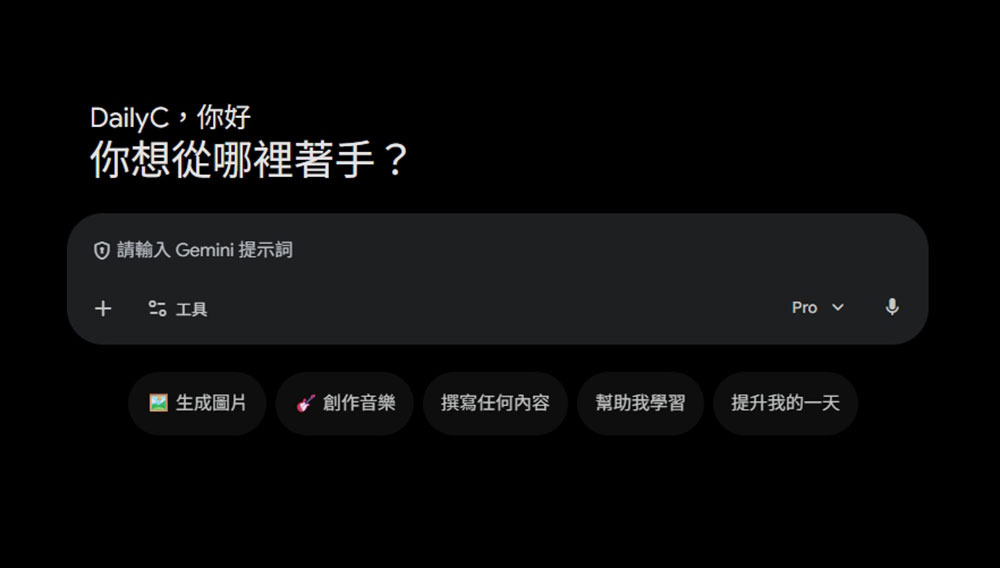
Conceptually, notebooks in Gemini are like smarter conversation folders. Rather than just centralizing your chats with Gemini, they let you gather related documents, presentations, PDFs, research materials, and more all in one notebook, so Gemini has the full context when responding. For users who frequently use Gemini for research, writing, project planning, or data organization, this essentially creates a project-level AI workspace.
For example, if you’re working on a long-term research project, you can put all related conversations, documents, and reference materials in the same notebook. Gemini will treat this notebook as the project’s knowledge hub, so when you return at different stages, you can pick up where you left off without having to re-explain the context or repeat information.
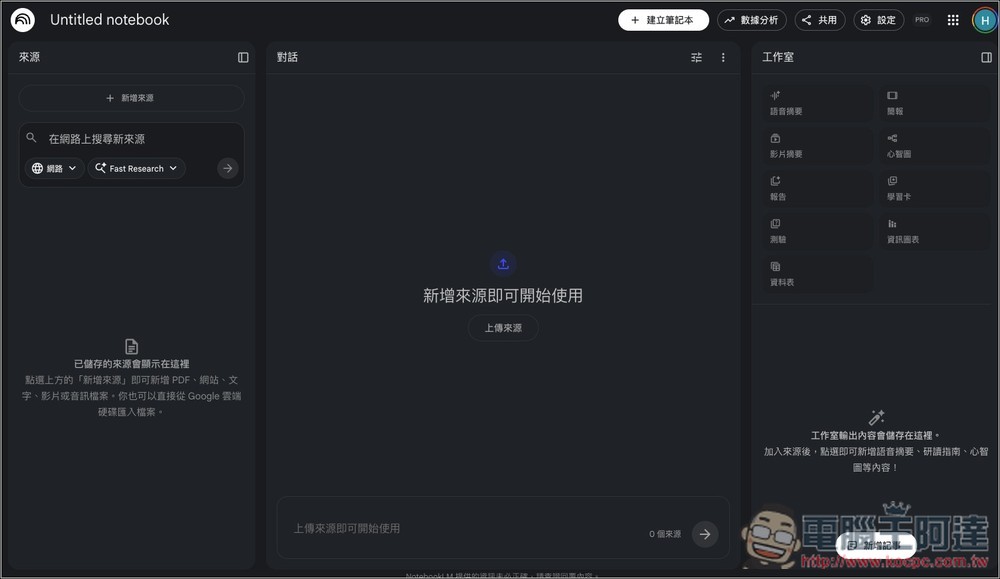
More importantly, the notebooks in Gemini and NotebookLM sync bidirectionally, meaning you can handle most of your queries, drafts, summaries, or data organization in Gemini, then switch over to NotebookLM to leverage its stronger data analysis and discussion capabilities for deeper reasoning or content generation based on the same source materials. This integration makes Google’s AI ecosystem feel more like a cohesive workflow rather than two separate tools.
Beyond notebook integration, Google has also recently added file export functionality to Gemini. This update comes right after Gemini introduced file generation capabilities, allowing users to directly convert Gemini’s output into various common formats, including PDF, Word, PowerPoint, Markdown (MD), RTF, and more. While this may seem like a minor update, for users who need to share research findings, presentation drafts, or document drafts with others, it saves the time of manual copy-pasting and brings Gemini closer to being a truly workflow-ready AI assistant.
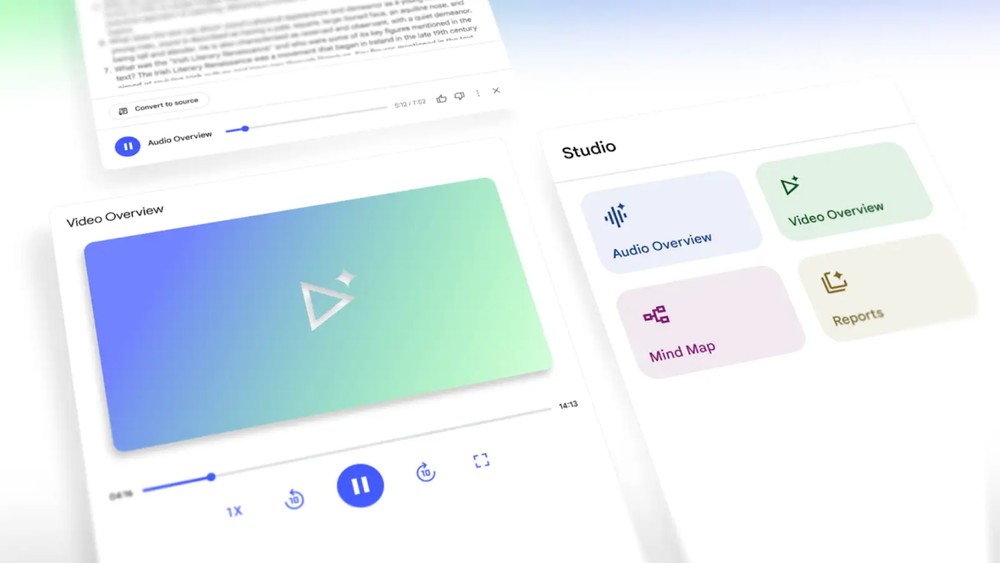
Overall, Google is positioning Gemini as a more comprehensive AI work platform, rather than just a chatbot. The full rollout of notebook features, deep integration with NotebookLM, and practical functions like file export all allow Gemini to better integrate into users’ daily work and research workflows. As support gradually expands to more regions, Gemini’s role will also evolve from “answering questions” to serving as an AI partner that “helps manage and drive projects.”
Source: KOCPC Chinese