


Recently, OpenAI launched the currently strongest ChatGPT Image 2.0code name gpt-image-2 The new next-generation image generation model, with its stunning text rendering capabilities, O-series reasoning integration, and 4K resolution support, swept the Image Arena leaderboard, surpassing Nano Banana Pro, and claimed the top spot within 12 hours with a +242 point lead. However, most users only treat it as a “more powerful drawing tool”: enter prompts, wait for images, download, done. Recently, Image 2 was discovered by some professional designers to have a hidden capability:GPT Image 2 can generate transparent images with alpha channels, and can even export layered PSD files directly through post-processing scripts.
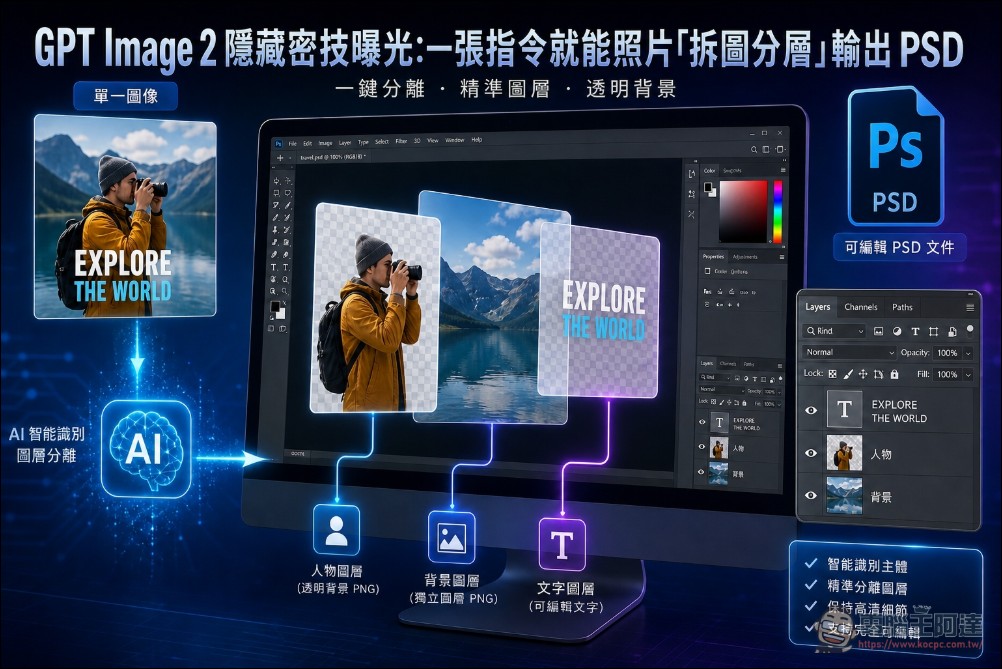
A single command to split photos into layers and export as PSD
Most people’s conception of AI image generation is still stuck at “enter a prompt → generate an image,” but the true killer app of GPT Image 2 is actually the reverse operation:Not drawing diagrams, but dissecting them.
OpenAI explicitly lists the PNG format in its official technical documentation as gpt-image-2 One of the API’s standard output options supports transparency, alongside JPEG (no transparency support) and WEBP (supports transparency). This capability existed back in the GPT Image 1 era, but in version 2.0, thanks to significantly improved understanding of composition and semantics, the practical utility of the generated results is entirely different. This means it can produce PNG files with “truly transparent backgrounds,” rather than simulating transparency effects on a white background like other models. The usage is also straightforward—simply select “Create Image” on the ChatGPT page and enter your prompt.
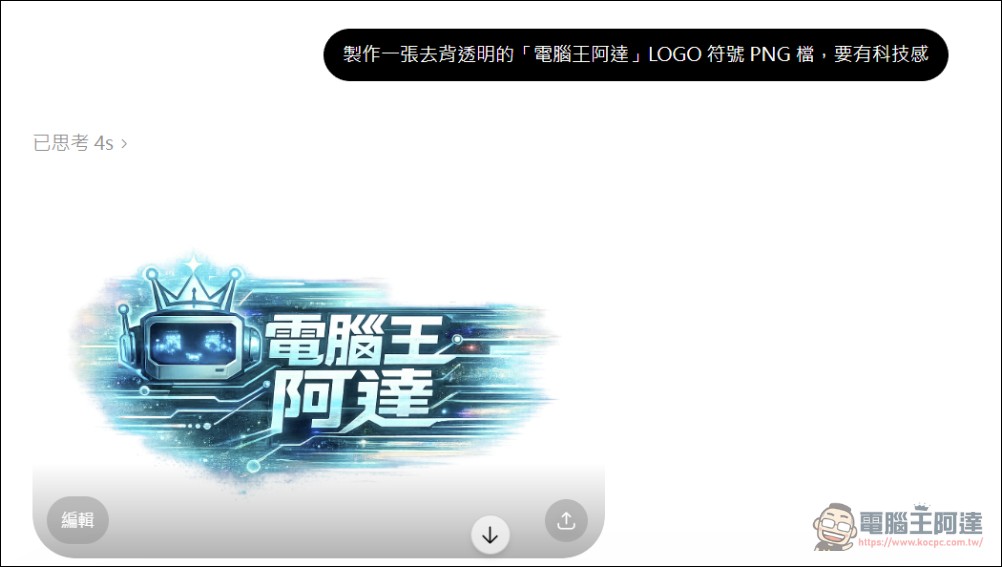
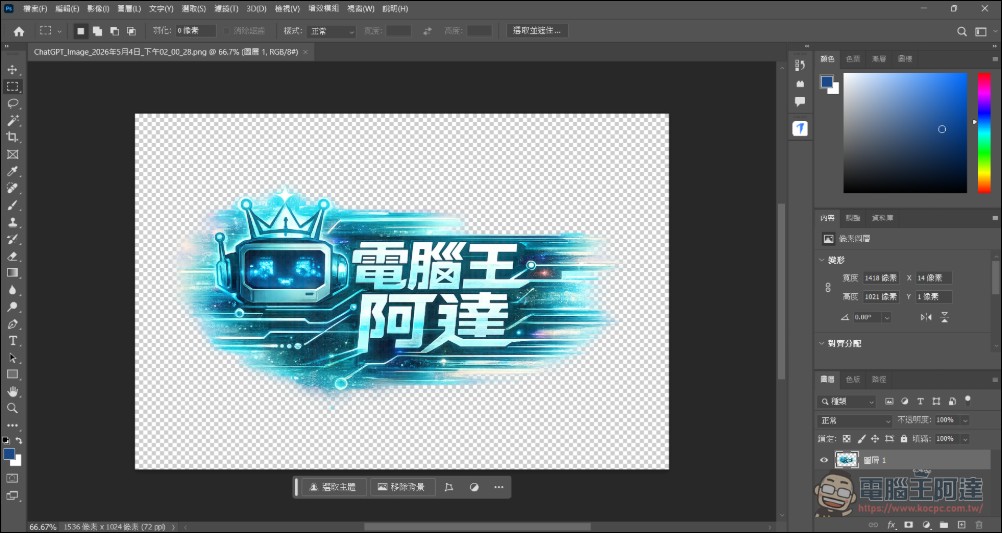
Users can simply ask GPT Image 2 to “generate text on a transparent background” to instantly create title layers for YouTube thumbnails or social media posts, eliminating the need for any background removal. This means when you import the image into Photoshop, After Effects, or other post-production software, images with native transparency channels can be directly layered and edited without manual background removal.
The key to this technique lies in the precise crafting of prompts, as not all requests for “transparent background” will be executed correctly. According to OpenAI’s documentation,gpt-image-2 When the model detects that a user needs to edit or partially modify an existing image, the “O Series Reasoning” mechanism activates a more refined layer processing workflow.
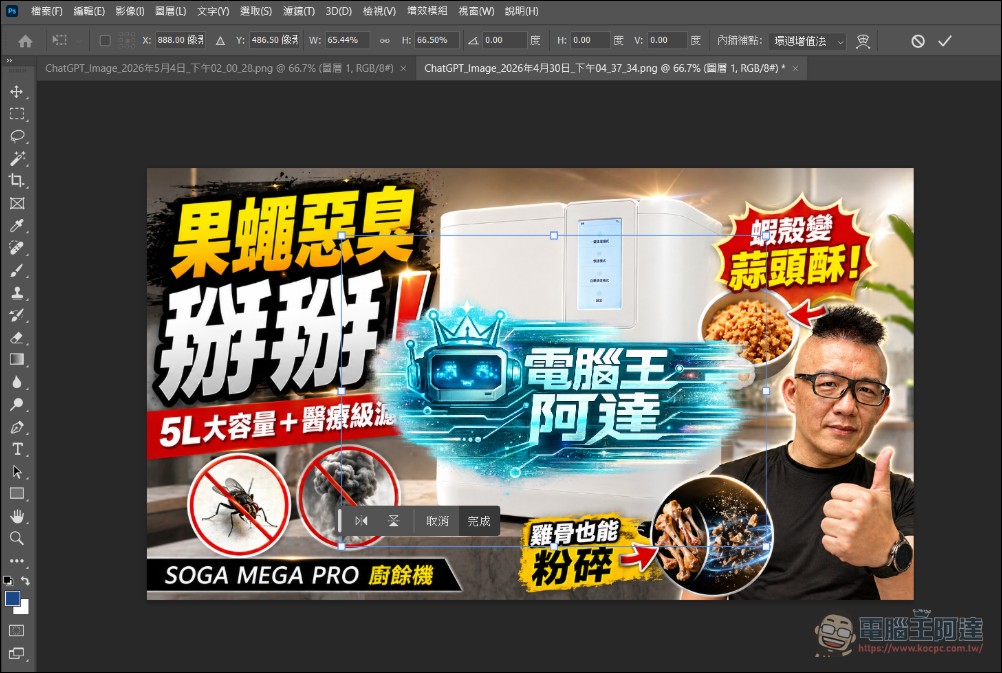
For creators who frequently produce social media content, this means tasks that previously required multiple Photoshop steps (typing → removing background → adjusting opacity → exporting) can now be done with a single prompt.
AI Background Removal: Perfectly Extracted Subjects, Intelligently Filled Backgrounds
Another stunning application is GPT Image 2’s “air grab” capability: upload a regular photo, ask the model to extract a specific person or object, and the model not only cuts out the subject with precision but also “intelligently fills in” the occluded background. Separate the person from the background in this image, fill in the background, and give me a layered PSD file. With a simple command to extract the person, GPT Image 2 not only perfectly separates the person into an independent layer but also produces a “clean scene image with the background completed.” In traditional workflows, this would require Photoshop’s Content-Aware Fill combined with meticulous manual masking, taking at least several minutes, and would require an Adobe subscription.
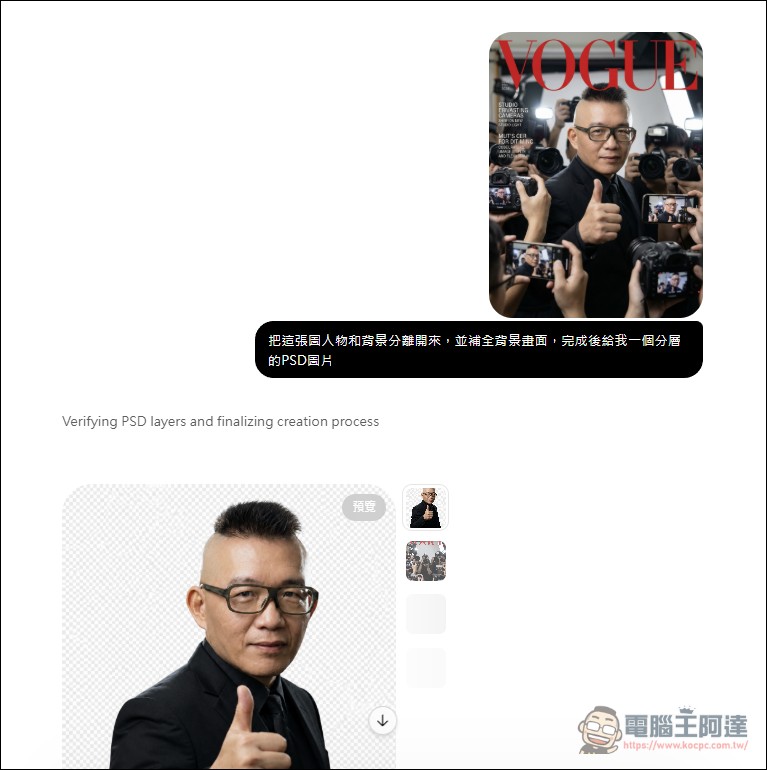
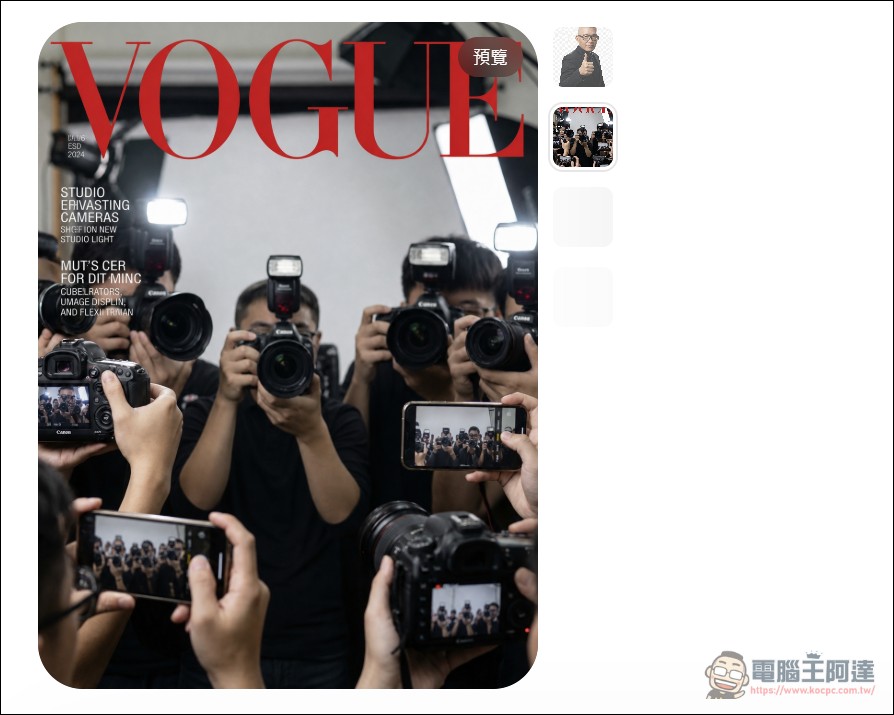
However, to use GPT Image 2’s Thinking mode (exclusive to Plus and Pro subscribers), it integrates O-series reasoning capabilities, enabling it to “think” through layout strategies, search the web for references, and even analyze uploaded document content before executing image tasks. This explains why the model can make decisions like “filling in the background” when removing subjects—decisions that require understanding scene logic.
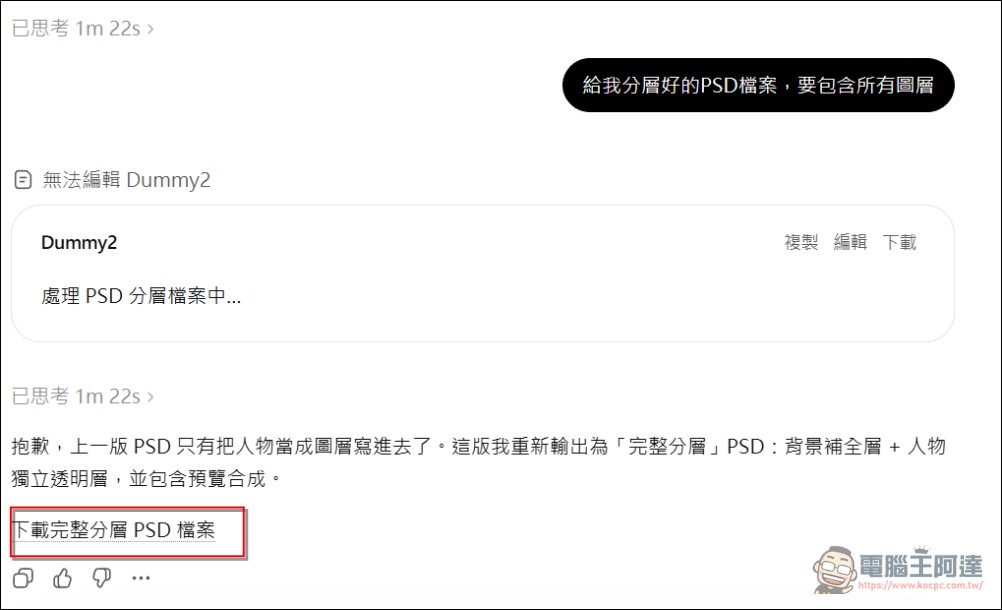
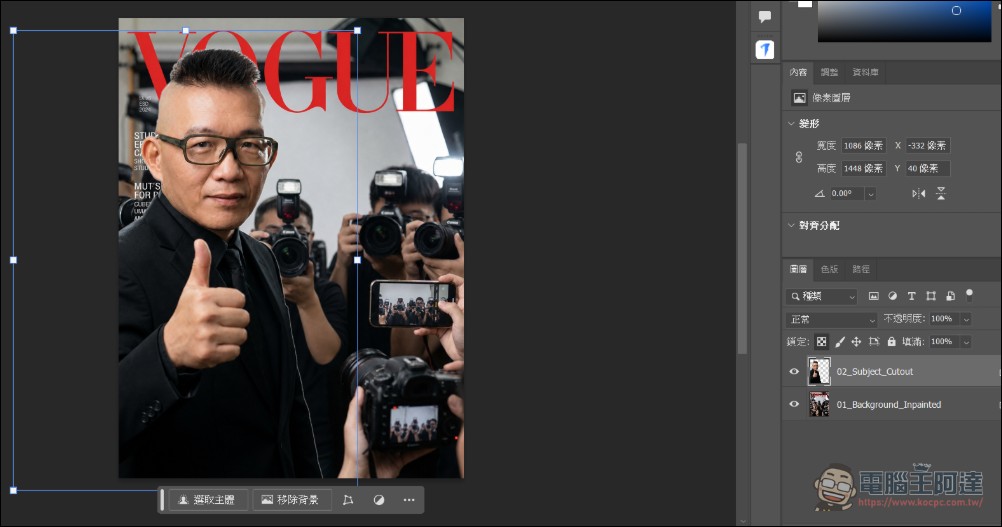
Not only that, but you can also ask GPT Image 2 to package these separated transparent PNG layers into a standard Photoshop layered file. GPT will use Python’s psd-tools A tool that packages multiple transparent PNG layers generated by GPT Image 2 into a standard PSD file. If it fails, starting a new conversation or re-requesting should solve it:
There are many other ways to play around with this, and those interested can try it themselves. Since OpenAI’s current Image 2 generation capabilities are incredibly powerful, and it can also…Keep Openclaw and horseshas excellent abilities, and now the cost-performance ratio has already far exceededThey’re quick to ban accounts and hit you with finesAnthropic’s Claude is good, and for most people the $20/month Plus membership is more than enough, so I recommend everyone give it a subscribe. Google is also worth subscribing to because their image generation isn’t bad either (though recently they keep imposing restrictions and getting dumber), but they do give you 5TB of storage. If you’re on a limited budget and can only pick one, I currently recommend OpenAI.
Source: KOCPC Chinese