


Although Windows has its own “Add or Remove Programs” feature that lets you uninstall software installed on your computer, compared to third-party tools, Windows’ built-in uninstaller sometimes fails to completely remove programs, or may even fail to uninstall them or list them in the list at all. In this article, I’d like to recommend “Bulk Crap Uninstaller,” a free and open-source tool that’s even more effective than the built-in uninstaller. It’s extremely powerful—not only does it scan installed software, but it also supports portable apps, and it provides a wealth of detailed information for each program—including installation date, trust rating, and more—allowing you to quickly identify any rogue software.
It also provides a section sorted by file size, so you can see at a glance which programs are taking up too much hard drive space.
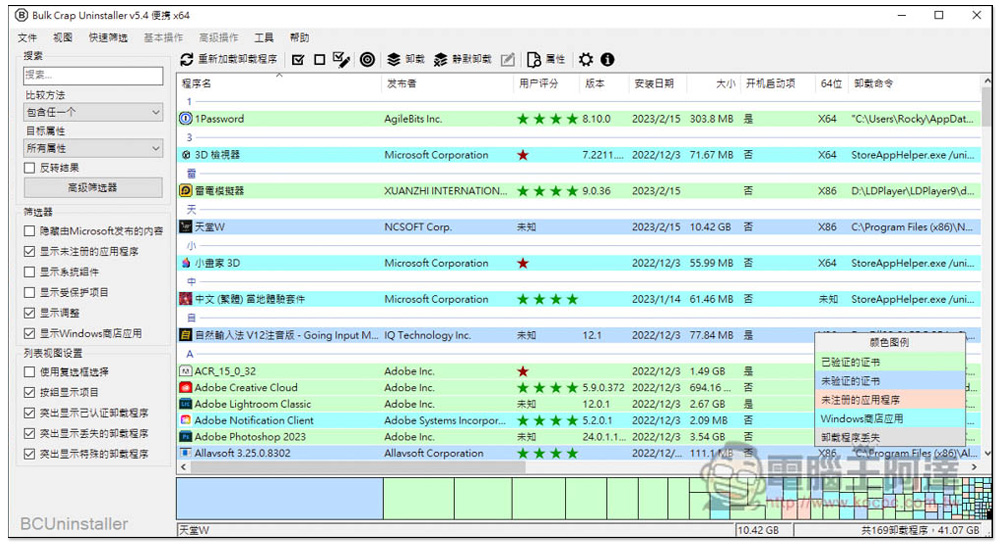
Bulk Crap Uninstaller is probably the most powerful uninstaller tool available right now—it’s free, open-source, and can scan portable software.
Bulk Crap Uninstaller is available in both an installer version and a portable version. The portable version is quite large—about 150 MB—so depending on which version you prefer, head over to the GitHub Releases page to download it.
The software performs a scan every time it is opened. The default language is English, but this version includes a Chinese language pack:
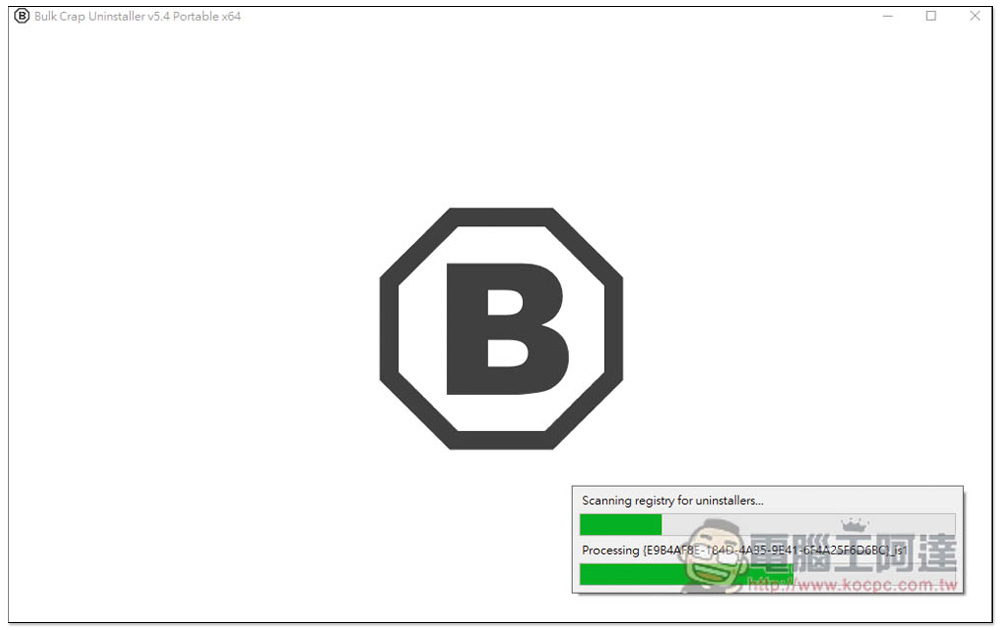
At the beginning, you’ll be prompted to set the language. If you don’t want to use English, be sure to open the menu and select Chinese:
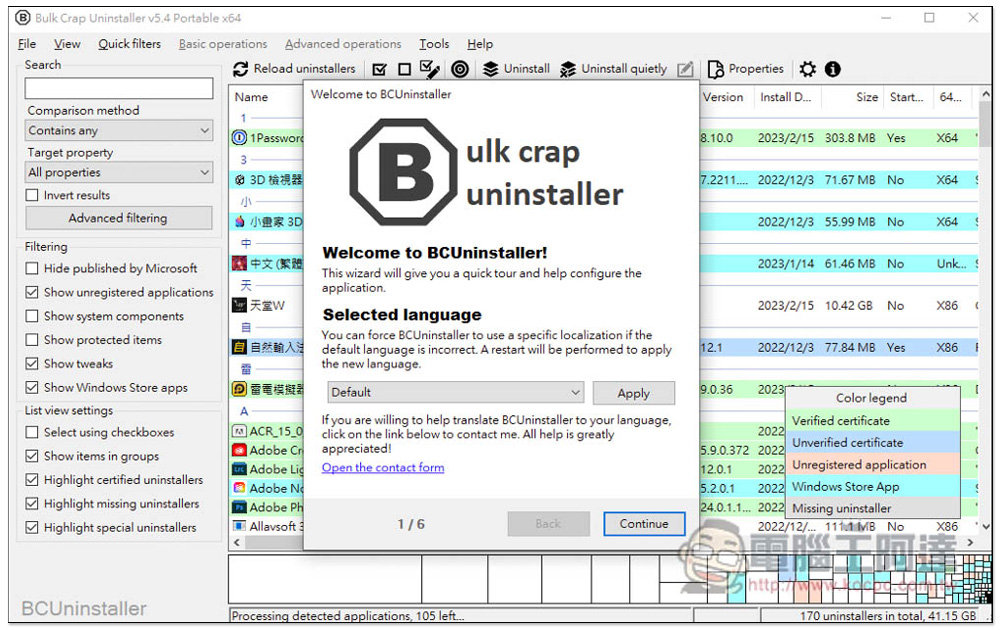
Once you’ve configured the settings, click “Apply”:
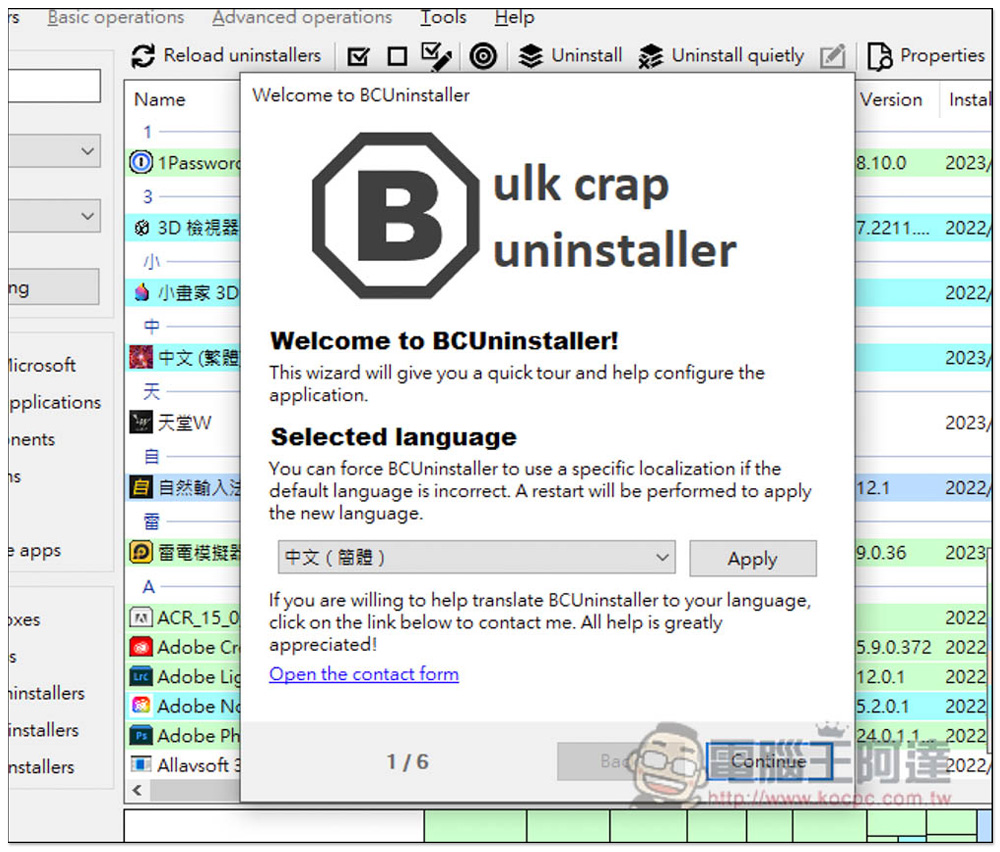
The system will then restart, and the interface will switch to Chinese,Currently, only Simplified Chinese is available; Traditional Chinese is not available at this time.Traditional Chinese is already available:
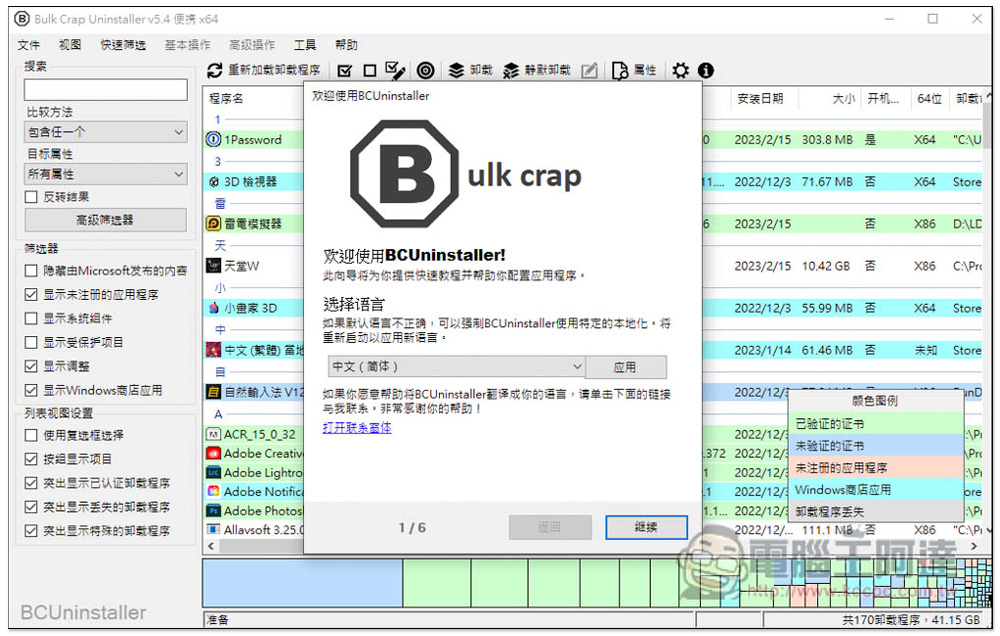
At the beginning, there is a 6-step setup process. We recommend that you review it carefully to see if any of these steps apply to you:
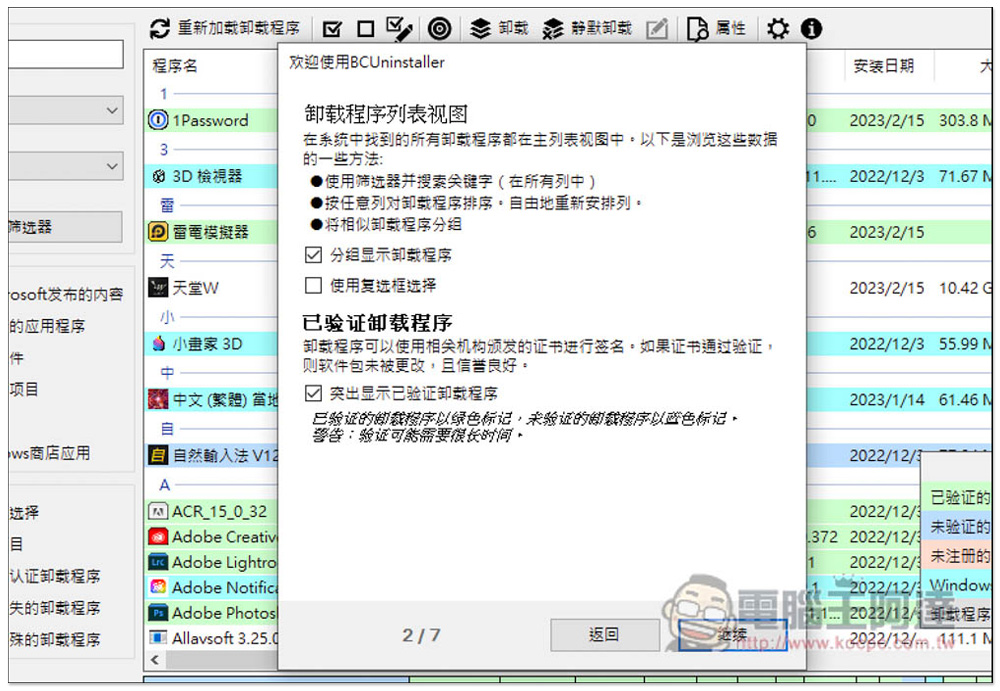
Just give it a quick scan. If you’re not sure what it’s for, just keep the default settings and click “Continue”:
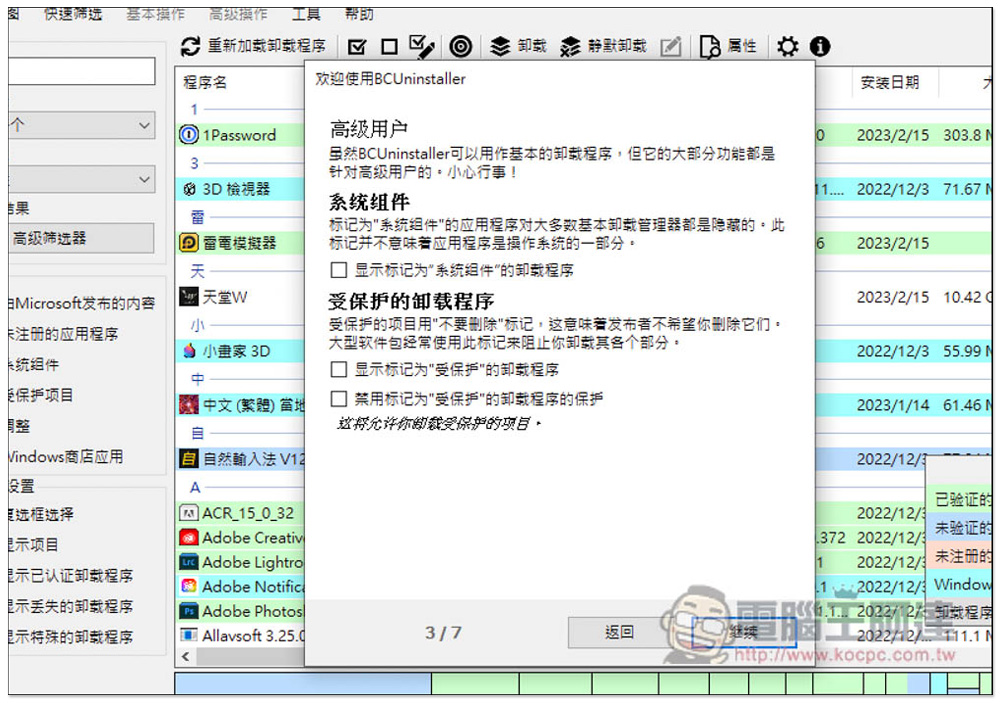
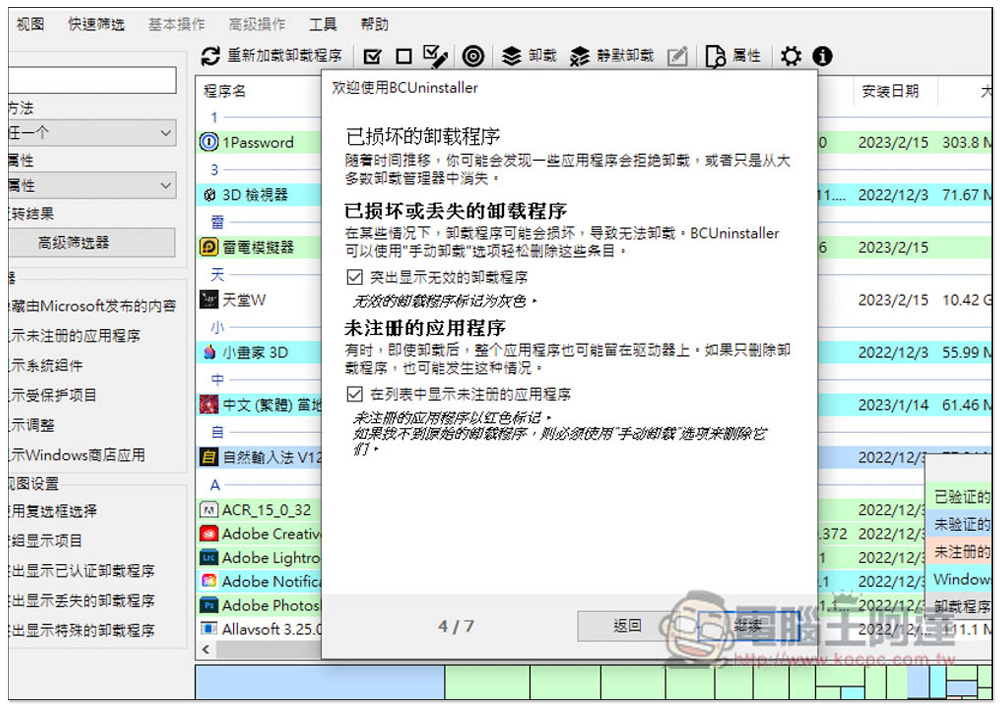
For software that is already damaged or missing, a highlighting feature is also provided to help you quickly identify it—such as programs that cannot be uninstalled using Windows’ built-in Add or Remove Programs feature:
Once the setup is complete, you’ll be taken to the main screen. For each app, the publisher, user rating, installation date, size, bit version, and other details are displayed in great detail. For apps you’re unfamiliar with, I highly recommend taking a look at this information to decide whether to keep them. I think user ratings should be taken with a grain of salt. For example, Microsoft’s built-in 3D Viewer and Paint 3D both have only one star, but they aren’t rogue software, so using this as a sole criterion isn’t very accurate:
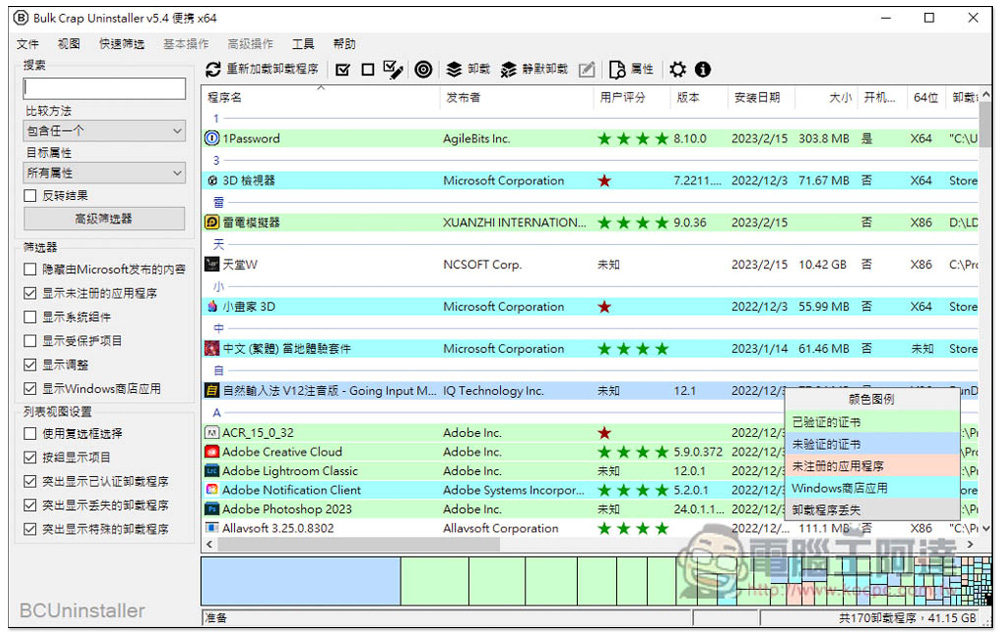
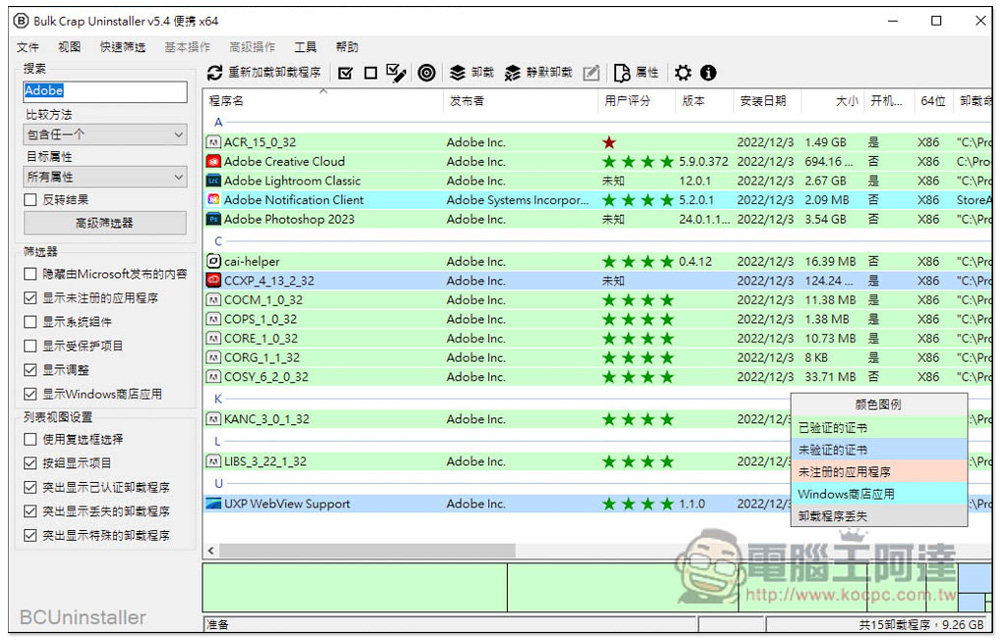
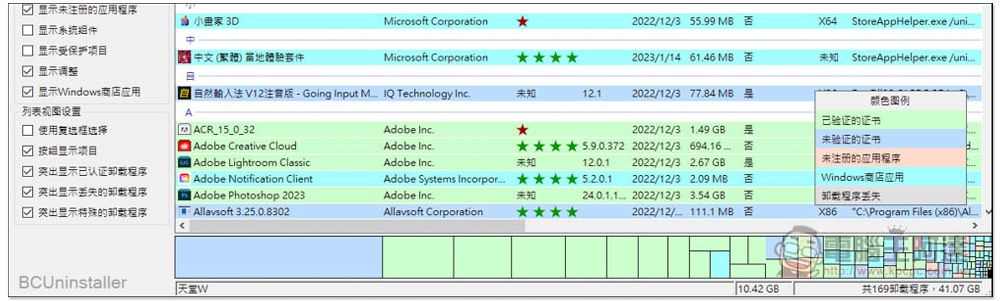
The color scheme is divided into five categories, which is nice—it lets you see at a glance what the software’s status is:
- With a verified certificate
- Unverified Certificate
- Unregistered Applications
- Windows Store Apps
- Uninstaller Missing
The uninstallation process is also very simple: select the software you want to remove, open the right-click menu, and the first option is “Uninstall”:
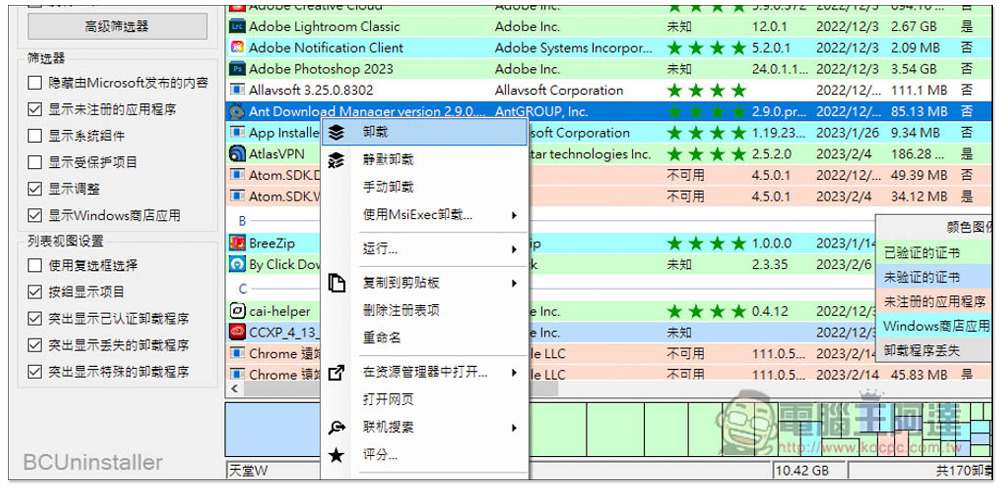
We offer both uninstallation and silent installation options. The next page explains what the silent installation is for:
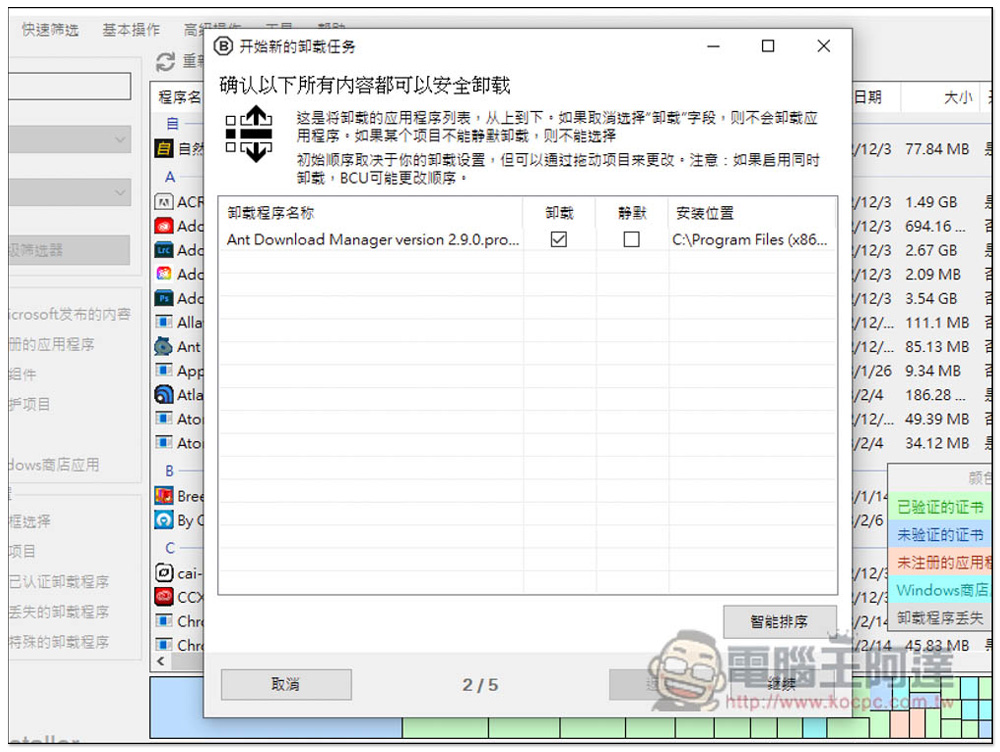
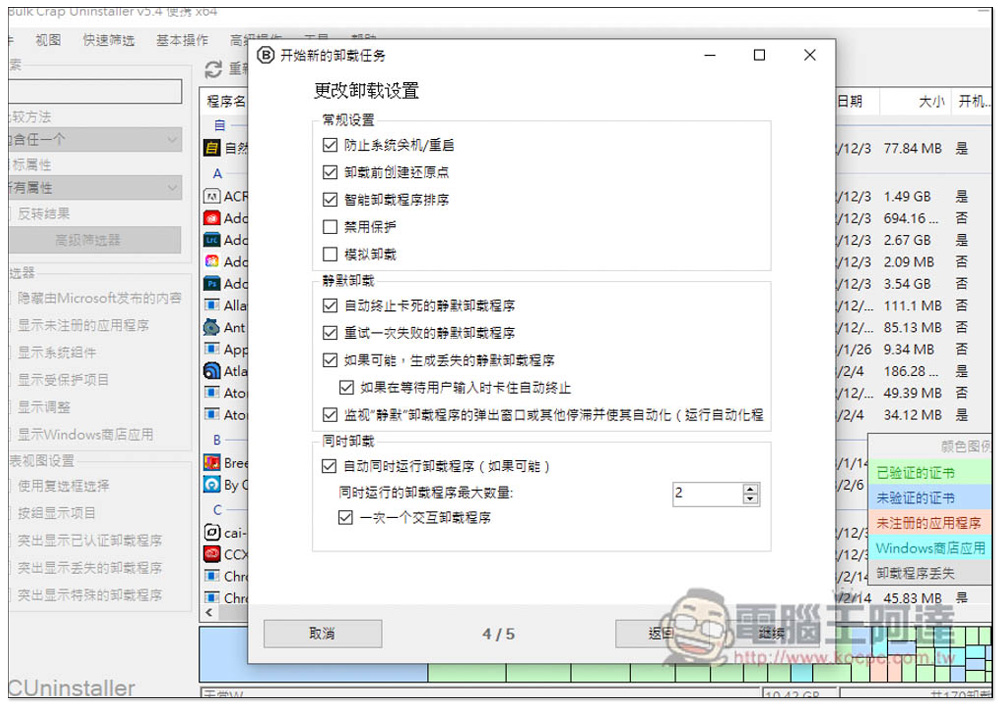
Silent Uninstaller seems to be designed for those stubborn, hard-to-remove programs; normally, you can just uninstall them. One thing I really like is that this tool prevents the system from shutting down or restarting after uninstallation, and it also creates a system restore point before uninstallation, so you can revert the changes if you change your mind:
You’ll be asked to confirm one more time before removal. If everything looks good, click Start:
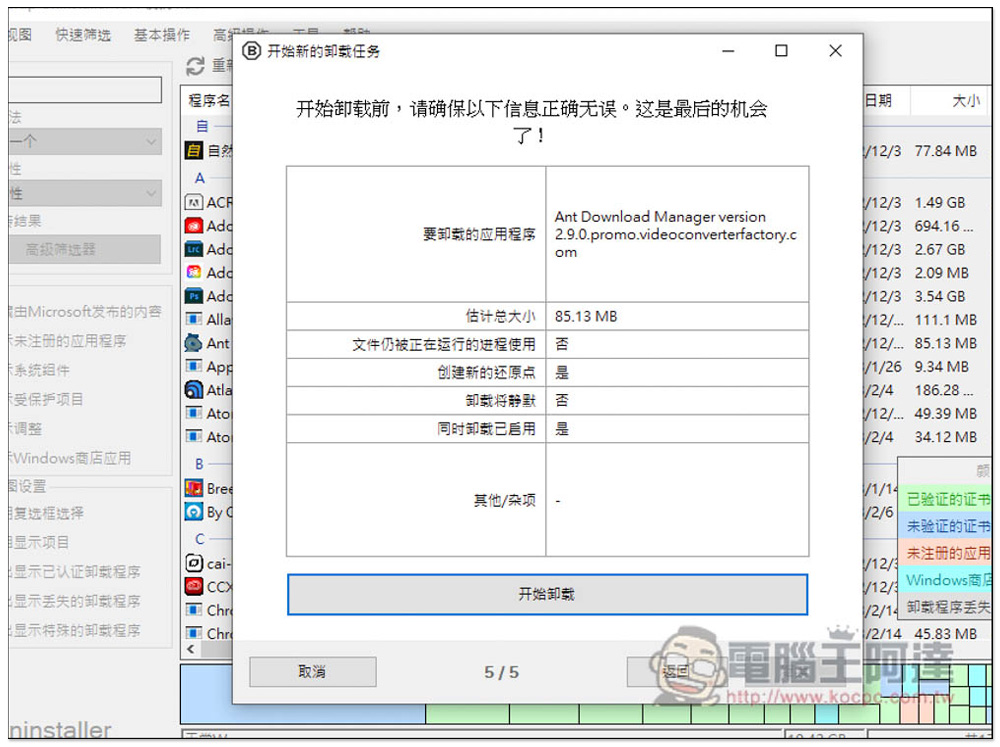
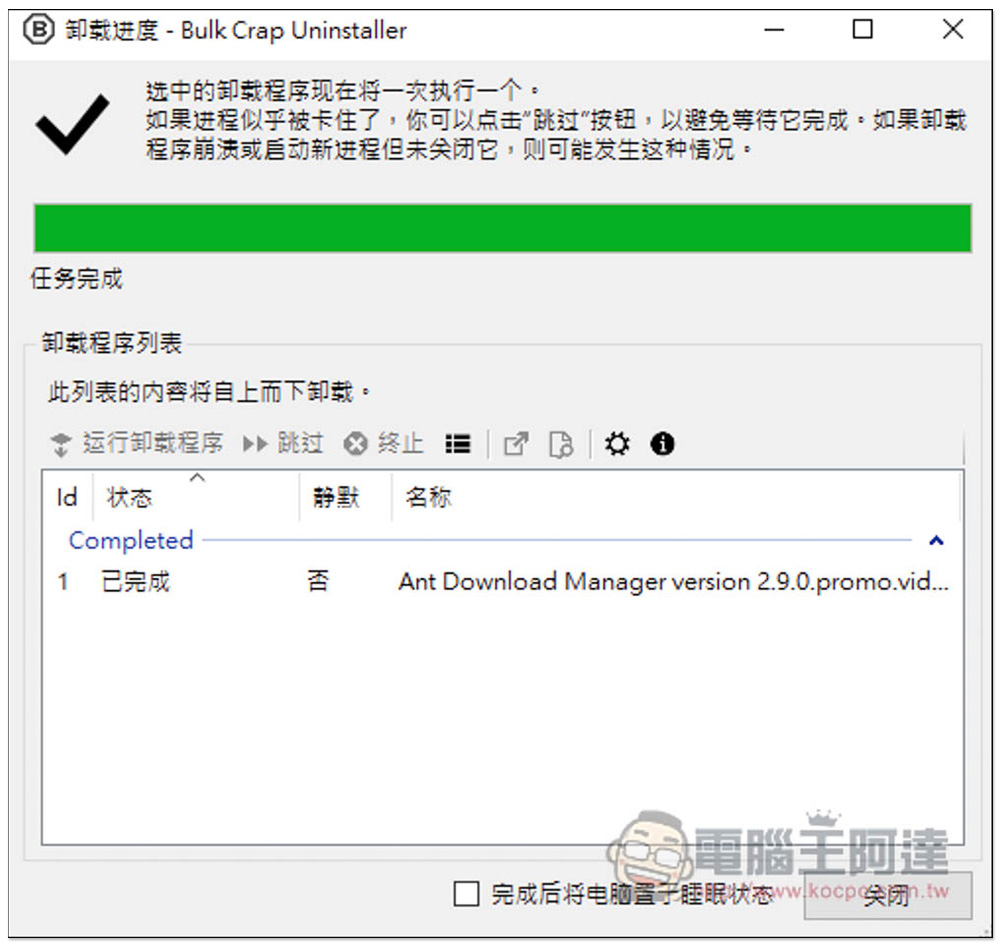
Once you’re done, a prompt will appear:
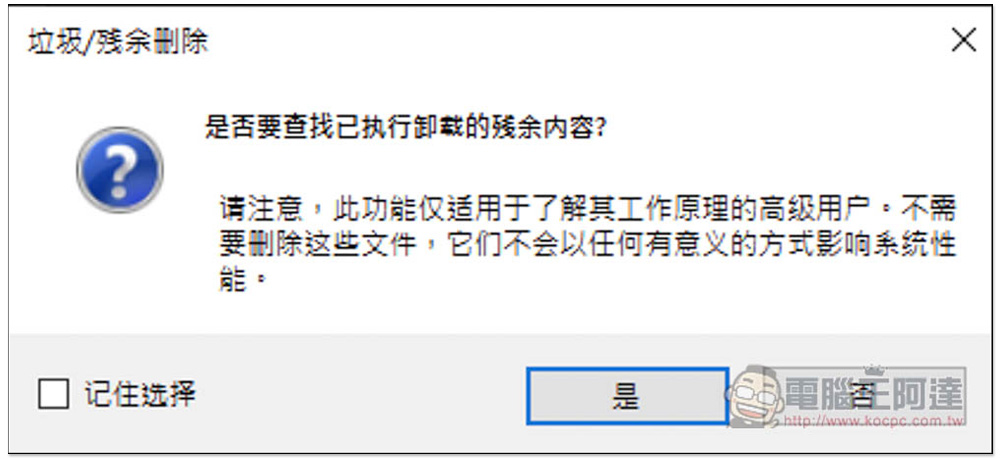
It also offers the option to delete residual data, though this is not guaranteed. We recommend that users who understand how this works perform this operation to avoid affecting system performance:
Use the search feature to quickly find the software you want to remove:
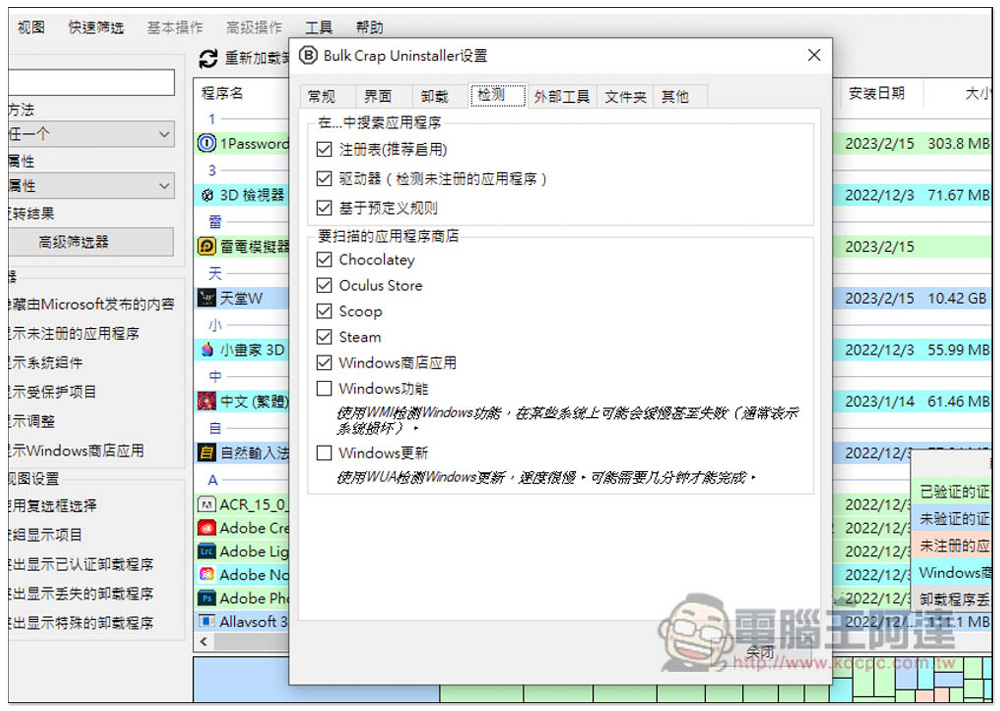
There are also quite a few features you can adjust in the settings, and detection support is available for Steam games and other third-party app stores:
The section below shows the amount of hard drive space used by each program; the larger the number, the larger the file:
Although this tool can scan without installing software, my tests showed that it doesn’t work for everything—it currently only scans about 20% of files.
Source: KOCPC Chinese