


OpenAI Codex keeps getting more and more powerful. Not only can it write code, execute various tasks, and operate computers and browsers, but its voice-to-text feature now supports system-wide dictation too. This means it’s not just limited to Codex—you can also use it in browsers, Notes, Slack, Obsidian, and other apps. Plus, in my testing, it can also remove filler words, which is pretty great.
Of course, compared to professional voice input tools like Typeless, there is still a difference in recognition speed, accuracy, and AI enhancement.
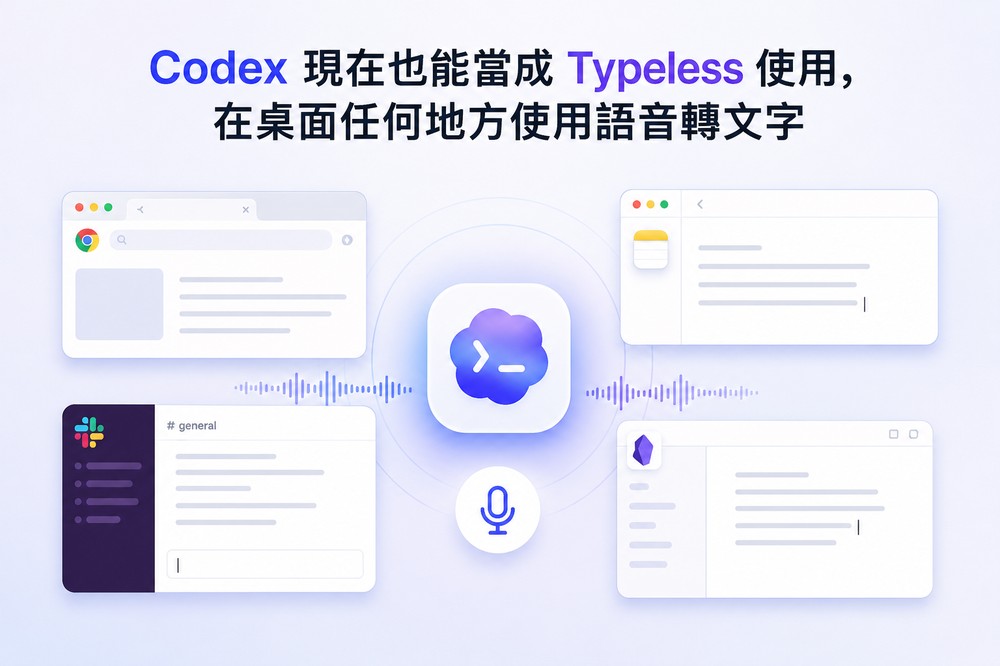
Codex App introduces global voice dictation, letting you type with your voice in any app on Mac — here’s how to enable it
Codex has always had a built-in voice dictation feature, but it could only be used within the app before. In recent desktop versions, a “Global Dictation” option has quietly been added to the settings.
After opening Settings, scroll down in the General menu until you find the “Dictation” section. At the top, configure the “Press Dictation Shortcut Key” and “Toggle Dictation Shortcut Key” with your preferred shortcuts, and you can start using system-wide dictation.
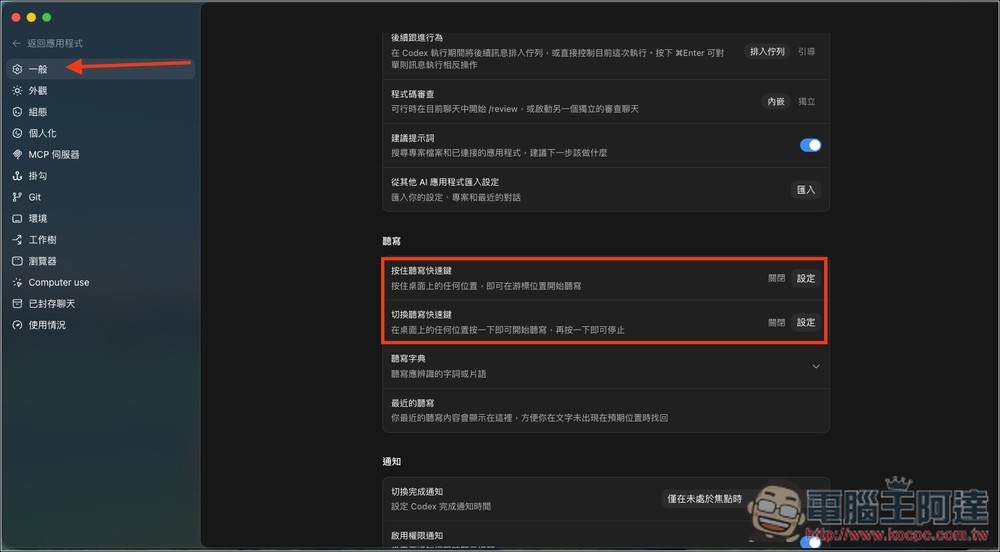
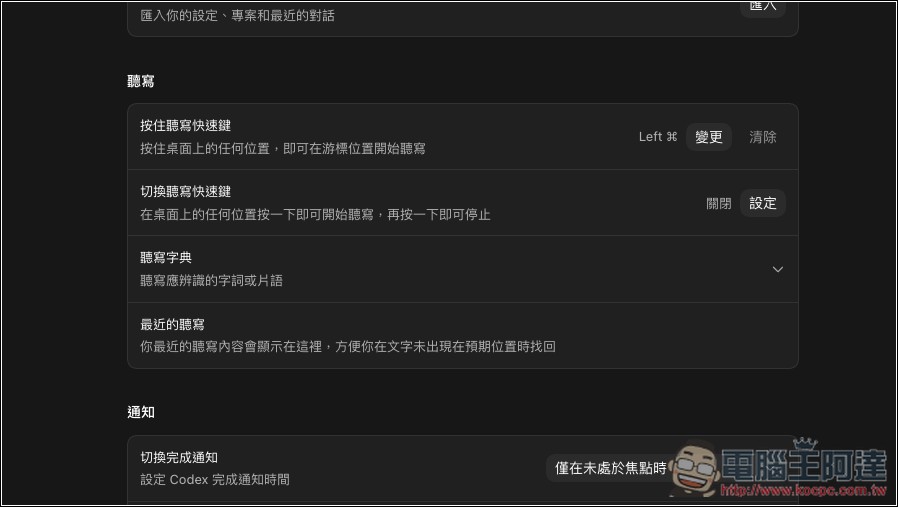
Like I have it set up, I press and hold the left Command button to enable dictation
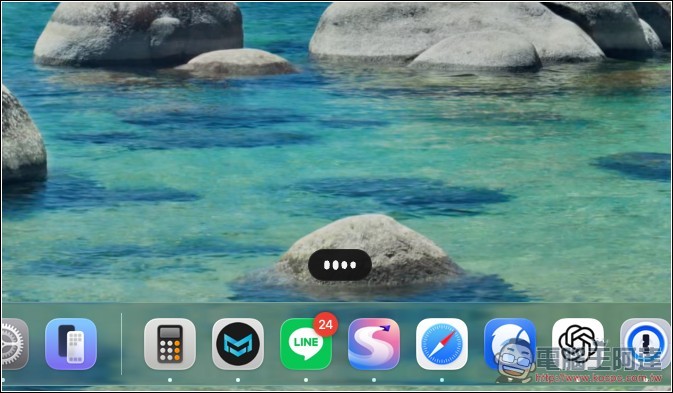
When you press the shortcut key, a listening icon will appear below, and then you can start speaking:
When I said this sentence, I deliberately added some “um…” fillers and pauses in the middle, and Codex successfully removed those useless filler words and polished my spoken sentences:
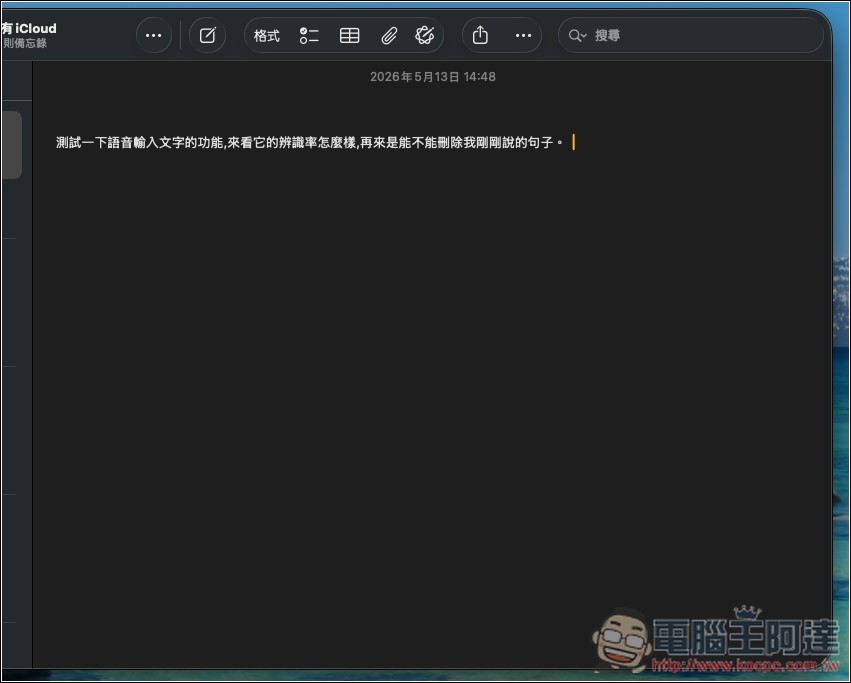
However, since it’s a new release, there are still some bugs. Here are the issues I’ve encountered:
- After setting up the hotkeys, you need to return to the Codex main screen for global dictation to work properly. If it still doesn’t work, restart Codex and try again.
- Sometimes it suddenly breaks, and you need to restart Codex to continue using it normally.
- Sometimes it gets recognized as Simplified Chinese.
Codex uses Whisper for speech-to-text transcription, but Whisper only has a single “zh” language setting for Chinese without distinguishing between Traditional and Simplified. So it randomly outputs one of the two versions—at this stage, it’s just down to luck.
Comparing Codex with other voice input tools
| tool | Pricing | Key Strengths | platform | Available offline |
|---|---|---|---|---|
| Codex Global Dictation | Included with ChatGPT Pro / Plus subscription | Those who already subscribe to ChatGPT essentially get it for free; the interface is simple. | Windows、macOS | No (via Whisper API) |
| Typeless | USD 144 / year | AI automatically removes redundant words, with multiple mode switches for Email/Slack/Code | Mac、Windows、iOS、Android | No (cloud processing) |
| Wispr Flow | $15 / month | SOC 2 Type II, HIPAA compliant, better suited for enterprise environments | Mac、Windows、Android | No |
| Superwhisper | Monthly / Lifetime (varies by plan) | Runs locally, high privacy, supports multiple customizable modes | Mac、Windows、iOS | Yes |
| Spokenly | Free + BYOK Cloud Transcription | Supports local Parakeet / Whisper models, can connect to Codex MCP | Mac、iOS | Yes |
Source: KOCPC Chinese