


Following the previous introduction of the very powerful Tube Snip Later, I recently came across a newly launched tool called SaveDock. Overall, it’s quite easy to use. It supports platforms such as YouTube, Instagram, Facebook, and TikTok. Just open the website and paste a link to download—no software installation or account registration required, and currently there are no ads on the entire page. It claims to support up to 4K quality and even offers a free MCP Server, allowing AI tools like Claude and Cursor to download videos for you directly. If you’re looking for a video downloader with a clean webpage, you can give it a try.
Reminder: Before use, please confirm whether content on YouTube or other websites is legally licensed, such as works you uploaded yourself, Creative Commons-licensed content, or public domain material. If it is copyrighted music or audiovisual work, downloading or converting it without the rights holder’s consent may involve copyright risks and may also violate the original platform’s terms of service.
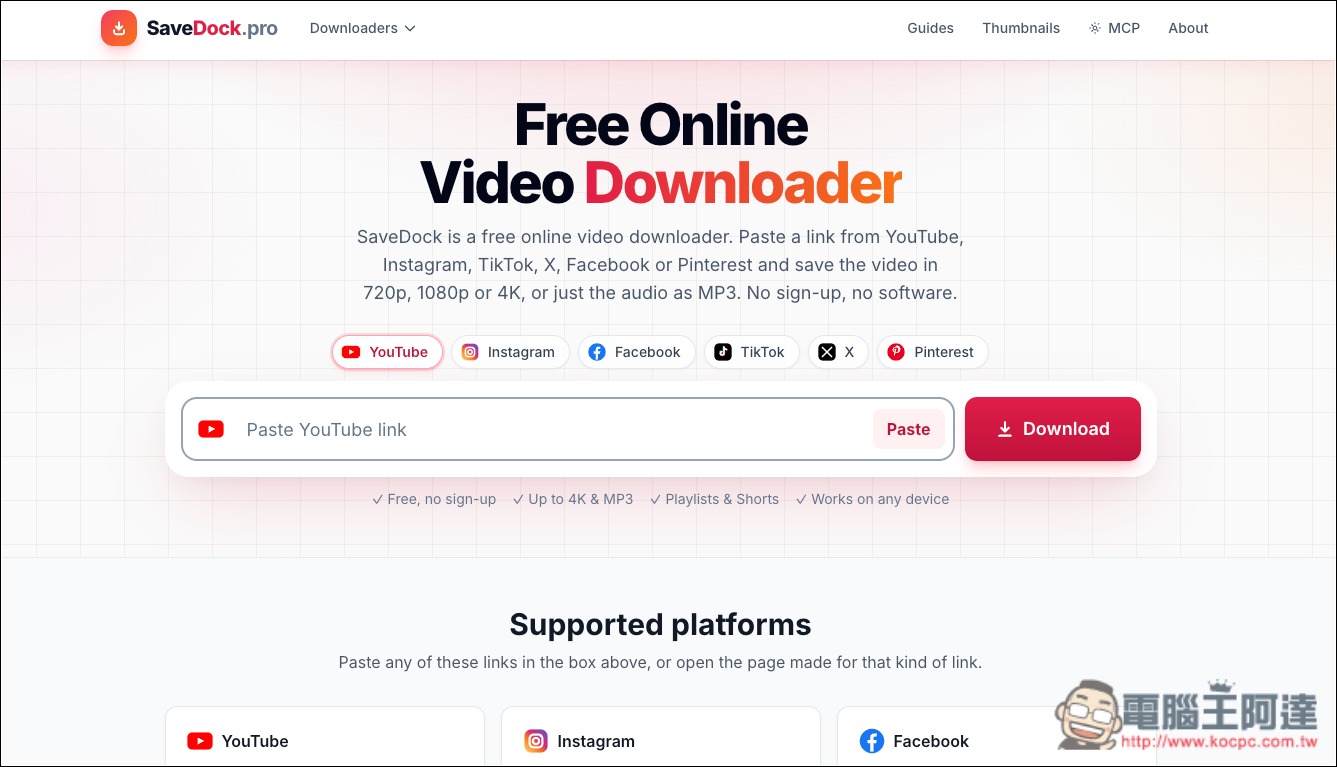
SaveDock is a free online video downloader with no ads and no registration required, supports up to 4K, and even lets AI help you download.
SaveDock is a free online video download tool built personally by developer Qamar Aftab. It only officially launched in November 2026, and the official description specifically notes that there is no company behind it—it is a small independent project. The download function uses the open-source project yt-dlp to fetch audio/video streams, and when needed, uses FFmpeg to merge or transcode the video and audio, ultimately giving you a complete file.
The currently supported platforms and download features are as follows:
| Supported platforms | Download function |
|---|---|
| YouTube | Regular videos, Shorts, playlists, 4K, audio (MP3/M4A/Opus/WAV), thumbnails |
| Videos, Reels, Audio | |
| Videos, Reels, MP3s | |
| TikTok | Videos, MP3 |
| X(Twitter) | Videos, MP3 |
| Film |
The official key features listed are:
- Completely free, with no paid plans, and no daily download limit on the website either.
- No registration or login required.
- The website has no ads, pop-ups, or fake download buttons, and does not track you across websites.
- Video quality ranges from 144p to 4K (2160p). Only the qualities actually offered by the video are listed; nothing is secretly upscaled.
- The video and audio of high-definition videos will be automatically merged.
- Audio supports four formats: MP3, M4A, Opus, and WAV.
- The estimated file size will be displayed next to each quality option.
- Supports YouTube playlists and lets you select which videos to download.
- No extra watermark will be added.
- On iPhone, just use Safari; on Android, use Chrome to download it—no need to install a separate app.
However, note that so-called 4K downloads are in WebM format, not MP4. For YouTube quality above 1440p, only VP9 and AV1 encoding is available; MP4 (H.264) is only offered up to 1080p. For audio, converting YouTube to MP3 usually gives only 128 kbps. If you want the best audio quality, the official recommendation is to choose M4A, which directly preserves YouTube’s AAC audio track without re-compressing it, and the file size is about the same as a 128 kbps MP3.
Files that have finished downloading are deleted from the server about 30 minutes after they are saved. Even if you don’t save them, they will be deleted within 6 hours at the latest.
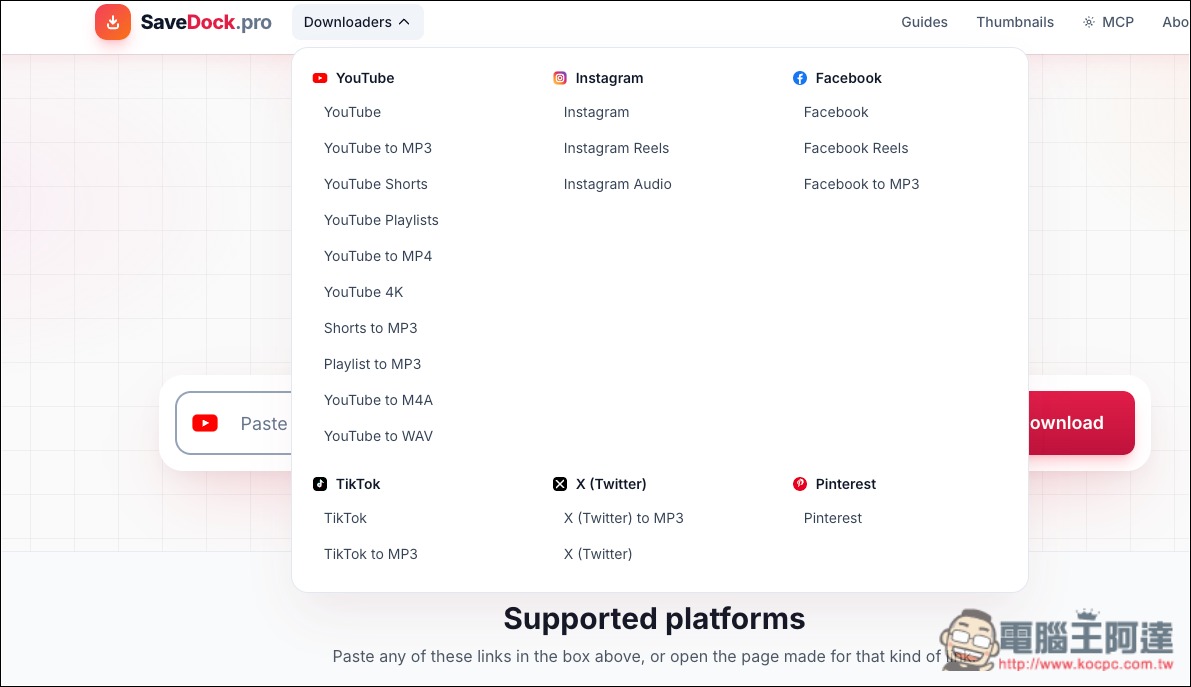
Although the menu has downloaders for many platforms, in my testing you don’t need to switch—it automatically detects the link, so you can just use the one on the homepage to download:
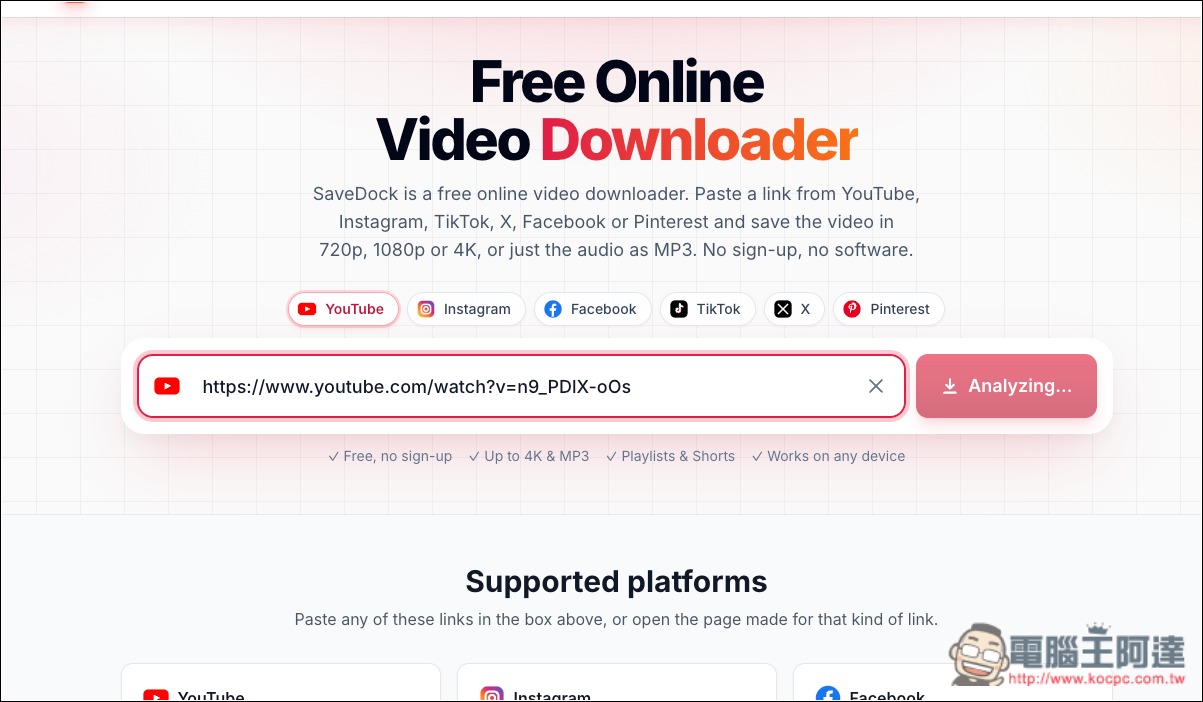
Taking YouTube as an example, once you paste a YouTube URL, analysis will begin. This part can sometimes take a while—possibly tens of seconds:
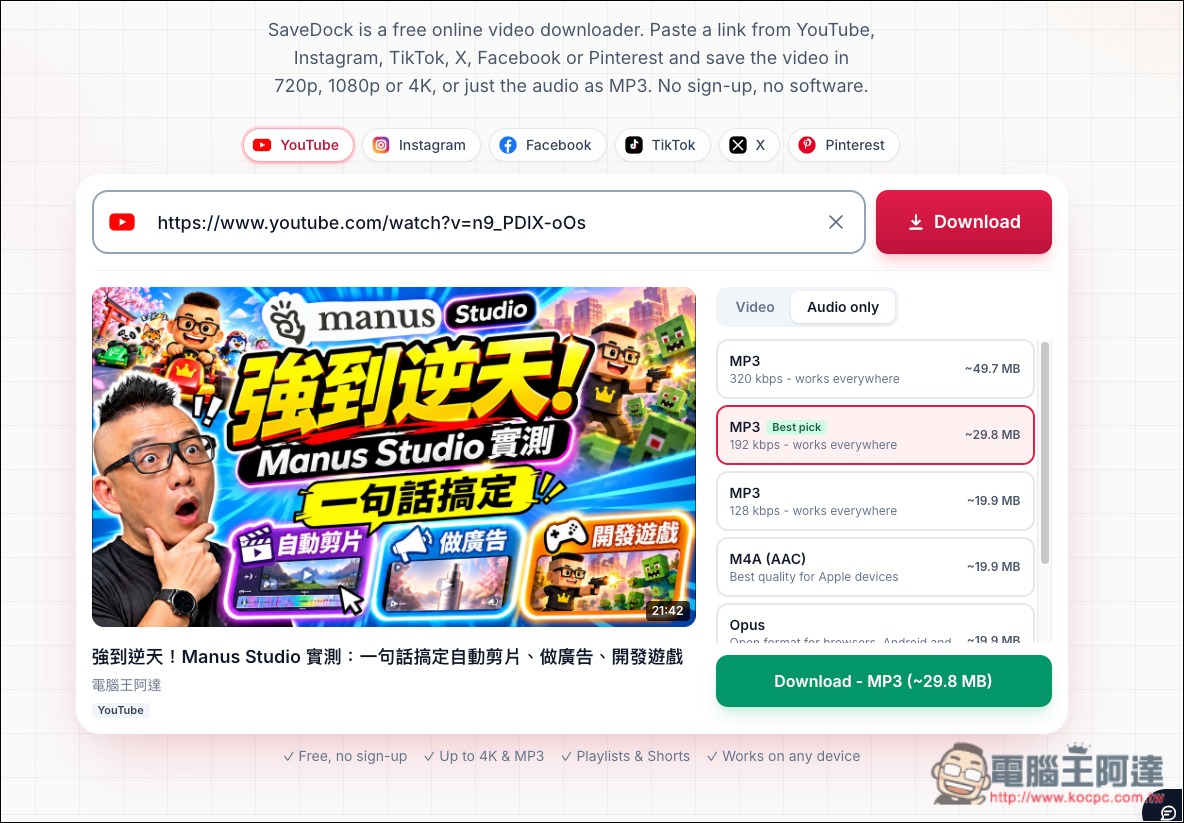
Next, download links will appear below. On the right, you can choose whether to download video or audio. In my testing, only two video formats appeared, MP4 and MKV, with a maximum quality of 1080p, and it will also tell you in advance how large the file might be:

The audio does indeed include MP3, and it goes up to 320kbps:
Once you press Download, processing will begin; wait until it reaches 100%:
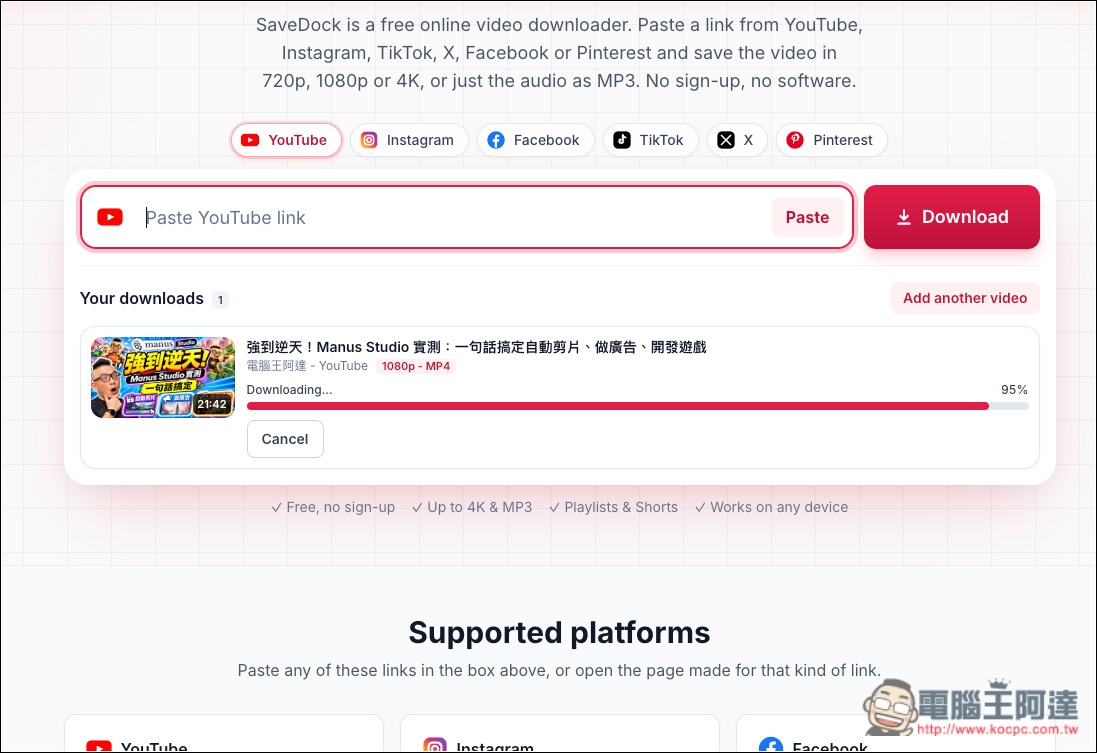
It will download automatically when complete. If it doesn’t, you can also click Save file to download it manually:
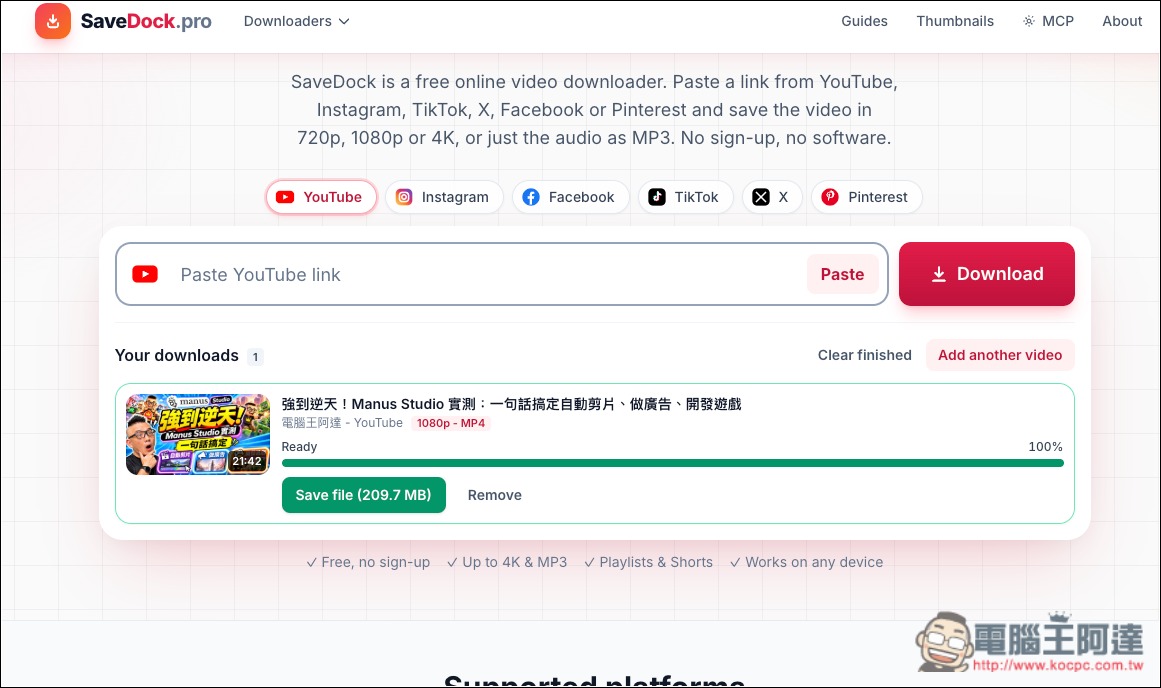
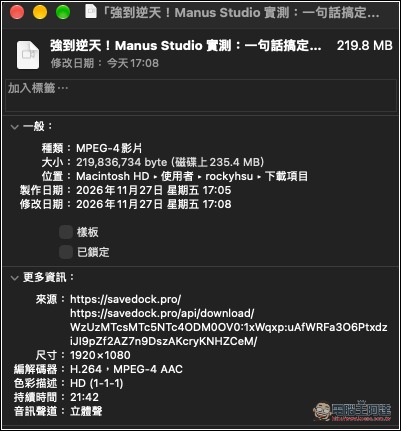
After downloading, I checked and it is indeed 1080p:
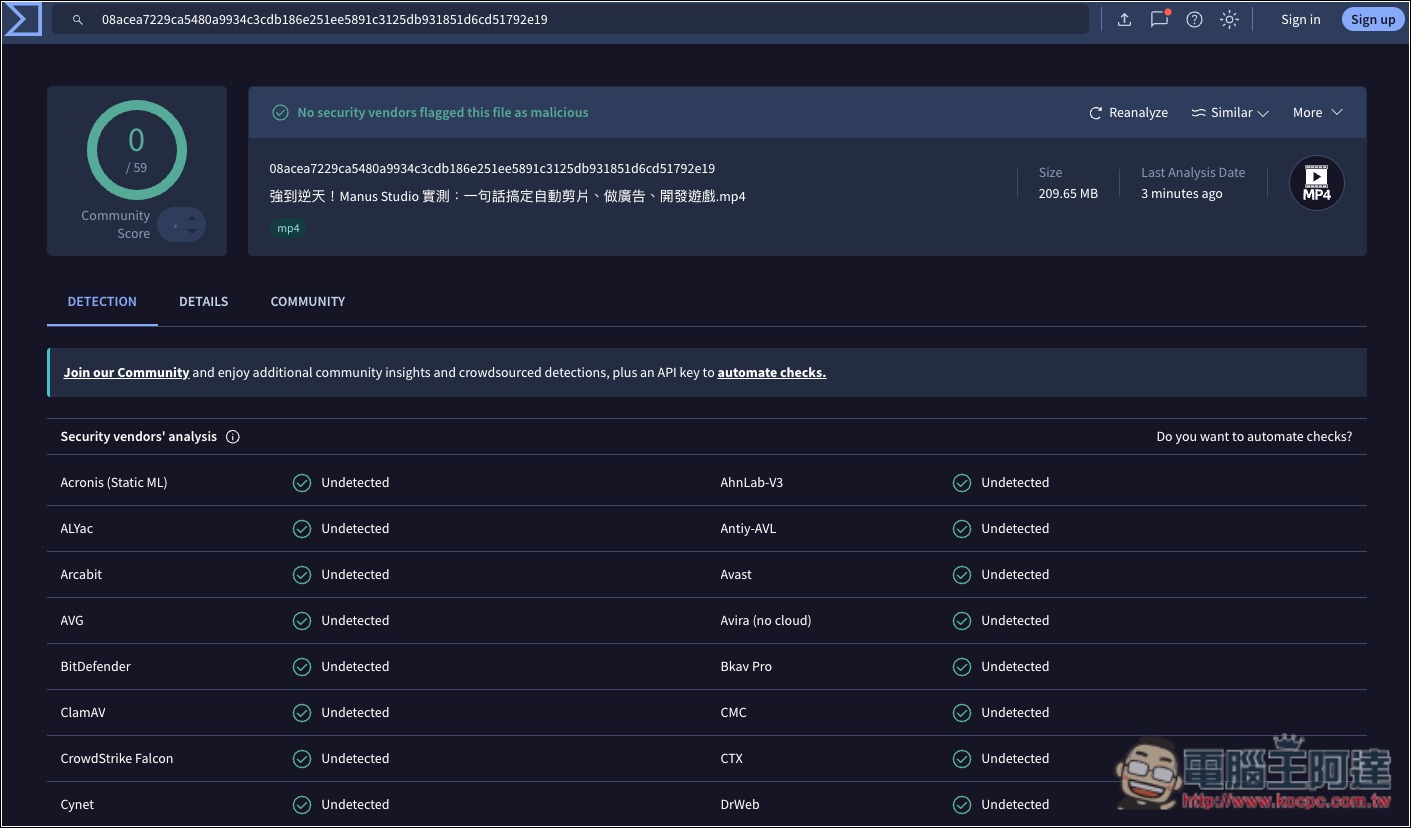
I also ran the file through an online scanner, and the file is fine:
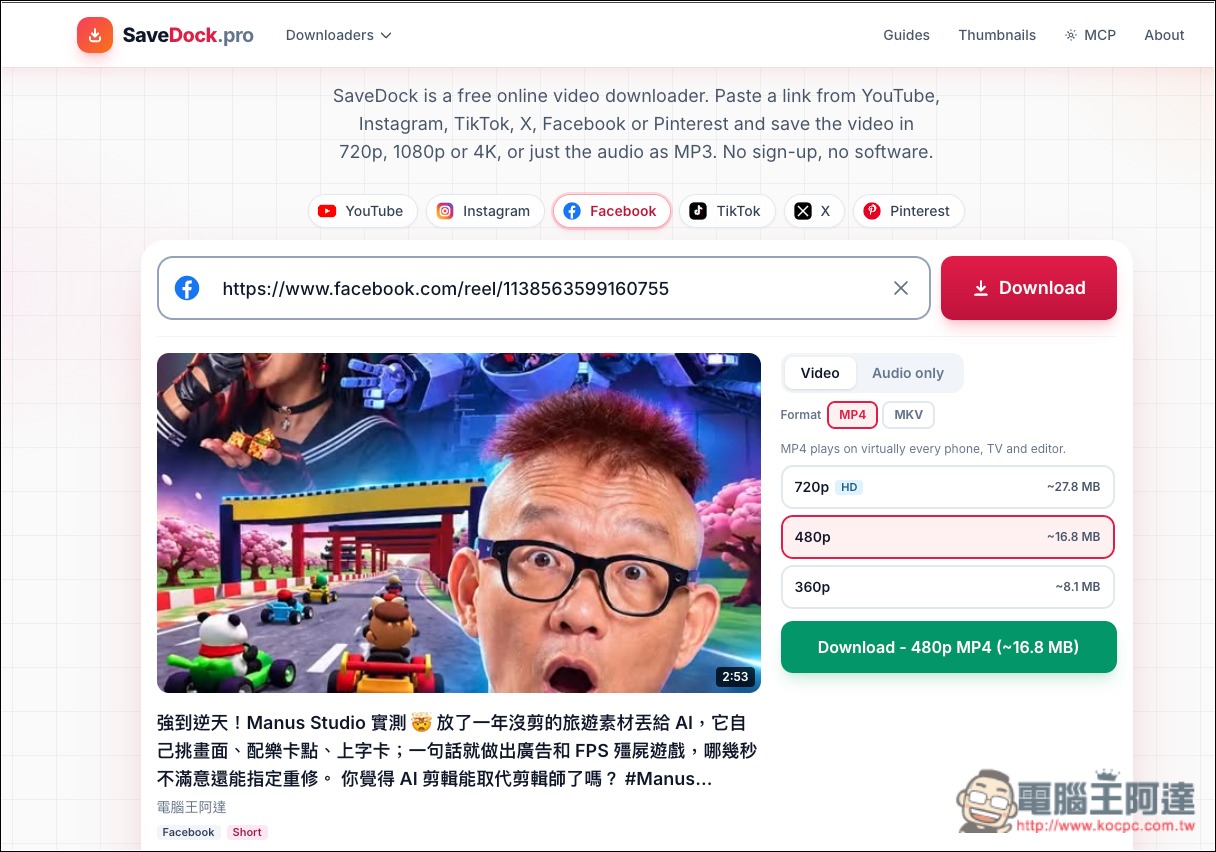
In testing, Facebook videos also worked successfully:
Source: KOCPC Chinese