


Shot a ton of travel footage but still haven’t had time to edit it? This time Ada puts Manus Studio to the test, handing AI a year’s worth of videos sitting on an SSD to see whether it can select shots, add music, and create subtitles and animations on its own. In addition to automatic editing, the video also demonstrates product ads, educational videos, and game development, and actually compares the differences between standard mode, Max + Alchemy mode, and the Codex editing version.
Video chapters
- 00:00 The starting point of AI agents? How powerful is Manus 2.0?
- 01:21 Manus Studio arrives! AI directly controls your computer
- 01:55 Manus Studio Installation and Operation Tutorial
- 02:41 Video Editor: AI automatic video editing feature
- 02:58 How do I choose between Max Mode and Alchemy Mode?
- 03:28 Introduction to AI Models Such as Seedance 2.5 and Veo
- 04:06 AI Video Generation Implementation and Local Setup
- 05:11 Video aspect ratio, generation process, and credit consumption
- 06:10 Hands-on test: AI automatically creates product ads
- 07:11 Seedance 2.5 Generation Results and Title Card Modifications
- 08:12 Video Editor Manual Editing and Adjustment
- 08:28 AI automatically edits travel videos
- 09:16 Standard Mode Editing Test
- 10:00 Max+ Alchemy Mode Editing Effects Comparison
- 10:44 AI editing secrets for a video with 300,000 views
- 11:16 How to get Manus to read an SSD and automatically edit videos
- 11:36 Manus vs Codex Editing Comparison
- 12:46 AI editing a travel video of the Sphere in the US
- 13:40 Make an FPS zombie shooter in one sentence
- 14:36 AI Racing Games and Mobile Virtual Joysticks
- 14:49 Skill recording, computer automation, and mobile remote control
- 15:22 AI automatically creates science education videos
- 16:16 AI-produced iPhone product advertisement
- 17:18 What should I do if an AI video goes wrong? Re-edit a specified segment.
- 18:56 Manus other AI Agent features
- 19:28 Manus 2.0 Drawbacks, Pricing, and Credit Costs
- 20:49 Flex Mode: Use your own API Key
- 21:22 Conclusion and Usage Experience
How do you use Manus Studio? First, distinguish between the cloud and “This PC.”
The video begins with the installation and interface introduction of the Windows version of Manus Studio. When a task requires directly reading videos on the computer, organizing local files, or operating desktop software, the local Computer Use feature is used. This time, the editing footage is stored on an SSD, so in the demonstration, the execution location is changed from the cloud to “This PC,” and then it is told the footage path and production requirements.
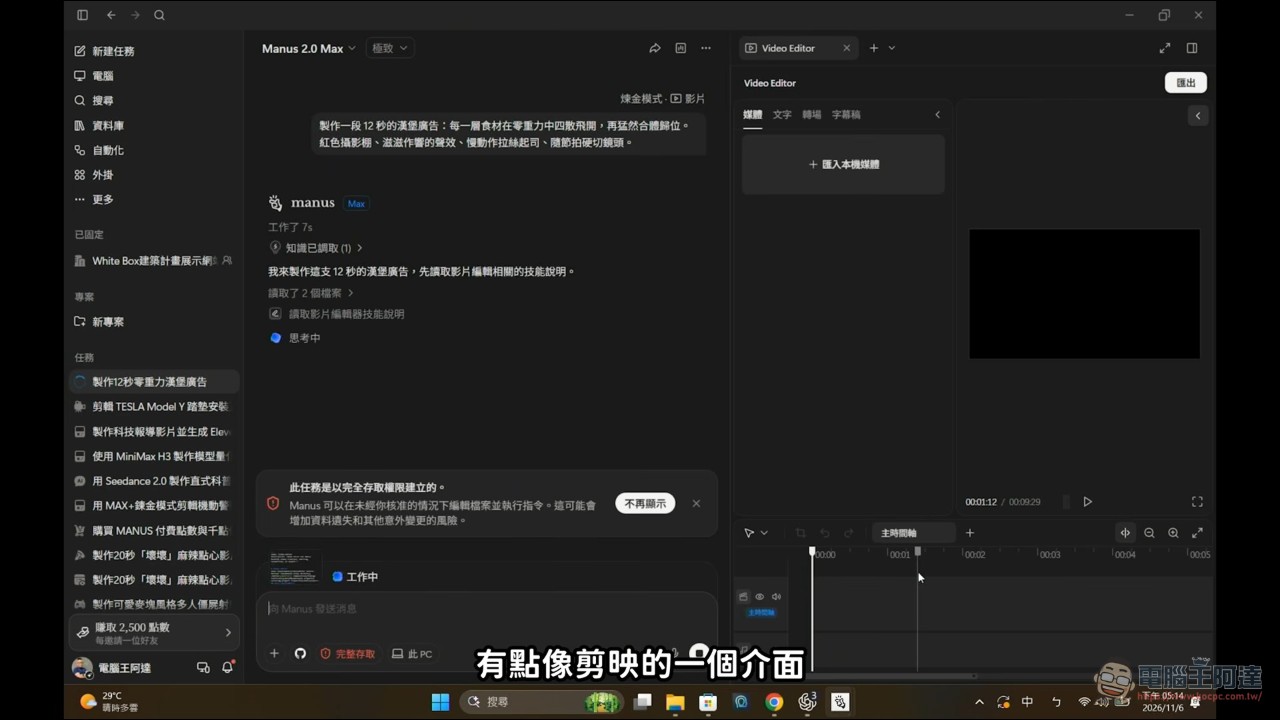
Here, “This PC” allows tasks to use local files and tools; it does not mean all AI models run offline on the computer. During implementation, you also need to confirm the file access scope and the credit usage displayed when generating videos.
Click here to sign up for Manus (get 1000 points free)
For the same batch of assets, how much difference is there between Normal mode and Max+ Alchemy mode?
The most impactful test this time was feeding footage from the Tokyo Mobile Police experience into different modes for processing. The video first shows the editing results from the standard mode, then switches to Manus 2.0 Max with Alchemy mode for comparison using the same footage and prompts.
In this case, Ada preferred the result from Max + Alchemy Mode: besides the visual layout, you can also see the music beat sync, picture-in-picture, bilingual subtitles, and animation arrangement. Then the Codex edited version is added for comparison, so everyone can directly see how different tools present this batch of material. This is our experience using the prompts and results in this case, not a universal ranking of all materials, models, or settings.
MANUS Alchemy Mode Edited Version (currently 420,000 views):
Manus Standard Edition:
Codex version:
I also showed a travel footage edit from the spherical theater in the US, explaining how tools like this can help organize footage files that have piled up on hard drives and that I’ve never had time to deal with.
Product Ads and Video Editor: Still Editable After Generation
The ad implementation starts with a sample template, then swaps in your own spicy snack assets to create a vertical short video. After the first version was completed, Ada was dissatisfied with the title card design and asked the AI to recreate the title cards with transparent backgrounds; the Video Editor’s manual adjustment interface was also demonstrated, allowing modification of title cards, clip order, and cut positions.
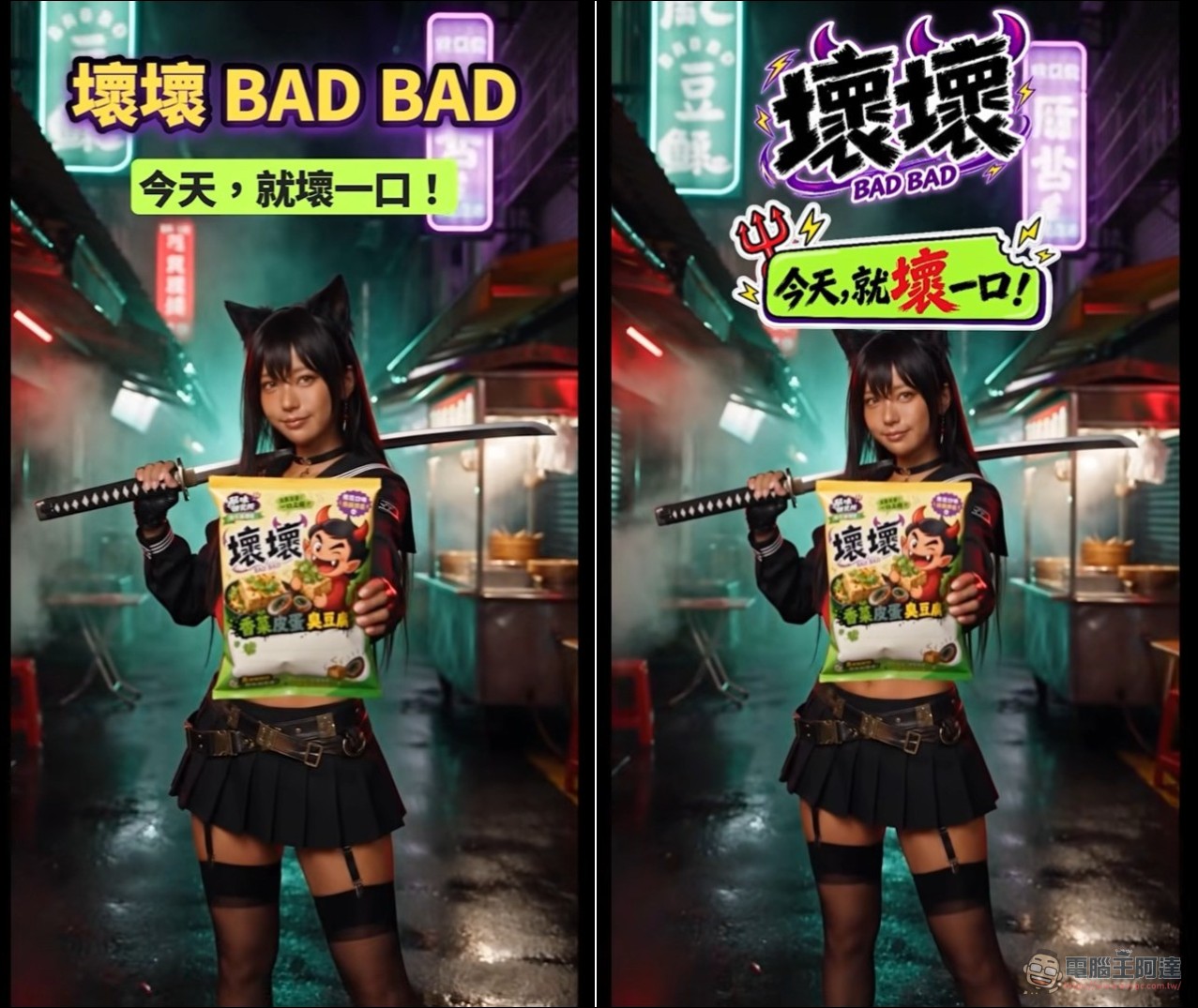
Another product ad test makes the importance of “being able to revise” even clearer. Although the first version already had a complete visual, there were still problems with the phone flipping over and its proportions, so we specified the seconds and details where errors occurred, then provided directions for revision. The video keeps both the before and after versions so the results of the targeted corrections can be compared, rather than only showing a finished product that succeeded in one take.
Not only editing videos, but also creating gaming and popular science videos.
Besides making videos, MANUS can also do game development—for example, I completed one with just a single prompt.Block-style FPS zombie shooter.; andKarting gamewith an interface that supports desktop keyboard and mouse as well as mobile virtual joysticks. These are demo projects you can try out; anyone interested can click to play and see how they work.
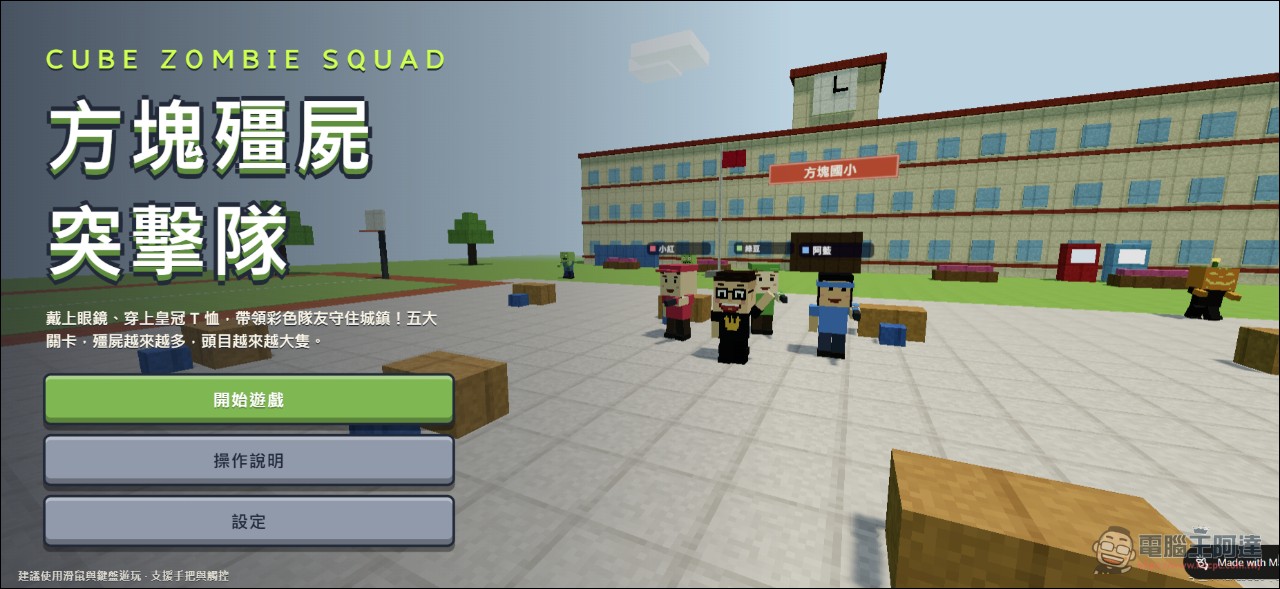
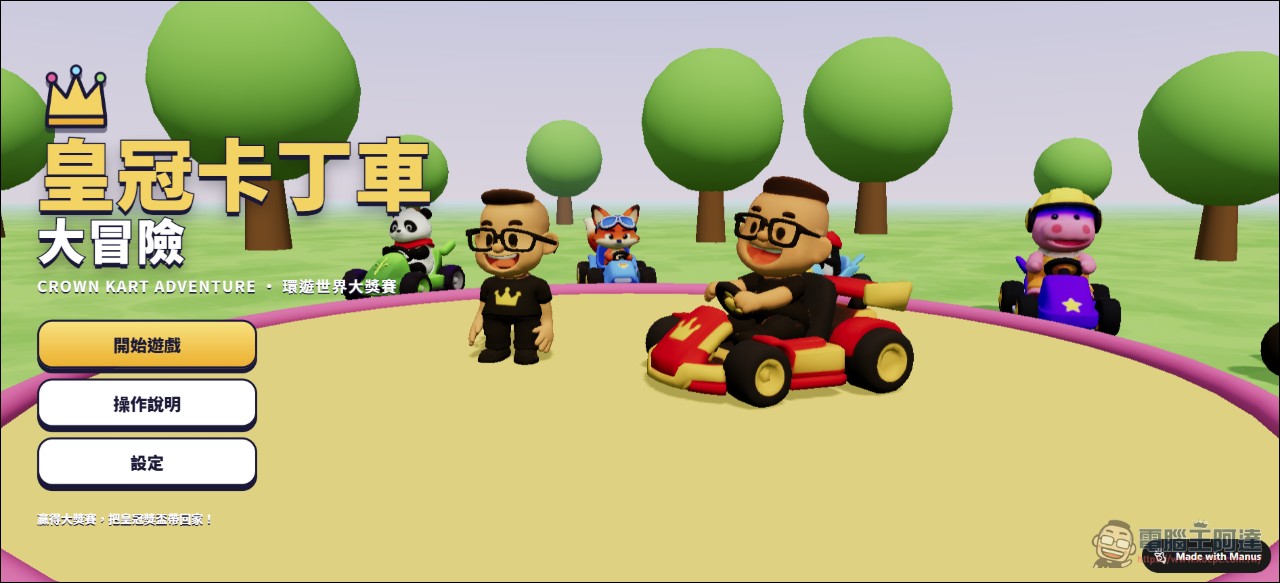
For the science popularization videos, they take the AI model knowledge content from the website and ask for it to be converted into a format that children can understand. From these different tasks, you can see how Manus Studio connects text requirements, existing materials, and generative tools into results that can be watched or interacted with.
Feedback: Check the finished product, and count the points as well.
Max+ Alchemy Mode’s performance in this video impressed Ada, but its consumption is also higher than in normal mode. A quote for generating a certain segment does not equal the total cost of the entire task; other tools and subsequent revisions may still accumulate usage. In addition, MANUS also offers Flex Mode, which lets you use your own API Key; for supported providers, available features, and billing methods, please refer to the current settings in your account.
If your pain points are piles of footage, having no ideas for a rough cut, or wanting to quickly produce ads and interactive prototypes, MANUS can help you save a lot of tedious work.
Related video links
Source: KOCPC Chinese