


From smartphones and laptops to various wearable devices, lithium-ion batteries have become the core power source for modern consumer electronics thanks to their high energy density and long lifespan. However, with frequent daily use, accidentally dropping a device into water or having it splashed with liquid is a sudden situation almost everyone may encounter. Once a lithium battery “drinks water,” what chain reactions will it trigger? And how should we properly rescue it to save the device and avoid a safety crisis?
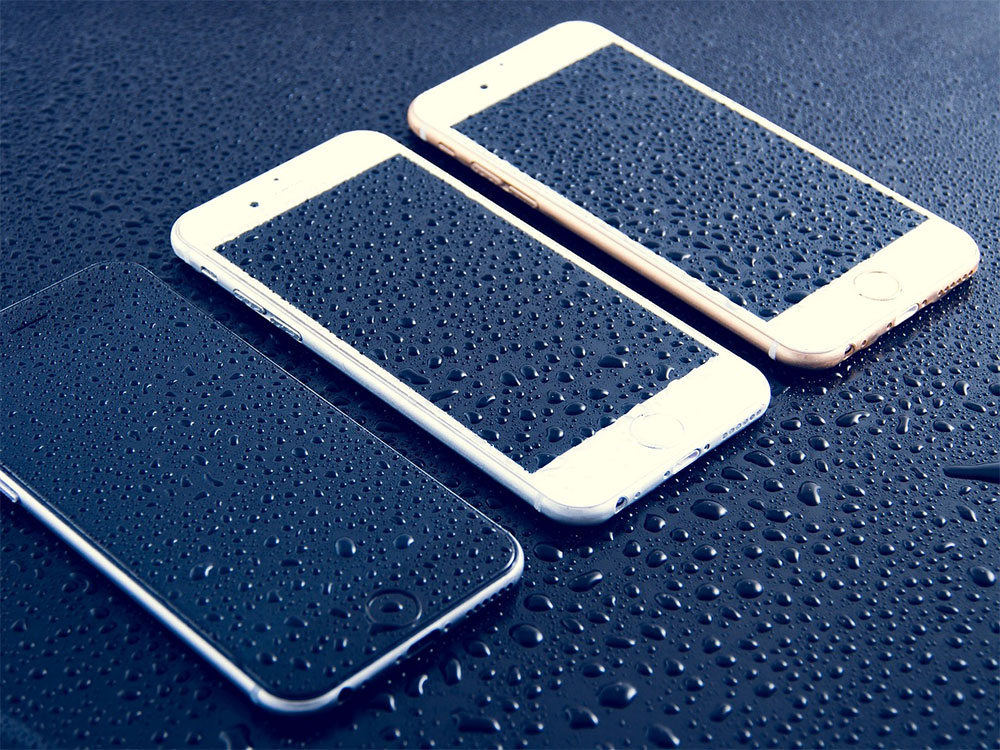
What Happens If a Lithium Battery Gets Wet? Follow the “Golden Rescue Steps” to Prevent Thermal Runaway
Protection rating determines fate: from short circuits to the potential risk of “thermal runaway”
The extent of damage to a lithium battery after water ingress primarily depends on the device’s IP (Ingress Protection) rating, an international standard that directly defines the product’s resistance to dust and water. If your device has a high-level rating such as IP66, IP67, or IP68, it can usually withstand everyday splashes or brief immersion without issue, and the internal battery will not be significantly affected.
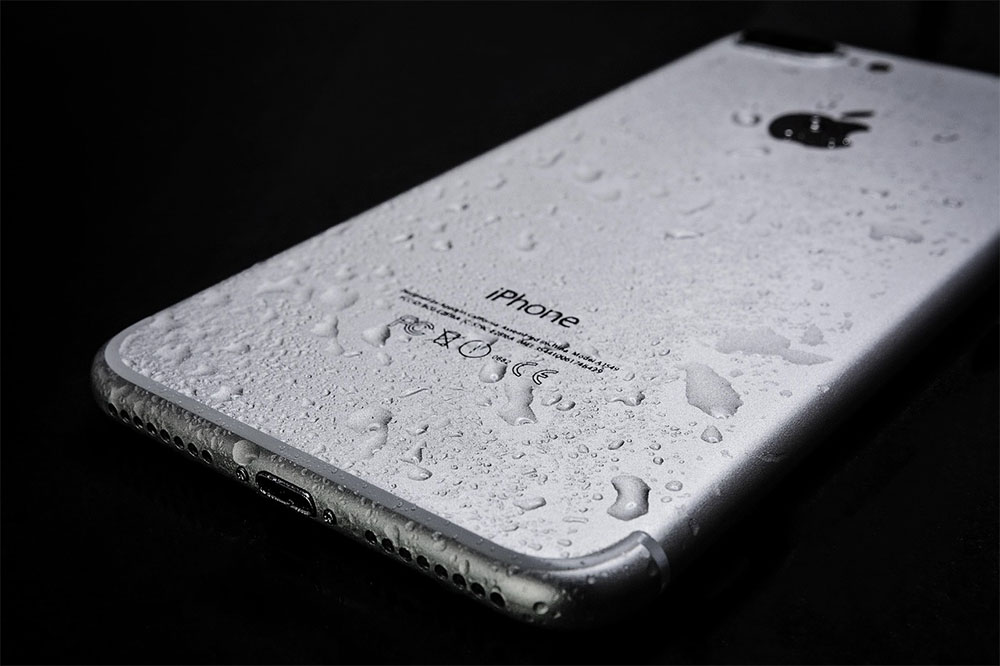
However, if the device lacks sufficient waterproof certification, once moisture breaches the casing’s defenses and seeps into the battery module, it may trigger the following risks:
- Internal short circuits and corrosion: Moisture can compromise circuit insulation and accelerate the oxidation of metal contacts, causing permanent damage to the battery.
- Thermal Runaway: This is the most dangerous situation. When a battery cell is damaged or short-circuited, it violently releases heat internally and triggers an uncontrolled chain reaction, producing large amounts of gas, thick smoke, and even direct ignition and combustion.
When the above situation occurs, the battery will often visibly swell or bulge. At this point, the battery is not only completely ruined but also a ticking time bomb that could explode at any moment. It must be taken out of use immediately and safely handed over to professional recycling channels for disposal.

4 Golden Steps to Rescue a Water-Damaged Lithium Battery: Never Use a Hair Dryer!
Water getting into a device does not automatically mean it is doomed. As long as correct power-off and dehumidification measures are taken immediately, there is still a chance to greatly reduce the risk of short circuits and corrosion:
- Force shutdown immediately.
Provided your own safety is ensured, cut off the power immediately. The sooner the power is cut, the more effectively you can suppress electrochemical corrosion caused by the electrolyte and moisture—this is key to protecting the motherboard and battery. - Remove the battery and physically wipe it dry.
If the device has a removable battery design, remove the battery immediately after turning it off (most modern phones and laptops have integrated built-in designs, so you can skip this step). Next, use a highly absorbent soft cloth or towel to gently pat dry any remaining moisture on the surface. - Use desiccant for sealed dehumidification.
A folk remedy often circulated online is to “dry it with hot air from a hair dryer,” but a direct high-temperature heat source will instead accelerate battery aging and may even trigger thermal runaway. The correct approach is to place the device or battery in a sealed bag, add several common silica gel desiccant packets (such as those found in seaweed or health supplement jars), and let it sit to absorb internal moisture. - Wait patiently and check the appearance.
Once moisture seeps into the gaps in the device body, it takes far longer to dry than you might imagine. Even if the casing feels dry to the touch, tiny water droplets may still remain inside, so do not rush to power it on or plug in the charger. Before restarting, carefully check whether the battery or device body shows signs of swelling, deformation, or corrosion at the contacts; if there is any doubt, the safest course is still to send it for repair or replace the battery with a new one.
Source: KOCPC Chinese