


Before USB and wireless communication technologies became widespread, personal computers mainly relied on various dedicated ports to communicate with peripherals. The most representative of these was the 25-pin parallel port (Parallel Port), which was once the standard communication interface between computers and printers.
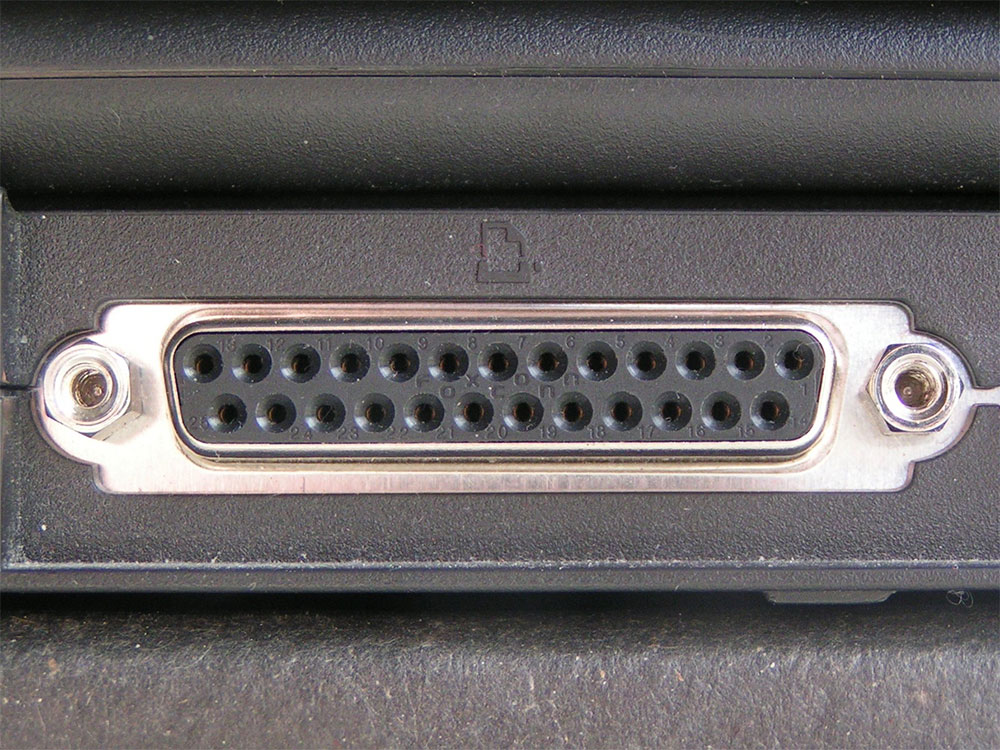
What is the old-style “parallel port” on a computer used for?
The parallel port emerged in the 1970s and 1980s and was designed by IBM for its personal computers. At the time, IBM wanted its newly launched PCs to be compatible with products from the well-known printer manufacturer Centronics. Although Centronics used a 36-pin connector, IBM engineers chose to design a more streamlined 25-pin version and pair it with a dedicated cable so that the two devices could exchange data smoothly. Compared with the then-common serial port, the parallel port’s biggest advantage was transfer efficiency. A serial port could transmit only 1 bit of data at a time, while a parallel port could transmit up to 8 bits simultaneously, greatly increasing the data transfer speed between the computer and printer—which is how it got the name “Parallel.”
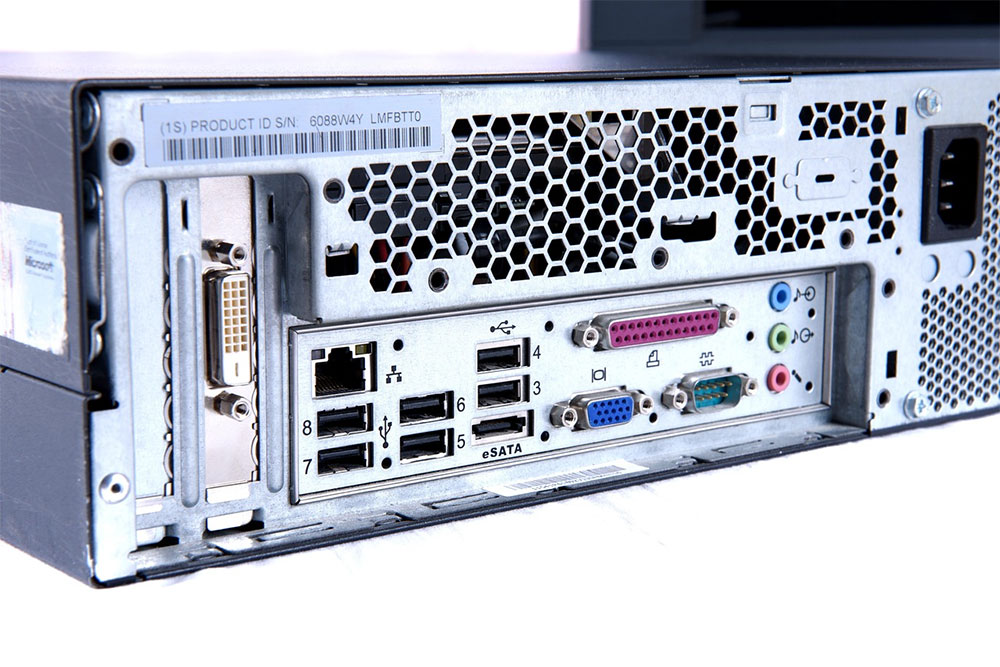
In addition, the parallel port’s design is quite straightforward: the signal on each pin can almost always be mapped to a Centronics printer, with no need for complex signal conversion. In a sense, it can be regarded as a simplified version of the Centronics interface, retaining the core functions while reducing unnecessary pins. Although the parallel port was originally created for printers and is even often simply called the “printer port,” engineers soon discovered that it could also be used for other peripherals. Because its transfer speed was better than that of many interfaces of the same period, it was widely used for data exchange and various external devices.
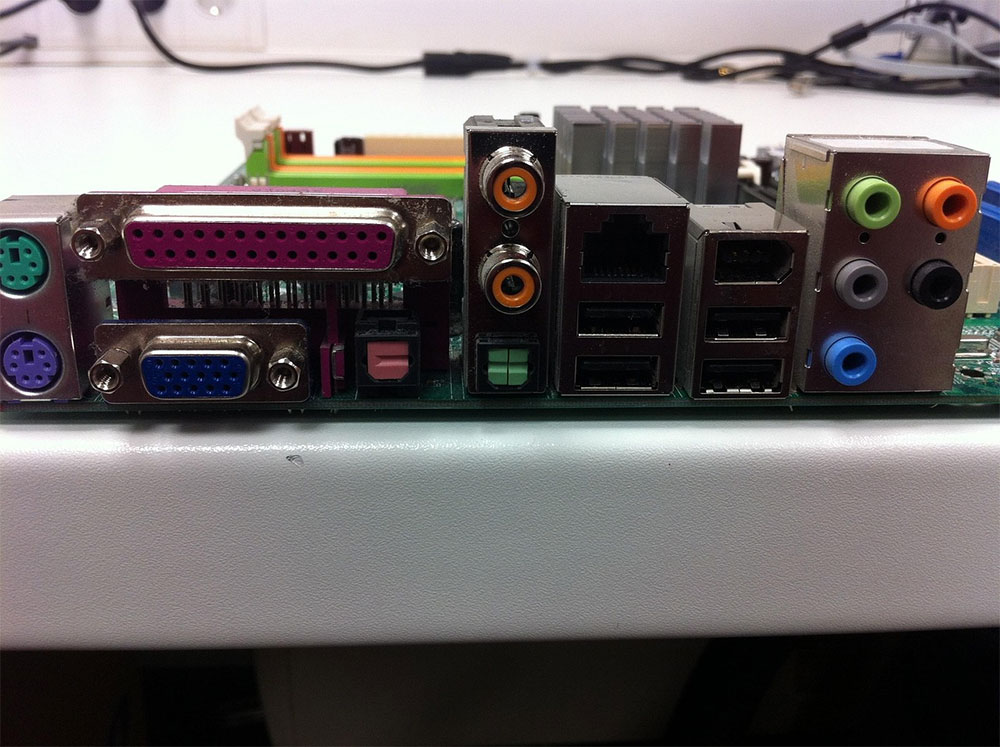
As technology advanced, printers and peripheral devices demanded ever higher transmission speeds and functionality, making traditional parallel ports increasingly inadequate. To extend their lifecycle, engineers did not immediately develop an entirely new standard; instead, they improved on the existing architecture, successively introducing versions such as EPP (Enhanced Parallel Port) and ECP (Extended Capabilities Port). These maintained the 25-pin interface while improving transmission efficiency and adding features such as bidirectional communication. This development model of continuously upgrading existing specifications is quite similar to the later evolution of USB versions.
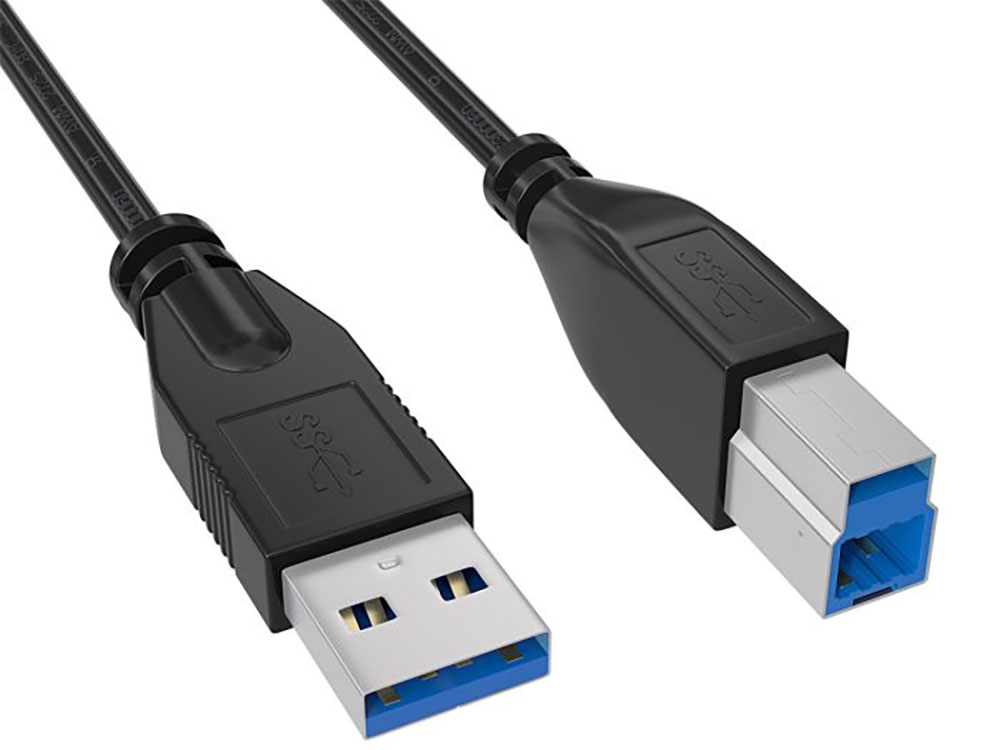
However, even the most successful technologies eventually have to retire. After USB emerged, it gradually replaced many specialized interfaces, including the parallel port. USB’s design philosophy was to establish a universal, unified connection standard so that devices such as mice, keyboards, printers, and external storage devices could all connect to a computer through the same interface. Today, printers mostly transmit data via USB or Wi-Fi, while the once-prominent parallel port has become history. Although it was replaced by USB, precisely because USB fundamentally changed how computer peripherals connect, this generational shift in technology can be said to be an inevitable result of technological development.
Source: KOCPC Chinese