


Nowadays many people let AI operate a computer autonomously to complete certain work tasks, but this requires the computer to stay on all the time, and sometimes people worry that the AI may operate it improperly, causing computer problems or even files to be accidentally deleted. This article recommends a great free service, Simular Box, which provides a free cloud virtual machine for AI to use and supports the vast majority of AI agent tools. You only need to give them the installation command, and they can easily complete the installation and start using it. It currently also gives 1,000 free credits per day, with no credit card required.
Of course, since it’s free, don’t expect too much in terms of stability.
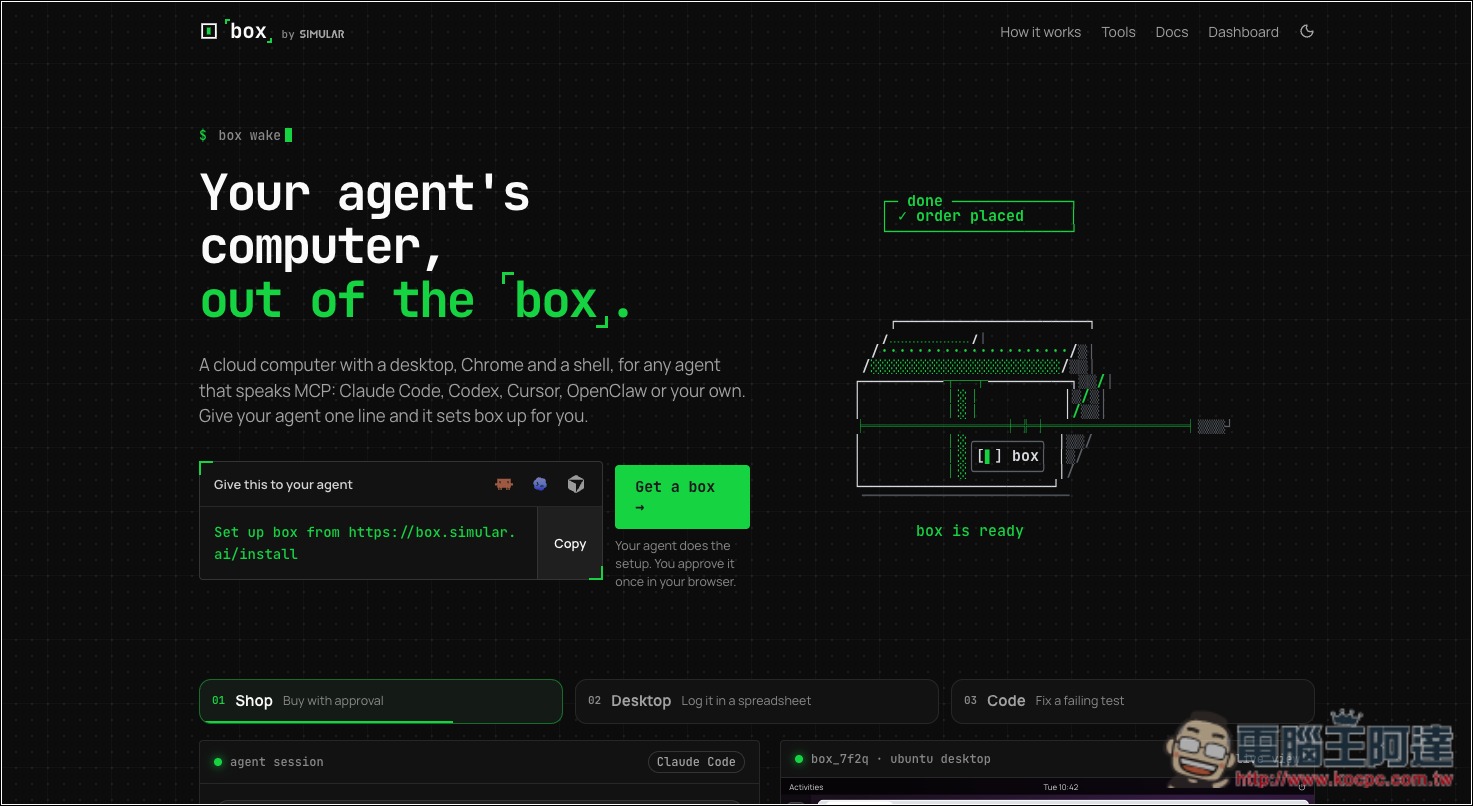
Introducing Simular Box: Give Your AI a 24-Hour Free Cloud Virtual Machine
Simular Box is a free AI cloud computer service launched by Simular, allowing AI tools such as Claude, ChatGPT, Claude Code, and Codex to operate a remote Linux computer via MCP. It provides a ready-to-use Ubuntu environment with a built-in Chrome browser and terminal. AI can open websites, click buttons, enter data, read the screen, and execute Shell commands without taking up desktop workspace on your own computer.
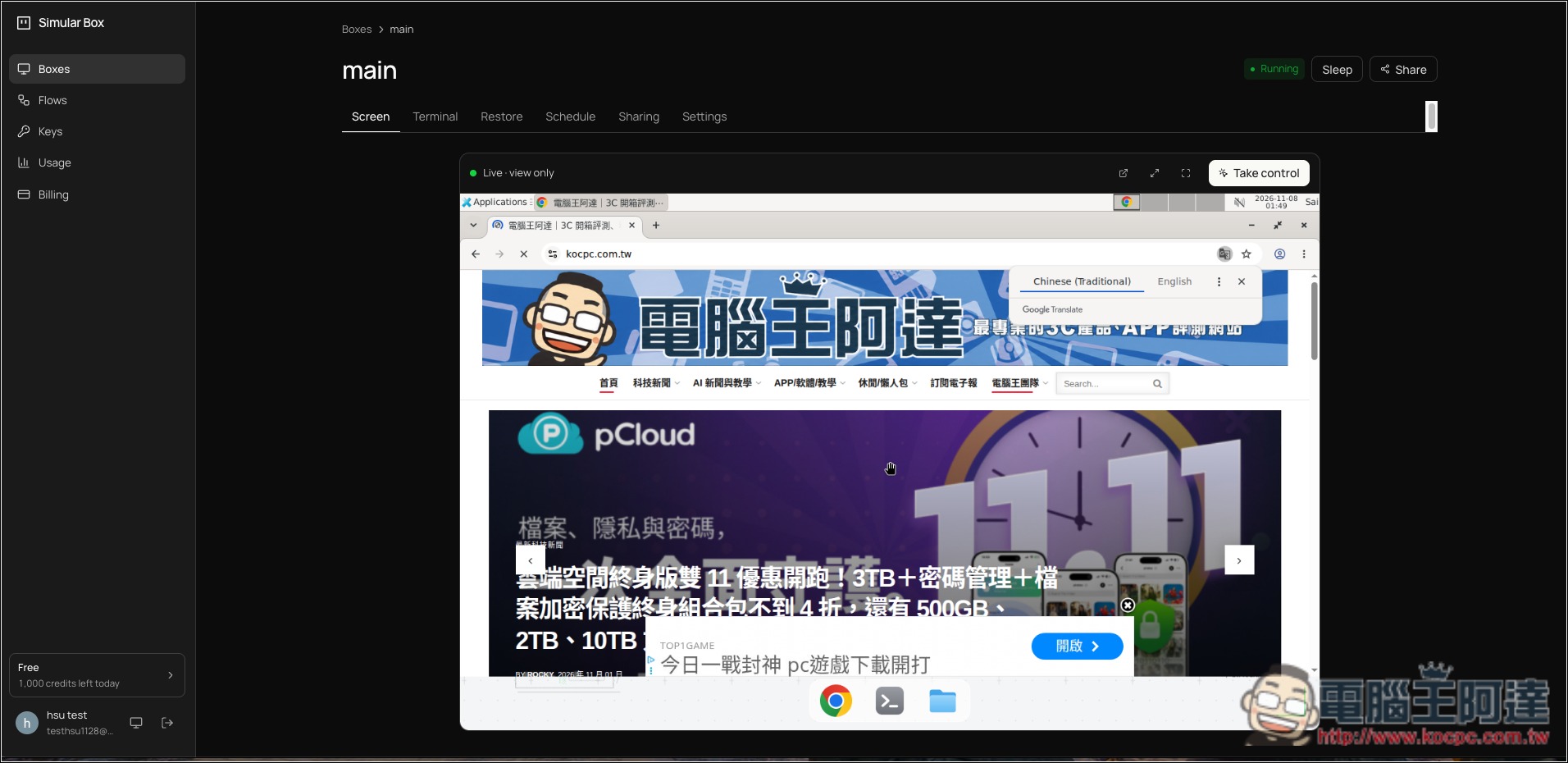
The usage is not complicated. After registering and logging into a Simular account, you can add the official MCP server to supported AI tools, and you can also use the official npx command to help with setup. The first connection usually requires completing authorization in the browser; after that, you can directly assign tasks in natural language, such as searching for tech news, organizing public data, testing website functionality, or running programs in a remote Linux environment. Users can also view the cloud desktop in real time from the web page and take over operations personally when necessary.
For example, having AI automatically browse GitHub Trending, compare product specifications, organize web data, or test open-source projects without affecting your main work computer. These operations are especially suitable for tasks that have no ready-made API and must be completed through a web interface.
Simular Box is designed with one cloud computer per account. It sleeps when idle and can be woken up when you reconnect, and files and work state are preserved. The company says the cloud computer itself is free, but model calls consume the account’s daily Credits. Free accounts currently receive 1,000 Credits per day, but the company has not yet disclosed the full credit costs for each operation, nor guaranteed that this allowance will remain unchanged.
In addition, running AI agents such as Claude Code and Codex will also consume the usage quotas of those services themselves.
Key features
- Free AI cloud computer: Provides an Ubuntu Linux environment, so you don’t need to install a virtual machine yourself.
- Supports multiple AI tools: can integrate services such as Claude, ChatGPT, Claude Code, Codex, Cursor, OpenClaw, and more.
- Supports the MCP protocol: Through a remote MCP Server, AI can directly operate cloud computers.
- Built-in Chrome browser: supports web browsing, mouse clicks, keyboard input, and screen reading.
- Supports terminal commands: execute Shell commands, install packages, and test programs.
- Real-time view of the operation screen: Users can watch the AI’s operations via the web page and manually take over when necessary.
- Preserve the working environment: Automatically sleeps when idle; after reconnecting, you can continue using the original environment.
- Suitable for a variety of automation tasks: including data collection, web testing, software development, and organizing public information.
- Daily free Credits are provided: existing free accounts show 1,000 Credits, but usage limits and credit deduction rules still need attention.
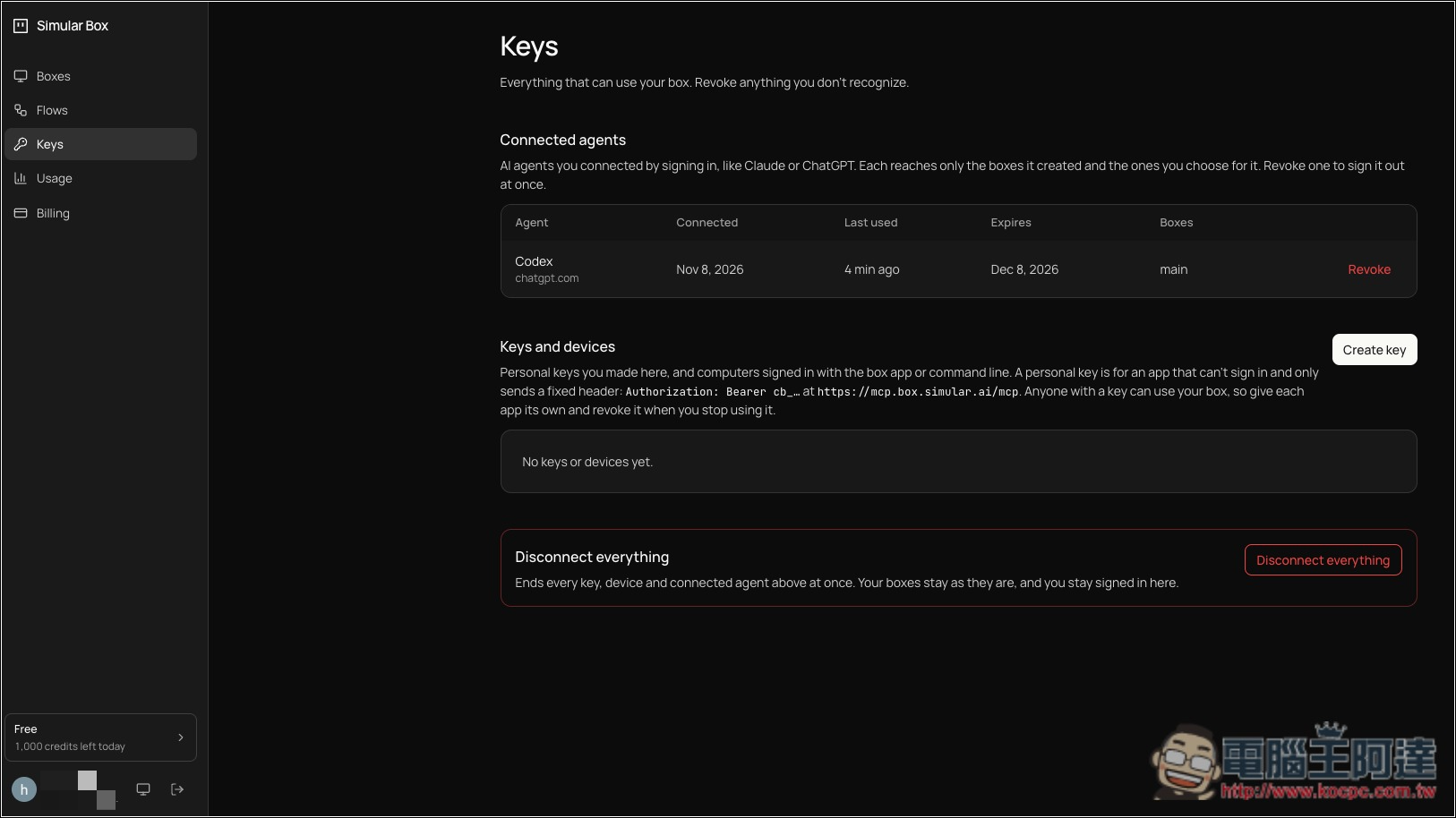
- Supports OAuth authorization: View and revoke access permissions for connected tools in the admin interface.
For those who value privacy, pay attention to how Simular Box collects data. According to Simular’s privacy policy updated in October 2026, to enable AI to understand and operate a computer, the service may capture screen images, webpage DOM structures, and accessibility interface information, and may also collect search keywords, browsing URLs, and activity logs during task execution. So weigh this risk yourself; it is recommended to use it only for public webpages, general data organization, and testing work.
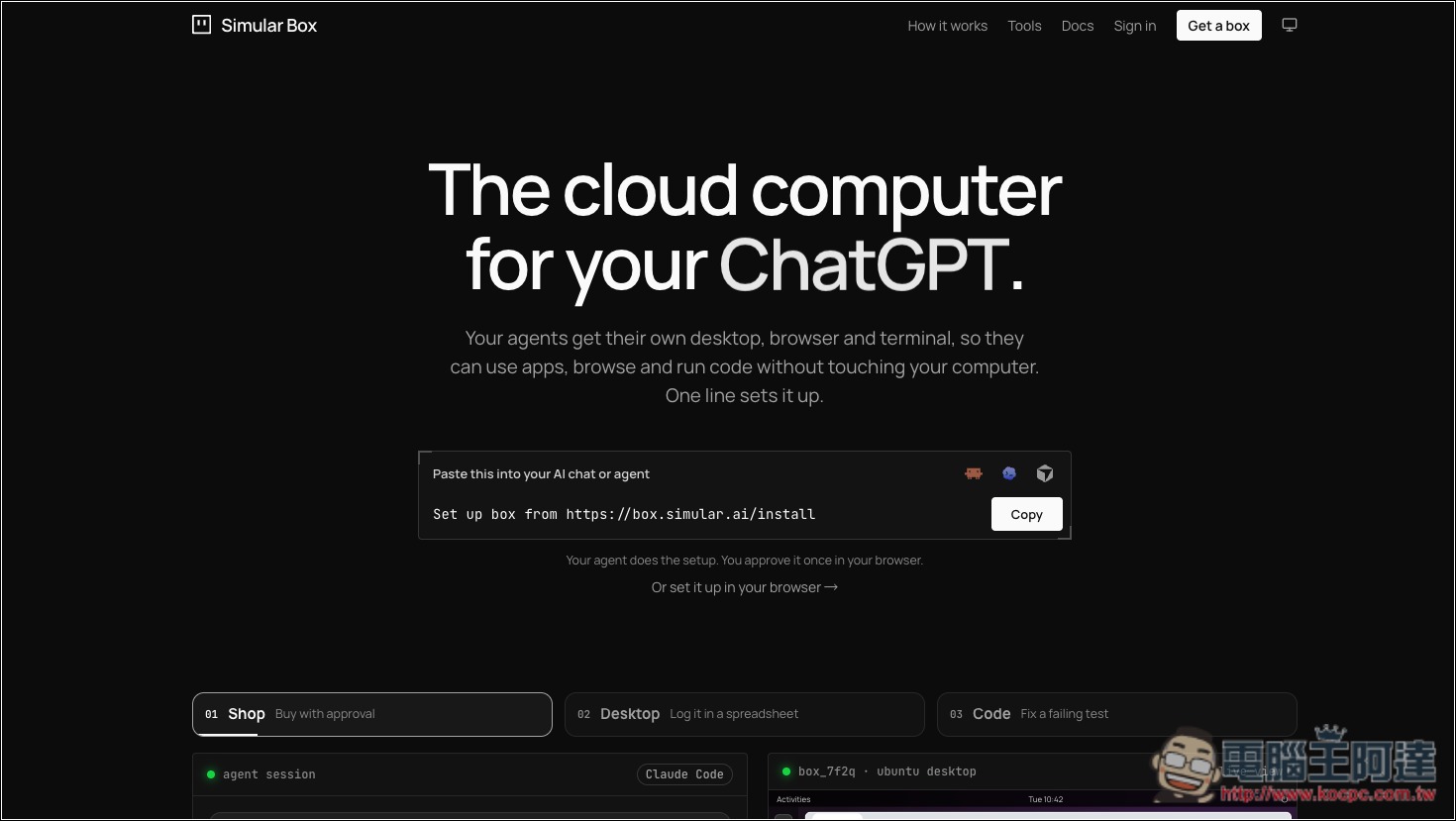
After following the link above to enter Simular Box, click Sign in in the upper right corner to register an account:
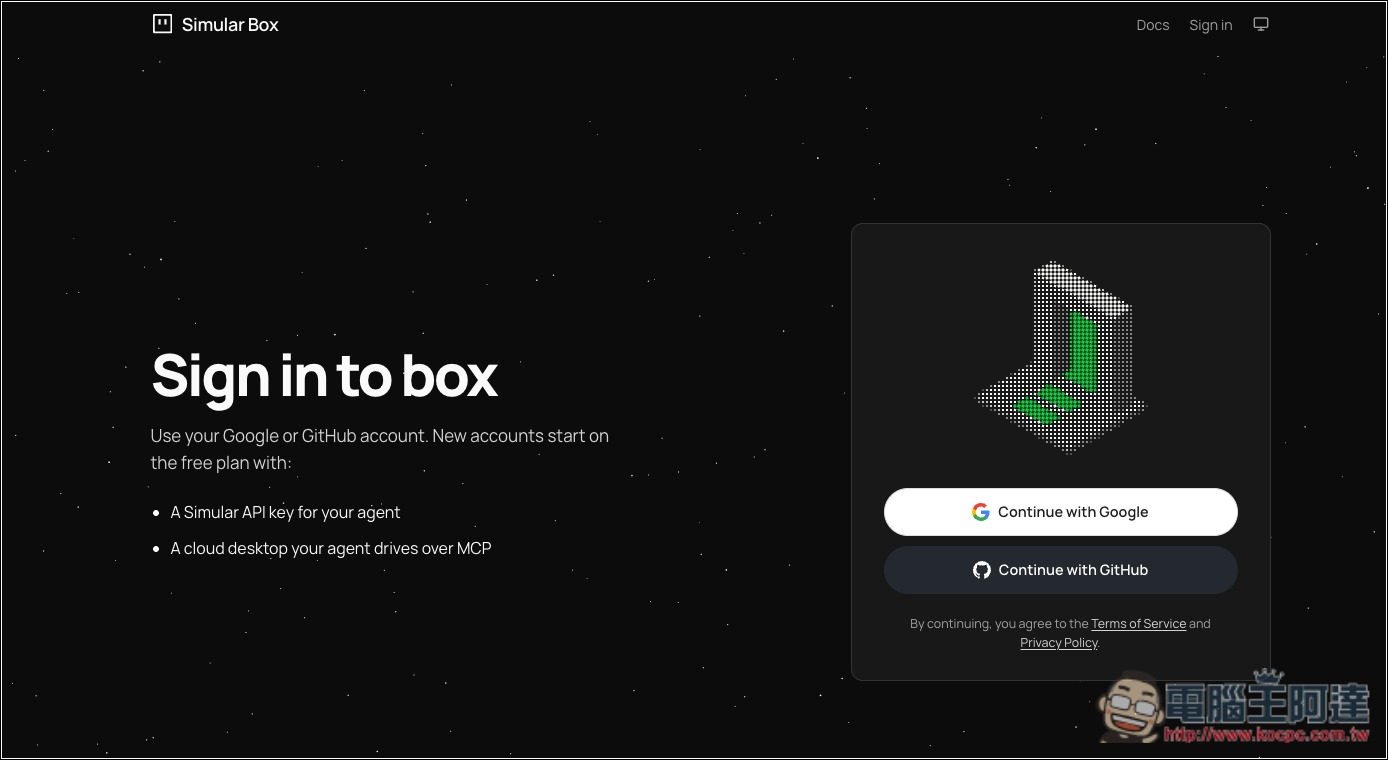
Currently, only Google and GitHub account linking is available:
After you log in to your account, you’ll be taken to the backend, where the daily free 1000 quota will be displayed in the bottom left. However, I haven’t figured out yet when this quota is actually deducted. When I used Codex to control a cloud virtual machine, no quota was deducted at all. I’ll leave this part for everyone to try for themselves:
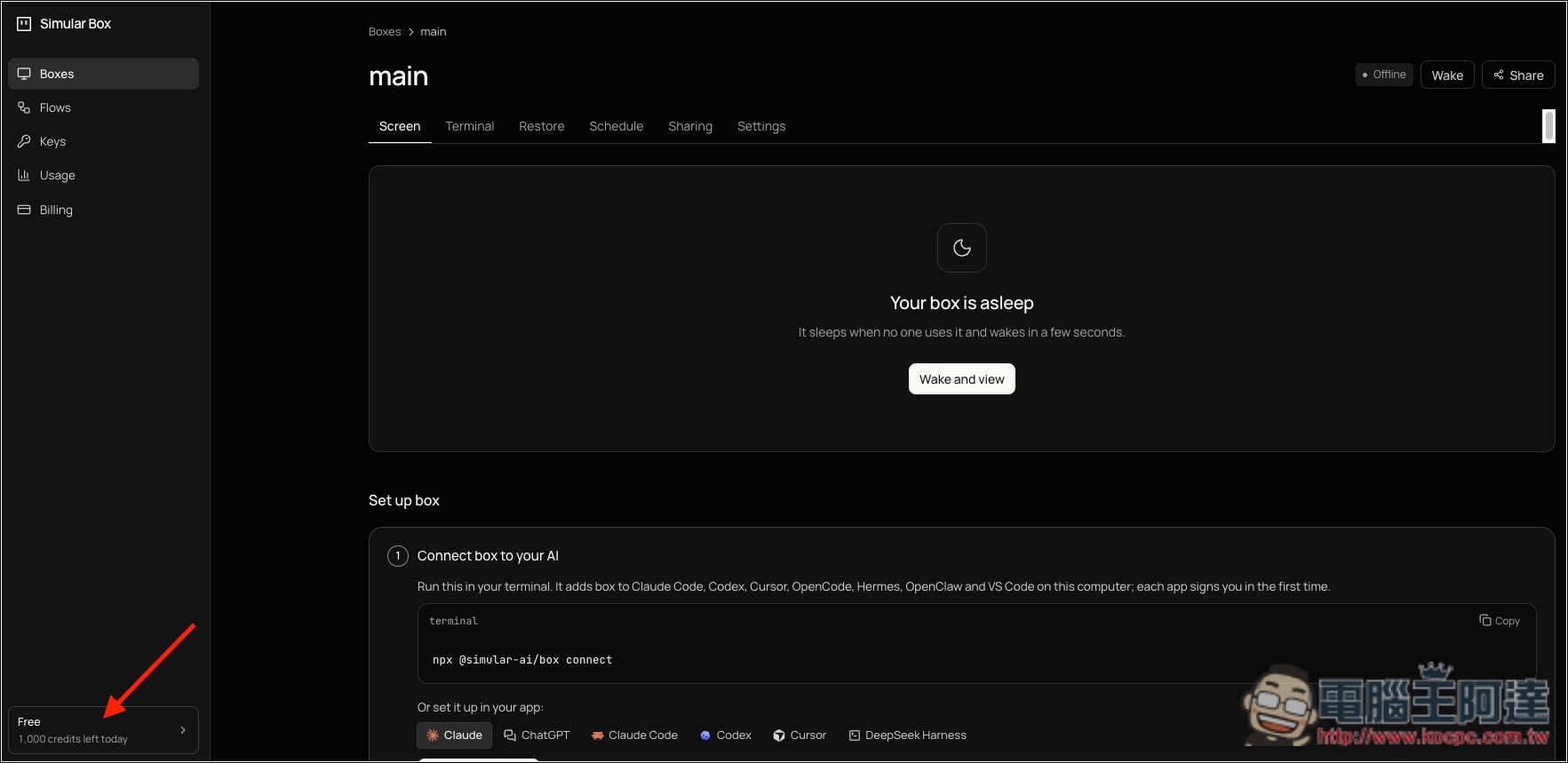
On the right, you’ll find the terminal and the installation methods for each AI agent—just paste the commands there:
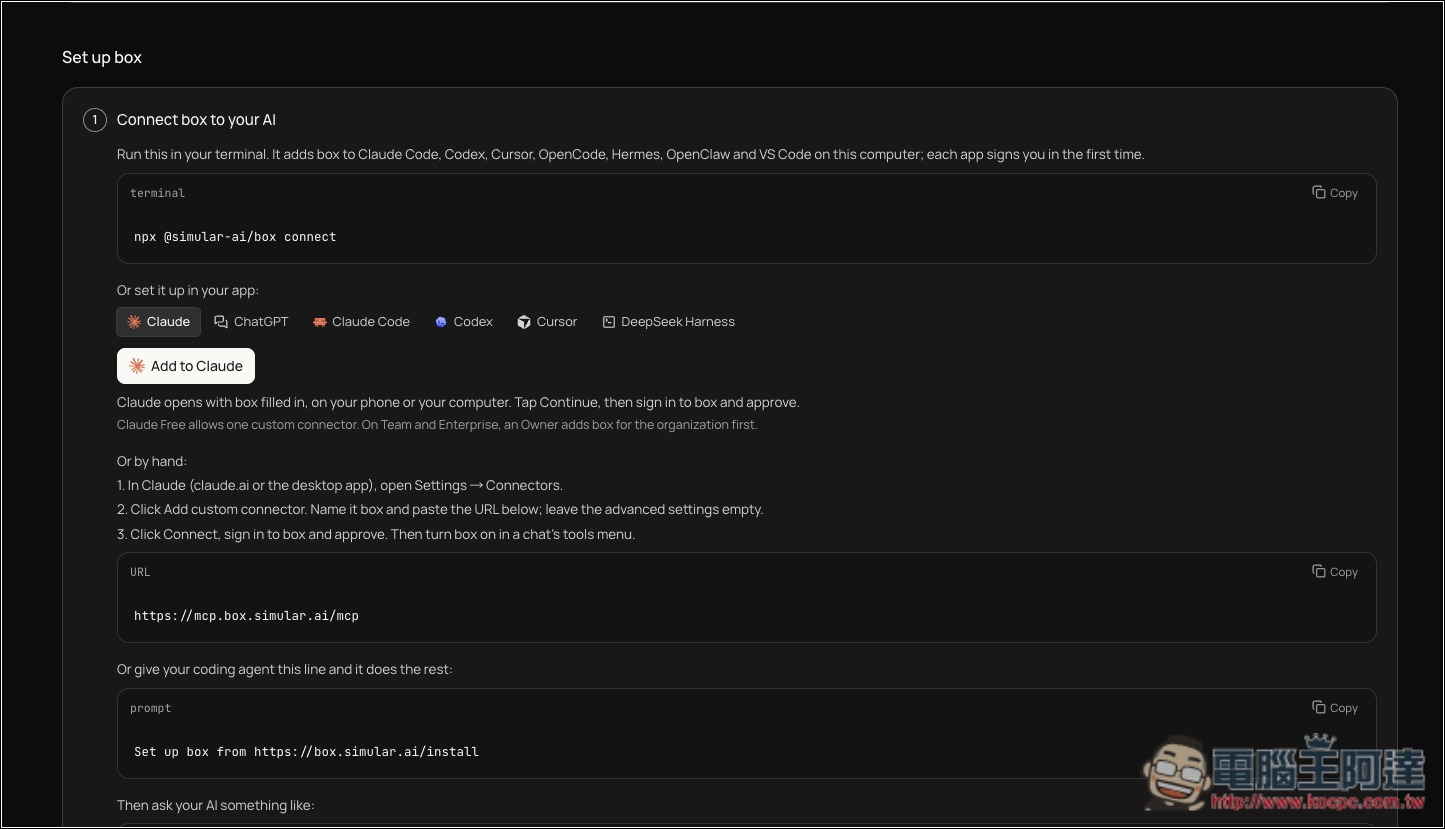
Like this, I put the command into Codex, and Codex will perform the installation:
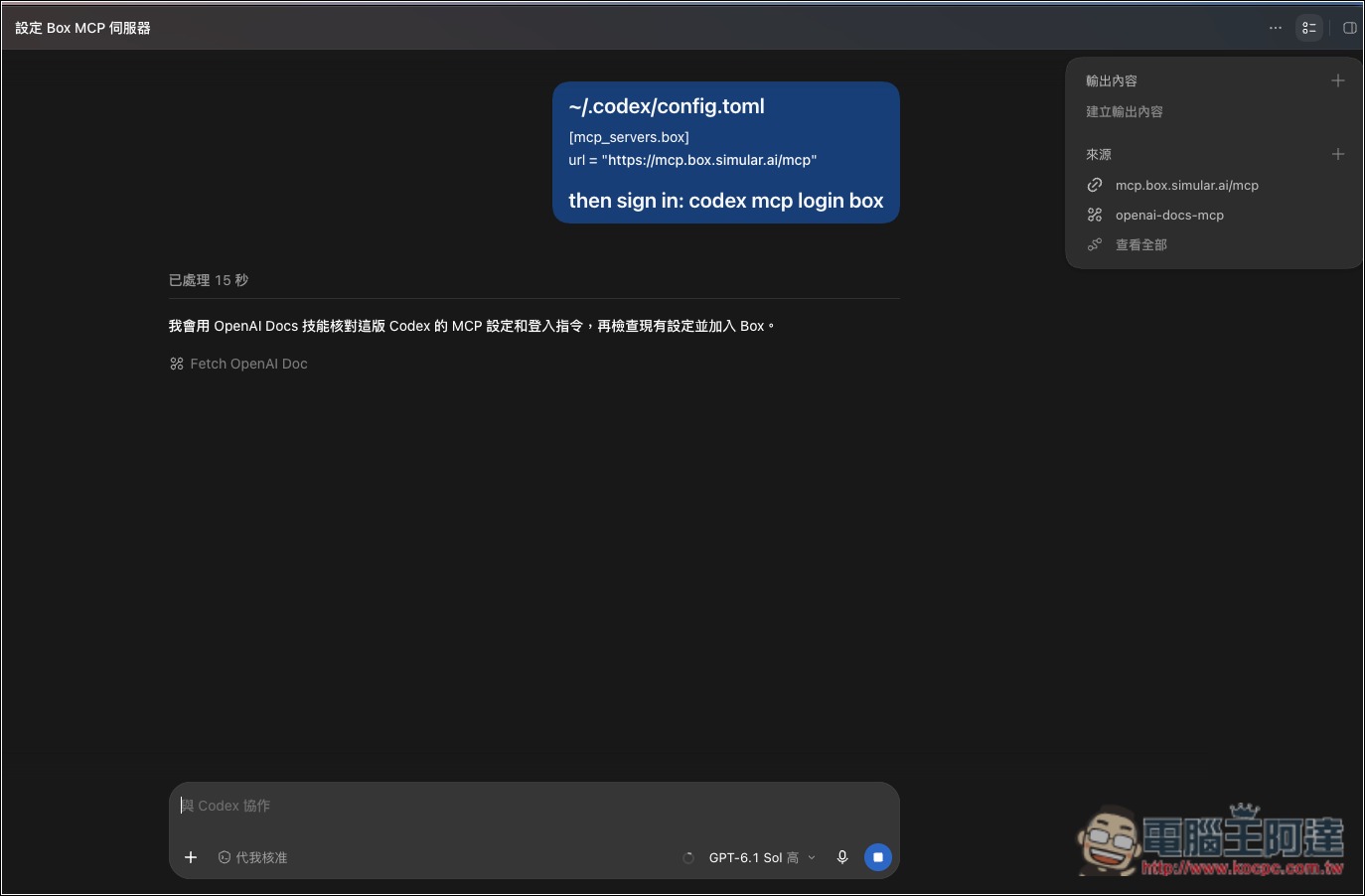
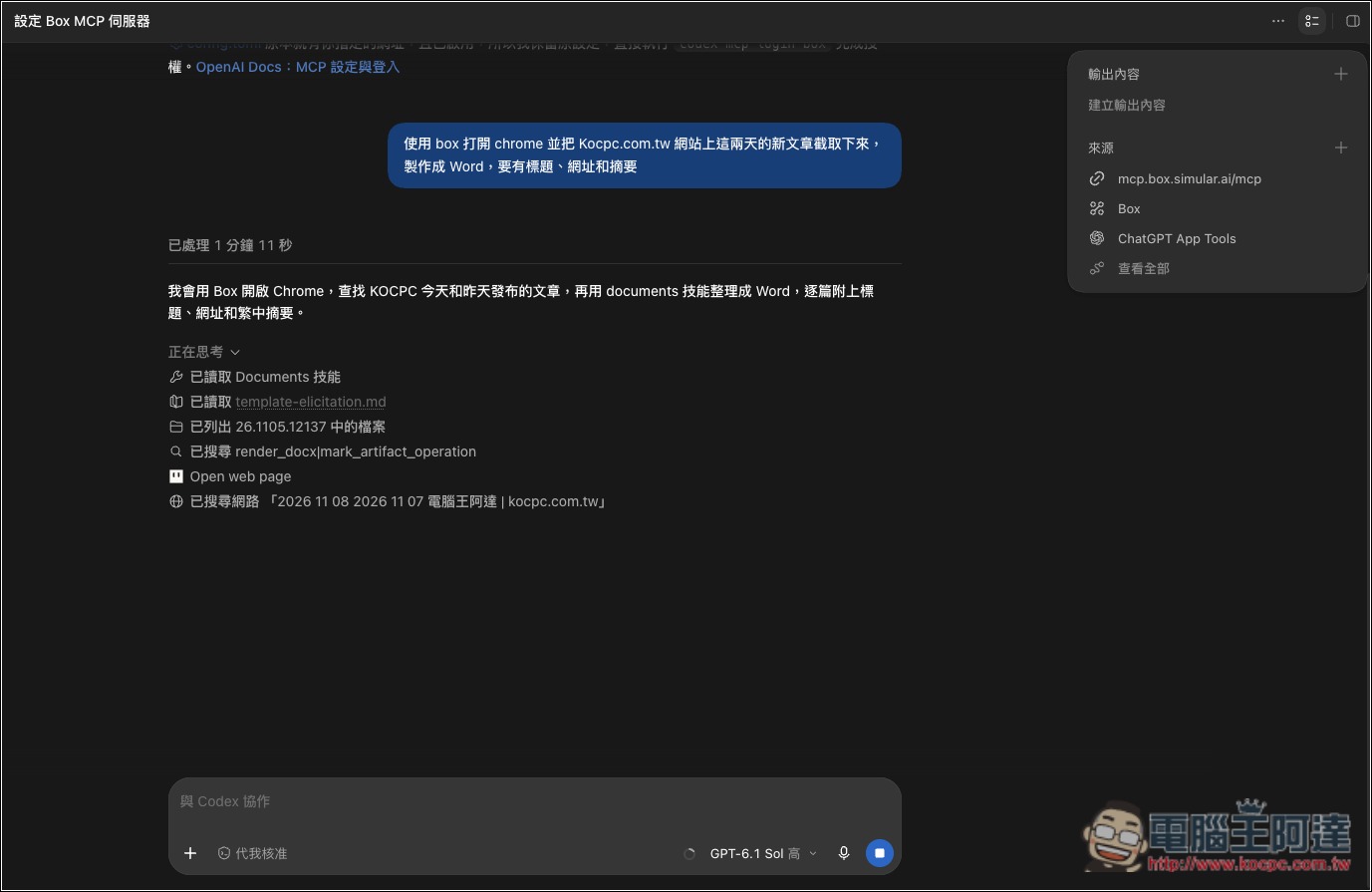
Once that’s done, just tell the AI agent something like “use box to open Chrome,” and Codex will launch a Simular Box cloud virtual machine:
In the Boxes interface in the backend, you can also see the live view, or step in and take control:
Successfully complete the tasks I requested:

In the backend Keys menu, you can manage AI agents that are already connected:
Source: KOCPC Chinese