


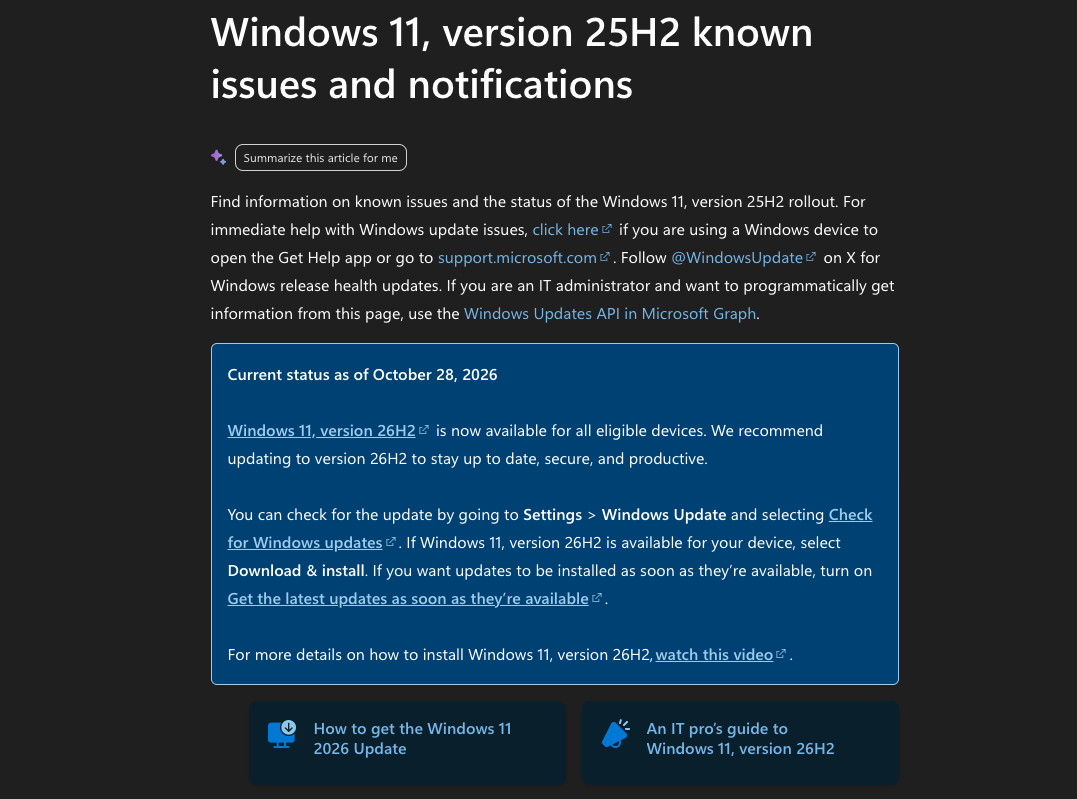
Whenever a major Windows 11 update is released, many people wait and see first, afraid that upgrading will run into bugs that make their computer unusable, and that it is safer to upgrade after Microsoft has fixed a round of issues. This year’s Windows 11 26H2, released on September 29, is no exception; not long after it was released, there were multiple known issues. More than a month later, the situation seems to be gradually improving. Microsoft’s official version status page currently shows that of the 5 known issues tracked for 26H2, 4 are marked “Resolved,” and the remaining USB audio issue is also marked “Mitigated.” Therefore, Microsoft recommends on the page that users update to 26H2 to ensure their system is up to date, secure, and efficient.
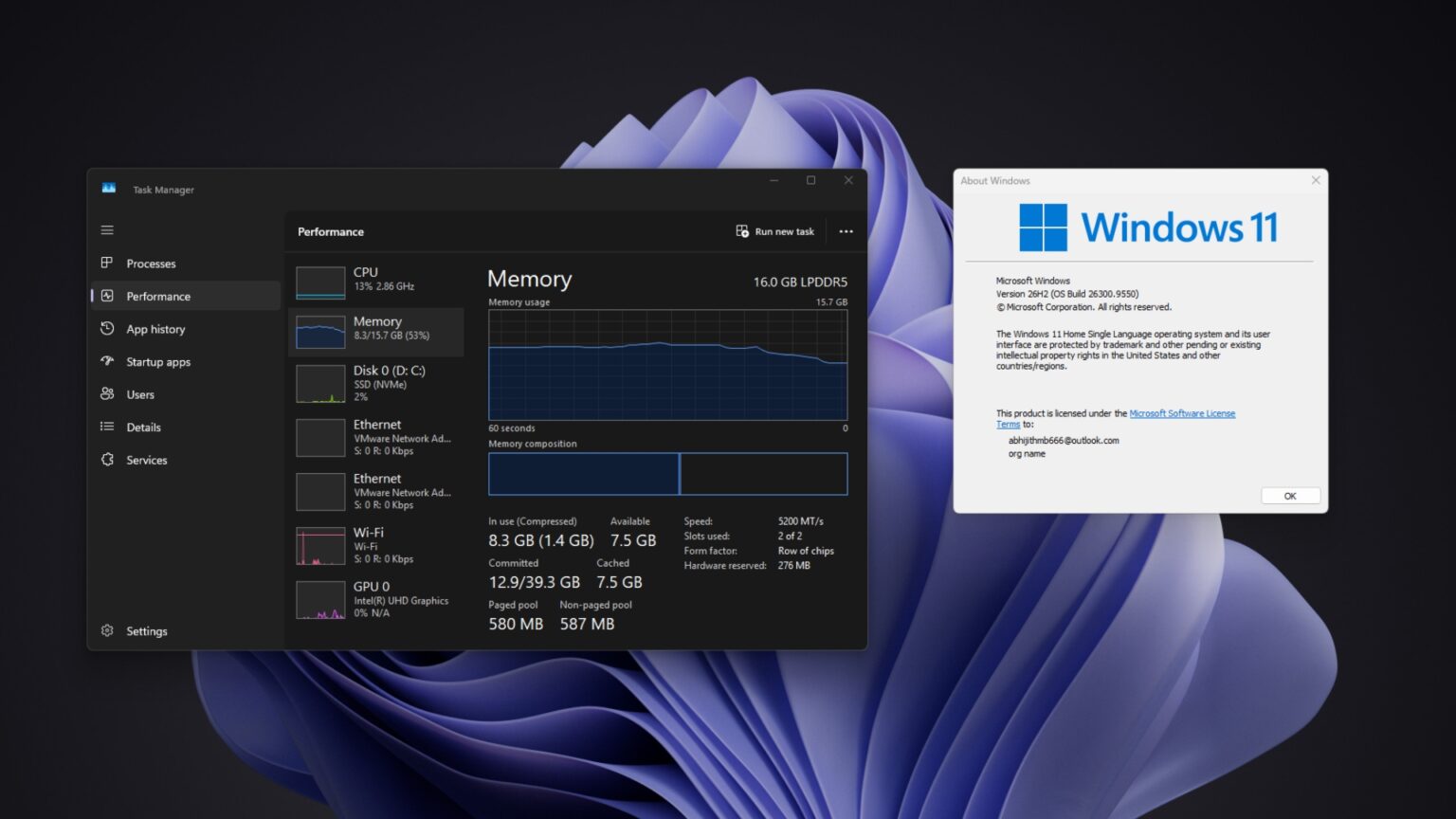
Four known issues in Windows 11 26H2 have been fixed! Microsoft recommends upgrading, and only USB audio has not yet been fully resolved.
According to Windows Latest According to reports, Microsoft is Windows 11 26H2 status pageOf the 5 known issues listed, only 1 has not been fully fixed yet.
| Known issues | Current status | Fix update |
|---|---|---|
| Remote Desktop connection fails for non-administrator accounts, with error 0xC000000D. | Resolved | KB5127936(10/28) |
| Black screen after login; the desktop fails to load properly. | Resolved | KB5127648(10/13) |
| The application unexpectedly closes while decoding AC-3 audio. | Resolved | KB5127648(10/13) |
| The domain-joined computer has lost its domain trust relationship. | Resolved | KB5124010(9/22) |
| Some USB audio devices fail to start or produce no sound | Relieved | KB5129195 (9/14) partially fixed, but not yet fully resolved. |
The four issues that have already been fixed mostly occurred in enterprise environments in the past. For example, the Remote Desktop 0xC000000D error occurred when non-administrator accounts connected; black screen issues were mainly reported on cloud virtual desktop hosts such as Azure Virtual Desktop; domain trust failures were related to computer accounts protected by Credential Guard, which prevented computers in the company domain from logging in normally.
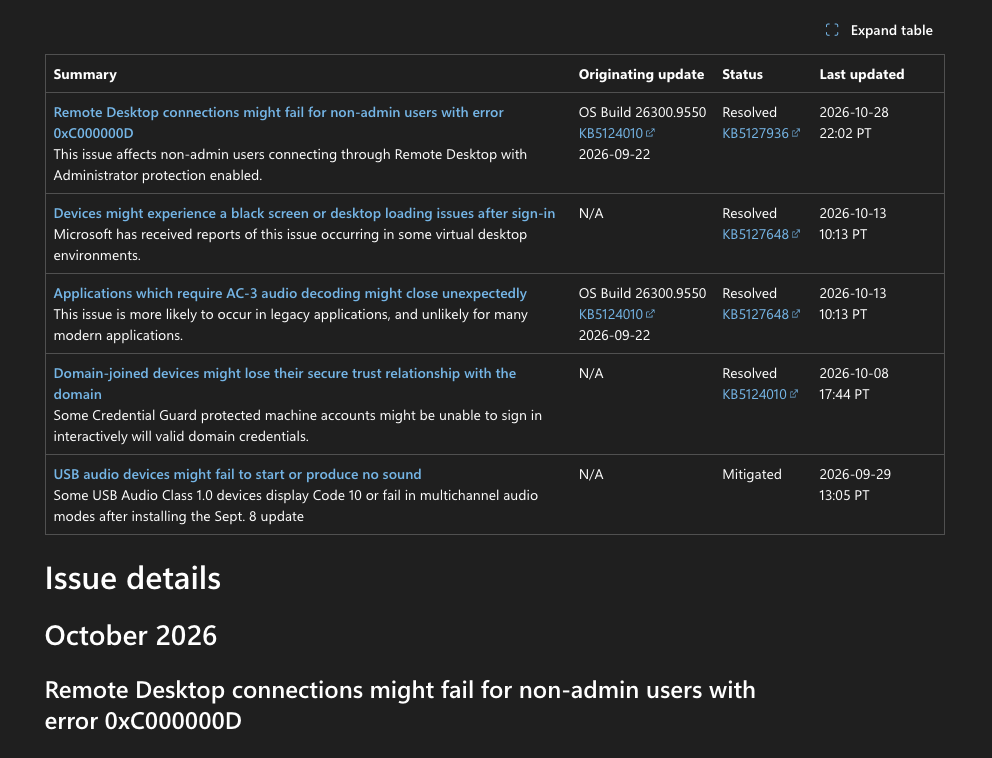
What home computers are more likely to encounter is AC-3 audio decoding causing the App to be forced to close, as well as USB audio issues. Although the USB audio issue has not been fully resolved, it is marked as mitigated, meaning there have been partial fixes or temporary workarounds that reduce the scope of the problem’s impact.
Therefore, Microsoft stated on the 25H2 status page: “Users are advised to update to 26H2”:
Regarding USB audio issues, some people may not be very clear about them.
After installing 26H2, some USB Audio Class 1.0 devices may fail to start or produce no sound. The issue first appeared with the September 8 KB5124008 update. Actual symptoms include:
- Device Manager shows a Code 10 error.
- There is no sound at all after connecting the device.
- Volume controls or sound settings are not responding.
- Devices using 8-channel or 3D audio modes are malfunctioning.
USB Audio Class 1.0 (UAC 1.0) is an older USB audio standard. It does not require a separate driver and works as soon as you plug it in, so many USB headphones, microphones, and external DACs use it today. Therefore, if you usually use an entry-level USB headset, a video conferencing microphone, or a small USB DAC, you are more likely to encounter it.
If you’re not, then you don’t need to worry too much. Upgrading to 26H2 is really quite worthwhile, especially with Microsoft’s recent optimizations for 8GB RAM PCs, which can improve response speed by up to 20%. Windows Latest actually tested it: after upgrading a 16GB laptop, memory usage after reboot dropped by up to 2GB. Another 8GB laptop went from 5GB down to 3.3GB.
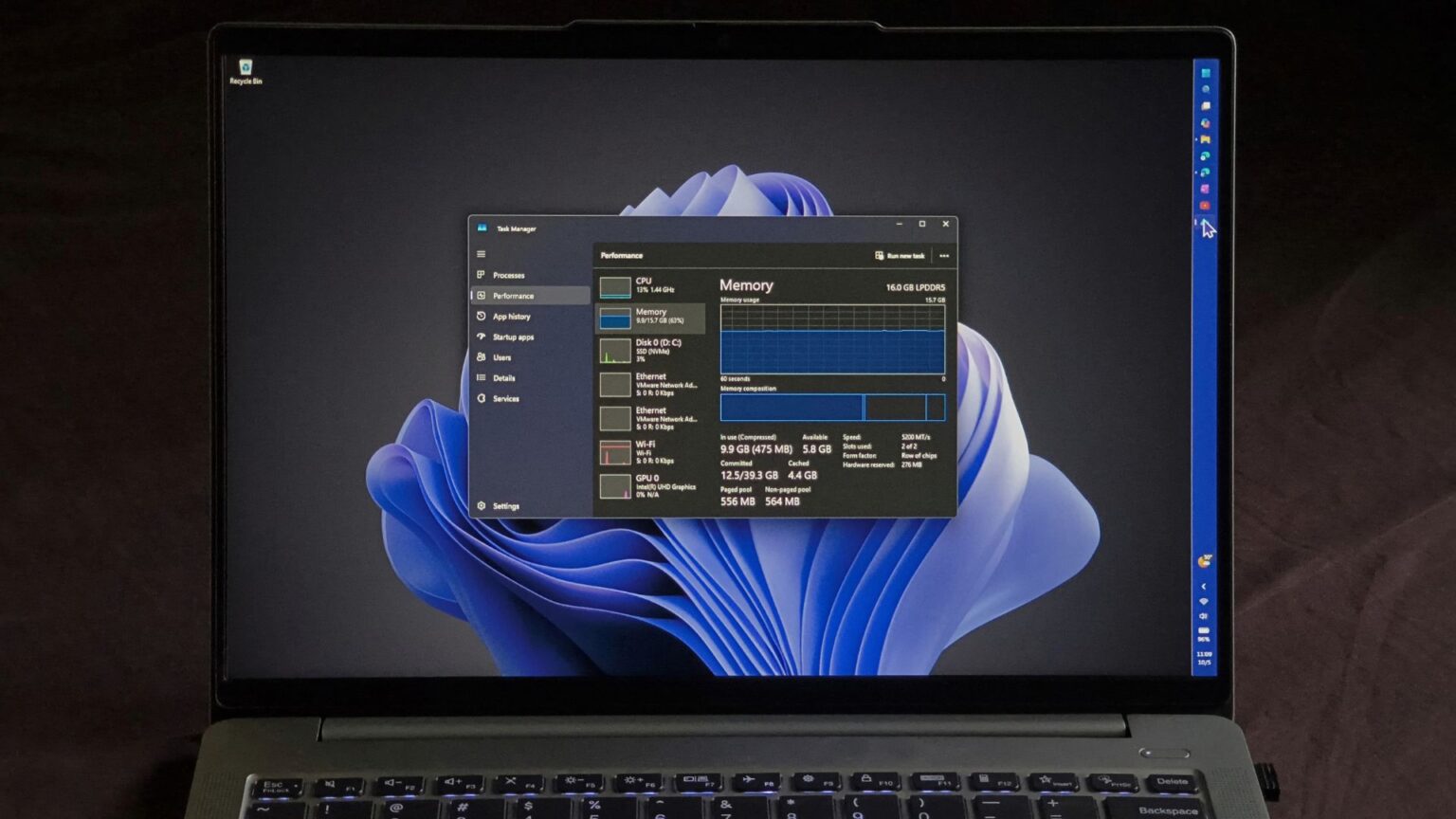
Image source: Windows Latest
Source: KOCPC Chinese