


Many people now use Gemini Notebook to help organize meeting or class content, but when it comes to recording, previously you had to record first with your phone’s recording app or another tool and then import the audio file into the notebook—this was actually quite troublesome. The good news is that the recording feature Google announced in September for the Android and iOS apps has finally started rolling out more widely recently, and when I tested it, my account already had access. It supports recordings up to 1 hour, and switching to another app or locking the screen won’t interrupt it. The finished recording is also added to the notebook, meaning you can have AI help organize and analyze it directly.
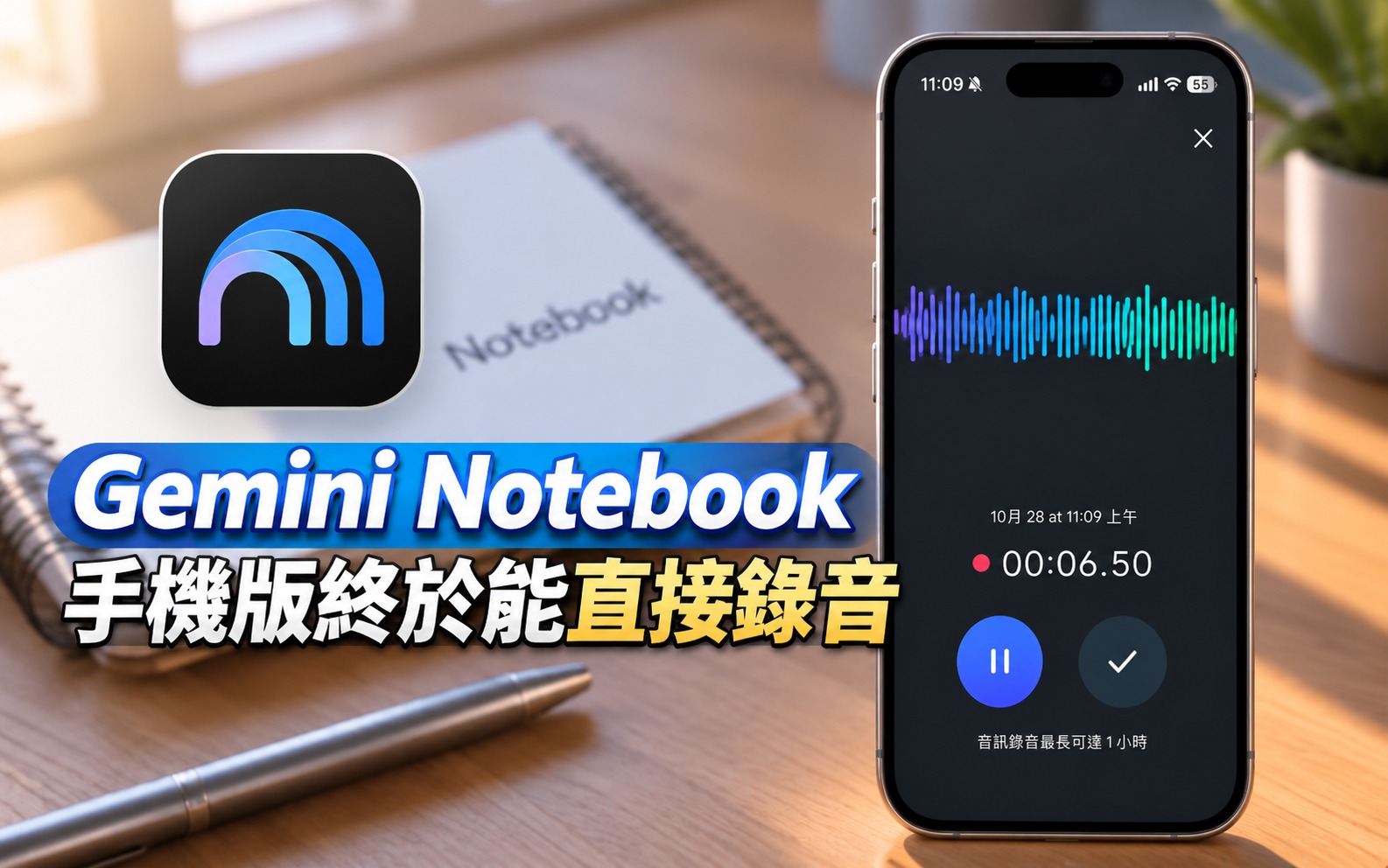
Gemini Notebook mobile app’s built-in recording feature starts rolling out: records for up to 1 hour, then hands it straight to AI to summarize the key points.
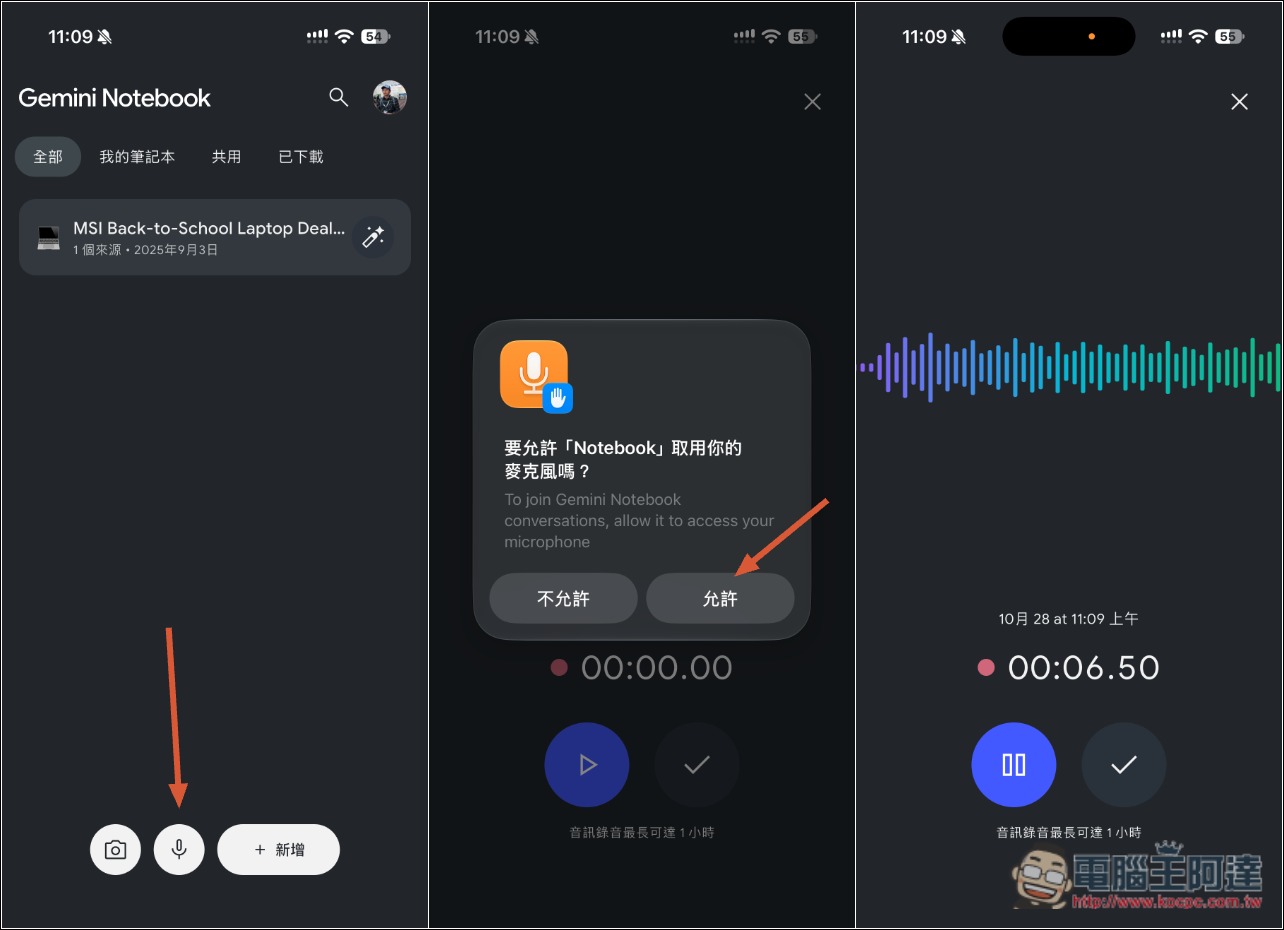
According to foreign media 9to5Google According to reports, the Android and iOS apps for Gemini Notebook (formerly NotebookLM) have begun rolling out a built-in recording feature. After opening the app’s home page, a microphone icon will appear at the bottom between the camera and the “Create new notebook” button; tap it to start recording.
The recording interface is also designed very cleanly: at the top of the screen are a Gemini Notebook-style waveform animation and a live timer, while at the bottom are a pause button and a checkmark button to finish recording. The key features are summarized below:
- Can directly record lectures, meetings, or personal voice notes.
- Up to 60 minutes per recording
- Supports pausing and resuming recording; if you’re not satisfied, you can delete this segment and re-record it directly.
- After switching to another app or locking the screen, recording continues in the background.
- Recording from the home page creates a new notebook; tapping the microphone in the Sources tab of an existing notebook adds the recording to that notebook.
However, there’s one detail to pay special attention to: Gemini Notebook only keeps the transcribed text as the source, and the original recording file is not saved. In other words, after recording, you can’t go back and listen to the original audio. If you need to keep the recording, you’ll still need to use another recording app.
After opening the Gemini Notebook App, you’ll see a recording icon at the bottom. The first time you use it, it will ask for microphone permission, and then it will start recording. While recording, you can pause and resume at any time. When you’re done recording, tap the checkmark icon on the right:
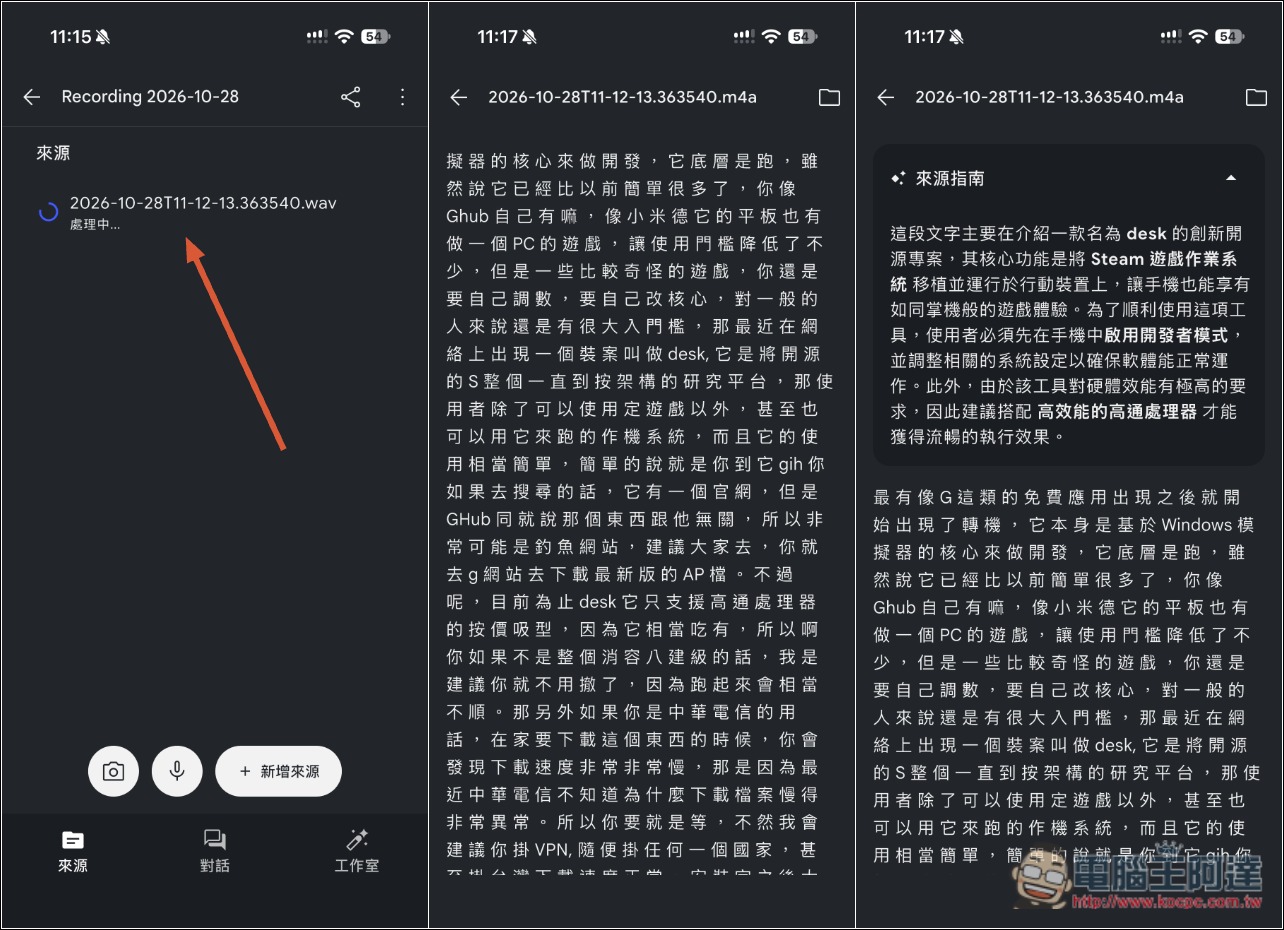
The system will then start transcribing the text. After transcription is complete, you can view the transcript and also go directly to the notebook to ask the AI for analysis:
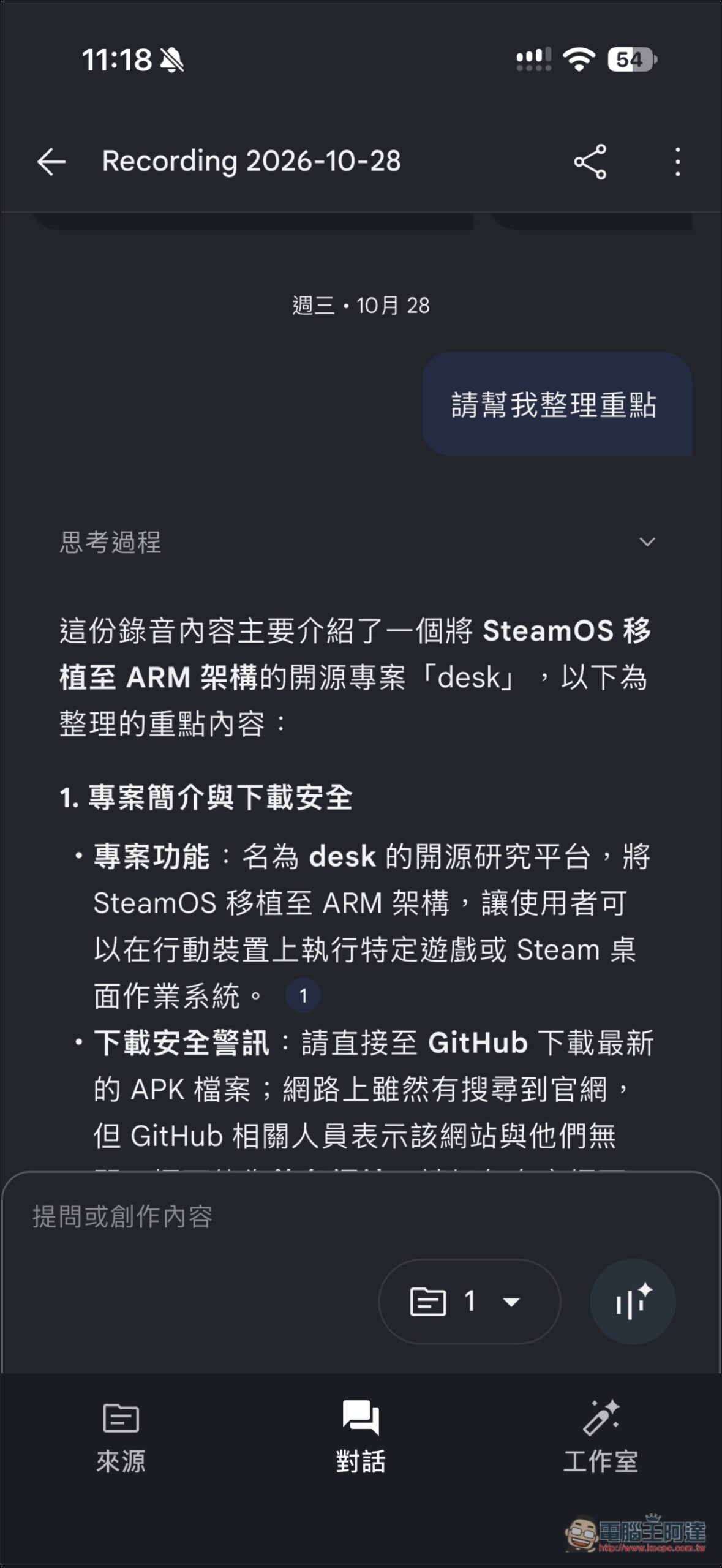
Like this, once you’ve finished recording, you can go straight into the notebook to take notes, which is really much more convenient. The only thing is that the audio file won’t be saved, so it’s still somewhat inconvenient to use:
If your app has already been updated but you still don’t see the microphone icon, 9to5Google suggests first force-stopping the app and then reopening it. If you still don’t see it, it may not have been rolled out to you yet; try again in a few days.
Source: KOCPC Chinese