


Google recently introduced a quite practical new feature for Android gamers. With the official rollout of the Play Store v53.8 update, the “Playbacks” feature has been integrated into Play Games Sidekick, allowing players to instantly save gameplay footage after a highlight occurs even if they did not start screen recording in advance. Many consider this design very similar to Nintendo Switch’s video replay mechanism, with both aimed at preventing players from missing memorable moments because they could not react in time.
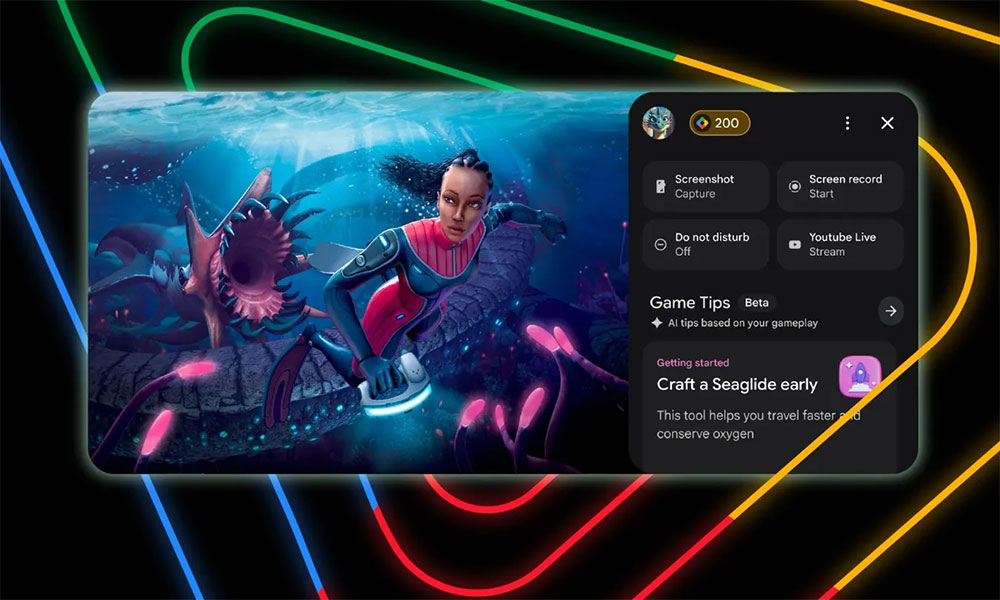
Google Play launches a “Replay” tool, taking inspiration from Nintendo Switch.
In the past, if players wanted to capture highlight moments in a game, they usually had to start screen recording before the game began. However, long recordings not only take up storage space but also tend to capture a lot of irrelevant content, such as waiting for matchmaking, repeatedly grinding monsters, or navigating menus. Google’s replay feature changes this way of doing things. When players complete a thrilling comeback, achieve a difficult challenge, or encounter an interesting game bug, they only need to activate the replay feature, and the system will automatically save the previous 30 seconds of gameplay, so precious moments no longer disappear because they forgot to press the record button.
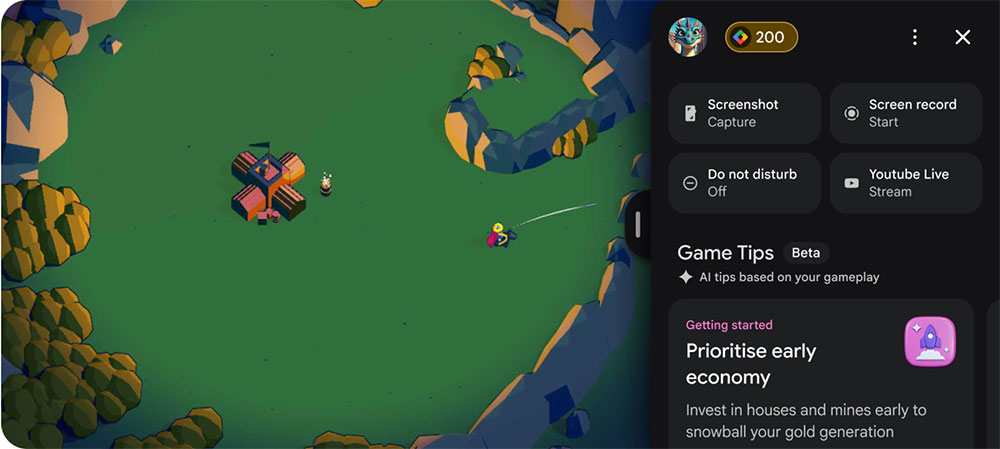
This feature is implemented through Play Games Sidekick. Sidekick was originally an auxiliary interface Google built for some Android games, providing players with additional game-related tools and information, and the replay feature is now a new addition to it. When players choose to save the footage, the system captures the past 30 seconds of gameplay into a video clip and stores it directly on the local device, making it easy to watch, share, or upload to social platforms later.
Although recording the entire session is still necessary in some cases—such as livestreaming, creating walkthroughs, or keeping complete match records—for most players, what is truly worth saving is often only a few dozen seconds. The replay feature meets exactly this need, allowing players to capture the most exciting moments without recording for long periods and reducing wasted storage space.
When it comes to this new feature, it’s natural to think of the Nintendo Switch. Back in 2017, Nintendo added video recording to the original Switch. Players only need to long-press the Capture button on the console, and the system saves the last 30 seconds of gameplay. This design was well received by many players, because it lets them decide afterward whether to keep a highlight rather than predict in advance when something worth recording will happen. With the Switch 2, Nintendo has continued the same concept and offers more complete video management and album features.
Google’s replay and Switch’s recording mechanism differ in how they are operated, but their core ideas are almost identical. Nintendo relies on a physical button on the console, while Google implements it through the on-screen Sidekick interface. Either way, the key is to first preserve what has already happened and then let the player decide whether to save it, avoiding missing fleeting important moments.
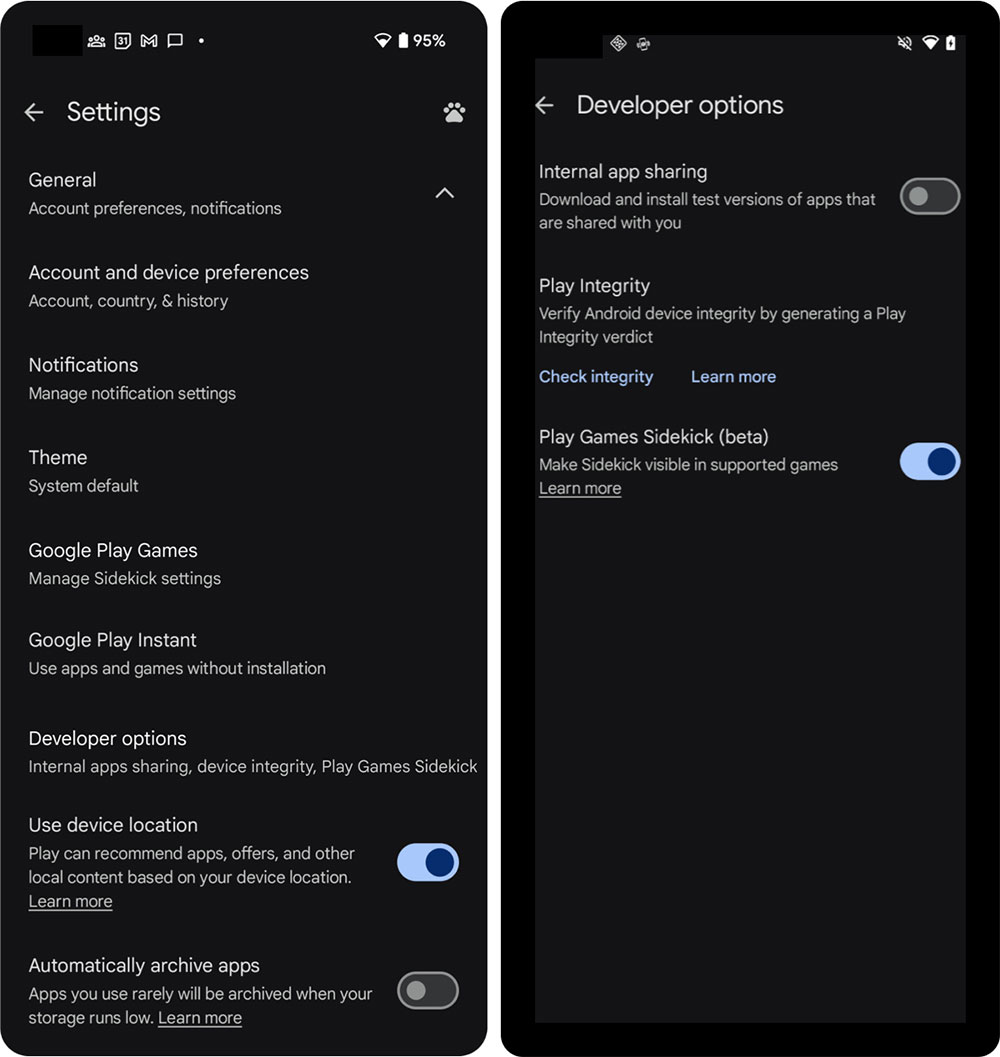
Currently, Sidekick and playback features are still being rolled out in stages, so not all Android devices can use them immediately. Google has not yet announced the complete list of supported phones and games, nor has it detailed related specifications such as video quality, recording methods, and audio processing. Even after updating to the latest version of the Play Store, some users may still need to wait for the features to become available gradually.
Although Google is many years behind Nintendo in introducing this feature, it is still a welcome improvement for the vast Android gaming community. In the future, whenever there’s a stroke of genius play, an unexpected victory, or a hilarious gameplay moment, players will be able to save it more easily—no longer having to regret missing a key moment.
Source: KOCPC Chinese