


AI can now not only write code but also help ordinary gamers tinker with game engines. Recently, a Reddit player used Claude AI to develop a performance optimization mod for The Elder Scrolls IV: Oblivion Remastered, and without lowering any graphics settings, it can improve the old problems of low FPS and traversal stuttering. In specific test scenarios, average FPS improved by up to 43%.
More importantly, this developer is not a professional programmer, just an ordinary gamer, so from identifying performance bottlenecks and reverse engineering to writing the fix, most of the work was left to Claude to complete.
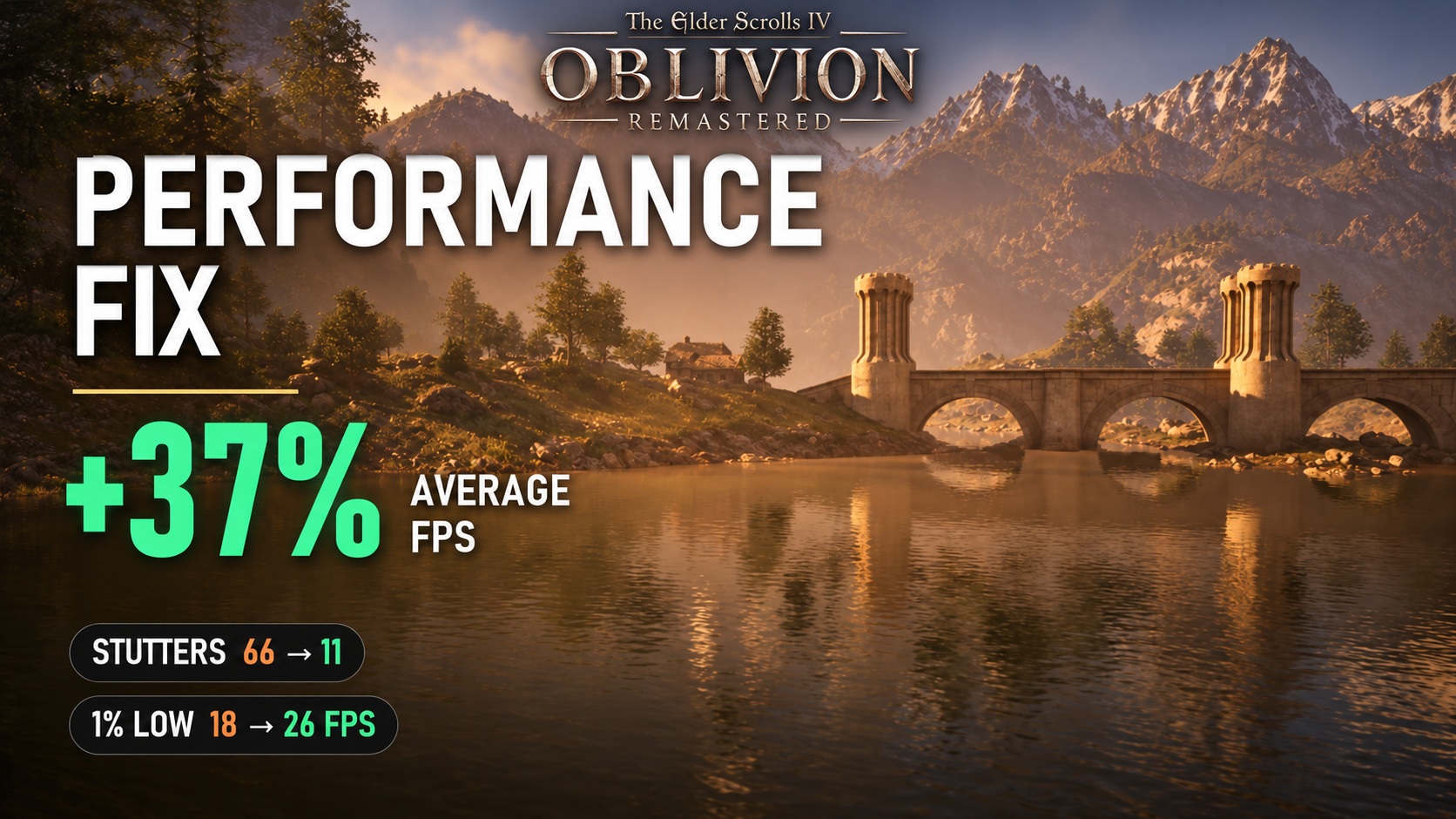
Player Uses Claude AI to Create The Elder Scrolls IV: Oblivion Remastered Performance Mod! No Loss in Visual Quality, FPS Improved by Up to 43%
This MOD comes from Reddit user LTSharpe, who shared the whole process on r/ChatGPT (yes, using Claude but sharing it on the ChatGPT subreddit). The whole process took about two and a half weeks. He used Claude Opus 5.5 to perform performance analysis and reverse engineering on the game, and ultimately put together about 40 engine-level optimizations, packaged as a free open-source MOD called Oblivion Remastered Performance Fix. The first public version, v1.0.0-beta, was released on GitHub on October 17.
And the reason I made this MOD is also very simple: the game was just too laggy to play.
Used Claude to fix Oblivion Remastered performance
byu/LTSharpe inChatGPT
Since The Elder Scrolls IV: Oblivion Remastered launched in April 2025, players have been complaining about CPU bottlenecks, unstable frame times, and stuttering while moving around the map. He initially used an RTX 2070 SUPER graphics card and originally thought upgrading to a better one would solve the problem, so he upgraded to an RX 9070 XT. But unexpectedly, even when paired with a Ryzen 7 5800X processor, the low FPS and stuttering issues remained, so he had to ask Claude AI for help finding the cause.
Claude independently handled everything from performance analysis, reverse engineering, code fixes, and benchmarking tools to project documentation; LTSharpe was only responsible for setting goals and rules—including the most important one, “must not change the game’s visuals”—then making every decision and personally playing every version. He also mentioned on the Nexus Mods MOD page that reverse engineering and programming were completed by Claude under his direction, and that he himself did the final testing:
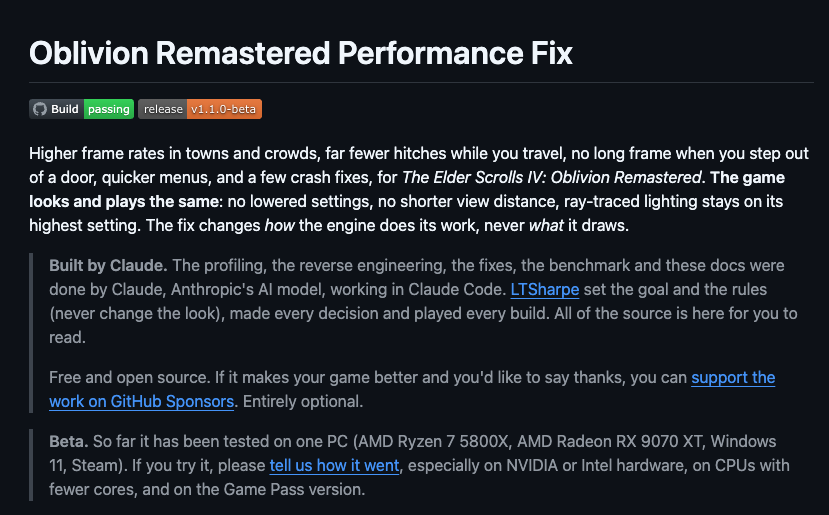
The problems identified by Claude can be roughly divided into three categories.
- CPU multicores weren’t being used: the rendering work for each frame has to be converted into DirectX 12 commands, which was originally handled almost entirely by one thread while the other cores sat idle. The mod spreads this work across all cores; in CPU-bound scenes, this part alone boosts FPS by 22–25%.
- Repeatedly performing unnecessary computations: the weather system rebuilds the sun, sky, and fog lighting every frame, even when the image hasn’t changed at all. Character skeleton data is copied to the GPU in a very slow way, and cloth settings are repeatedly copied every frame. The MOD changes this to only recompute the parts that have changed and skip identical copies entirely.
- Stuttering when loading new areas: when you run into a new area, the game re-requests memory it just released a few seconds later, costing 20–100 ms each time. The physics engine absorbs thousands of trees and rocks at once on a single thread. A whole group of characters spawning in the distance at the same time also takes 50–100 ms. The mod changes this by retaining commonly used memory, spreading physics calculations across multiple frames and helper threads, and creating characters that are out of sight in the distance in batches.
He emphasized that most of the fixes simply do the same thing in a more efficient way; what changed was how the engine knows “how to do it,” not “what gets drawn.” Texture resolution, lighting and shadow quality, and view distance were unchanged, and ray tracing remained at the highest setting.
Next comes the most important part: the actual testing. His PC is a Ryzen 7 5800X (8 cores), RX 9070 XT (16GB), 32GB RAM, Windows 11, and the Steam version of the game. Each set of data is the average or median of 2–4 test runs, and the game was restarted each time before testing began:
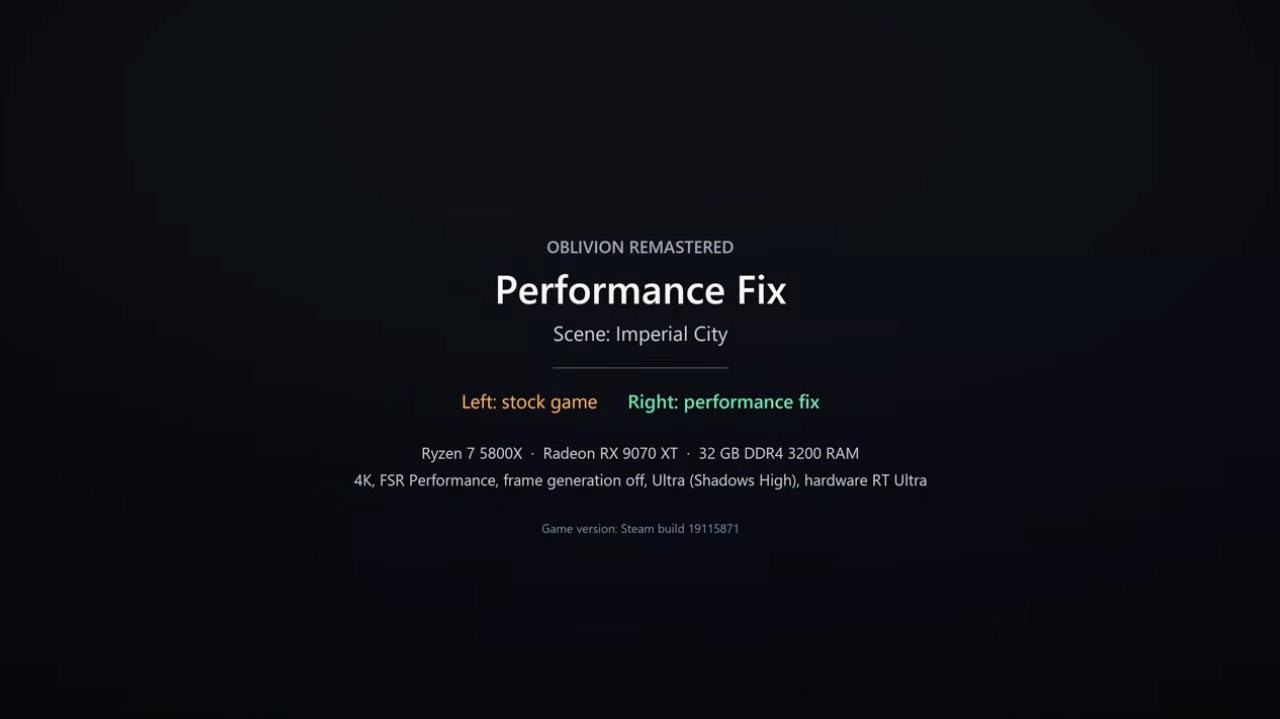
The “4K” in the table below is the output resolution with FSR Performance upscaling, hardware ray tracing, and Ultra quality (shadows set to High), not native 4K:
| Test scenario | Original FPS | Install MOD | Extent of improvement | 1% Low FPS |
|---|---|---|---|---|
| Imperial Capital Flight, 4K, frame generation enabled | 72 | 102 | +41% | 33 → 45 |
| Cheydinhal street, 4K, frame generation enabled | 64 | 91 | +43% | 50 → 68 |
| Cheydinhal flight, 4K, frame generation disabled. | 55 | 63 | Approx. +15% | 26 → 43 |
| CPU bottleneck test, 720p, frame generation disabled | 45 | 57 | +25% | Not announced |
Rather than average FPS, the more meaningful metrics are 1% Low and the number of stutters, since these are the key to how smooth gameplay feels.
The Imperial City flight’s 1% Low increased from 33 to 45, and Cheydinhal streets from 50 to 68, both up about 36%. The most notable improvement was in the Cheydinhal flight test with frame generation disabled: average FPS rose only from 55 to 63, while 1% Low jumped from 26 to 43, an increase of about 65%:
He also added that other everyday operations feel noticeably better too, such as in 4K when walking from indoors to outdoors and the image reappears, the slowest frame time dropped from 187 ms to 95 ms. The screen freeze when opening the settings menu was shortened from 0.74 seconds to 0.43 seconds, and opening the pause menu or inventory went from 0.36 seconds to 0.20 seconds.
He has also now publicly released the Oblivion Remastered Performance Fix project, which is free and open source under the MIT license and can be downloaded from two places:
- GitHub projects and source code: Includes complete source code and rerunnable benchmarking tools; you can also verify the before-and-after differences yourself if you want.
- Nexus Mods download page
Installation isn’t complicated. For the Steam version, just extract the archive into the game folder; it will place a version.dll and an OblivionPerfFix.ini config file there. If you don’t want to use it anymore, just delete these two files—your save files won’t be affected.
However, it is still a Beta version, so stability may not be very good, and readers who want to use it should take this into consideration. Since it was only released recently, performance testing has only been completed on his AMD computer; it is still unclear whether other computers and NVIDIA or Intel graphics cards can achieve the same results.
Source: KOCPC Chinese