


Building your own Android app is no longer a difficult thing these days. With Google AI Studio, you can describe the features you want in plain language, and AI can generate complete app code. But for the average person, the barrier is still high, because after it’s built, there are still some troublesome steps before you can install it on your phone, and you may even need a Google Play developer account. For someone who just wants to make an expense tracker or a small everyday tool, just seeing this might make them give up.
To address this pain point, Google finally lowered the barrier again earlier! It announced that Google Play has officially launched the “Personal/Private Apps (Personal Apps)” feature. Android apps built in Google AI Studio can be installed on your own phone with one click directly through Google Play, without having to deal with a cumbersome development environment or apply for a developer account. In the future, it even plans to allow direct sharing with family and friends.
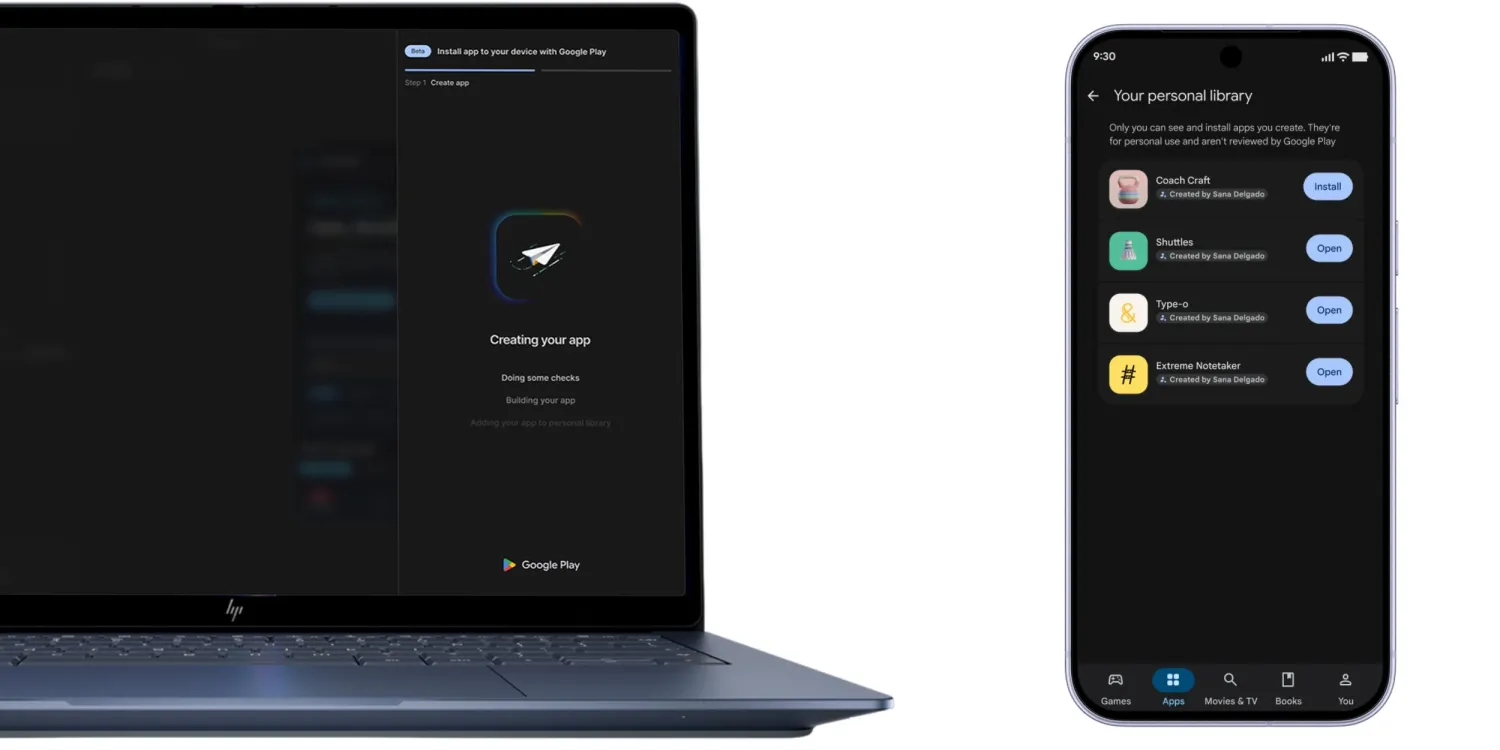
Google Play opens up private app installation: Android apps made with AI Studio can be installed on a phone without a developer account
previously released Google Play Update AnnouncementIn it, there is a passage that mentions “Building and launching your own App”: Users can use Vibe Coding in Google AI Studio to create their own native Android app, then install it on their own device via Google Play, and they only need a regular Google account, not a developer account.
Some people might wonder: hasn’t Google AI Studio been able to build Android apps for a while now?
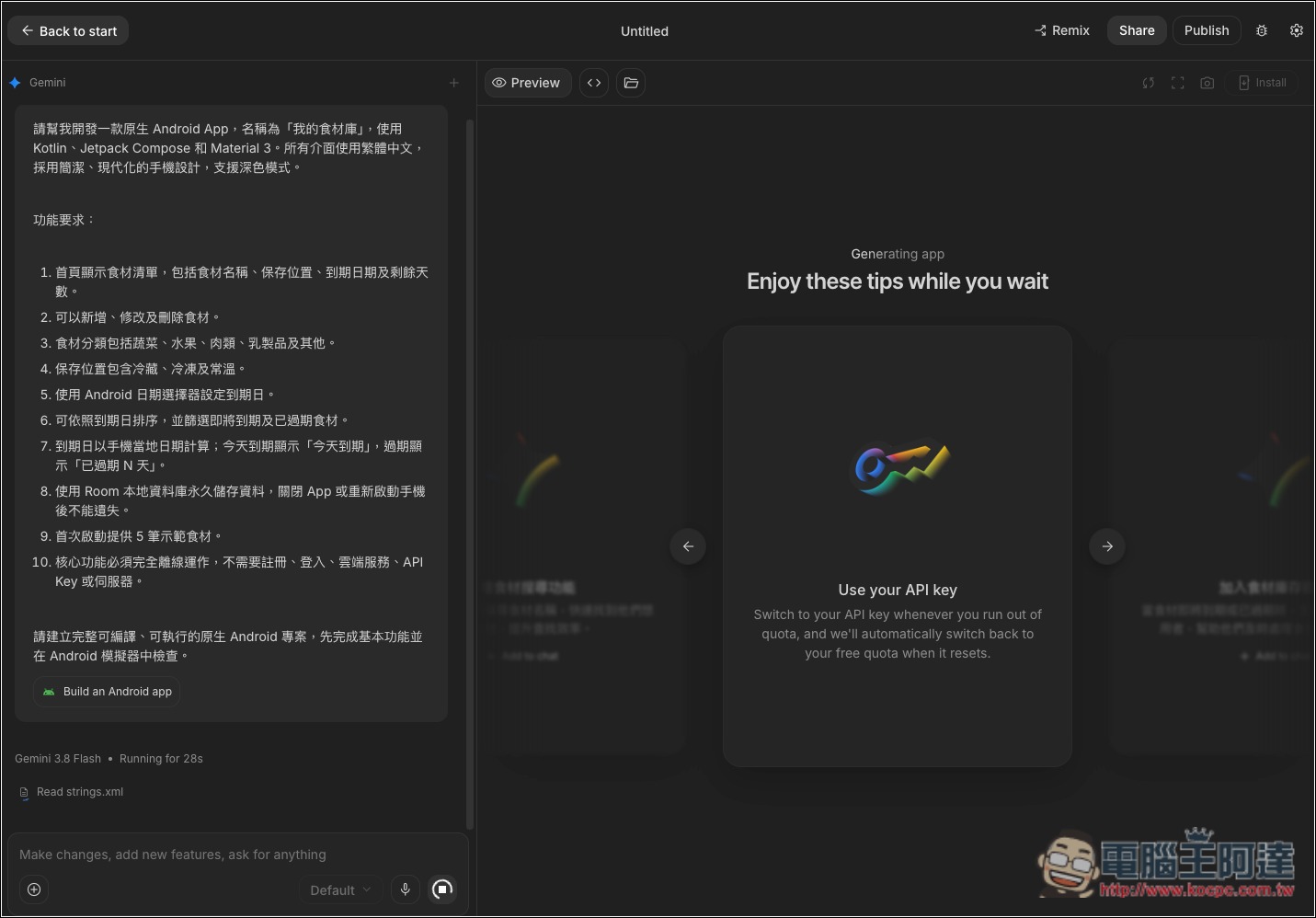
That’s right—at this year’s Google I/O, the “Build an Android app” option was added to AI Studio’s Build mode. After you enter your requirements, it generates a native Android app using Kotlin and Jetpack Compose, with no need to install any software or development environment on your computer.
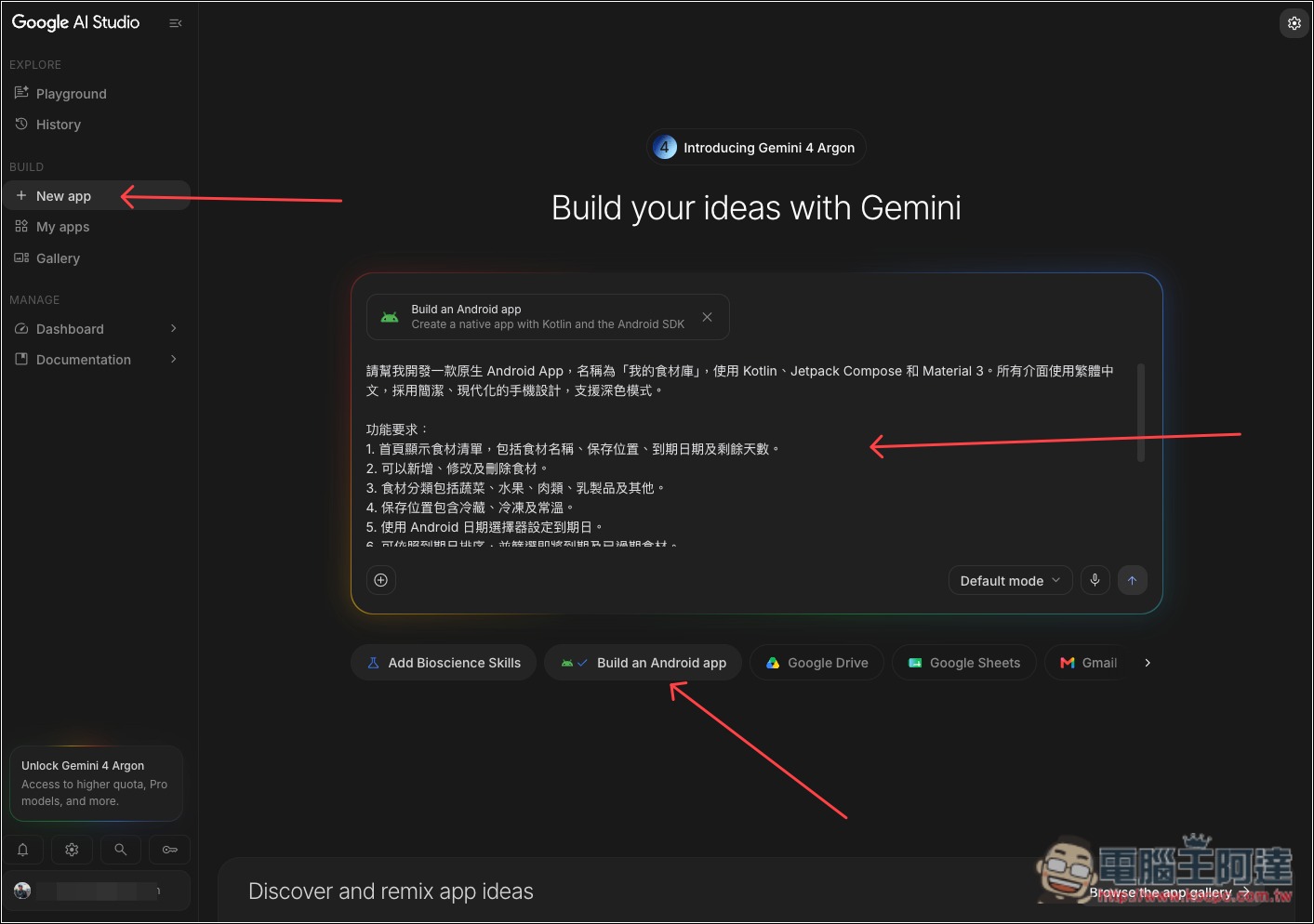
However, at the time, it had to be installed on a physical phone via a USB cable. Since it used Android’s ADB debugging tool behind the scenes, the phone also had to have Developer Options and USB debugging enabled, and the computer had to use Chrome or Edge. Moreover, every time the app was updated to a new version, you had to connect the cable again and reinstall it.
In addition, if you want to publish to Google Play’s internal testing track so you can install directly from the Play Store in the future, you’ll also need to apply for a Google Play developer account and pay a one-time $25 registration fee.
This time, the change removes those two barriers: installation is still done through Google Play, but you no longer need a developer account, and you don’t need to connect a cable every time. Below is a summary of the differences between the three methods:
| Comparison item | USB installation | Google Play internal testing | Google Play private app (new) |
|---|---|---|---|
| A developer account is required. | No need. | Need | No need, a regular Google account is enough. |
| Cost | Free | A one-time $25 registration fee, and identity verification is required. | Officials did not mention any additional fees. |
| Installation method | Enable USB debugging on your phone, then connect it to a computer with a cable to install. | Upload from AI Studio to Play Console, install from Google Play. | Install on your own device via Google Play |
| Update method | Every time, you have to rewire and install it again. | Update automatically through Google Play | Officials have not yet explained. |
| Can I share it with others? | Can only be installed on a phone connected to a computer. | Enter an email to invite testers. | Currently limited to myself; will open to friends and family in the coming months. |
| Whether it appears in public stores | No | No | No |
| Open status | Open from May 2026 | Available starting May 2026 | Starting October 13, 2026, rolling out gradually in the United States and select other markets; limited to ages 18 and over. |
After you finish building an app in AI Studio, a “Your personal library” section will appear in the Google Play Store on your phone. The apps you create will be displayed together here, and you can not only install them with a tap, but also restore/install them directly from this list when switching phones or across devices:
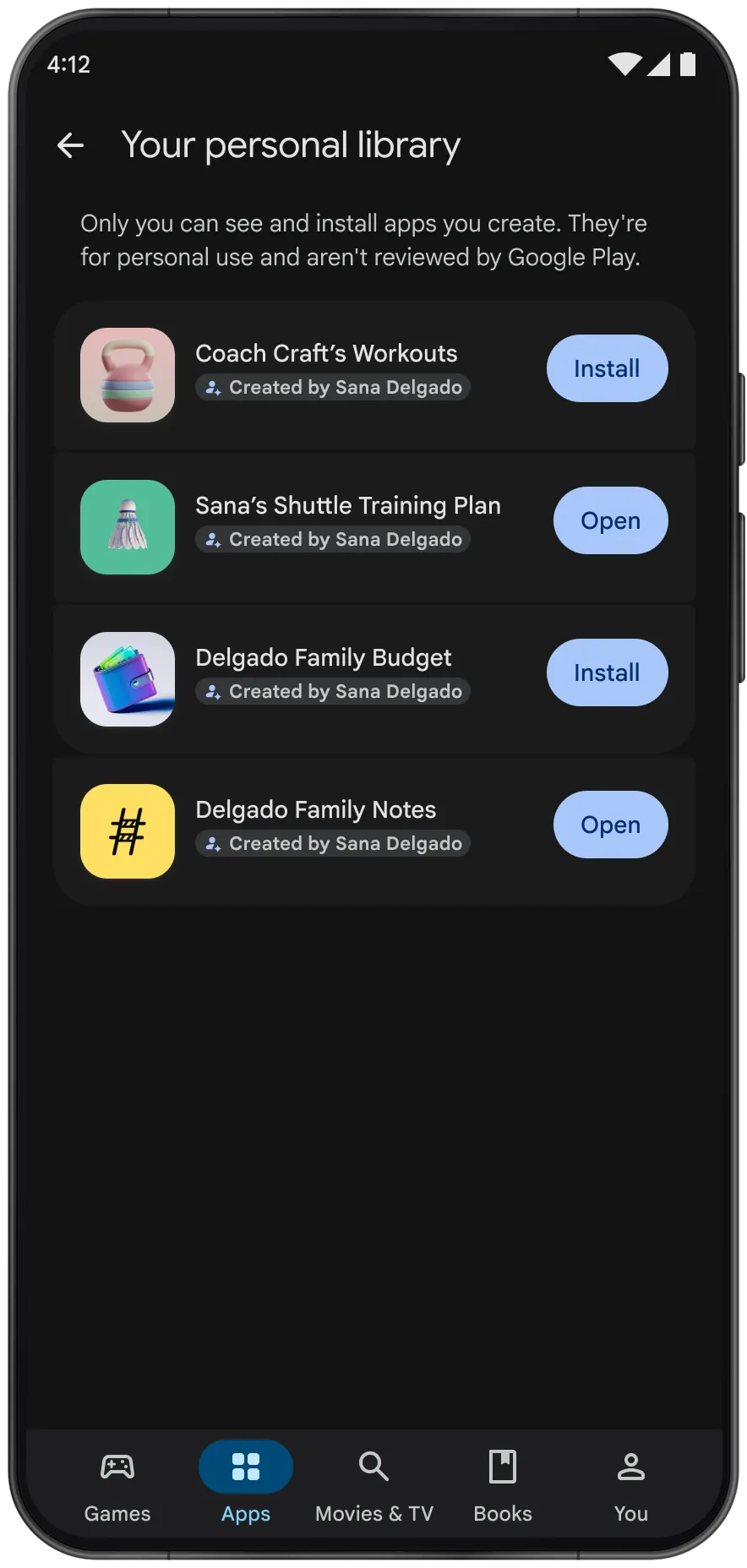
It’s worth noting that Google has only announced this feature so far and has not yet published the full steps for the new private installation, so the detailed process is still unknown. It also is not fully available yet; Google only mentioned a gradual rollout in some markets such as the United States, and Taiwan may very likely not be able to use it yet. On top of that, this is a “gradual rollout,” so even in markets where it is available, not every account will get it at the same time.
Besides using private apps yourself, Google has also revealed that in the coming months it will let users share private apps with a small group of family and friends. That’s pretty nice—you can create dedicated apps for older adults, such as a medication reminder with especially large text for your parents, or a shopping list shared by the whole family.
Of course, if you later want to make it public for everyone to download, you can also convert to an official Google Play developer account.
Source: KOCPC Chinese