


Many people, to save phone battery, habitually clear their recently used apps, believing that closing more apps will make the battery last longer. However, on Android phones, this practice often backfires: frequently manually closing background apps not only may fail to save power, but can even increase battery consumption.

Want to save battery by closing Android apps? It may backfire.
This misconception arises because many people conflate how phones and computers work. On desktop or laptop computers, when many programs run simultaneously, the CPU must continuously allocate resources for processing, which consumes more power. So people naturally assume that having more apps open on a phone will cause a similar situation. In reality, however, Android’s memory management mechanism is completely different.

When you leave an app, Android usually pauses it and keeps it in memory. These retained apps are in a standby state, so they don’t continuously consume significant processor resources or noticeably increase battery consumption. When the user opens them again, the system can quickly restore the previous state directly from memory, making loading faster and interactions smoother.
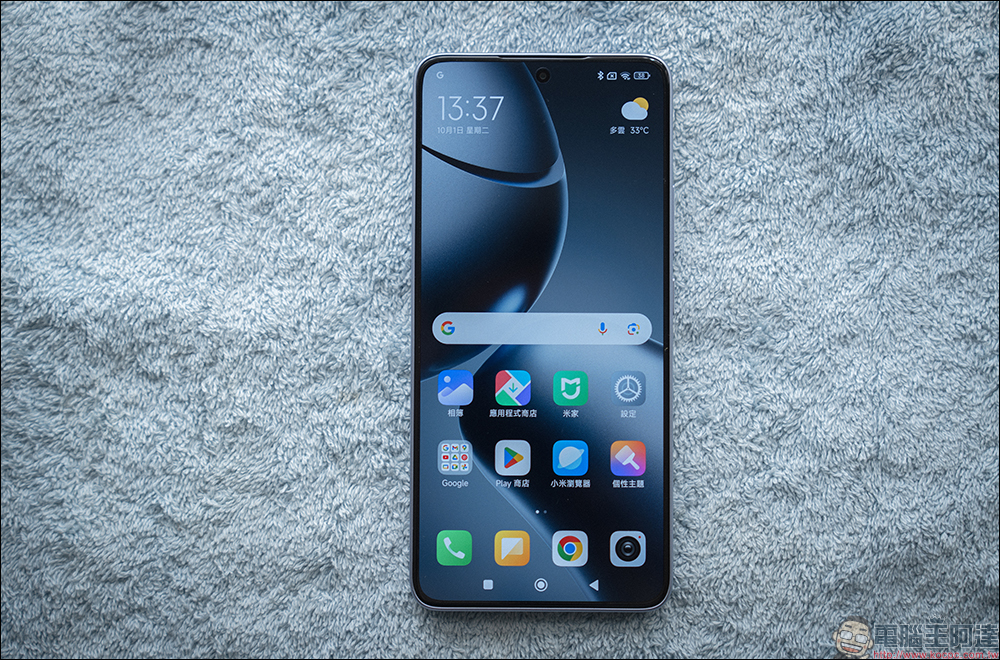
What can truly affect battery life are actually the apps that have been granted special permissions and can keep running in the background, such as instant messaging apps, cloud sync services, VPN tools, music players, or navigation apps. To maintain push notifications, data syncing, or location services, these apps continuously use network, GPS, or processor resources, making them the main source of battery drain. In other words, what determines power consumption is not the number of background apps, but what tasks they perform in the background.

When you force close an app from the recent apps list, it may seem to free up resources, but in reality it only removes the program from memory. Once you open the same app again later, the system cannot directly restore its previous state; instead, it must re-read the program files, load data, and rebuild the operating environment. This process requires multiple hardware resources such as CPU, storage, and memory, so it naturally consumes more energy than waking it directly from memory.

Besides increasing power consumption, frequently force-closing apps can also affect the user experience. For example, if you were on a certain page or had an unfinished message or document, reopening the app may take you back to the home screen and require you to start over. Some apps may even lose unsaved content. Even on a powerful flagship phone, the wait time caused by reloading may be noticeable.
Android itself is an operating system designed for mobile devices and battery-powered use cases, and one of its core goals is to achieve the best possible balance between performance and battery life. Therefore, in most cases, letting the system manage memory and background processes on its own is often more efficient than manual intervention by the user.

If you’re worried that certain apps are draining battery abnormally, the best approach isn’t to constantly close them, but to check battery usage. Go to the battery-related page in Settings to see which apps are consuming the most power. If you find apps you don’t use often but that have been occupying resources for a long time, consider uninstalling them or restricting their background activity permissions. Many newer versions of Android also offer a “Smart Management” feature that automatically adjusts background operation based on usage habits, which is usually enough to meet most usage needs.
In addition, it is also recommended to regularly check apps that have been granted the “Always Allow Background Execution” permission. Some apps may have obtained authorization at installation but are rarely used afterward, yet they continue to consume system resources. Cleaning up these permissions in a timely manner is often more effective at improving battery life than repeatedly closing apps.

Ultimately, the key factor affecting phone battery drain is not how many apps are running in the background, but what tasks they are actually performing. Idle note-taking, photo gallery, or reading apps cause almost no noticeable burden; by contrast, location navigation, cloud sync, or services that continuously transfer data can become major power hogs, even if only a few are running. So rather than fixating on clearing background apps, understanding which apps truly consume resources is a more effective way to extend your phone’s battery life.
Source: KOCPC Chinese