


Many people now use AI agents to build websites and small tools. Along the way, you might run into one problem: even after you’ve built the tool, you’re not sure where to dig up the data for it. For example, a weather widget needs “weather data,” a Pokédex needs “character data,” and even a pet website needs image sources. “Public APIs,” which has 470,000 stars on GitHub, was created to solve exactly this problem. You can think of it as a “free API cheat sheet.” Public APIs organizes resources from different fields in one place, making it easy to find suitable API services to integrate based on your needs.
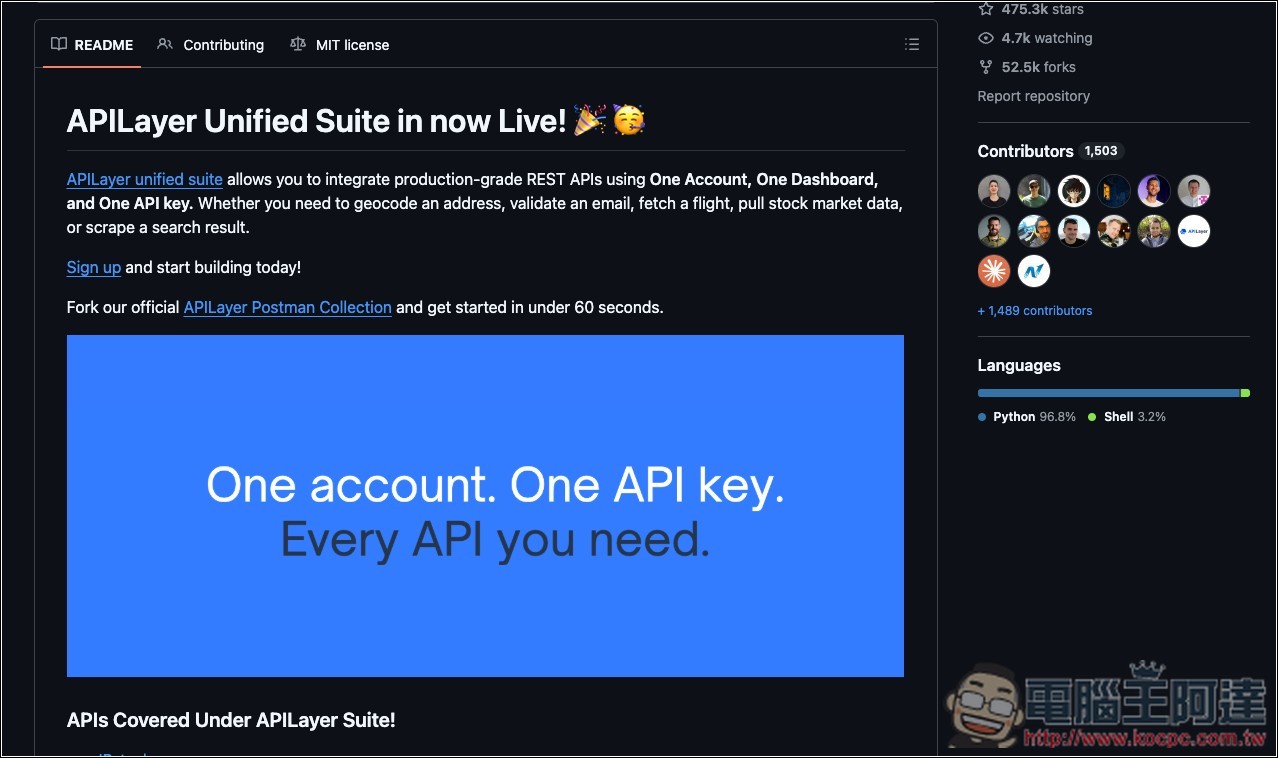
Public APIs: The Ultimate Guide to Free APIs
Public APIs is a free API resource library jointly maintained by the community over the long term, bringing together various public APIs scattered across the internet in one place. It has accumulated over 470,000 stars on GitHub, making it a well-known API curation project.
The biggest advantage is that the categories are very comprehensive, covering everything from animals, anime, art and design, books, business, cryptocurrency, exchange rates, development tools, email, entertainment, finance, food, games, maps, government data, to machine learning, music, news, photography, science, shopping, social media, sports, transportation, video, and weather. Basically, if you can think of a certain type of data or function, it’s definitely worth checking here first.
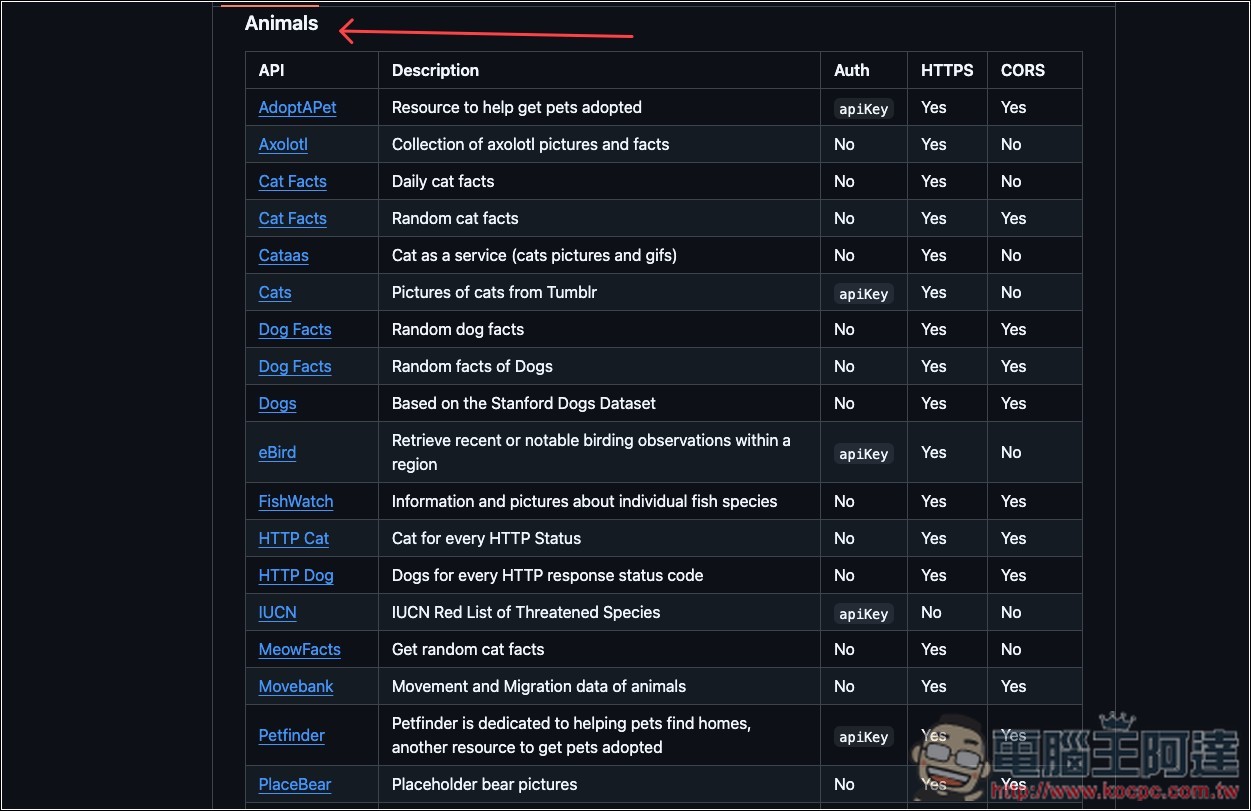
Not every API is just a single URL. Public APIs lists the API name, description, whether authentication is required, HTTPS support, and CORS status. For example, if Auth shows “No,” it means the API can be accessed without an API Key or OAuth; if it’s marked apiKey or OAuth, you’ll know in advance that credentials need to be applied for, saving you the time of clicking into each official website to check.
It’s especially convenient for people learning to code, working on projects, or just looking to quickly build a prototype. For example, if you want to add features like weather info, live exchange rates, random images, news data, geolocation, or book information, you can start browsing from the relevant categories directly. However, keep in mind that “free API” here doesn’t mean every service is completely free without limits. Some APIs may only offer a free tier, have monthly call limits, or require you to register and obtain an API key. So before using them, it’s still best to check each service’s latest official documentation and pricing rules.
Main Features
- Compiles a large collection of free public APIs or those offering free plans.
- Covering dozens of categories including weather, finance, images, news, games, AI, maps, and more.
- Each API includes a brief description of its purpose, indicates whether authentication methods such as API Key or OAuth are required, and allows quick confirmation of HTTPS support.
- Provide CORS support status for easy assessment during web development.
- Directly link to each API’s official website or official documentation.
- GitHub open source project, jointly maintained by the community with resources contributed and expanded.
Once you’re on Public APIs, scroll down to find the Index section—that’s the category menu—depending on which resource type of API you’re looking for:

Clicking a category link will automatically scroll down to that section. The left side then lists various free API services, with brief descriptions in the middle—those who don’t understand can use their browser’s translation feature to translate them into Chinese. The right side shows the Auth, HTTPS, and CORS status.
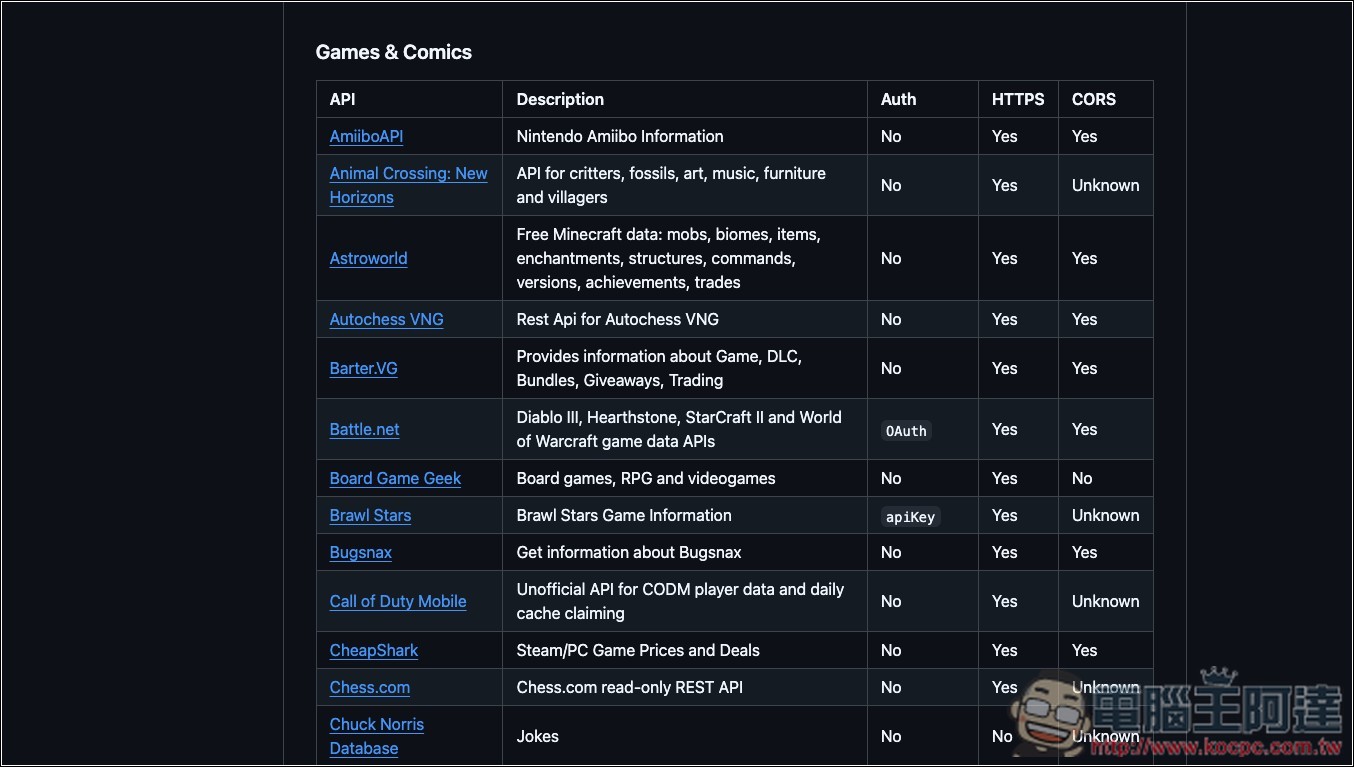
Every category has a huge number of API resources. For gaming, a quick glance shows at least over 20, ranging from Nintendo Amiibo info, Battle.net, Steam/PC price tracking, and more:
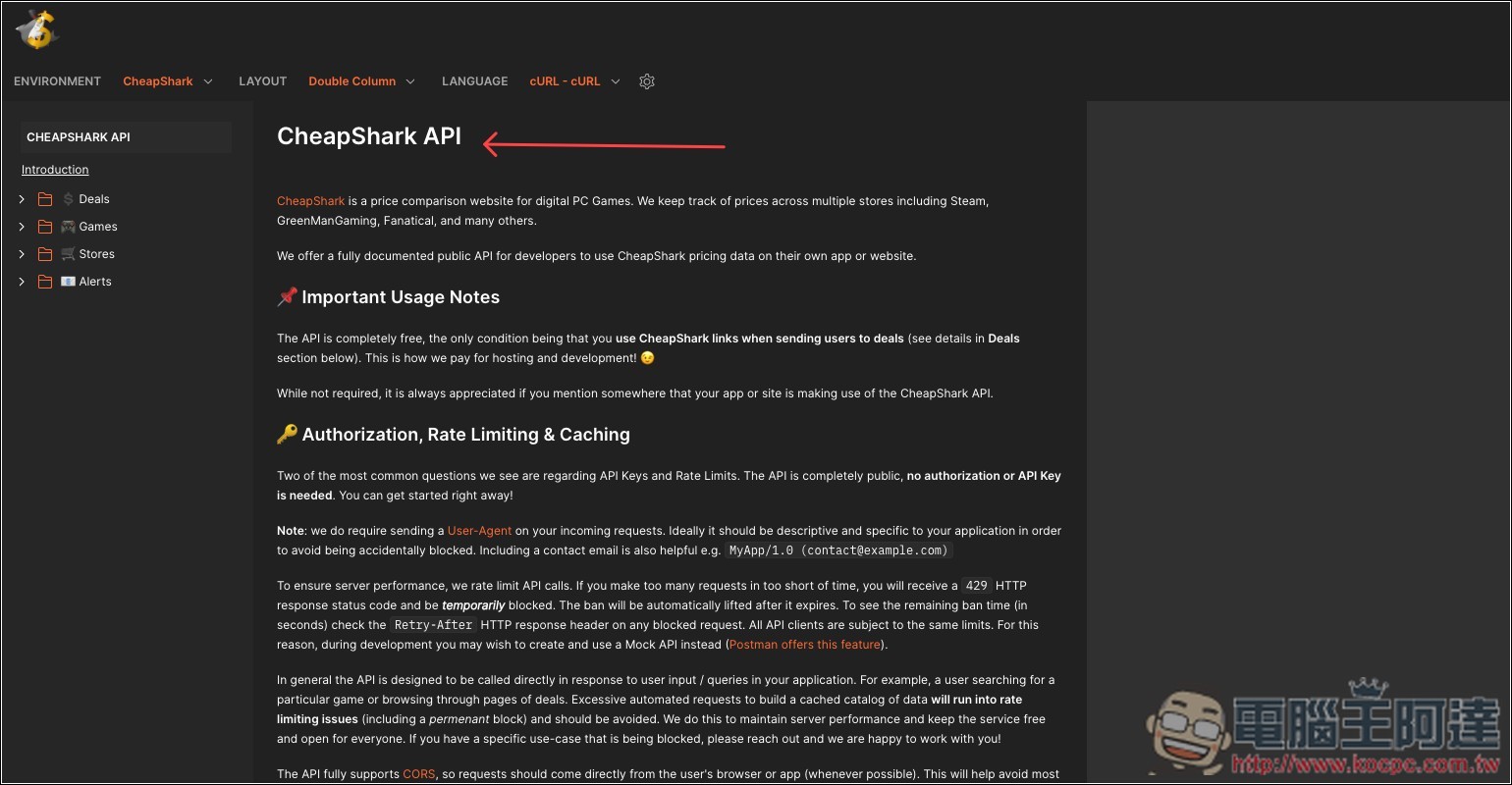
After finding the API resource you want to use, it will automatically redirect to the instructions page. Of course, you can also directly hand it to the AI agent:
Here are a few APIs that are quite good; feel free to check them out.
- Open-Meteo: You can build your own weather dashboard
- PokéAPI: Pokédex, Type, and Move Lookup
- Dog CEO: Tap to see another dog photo
- Open Library: Book Search and Personal Reading List
- Free Dictionary API: English vocabulary cards and word lookup tool
- JSONPlaceholder: Even without data, you can still practice building websites
Source: KOCPC Chinese