


We introduced this even before 2021. ImgUpscaler A free online AI image upscaler and quality enhancer. Five years later, the tool has been updated considerably, and its AI upscaling and enhancement effects have improved, so I’m recommending it again. In addition to the online version, they now also offer a fully offline version, Upscal – Image Upscaler. For those concerned about privacy or needing to batch-process large numbers of images, it’s worth trying.
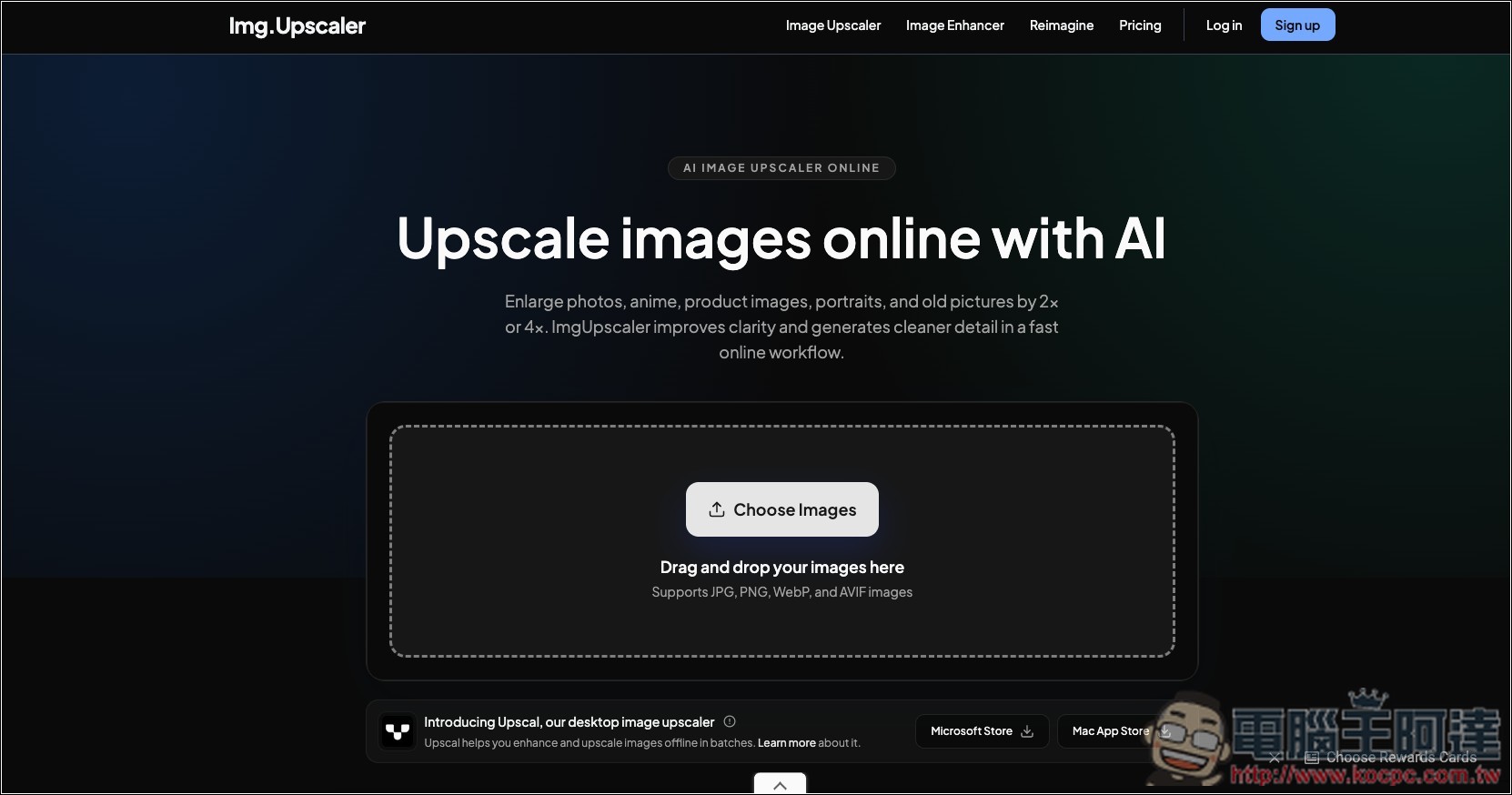
ImgUpscaler: Free Online AI Image Upscaling and Quality Enhancement Tool – Introduction and Tutorial
ImgUpscaler is an online tool focused on AI-powered image upscaling and quality enhancement. When your images have too low a resolution, are too small in size, or tend to become blurry, jagged, or pixelated when enlarged, this tool can handle the job. The entire process is done directly in the browser, with no need to download or install any software, making it quite convenient for users who occasionally need to upscale images.
Unlike the common approach of simply stretching the image size, it uses AI Super-Resolution technology, which analyzes the lines, edges, and textures in the image while increasing pixel count, and re-enhances certain details. Currently, images can be enlarged by 2x or 4x, making it suitable for photos, portraits, anime illustrations, product images, old photos, and other images with insufficient resolution.
The usage is also very intuitive: after entering the ImgUpscaler website, upload the image you want to process, choose the upscale ratio, and let the AI handle it automatically. Once done, you can preview the upscaled result and save it—no need to know Photoshop or complex image editing techniques.
However, it’s important to note that AI image upscaling cannot truly recover information that no longer exists in the original image—it infers and generates new details based on the existing visual data. Therefore, if the original image is severely out of focus, heavily compressed, or the person’s face is reduced to only a very small number of pixels, even if the upscaled result appears clearer, it doesn’t mean that the newly added details are necessarily consistent with the original image.
Main Features
- AI Image Upscaling: Using AI super-resolution technology to enhance image size and clarity.
- Supports 2X, 4X magnification: choose the magnification level based on your needs.
- No software installation needed: upload and process images directly through the browser.
- Simple to use: no professional editing skills required—just upload your image and let the AI handle everything automatically.
- Works with various image types: handles photos, portraits, anime, product images, and old photos, among others.
- Enhance low-resolution images: ideal for images that are too small and easily become pixelated when enlarged.
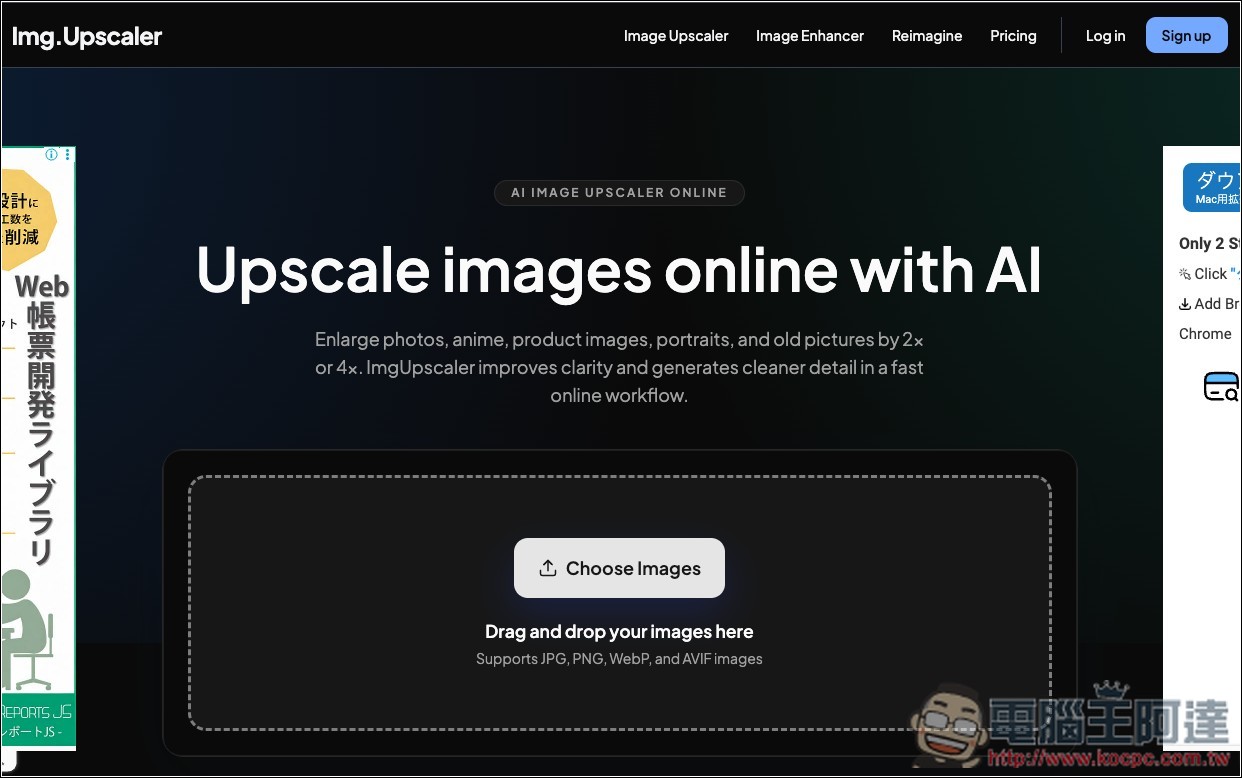
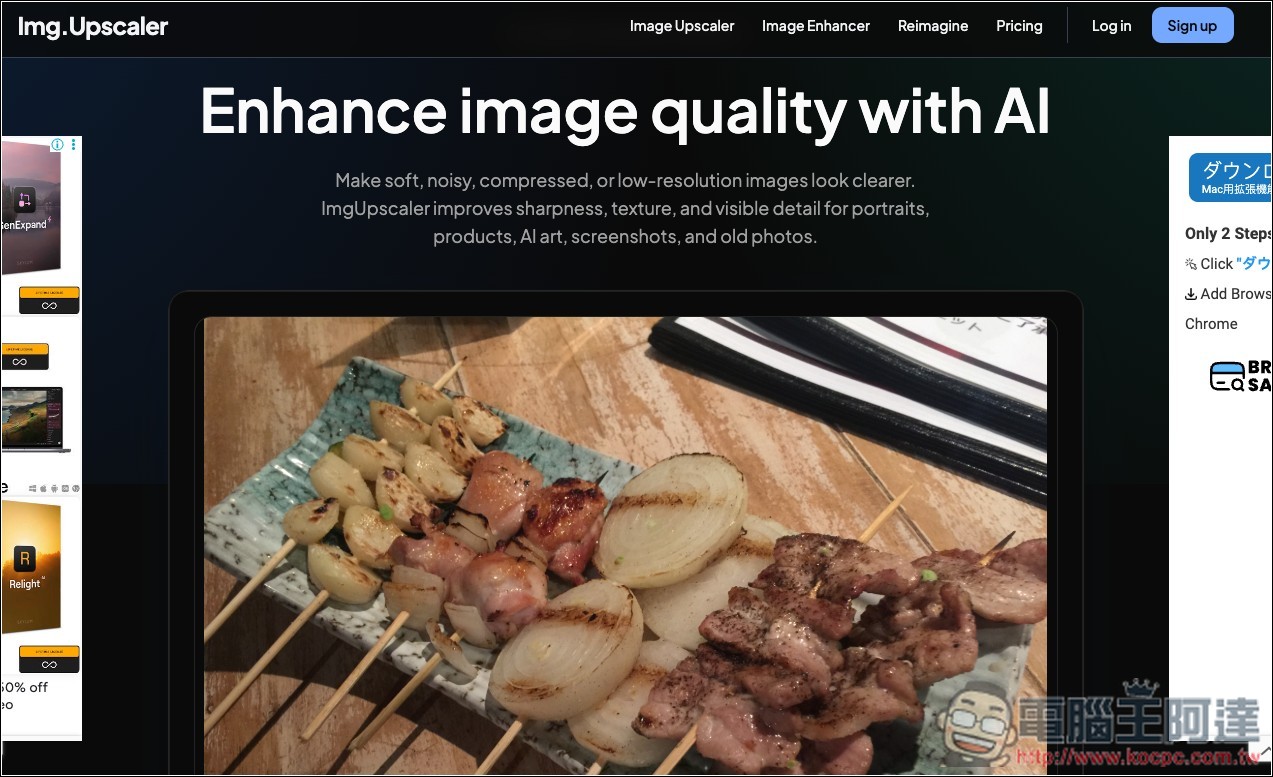
After clicking the link above to enter ImgUpscaler, the default is the AI image upscaling feature. If you want to enhance image quality, click Image Enhancer at the top to switch. The tool supports JPG, PNG, WebP, and AVIF formats:
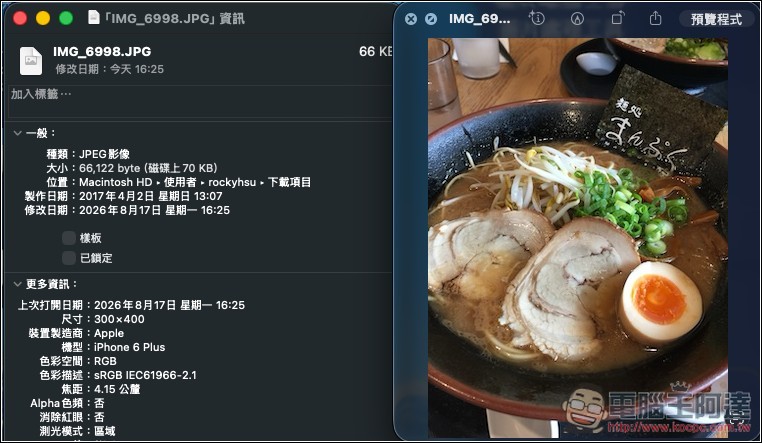
I’ll first test the zoom function. I’m using this photo, the original resolution is only 300×400, very small:
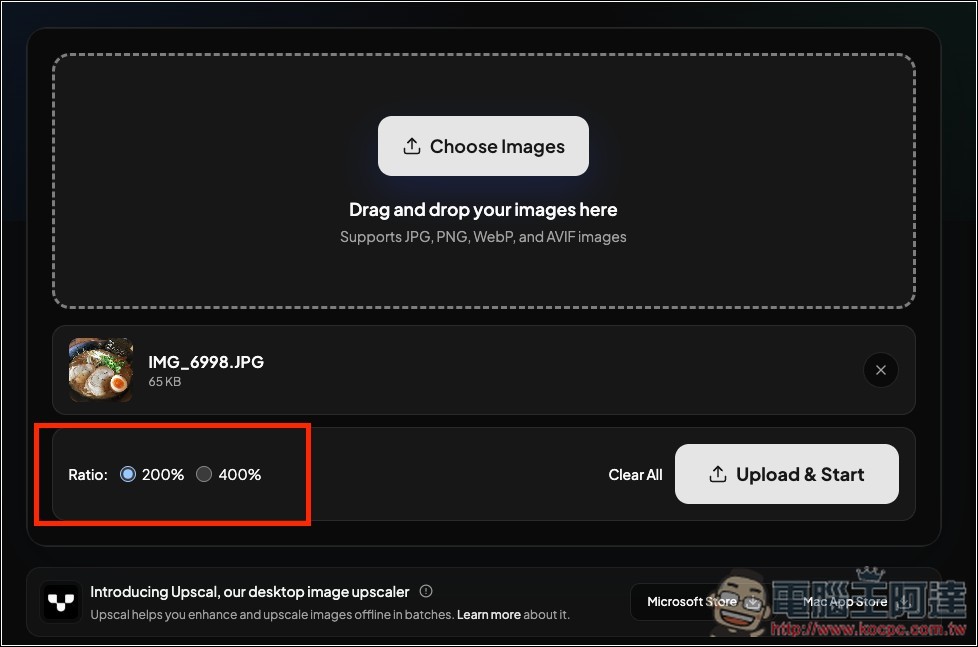
After dragging an image into the window or manually selecting one, magnification options will appear below, supporting 200% and 400%, that is, 2x or 4x:
After selecting the magnification, press Upload & Start, and it will begin uploading and processing. The notification in the bottom-right corner will update the current status at any time:
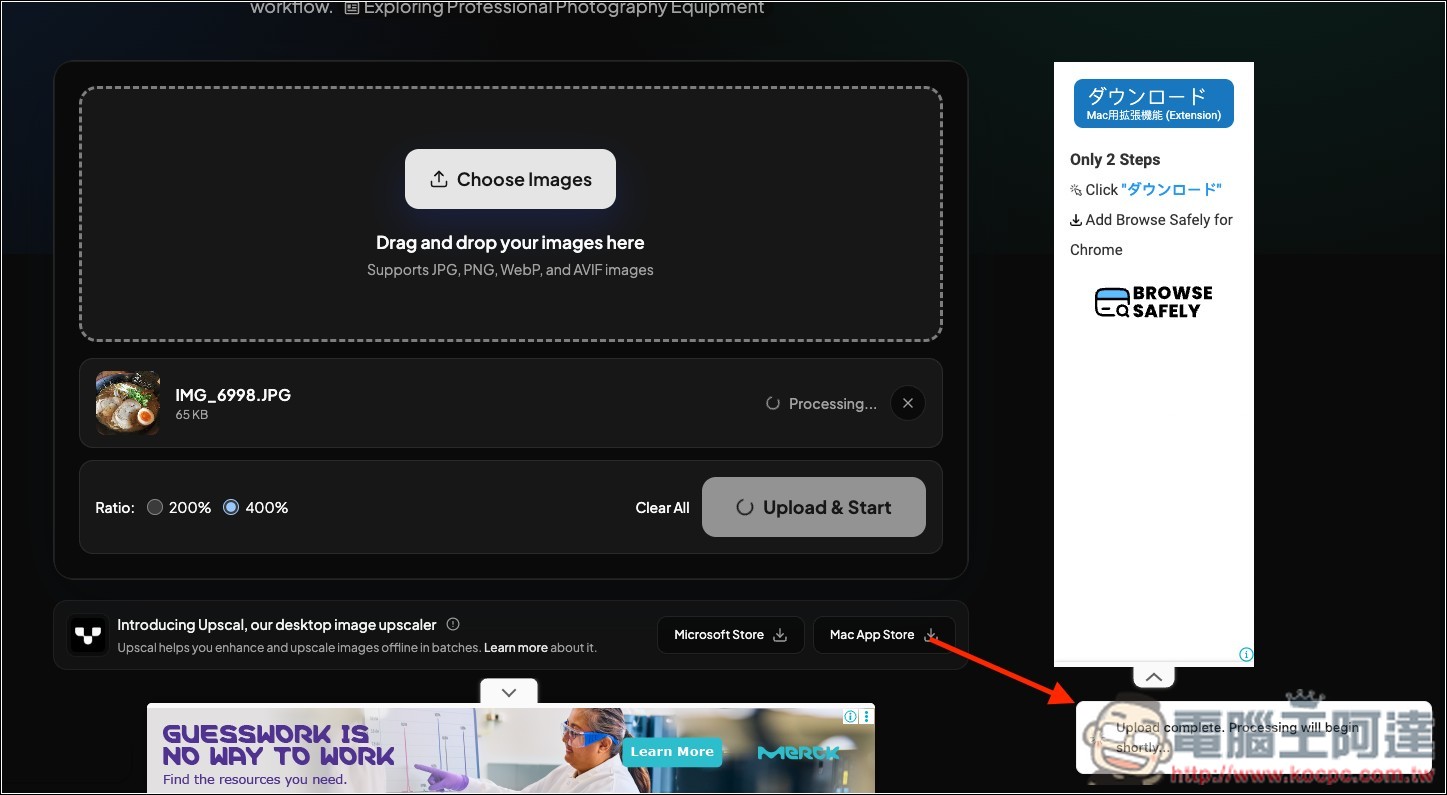
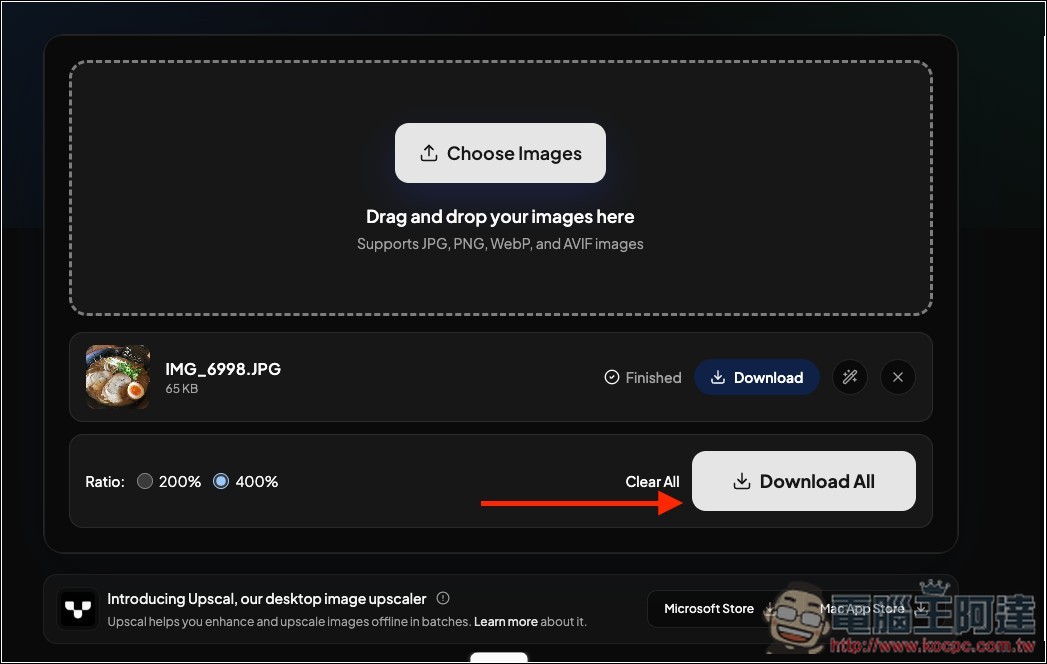
The speed is pretty fast—it finishes in a few dozen seconds, and then you download the completed image:
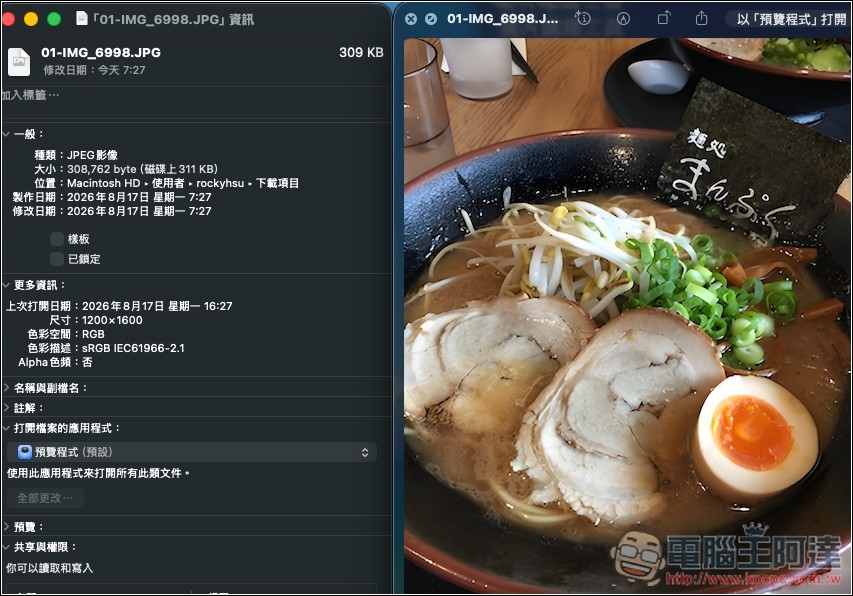
I chose to enlarge it 4x, and the resolution did indeed become 1200×1600, with decent image quality. Of course, when you enlarge it that much, compared to the original, the details will inevitably be reduced:
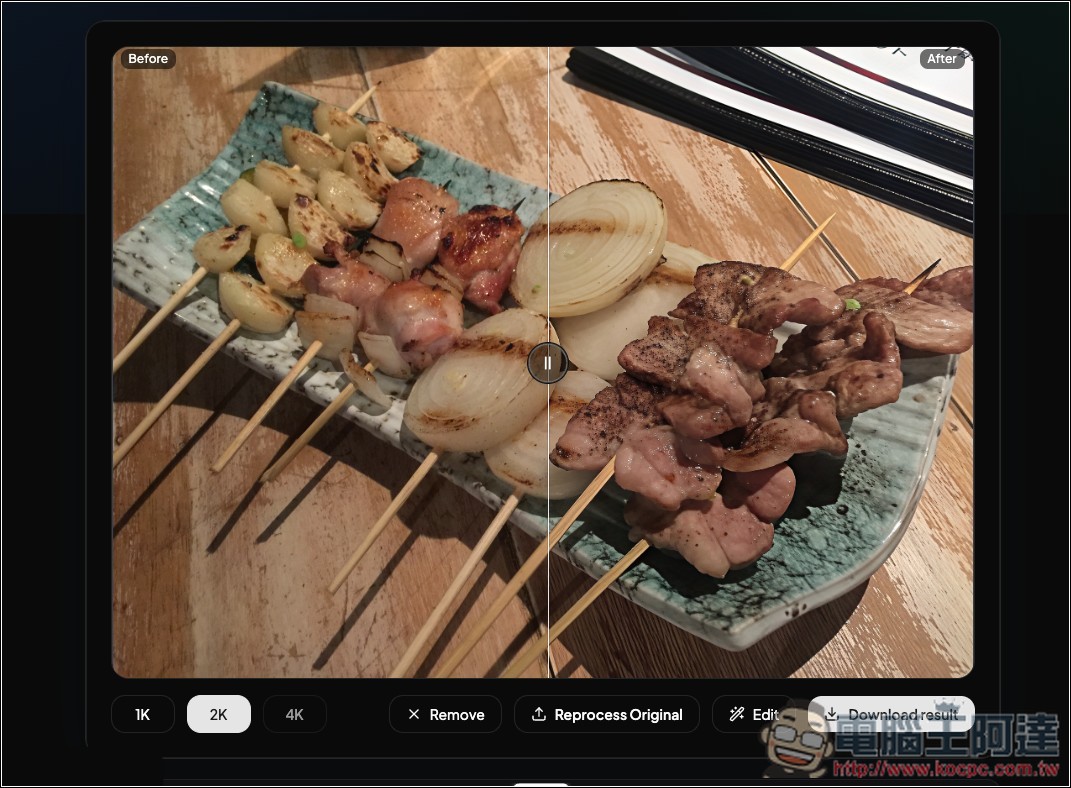
Next, I tested image quality enhancement. It can make blurry, noisy, compressed, or low-resolution images look clearer. I uploaded this photo with heavy grain, taken in a relatively dim environment.
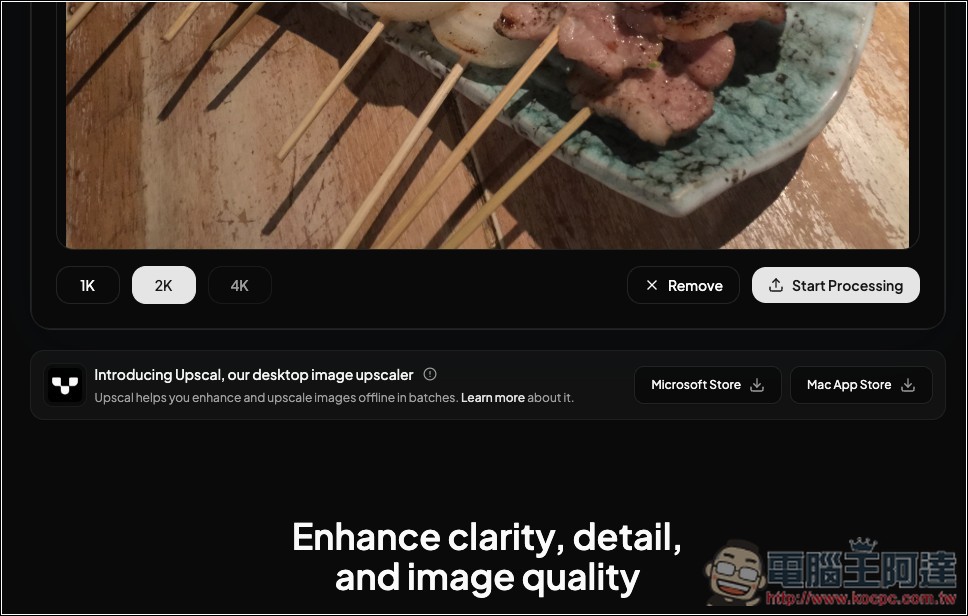
Below you can choose to enhance 1K, 2K, or 4K, and after selecting, press Start Processing:
After processing, you can directly compare the differences before and after online:
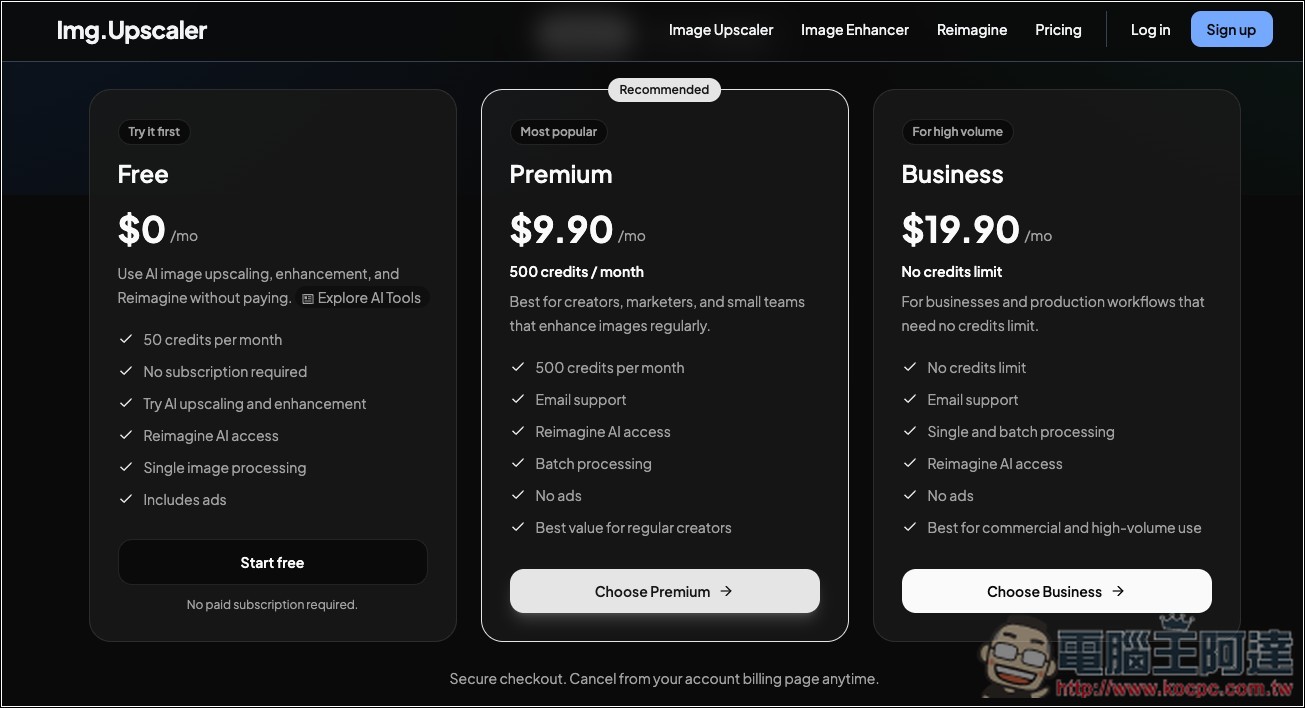
You can use it for free without registering, though I’m not sure if there are any usage limits. If you register a free account, you get 50 credits per month, which should be more than enough for occasional use:
Source: KOCPC Chinese