


Aside from a few models still being updated, smartphones have already fully shifted to USB-C. That’s certainly a good thing, but it also makes the messy state of USB-C itself more obvious. Every time you plug a new USB-C cable into your phone, you can’t be sure what performance it will actually deliver. Why is that? Aren’t all cables the same? Today, we’re going to clear the fog around this.
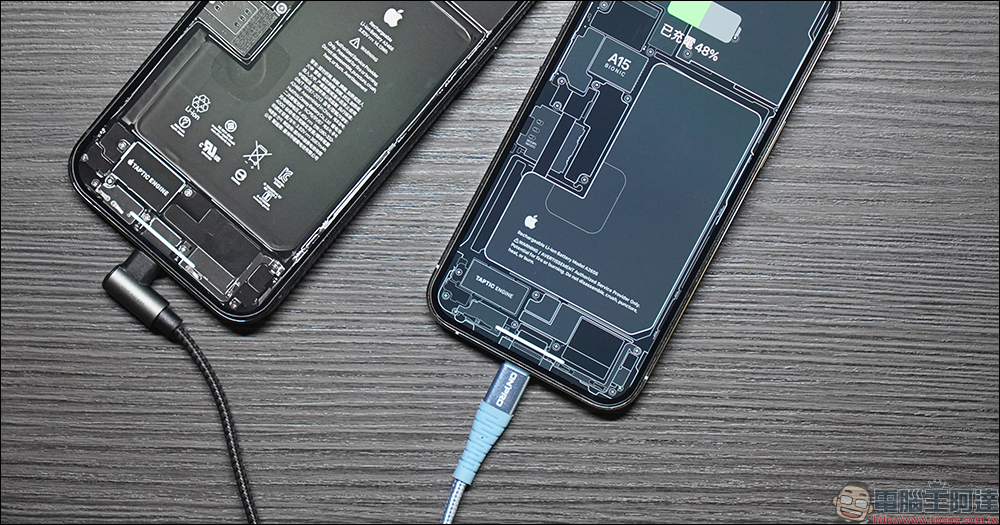
Your phone isn’t compatible with all USB-C cables, and these inconsistent specifications are the culprit.
Charging standards are all over the place
USB itself has an established power delivery specification, and any USB connection must at least meet the basic requirements of that version. This means that as long as you connect your phone to a USB cable and charger, it will definitely receive power. Unfortunately, though, that power may be so little that it can’t stop the battery from draining, or it charges so slowly that you’d wonder if you have to wait an entire week.
The closest thing to the vision of a universal USB‑C fast charging standard today is USB PD (Power Delivery), which can deliver sufficient power and negotiate with the phone to determine the optimal wattage the charger can safely output, enabling more efficient charging. However, phone makers treat charging speed as a key differentiator. If everyone used USB‑PD, no one would have a speed advantage over the others. As a result, various “super fast charging” standards have emerged, and they typically require proprietary chargers and cables to deliver full performance.
The problem is that while these phones still support USB‑PD, some manufacturers don’t support PD’s maximum power output, instead focusing on their own proprietary fast charging protocols. The result is that your phone charges lightning fast with the original charger, but the moment you switch to a standard USB‑C charger, the speed drops to a painfully slow crawl.
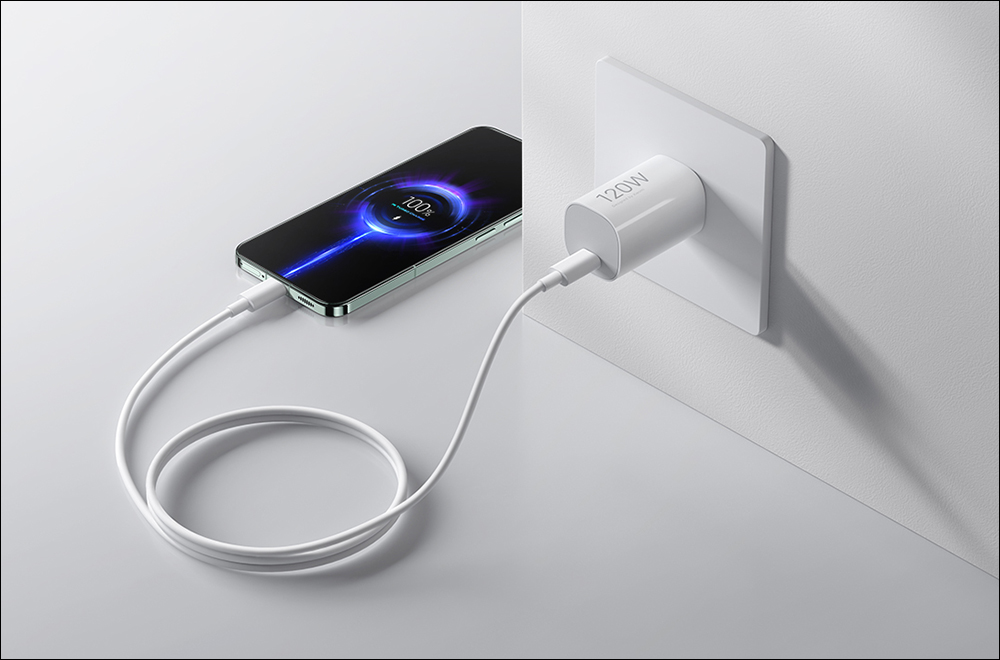
USB data transfer speeds range from ancient to advanced.
Take the 2025 iPhone Air as an example. At first glance, it’s a sleek, modern device packed with cutting-edge technology, and it even has a USB‑C port. You’d think that port would come with all the power that USB‑C has to offer, right? After all, Apple users aren’t like us Android users, who have to worry about getting watered-down specs.
But the reality is: it’s just a USB 2.0 interface, with a theoretical maximum transfer speed of only 480Mbps. Charging speed is decent, but even on higher-end phones, they sometimes quietly cut corners elsewhere. Apple seems to assume most people won’t transfer data over a cable at all, which means if you’re shooting high-quality video or tons of photos, you’ll ultimately have to rely on AirDrop or Wi‑Fi. And it’s not just the Air series doing this—the non-Pro iPhone 16 and 17 also use USB 2.0. Even laptops don’t escape this fate; for example, the MacBook Neo, which uses an iPhone motherboard, has two USB‑C ports, but one of them is just plain USB 2.0. This goes to show again: even for a “premium” brand like Apple, the USB‑C form factor itself guarantees nothing in terms of performance.
On the Android side, the situation is just as inconsistent. Phones at different price points and with different positioning each have their own trade-offs; without carefully checking the spec sheet, you simply can’t tell what its USB-C port supports.
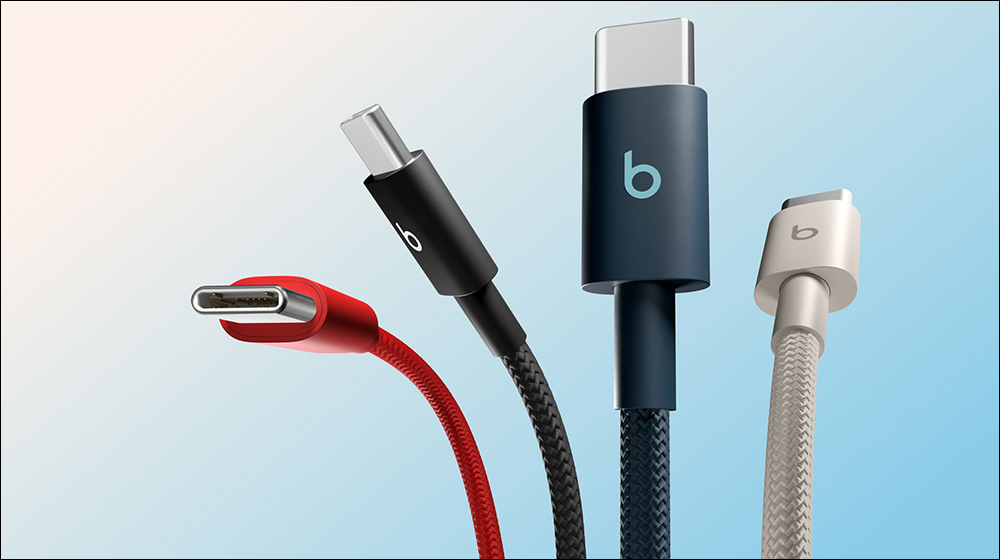
The display support is unexpectedly unstable.
If I use a USB‑C to HDMI or DisplayPort adapter to connect a Samsung Galaxy S25 Ultra or iPad Pro (M2) to a monitor or TV, I get full external display support. Combined with Samsung DeX and iPadOS’s extended display features, this can even turn the device into a desktop computer.
But the prerequisite is that the USB-C port must support DisplayPort Alt Mode, and the cable must be compatible as well. If you’re trying to output video from your phone via USB-C and nothing happens at all, the problem usually isn’t the display—it’s that the cable doesn’t support it, or the phone itself lacks the required hardware.
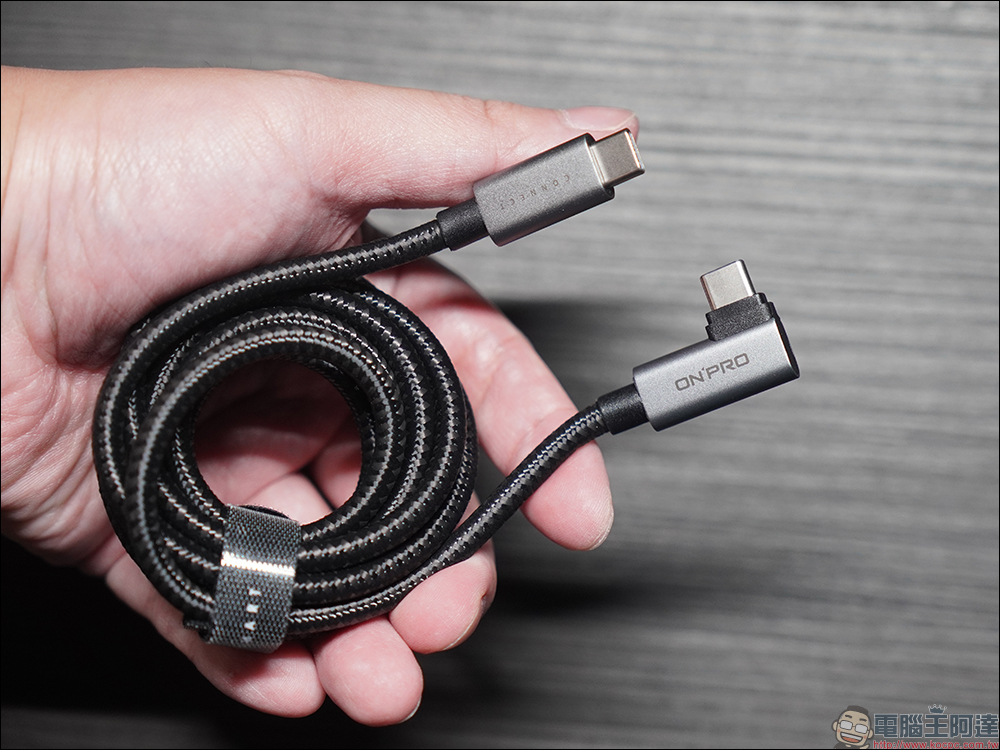
The line between Thunderbolt and USB4 blurs further
After Thunderbolt 3 shifted from a dedicated interface to USB-C, Thunderbolt and USB became completely identical in appearance and highly compatible with each other. However, for Thunderbolt devices to actually operate in Thunderbolt mode, dedicated Thunderbolt cables are still required. Since the two are so similar in appearance and basic behavior, the differences in practical use have become increasingly blurred, and the arrival of USB4 hasn’t improved this situation, given that it heavily incorporates Thunderbolt technology itself.
The design philosophy of USB4 is to integrate PCI Express, DisplayPort, power delivery, and high-speed data transfer into a single cable. However, a device labeled “USB4” does not mean it supports all features. Compared with the clear specifications of Thunderbolt 3, 4, and 5, USB4 gives manufacturers greater flexibility to decide which features to support. As a result, capabilities such as PCIe lanes, multi-display output, dock compatibility, and minimum bandwidth guarantees can vary depending on certification and implementation. The upshot is that even if your phone is touted as having a USB4 interface, plugging it into a USB4 device may still fail to work as expected, because the manufacturers on both ends of the connection (including cable makers) still have considerable design freedom while complying with USB certification.
Source: KOCPC Chinese