


In addition to what we have introduced before Downloaderto、FastYTM、Savexr,as well as DownLoadBunny In addition to waiting, I also discovered a useful free multi-platform video and music download tool “VidsSave.com” earlier.YouTube、Facebook、Tiktok、Instagram All commonly used social platforms are supported, and there are no ads, so the use process will not be interrupted. The YouTube part also supports 4K resolution (MP4 format), which is quite good. One thing to note is that the music is marked as MP3 format, but after my test, the actual download was MP4, so if you want to download music, this is not recommended (or maybe I just made a mistake when I used it).
remind: Please confirm whether the content on YouTube or other websites is legally authorized before use, such as: uploading works by yourself, creating and using CC authorized content or public domain materials. If it is a music or audio-visual work protected by copyright, downloading or converting it without the consent of the rights holder may involve copyright risks and may also violate the terms of service of the original platform.

VidsSave.com introduction and operation tutorial
VidsSave.com is an installation-free, cross-platform online video download tool. It is very simple to use. Once you paste the video link, the website will begin to parse and provide download options without clicking any buttons. Supported platforms cover mainstream communities such as YouTube, Instagram, TikTok, Facebook and Pinterest, and almost all audio and video content that is used daily.
The parsing speed is very fast, usually within a few seconds after pasting the link, and provides a variety of download formats and resolution options, such as MP4 video or MP3 audio, with resolutions from 360p to 1080p, and some videos even support 4K.
In addition, it has segmented functions for different platforms. For example, Instagram can download Reels, limited-time updates, post pictures, etc. The functions are quite complete. The website itself also supports multi-language interfaces (but not Chinese). What’s more worth mentioning is that the official emphasizes that user data will not be stored during the download process.
Main features
- Supports multiple platforms: YouTube, TikTok, Instagram, Facebook, Pinterest
- No installation required: pure web version, can be used on any device
- Support video and music downloads: built-in MP4 video and MP3 audio conversion
- Provides multiple image quality options: from 360p to 1080p, some support 4K
- Fast parsing speed: Paste a link to quickly generate download options
- Multi-language interface: Provides multiple languages, making the operation more intuitive
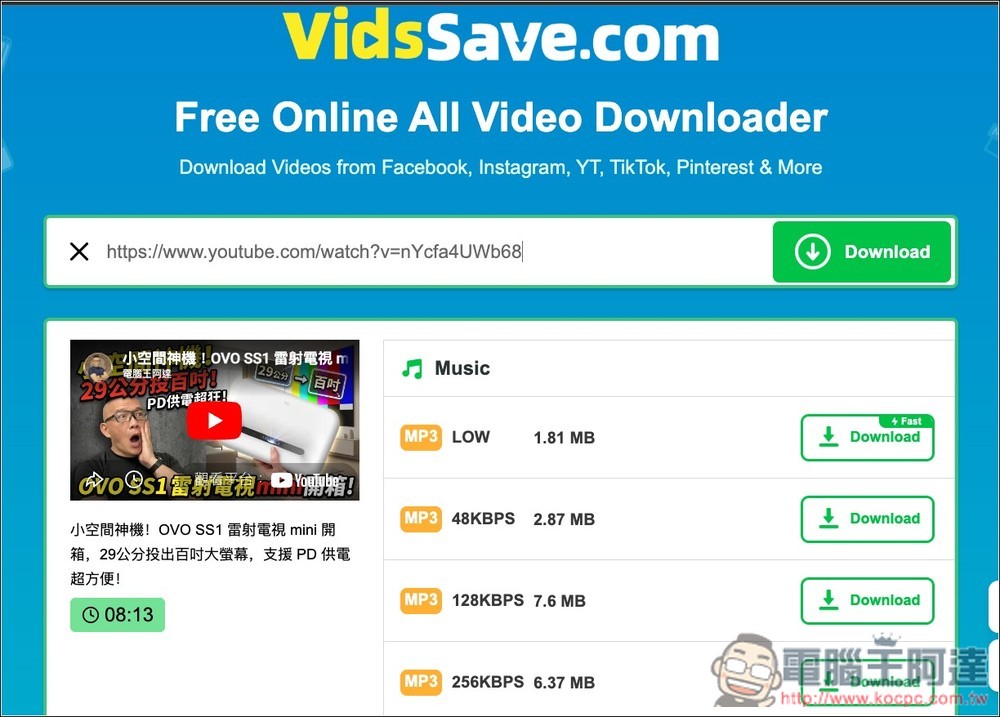
After clicking the link above to enter VidsSave.com, you can paste the URL of the video or music you want to download. I use YouTube as an example. After a few seconds, the preview screen and download point will appear below. The top is the download point for the music:
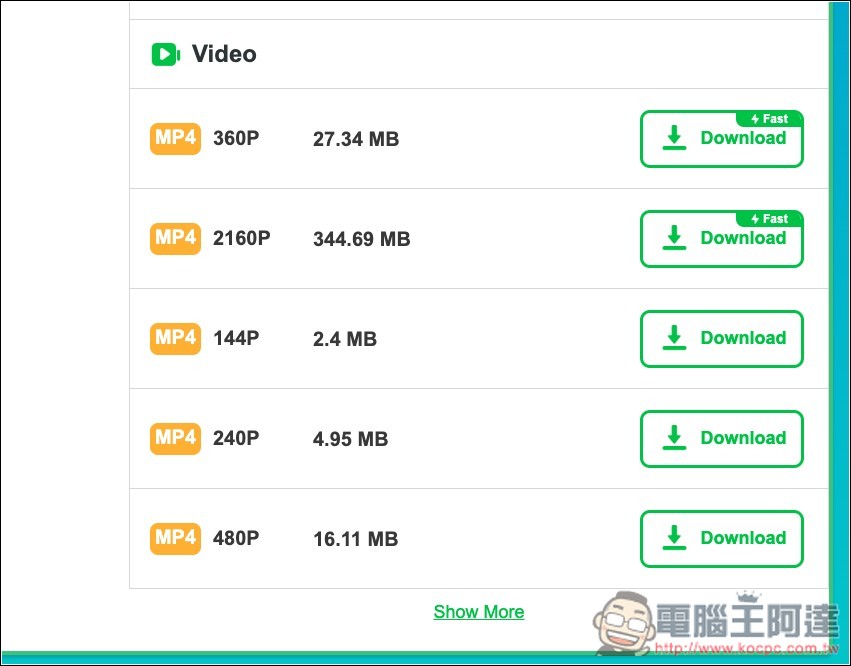
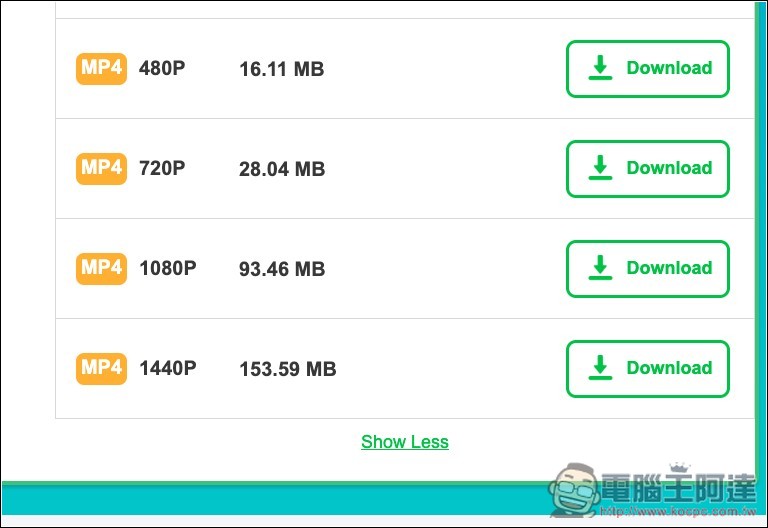
Scroll down to find the video download point, which only provides MP4 format. The second 2160p above is 4K resolution. If you want to find 2K or 1080p, click Show more below:
Then this will appear:
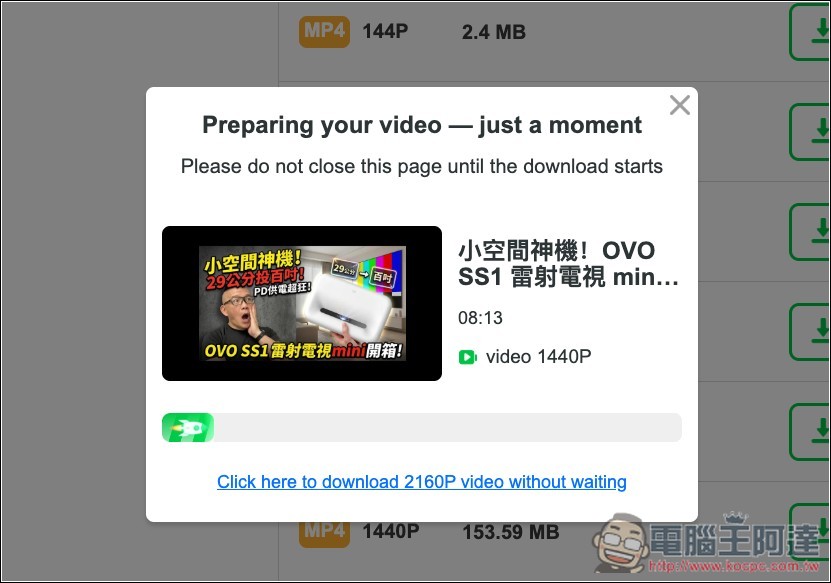
After pressing Download, wait for the progress bar below to finish:
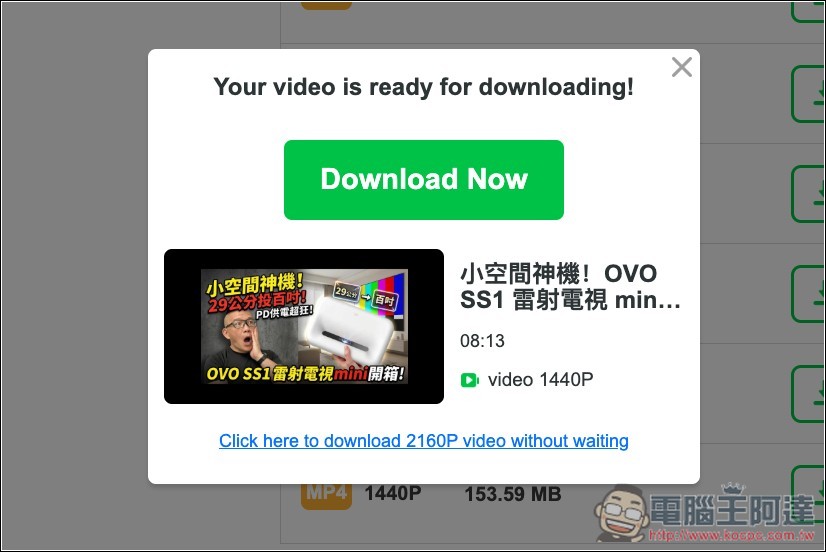
The final loading point will appear:
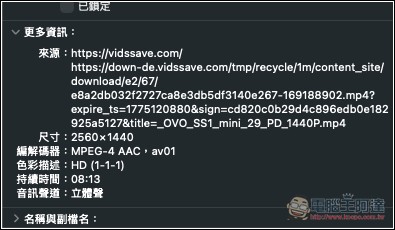
I downloaded the 2K resolution and checked it was indeed 2560×1440:
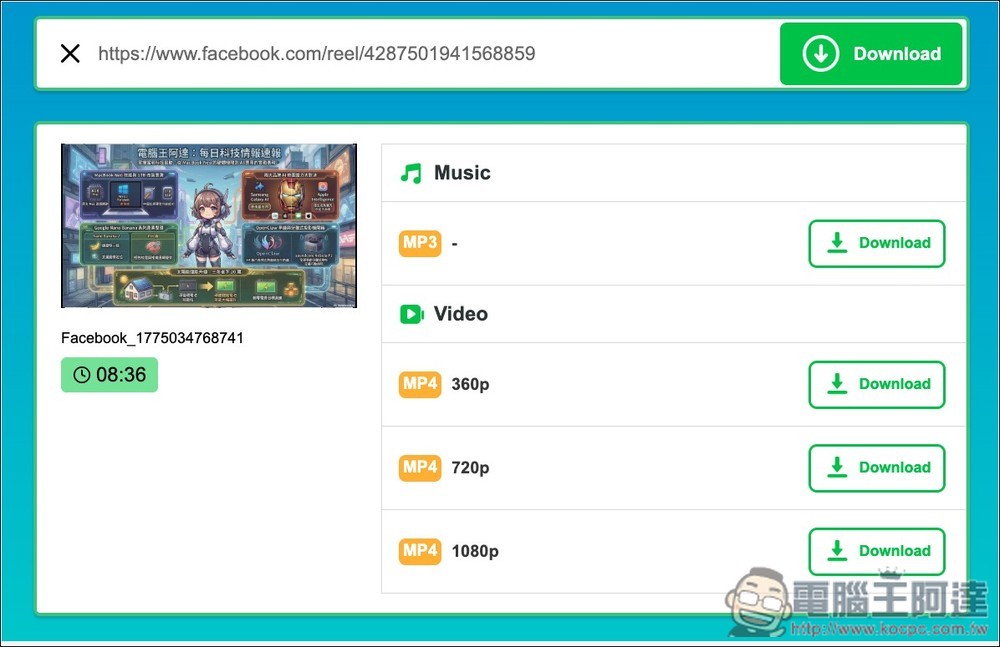
The Facebook video test was also successful:
Source: KOCPC Chinese