


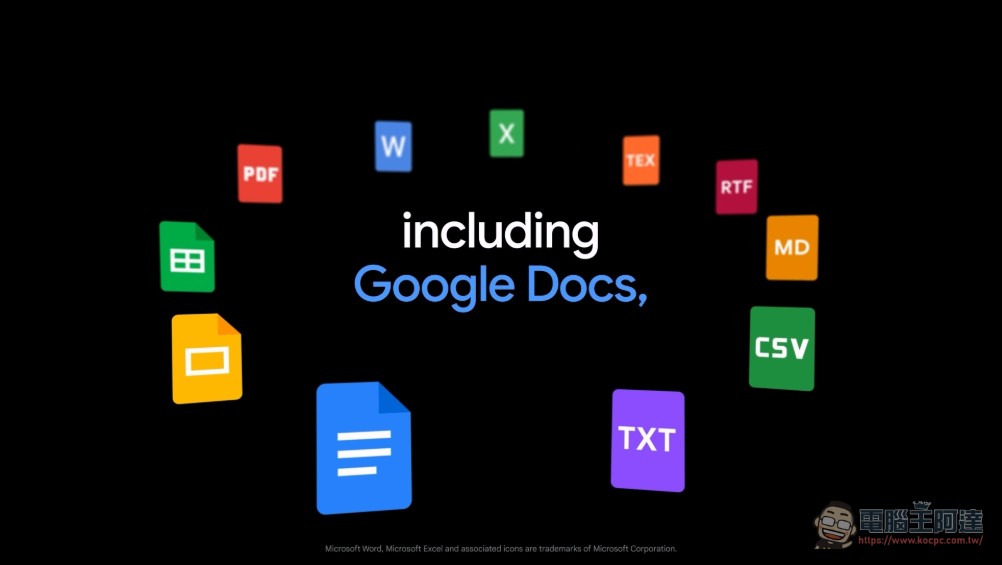
Google recently announced that its AI assistant Gemini has received a major upgrade in practicality: users can now generate complete files in multiple formats directly in the conversation, covering 10 formats including Microsoft Word, Excel, PDF, Google Docs, Sheets, and Slides. This update solves the cumbersome process in the past where users had to copy the content from the AI response and then manually paste it into the document software for typesetting, allowing Gemini to truly evolve from a “conversation tool” to a “document production tool.”
Say goodbye to copying and pasting: one command can produce a complete file
In the past, the most common pain point when using AI chatbots to generate content was: after the AI gave the answer, the user had to manually select, copy, open Word or Excel, paste, and then adjust the format. This repetitive action was called “Copy and Paste Hell.” According to Google’s official blog, Gemini App product manager Maryam Sanglaji pointed out that users only need to describe the required file content and format in the conversation, and Gemini will directly produce the finished product for downloading and sharing in the chat interface. Most formats support direct downloading to your local device or one-click export to Google Drive.
Google gives three typical usage scenarios:
- Export the budget proposal directly into an Excel (.xlsx) spreadsheet
- Organize loose ideas into organized drafts, or condense lengthy collaboration sessions into a one-page PDF or Word file
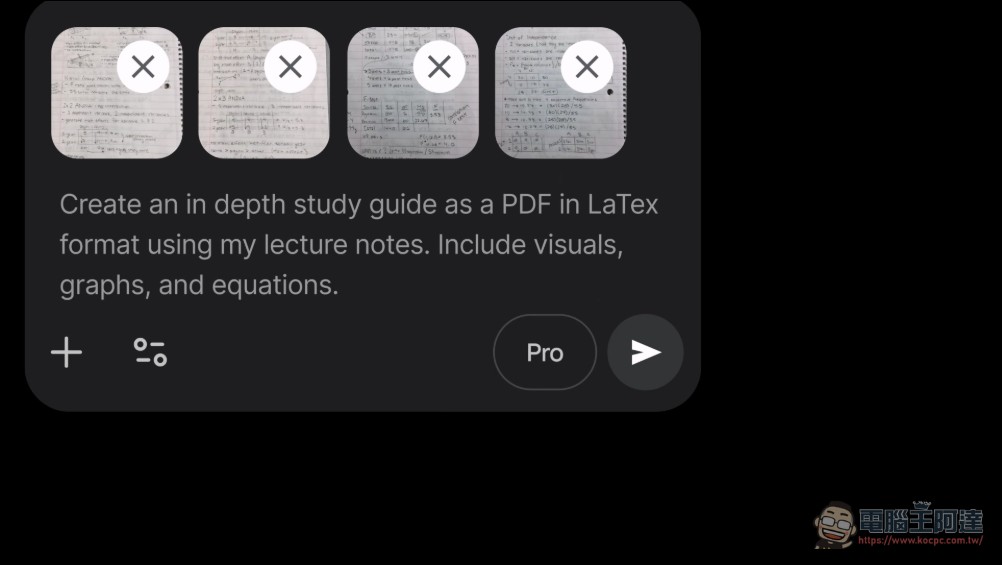
- Convert class notes into LaTeX format PDF study guides with illustrations, charts, and equations
Taking the actual test as an example, enter “Help me package the above content into Slides”, and Gemini will automatically generate a 15-page presentation. Users can continue editing directly in Google Slides, or download it as a PDF file.
Overall inventory of supported formats: covering Office, Workspace and academic formats
The complete list of file formats supported by this update is as follows:
- Google Workspace Series:Google Docs、Google Sheets、Google Slides
- Microsoft Office series:Word(.docx)、Excel(.xlsx)
- common file format: PDF, CSV file, plain text (TXT), Rich Text Format (RTF), Markdown (.md)
- Academic and Technical Document Format:LaTeX
Users can even convert handwritten notes directly into PDF or Word files, which is extremely useful for users who often take notes with a tablet and a stylus.
Who benefits most? The three major ethnic groups have the most significant benefits
Administrative and financial workers: In the past, if you wanted to convert the financial trial content generated by Gemini to an Excel file, you had to manually copy the numbers and realign the fields. Now you can get the complete .xlsx file in just one sentence, which greatly saves time on repetitive work.
students and researchers: In the past, it took a lot of time to format study notes or report drafts, but now it can be directly output to PDF, Word, or even LaTeX source code commonly used in academic fields.
Content creators and marketing planning: Output brand guides, event planning and other content into .docx format for direct delivery, and no longer get stuck in the process by the partner’s “Word file only” format requirements.
Launched simultaneously globally and available on all platforms
This feature has been gradually rolled out globally starting from April 29, 2026, covering all platform versions of Gemini App, including web version, Android and iOS applications. Users can enable this feature regardless of whether they are using the free Gemini Pro or the paid Gemini Plus plan. You can try to see if you can use this feature now.
Source: KOCPC Chinese