


Seeing that there are many iPhone killers in the market, killing them one after another, Apple has actually created another “killing target” in the field of smart watches. What’s interesting is that the Apple Watch, which theoretically has a more limited market, needs to be used with an iPhone, but it has developed to completely dominate the market. Perhaps because of this, we didn’t see much external changes in this year’s Apple Watch Series 6. However, what is actually hidden inside this new watch is a more terrifying comprehensive integrated evolution and a new route for more consumers. Our Computer King Ada team has also experienced Apple’s new generation smart watch this time. If you want to know how powerful it is, please continue reading. Continue reading Apple Watch Series 6 unboxing experience: A new generation of smart watches for the whole family.
【 Apple Watch Series 6 official website purchase page (click me)】
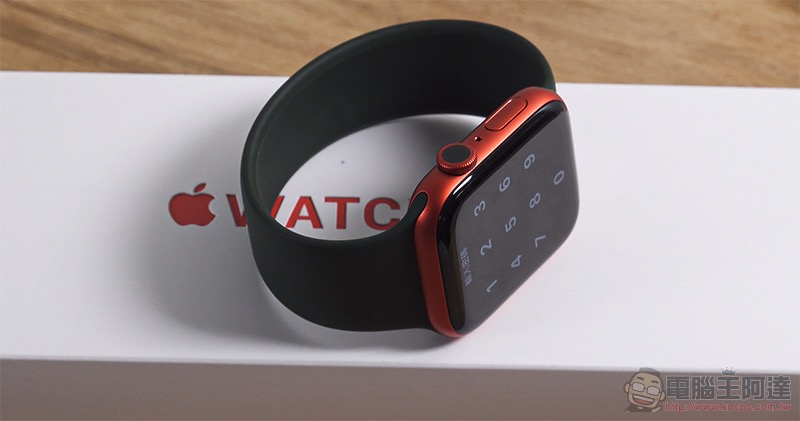
Apple Watch Series 6 unboxing experience: a new generation of smart watches for the whole family
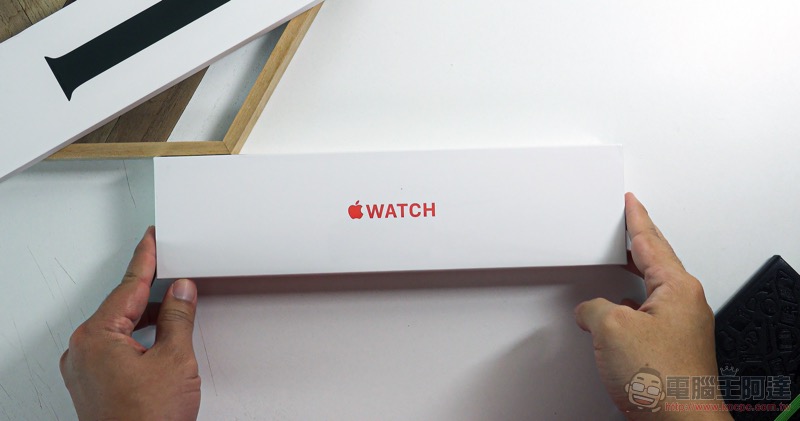
First, let’s start with unboxing!
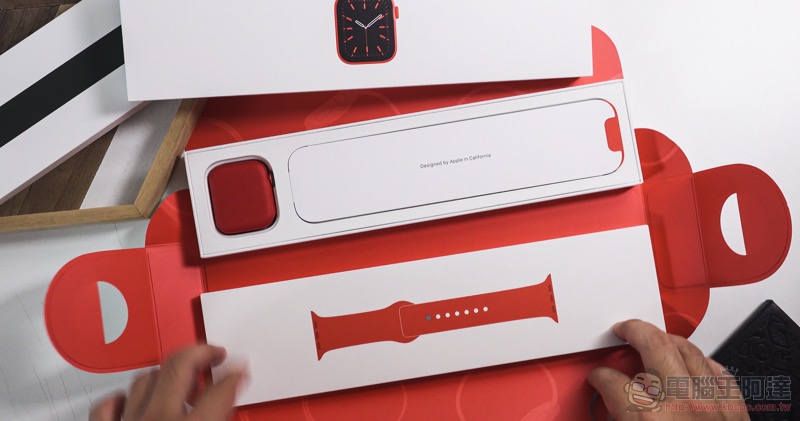
The biggest change in Apple Watch Series 6 this time, what most people are paying attention to is that the entire series does not come with USB.
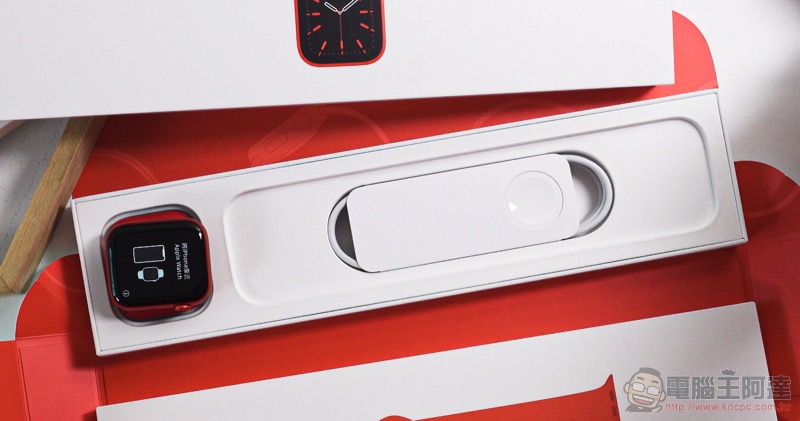
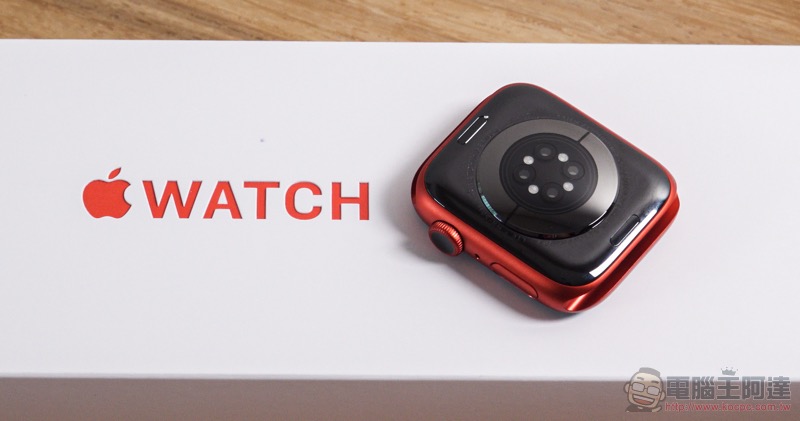
Most of the contents in the box are pretty much the same, including a manual and a dedicated magnetic charging cable set. So you’ll need to dig out the USB charger for your iPhone or other device to charge it. What’s interesting is that now that the Pro series iPhones have been changed to come with USB type C chargers, if you are buying a mobile phone from the iPhone 11 Pro series for the first time, you may have to find a way to find another USB charger.
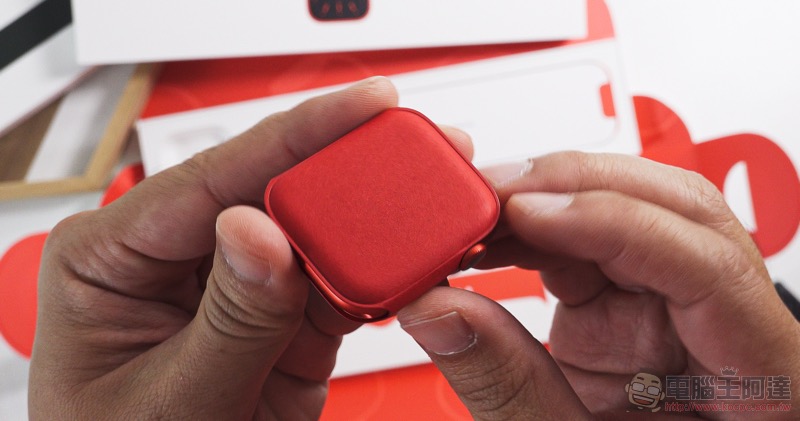
▲Picture: The red version of the protective cover seems to be made of harder material than before and has a better texture.
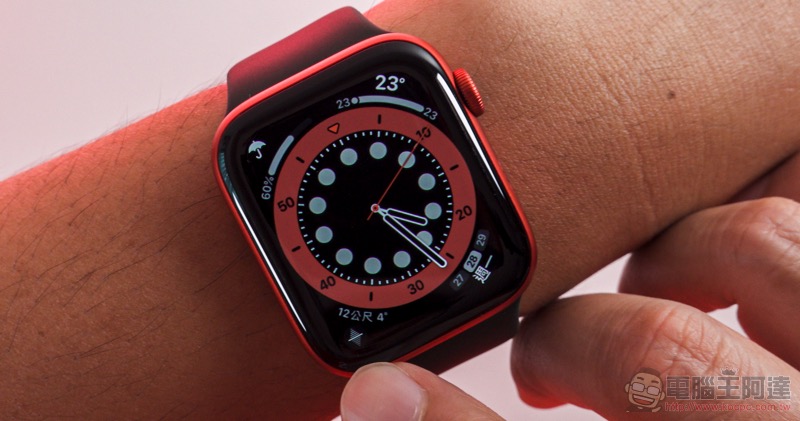
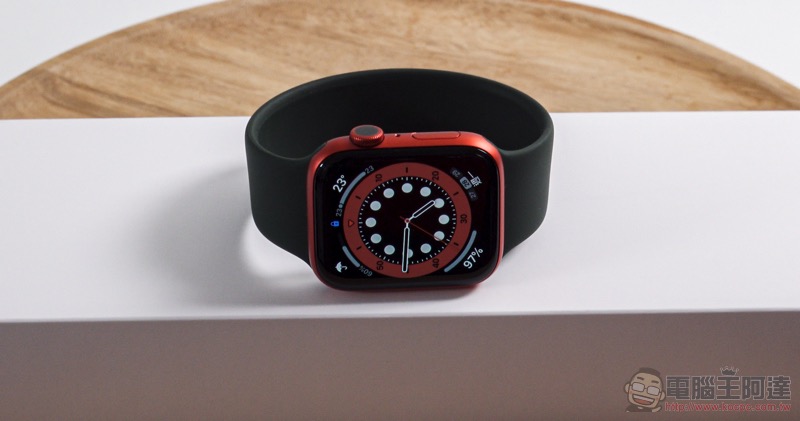
What we started with is the newly added PRODUCT RED red version and the blue former. The overall color is really eye-catching, so we specially selected the darker Solo Loop single-turn watch ring to match it, which looks more coordinated.
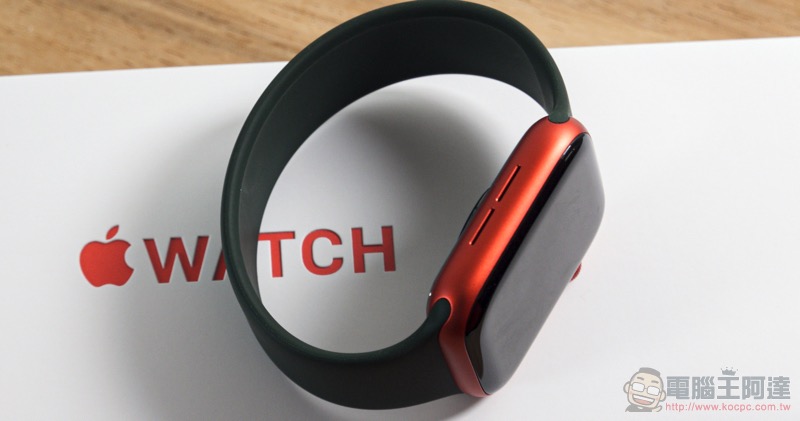
Since there are no changes in the appearance design of the watch, let’s talk about Solo Loop first! I believe everyone will think this is just a bracelet when they see the announcement. But frankly speaking, the single-turn watch ring is the most amazing accessory in my experience. If possible, I would recommend that you buy it with an Apple Watch. Although it is a bit troublesome to measure the size before buying, there are methods on the official website. In addition to printing a comparison note, the simplest way is to use a measuring tape to measure and enter the data on the official website to find your size.
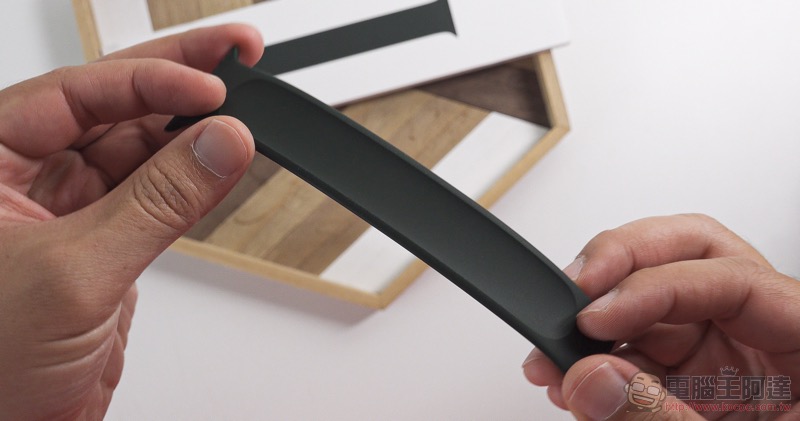
The reason why I recommend you to buy this strap is that on the one hand, its texture is really unexpectedly good (the touch is also very dense). In addition, it also solves the problem of laptop straps that would easily get stuck when using the computer in the past. Of course, it will also be more stable if you want to use it for sports. In addition, it is really thin, so it doesn’t have much presence when worn. I like it very much.
I really recommend that you at least go to the store and touch it to see the difference in texture between Solo Loop and previous straps. You should be able to understand what I am talking about.
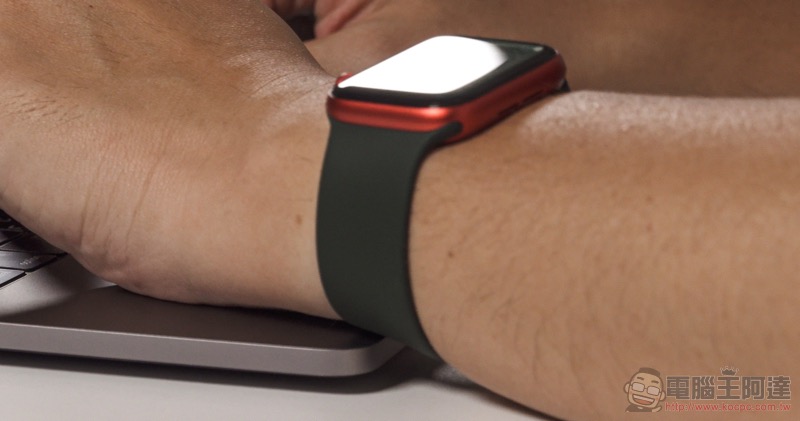
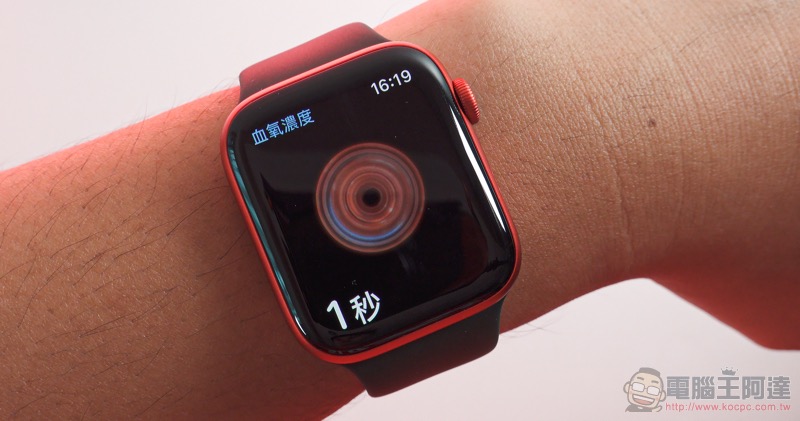
Back to the watch itself, compared to the SE version with more basic physiological sensing functions, this time Apple Watch Series 6 can directly use blood oxygen concentration sensing in Taiwan. As for the ECG function that has not yet been opened in Taiwan, after Apple’s autumn conference, there are reports in the market that the ECG function should have passed the verification, so the ECG function should be expected to be open in the future. By then, everyone will be tug-of-war between the SE and S6, right?
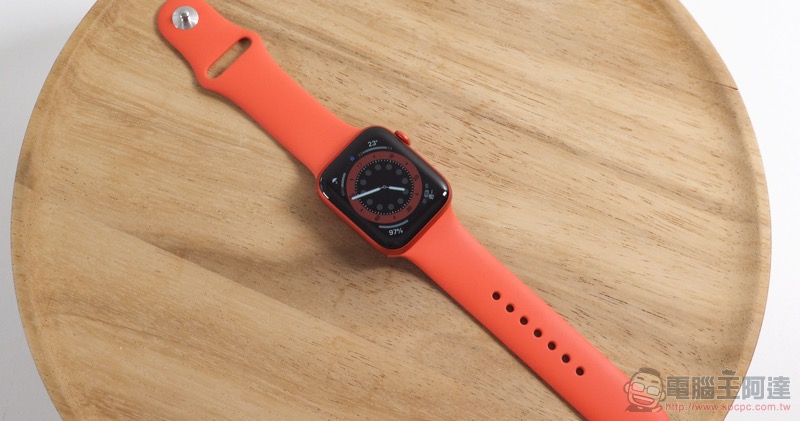
That is to say, both new-generation Apple Watches are also equipped with fall detection functions and sleep monitoring functions that have attracted much attention recently (good sleep is very important!), so whether it is Apple Watch SE or S6, which has been upgraded by 20% this time, it is a good helper to keep track of physiological status at any time. With the blood oxygen detection function, Apple also provides SE and Series 6 with the function of always-on altimeter that can monitor the location altitude at any time. Wi-Fi has also been upgraded to 5GHz specifications.
Moreover, because you may need to detect sleep status, Series 6 has introduced a 1.5-hour fast charging function, and it only takes 60 minutes to charge to 80%, so if you really want to use Apple Watch as uninterrupted as possible, this should be the best choice. In terms of battery life, based on our experience during this loan test, the battery life of Series 6 is basically the same as that of the previous generation. When I go home for a whole day, I will probably have 50~60% of the battery left. I believe that if there is no sleep detection, it should be able to be used for two days without any problem.
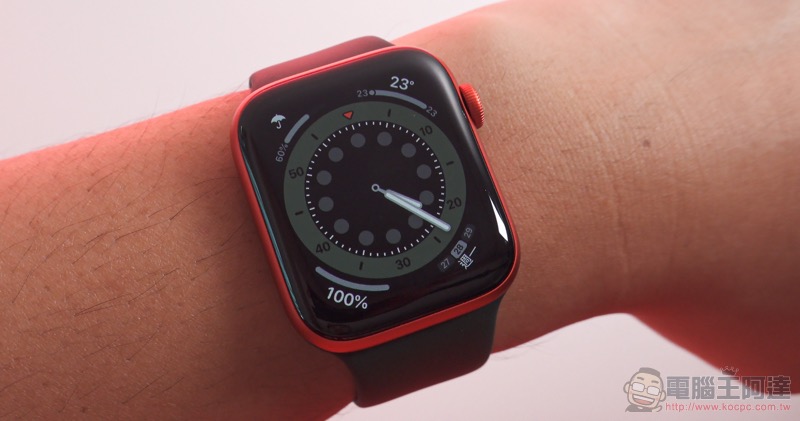
watchOS 7 has introduced Always on Display for Series 5, which is the official so-called on-display display function. Now you can directly control operations including notification center, control center and complex functions. Therefore, the benefit of Apple Watch Series 6 increasing the brightness of the display by 2.5 times without affecting the battery life should be that it can make the watch look closer to the state of waking up the screen. In addition, you can touch and use the functions on the surface at any time, so that there is no pause waiting for the screen to actually wake up, making the experience closer to the concept of a traditional watch being ready at any time.
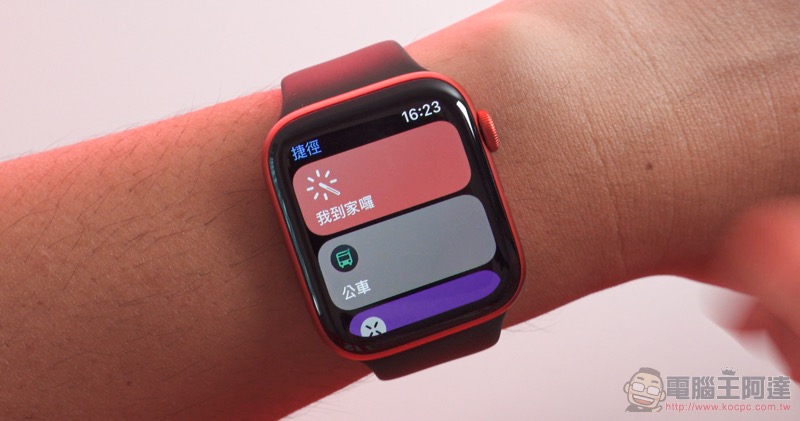
▲Picture: You can use shortcuts directly (easy to use!). Third-party watch apps should also become more available after the watchOS 7 upgrade. Line and Facebook Messenger can view chat room messages more quickly.
I wonder if anyone has noticed that not only the interface of watchOS 7 has been slightly adjusted this time, but the system animations have also been shortened. This small speed increase also upgrades the smoothness of use to another level. This system upgrade also includes several changes, the most popular of which should be more surfaces, and the system also supports the function of sharing surface configurations. This allows everyone to not only design a watch that best suits their usage situation, but also share their experience.
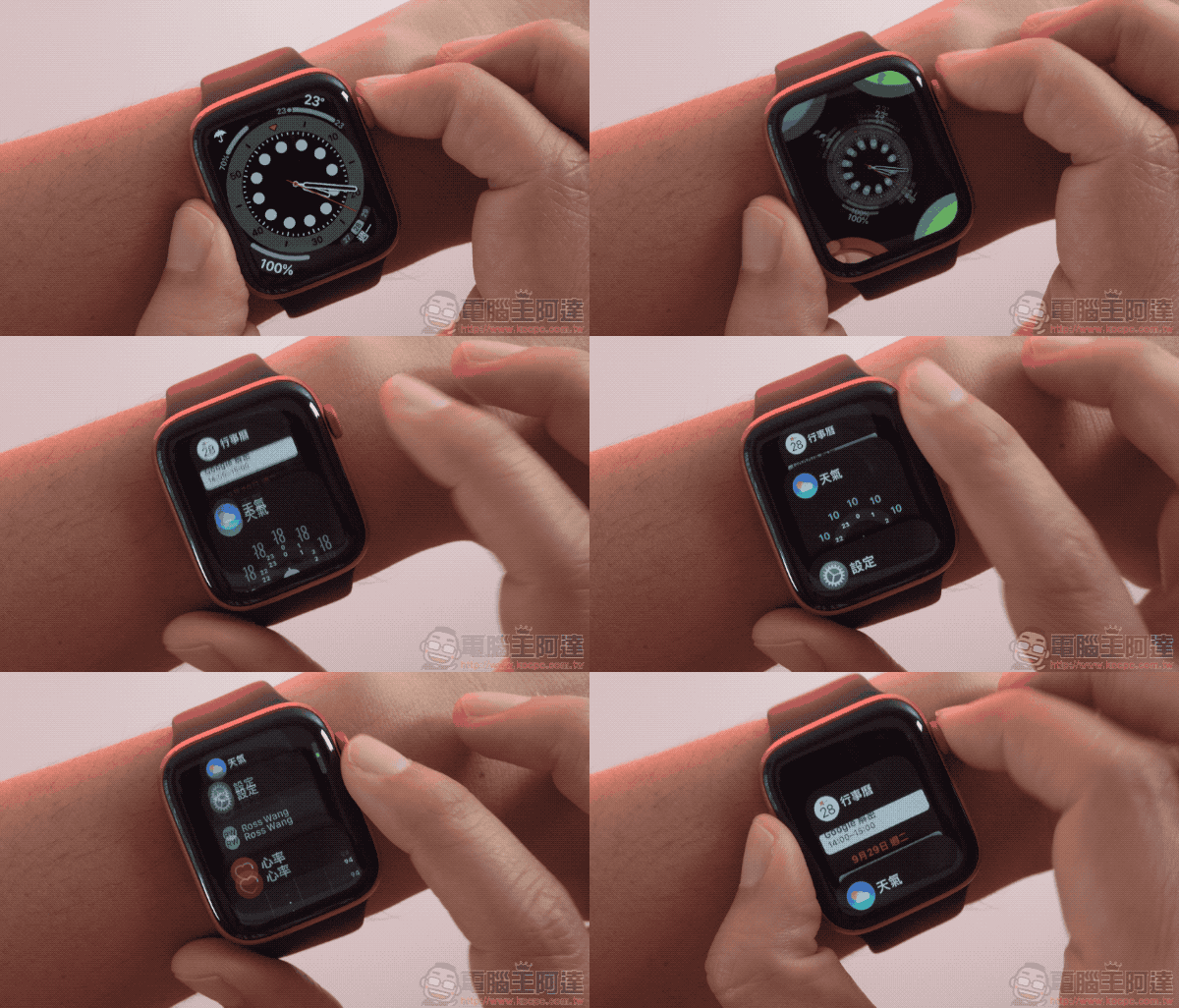
It must be mentioned that after watchOS 7, Apple also officially retired the Force Touch function on wearable devices. Therefore, watches that previously had Force Touch will be adjusted to the new experience after updating the system. For example, some submenus have been changed to require scrolling left and right to find them, and the notification function requires sliding to the top to find the clear all option.
Editors who have been using Apple smart watches since the first generation Apple Watch are actually worried that sudden adjustments to the interface will make them uncomfortable. However, after using watchOS 7, which has shorter system animations, I began to feel that the reaction of Apple Watch after pressing hard would suddenly feel a bit inexplicable delay. In addition, many apps that do not support Force Touch menus often result in a reaction of no menu after flicking, which is a common experience.
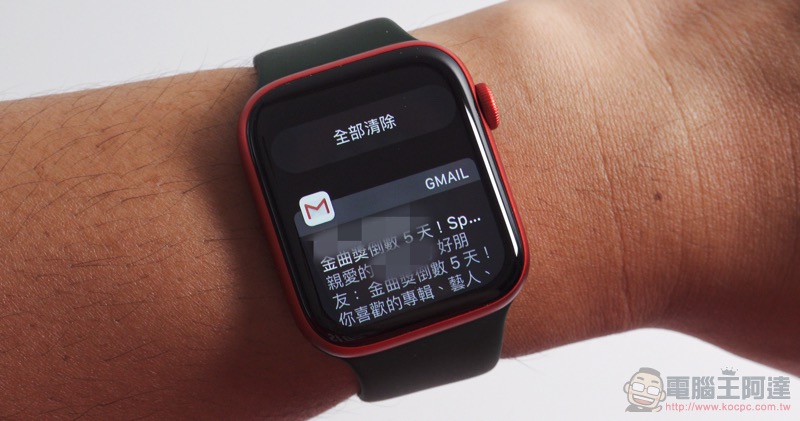
As for the “Clear All Notifications” that I have done through Force Touch for the longest time, if I think about it carefully, in fact, before clearing all notifications, I usually use the digital crown to scroll to the end to confirm that there are no missed notifications (you should also do this, right?), so this option is only available at the top, which is acceptable – but if you can’t accept it, you can only accept it (laughs).
Overall, I think it is acceptable to replace Force Touch with more decisive operations. Of course, for previous Series 5 users, if they still want to maintain this experience, they may think more about whether to upgrade the system. But in the long run, since Force Touch has been completely phased out of the ecosystem, unless you don’t plan to upgrade to new Apple Watch hardware in the future, you should get used to this new experience sooner or later – and watchOS 7 is really smooth to use, and I really can’t go back.
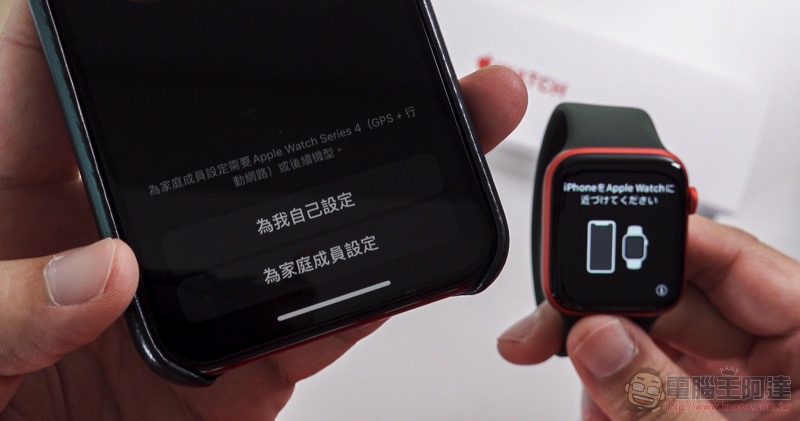
That is to say, some people may find it difficult to understand why Apple has to hold a separate announcement for Apple Watch and iPad. But I think that on the one hand, watchOS and iPadOS, which have gradually formed an ecosystem, are indeed becoming more and more independent. The more value-for-money Apple Watch SE is equipped with the family sharing setting mentioned in this announcement, which allows the Apple Watches of up to 5 members of the family to be paired and used.
In fact, Apple’s intention to make Apple Watch available to a wider range of consumers is actually very obvious. We hope that more people will be able to experience the Apple smart watch experience that has a high degree of stickiness to iPhone users and has evolved through the system to become more perfect.
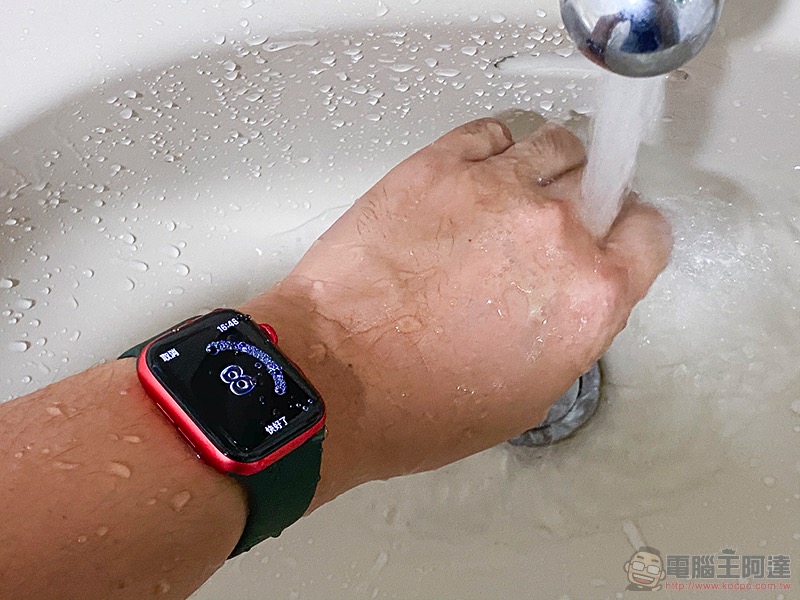
▲Picture: The hand washing reminder function of watchOS 7 will automatically start when you wash your hands.
Overall, this Apple Series 6 may not be able to attract old users to upgrade, but it is still a high standard for smart watches at this stage. In line with the recent health and accident protection issues that everyone is concerned about, the demand for the LTE version, which may not have been wanted to buy in the past, has suddenly increased. After all, in the past, the LTE version may have been regarded as a backup solution for going out without an iPhone, but now it can be used as a caring partner for children and elders to communicate with their families and manage sports and health. Overall, the 2020 Apple Watch can be said to be the closest to “a smart watch for everyone (especially the whole family)” in terms of both software and hardware.
【 Apple Watch Series 6 official website purchase page (click me to purchase)】
Further reading:
Which 2020 new generation iPad Air / iPad / iPad Pro is best for you (simple analysis)

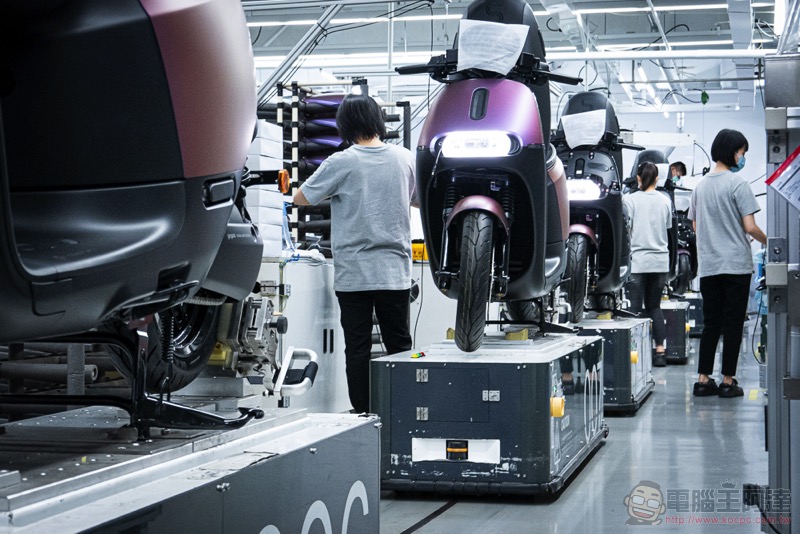
The starting point of faith, Gogoro and its origin “G1 Smart Factory”
Source: KOCPC Chinese