


Today, in addition to iPhone, Apple fans can useUpdated to iOS 26.1 Beta1 Come and experience it first Apple Intelligence In addition to the Traditional Chinese version, there is another long-awaited feature. The “instant translation” function of Airpods, which was demonstrated at Apple’s press conference as a futuristic technology, can also be used. After the actual test, Ada not only marveled at its magic, but also encountered some problems. Here, I also share how to turn on and use this instant voice translation function.
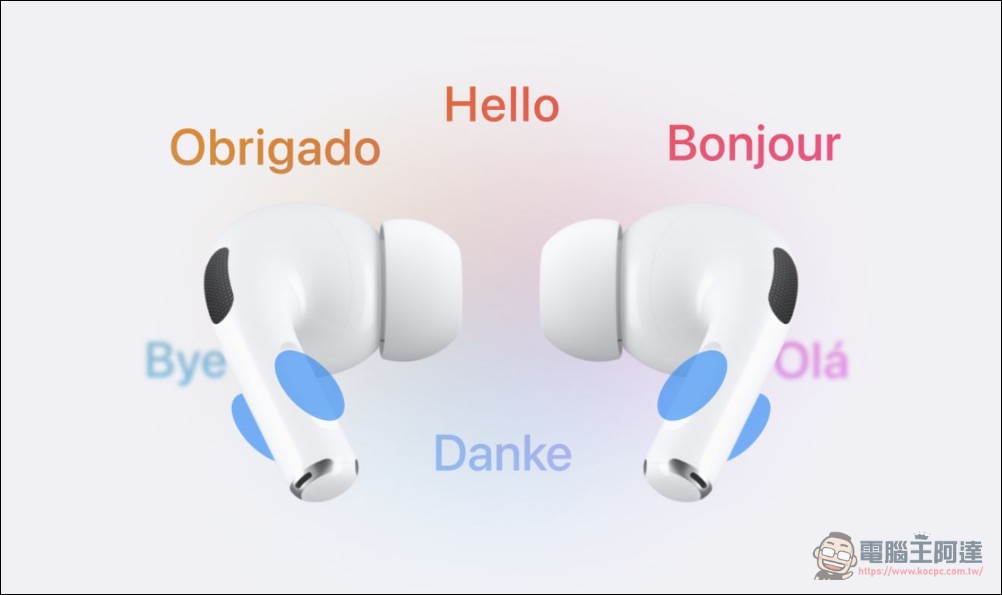
Teach you how to use the real-time voice translation feature of Apple Intelligence Traditional Chinese version
There are several inherent limitations to using the “instant translation” function of iOS 26.1 Beta 1. First, you must have iPhone 15 Pro or newer(Including iPhone 15 Pro Max, iPhone 16 Pro, 16 Pro Max, 17 Pro, 17 Pro Max) Only supported. Second, you must at least pair it with AirPods 4 (ANC), AirPods Pro 2 or AirPods Pro 3 to use it. It cannot be used if you only have a mobile phone:
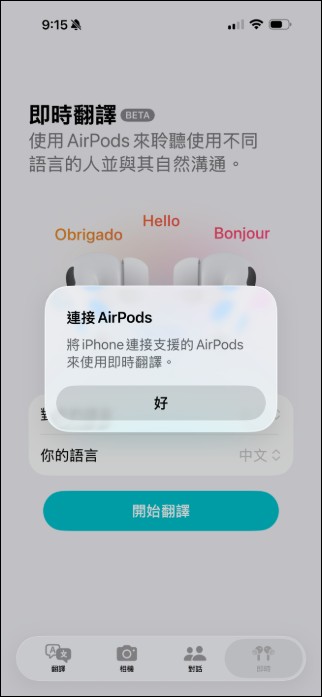
First of all, you can enter the “Translation” App after updating to iOS 26.1 Beta 1, and check to see if there is an “Instant Translation” option below. If so, you can put on headphones and start using it. If you are like me and don’t have this function at the beginning, you can try this:
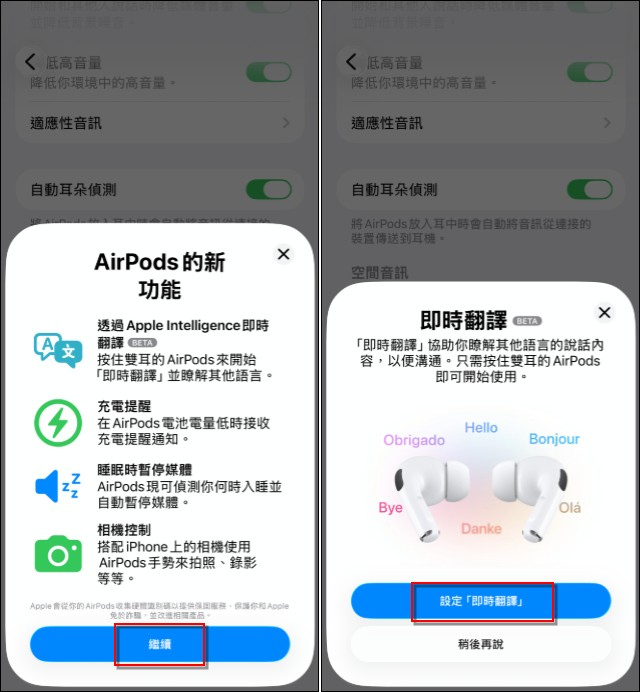
While your iPhone is connected to a supported headset, click on “Airpods” and scroll down to find “Language” and click on it:
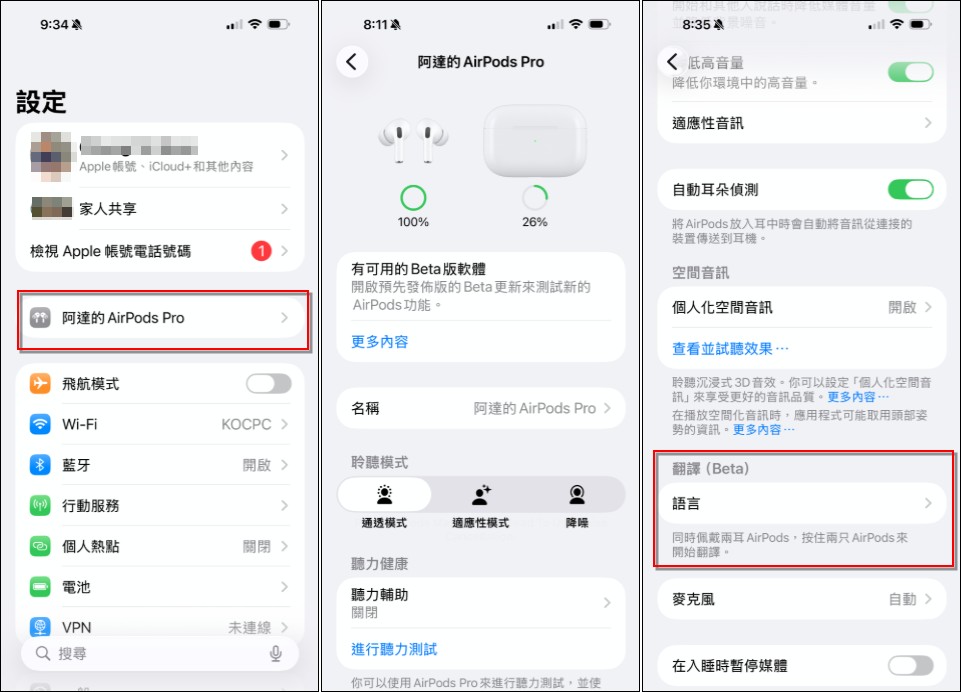
Then you can activate the new features of AirPods, click Continue –> Set “Real-time Translation”:
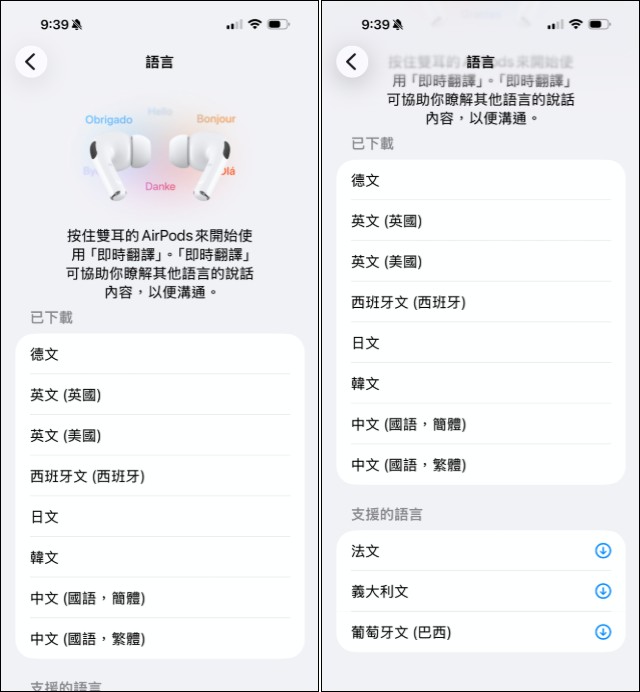
Then you can set the language to be translated instantly. It should be noted that Apple’s instant translation is “not connected to the Internet” and is executed on the mobile phone. All languages to be translated must be downloaded to the mobile phone first. I chose the commonly used languages such as Chinese, English, Japanese, and Korean:
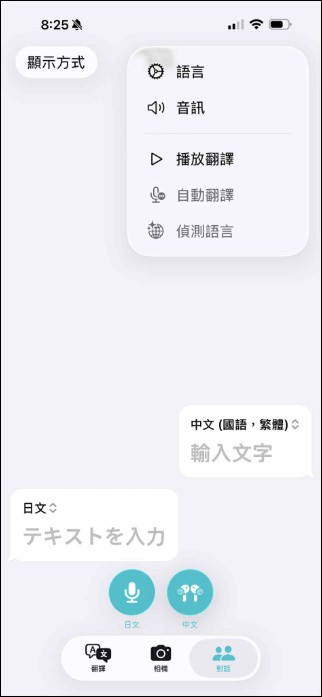
After setting up, enter the “Translate” App (note that it is Apple’s own App, not a third-party one) and you will see the real-time translation option appear (remember to put on the headphones first), then select the language and you can start using it:
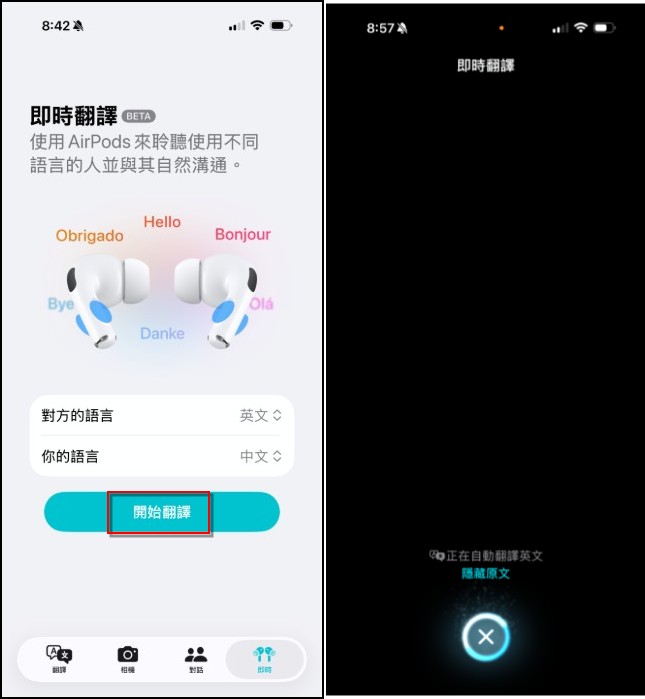
Here, Ada also uses English to translate Chinese into real-time tests. The speed is very fast and the translation is quite accurate. The speech speed difference between MKBHD and MKBHD is probably less than one sentence. The SIRI voice that has been translated into Chinese will be emitted from the earphones, and subtitles will also be displayed on the screen. If you speak Chinese, the translation language will also be displayed on the screen (depending on which language you choose):
In addition to entering the translation app to use it, it can also be started instantly by pressing the Airpods on the left and right ears at the same time, or directly started from the control center. If you travel abroad in the future, you can really rely on the Apple Intelligence of the iPhone for basic communication. I really lament the advancement of technology. If you want to know more related applications, you can go toApple official website description page。
Source: KOCPC Chinese