


At WWDC 2024, it was mentioned that for the iOS 18 upgrade, the new action button function upgrade of iPhone 15 Pro / iPhone 15 Pro Max can be fully upgraded, and the interface upgrade of the iOS system “Control Center (Control Center)” can be introduced to further satisfy the “desire for control” with various faster operation possibilities. Continue reading iOS 18 “Action Button” has been upgraded to support the iPhone Control Center, finally enabling you to activate your personal hotspot more quickly! Report text.
▲Image source: MacRumors
iOS 18 “Action Button” has been upgraded to support the iPhone Control Center, finally enabling you to activate your personal hotspot more quickly!
Another year of iOS updates, and it’s time for everyone to turn into developers in an instant (ugh).
Soon, foreign media unboxed the iOS 18 upgrade at WWDC 2024. It was mentioned that the new action button function upgrade of iPhone 15 Pro / iPhone 15 Pro Max can be fully upgraded, and the interface upgrade of the iOS system “Control Center (Control Center)” can be introduced to further satisfy various intuitive operation possibilities full of “control desire”.
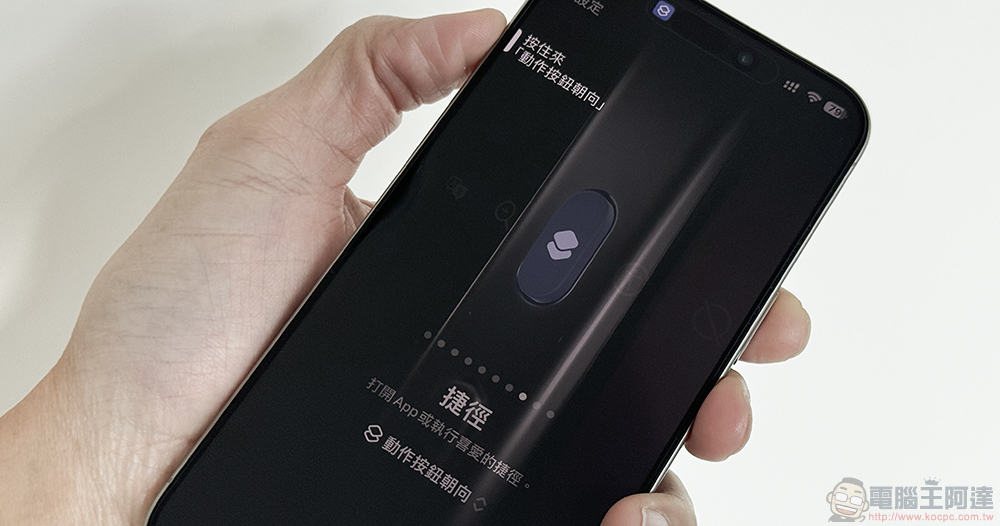
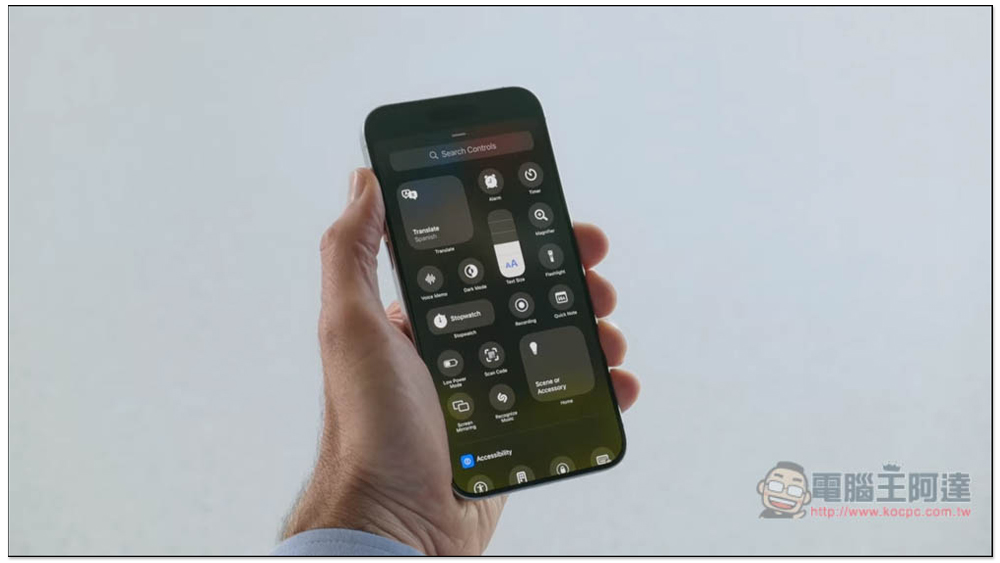
In the feature update released for the iOS 18 system update at the Apple Developer Conference a few days ago, it can be found that in addition to the interface customization function that is considered to be a bit of a tribute to the Android system, it is actually aimed at integrating the control center part of the quick operation of most systems. Apple not only brings a new interface that allows you to quickly switch between different control function pages by simply turning the page up and down.
It even allows the Action Button, which is the first to be equipped in the iPhone 15 Pro series, to support the control center operation function, instantly allowing the iPhone to support operations that may have previously required shortcuts and other methods.

After foreign media discovered this feature, they also brought some related support information that is currently in the very early iOS 18 developer preview version.
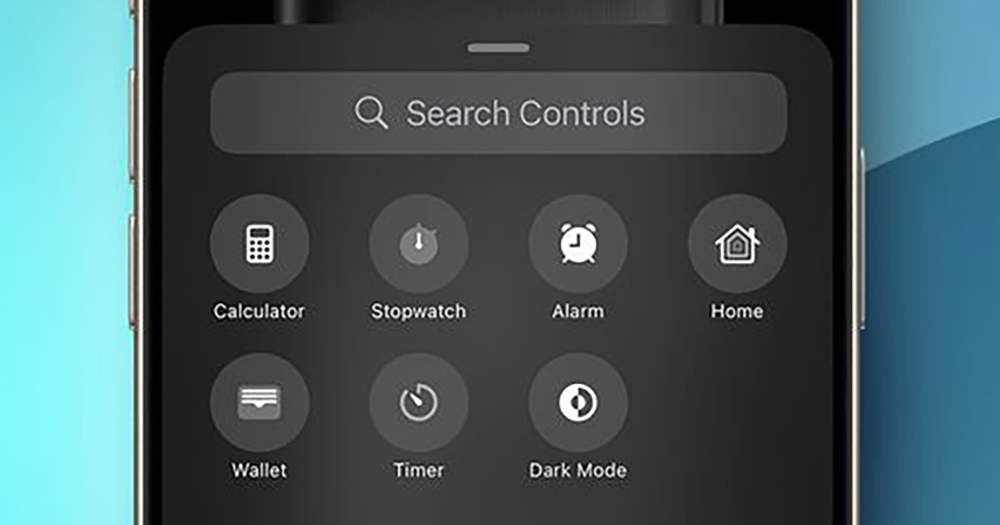
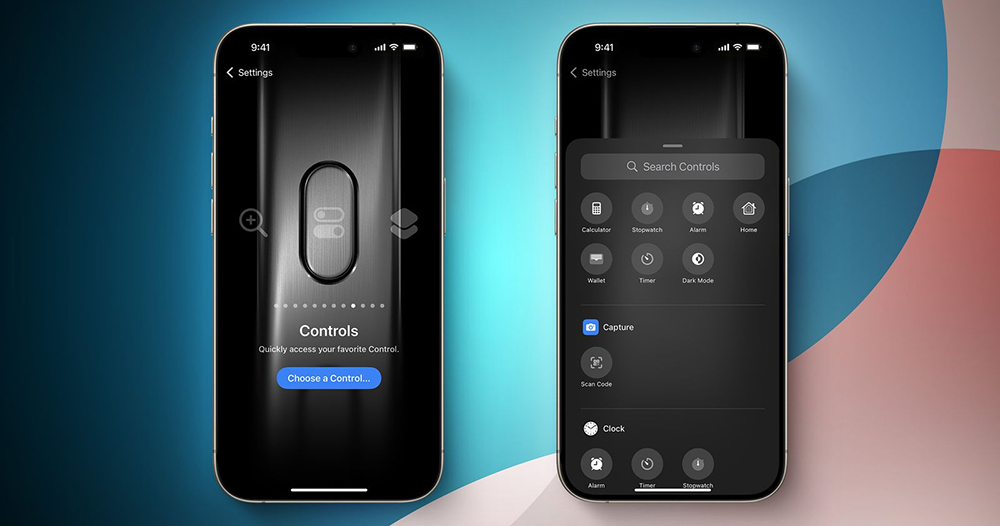
First of all, this interface is basically intuitive to find the new “Control” option in the iPhone’s “Settings > Action Buttons”. After clicking the blue button to select the control function, an interface similar to the control center drawer function will pop up – it is full of control button options.
This feature can support quick activation of common functions in the control center, including computer, computer, alarm clock, home, wallet, dark mode, airplane mode, and scanning QR Code barcodes. Basically this means that after setting these functions, you can quickly launch commonly used functions in the Control Center by simply pressing and holding the action button on the iPhone.
We also noticed that “Personal Hotspot” also appeared in the quick launch function. This function previously required a long press to activate the wireless function. Although it is not surprising that it can also be found and activated more easily through the revised Control Center in iOS 18.
However, being able to be linked with the action button, I believe it can also solve to a certain extent the problem of being considered a non-Apple ecosystem device and the activation method is not intuitive enough when trying to connect to an iPhone hotspot.
▲Image source: MacRumors
That is to say, it is currently discovered that features such as Orientation Lock and Low Power Mode do not appear in the iOS 18 Beta 1 developer preview version. I’m not sure whether it will not be available in the future, or whether it is just not supported yet.
Further reading:
Source: KOCPC Chinese