


On the annual Global Accessibility Awareness Day, Apple once again brought many innovations and thoughtful updates to accessibility features. Not only is there eye tracking that seems to give the iPhone/iPad the magical system operating capabilities of Vision Pro. It also includes thoughtful functions for users with different physical conditions, such as “music touch”, “sound shortcuts”, “vehicle movement reminder” functions, etc. Continue reading Apple’s latest accessibility features will use “eye tracking” to control iPhone or iPad, as well as “Vehicle Movement Alerts” to relieve motion sickness.
▲Picture source for this article: Apple
Apple’s latest accessibility features will use “eye tracking” to control iPhone or iPad, as well as “vehicle movement alerts” to relieve motion sickness
Although Face ID has been vaguely felt since the iPhone
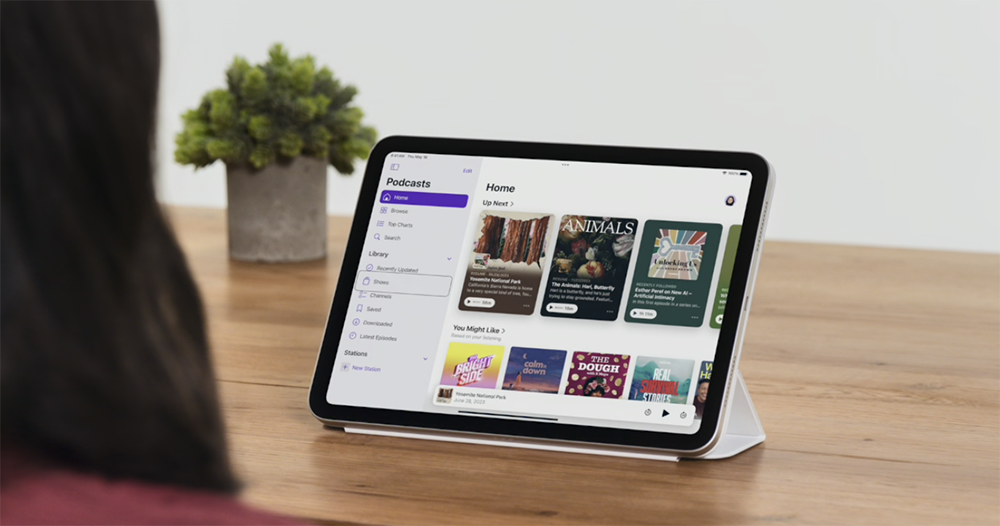
Not long after Vision Pro brought innovative eye control functions, Apple announced that it would provide the latest “eye tracking” system operating experience for iPhone and iPad devices in the form of barrier-free assistive functions this year.
Naturally, the features released in response to Global Accessibility Awareness Day are all aimed at making system function updates more friendly to people with disabilities, so that they can have the opportunity to use Apple devices more deeply through accessibility features on Apple devices. This is also the direction that Apple has been working towards over the years towards the goal of accessibility being a basic human right.
But I have to say that this function of cursor control through eyes really makes people feel as if they are “previewing” Vision Pro’s futuristic eye-control function like a science fiction movie on an iPad or even an iPhone – I’m not the only one who thinks so! I really want to try it out – this is also a great feature for people with disabilities who cannot touch!
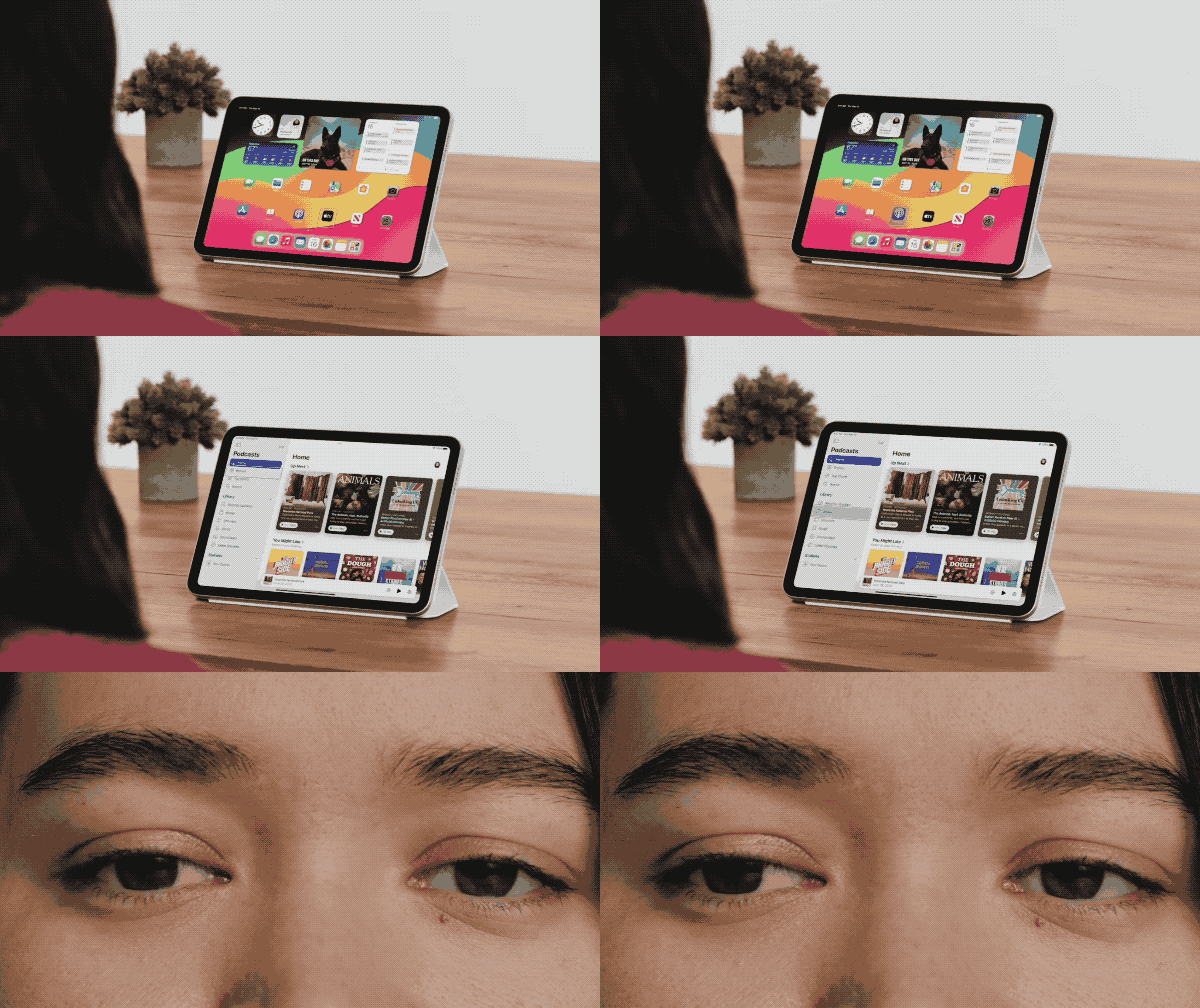
According to the demonstration video on the official website, after enabling “eye tracking”, iPhone and iPad will be able to directly operate system functions through the front camera using device-side machine learning technology that protects information security privacy.
There is an interesting point here. It is compared to direct and simple violent control using cursors. Apple directly adds the magnet-like system interface control experience that iPadOS brings after adding mouse control to this disability-friendly operating function.
While it’s uncertain whether the TrueDepth-sensing camera required for Face ID is also necessary for the eye-tracking feature, as far as we know, the feature only requires a simple 10-point calibration of a few seconds to get started.
After being able to use eye tracking to see the buttons and other components they want to control, people with disabilities can use Dwell Control to confirm clicks and other actions by hovering for a few seconds to confirm the operation. It means that in the future, you only need to let the system detect your eyes to operate iPad and iPhone.
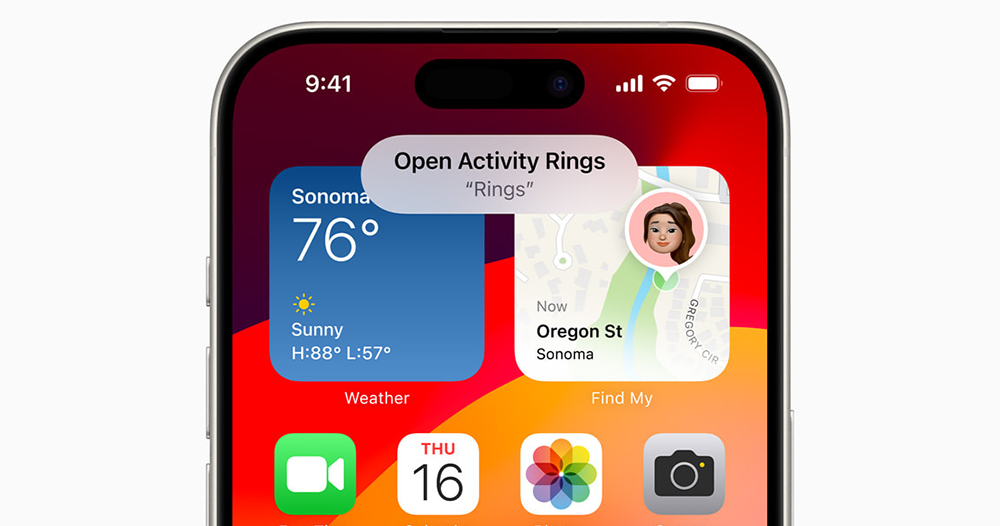
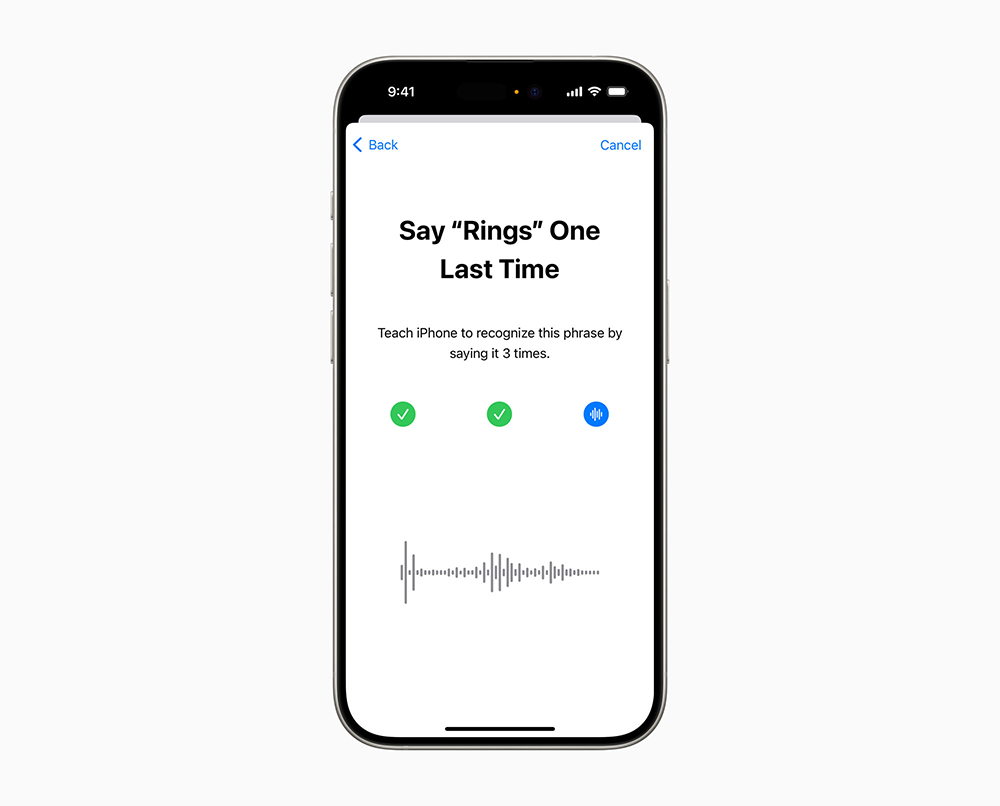
This wave of features are said to be “launched later this year”, and the control-related parts also include the “virtual touch trackpad” auxiliary touch function that can be used in the iPadOS system by turning a small area of the screen into a simulated trackpad. It can also help patients with acquired or progressive conditions that affect speech through simple “Voice Shortcuts” and the new “Listen to Atypical Speech” function, which can “teach” Siri on the iPhone to understand the user’s special voice commands by repeating them three times. Control functions including screenshots, timers, phone calls, scrolling pages, etc. can be performed.
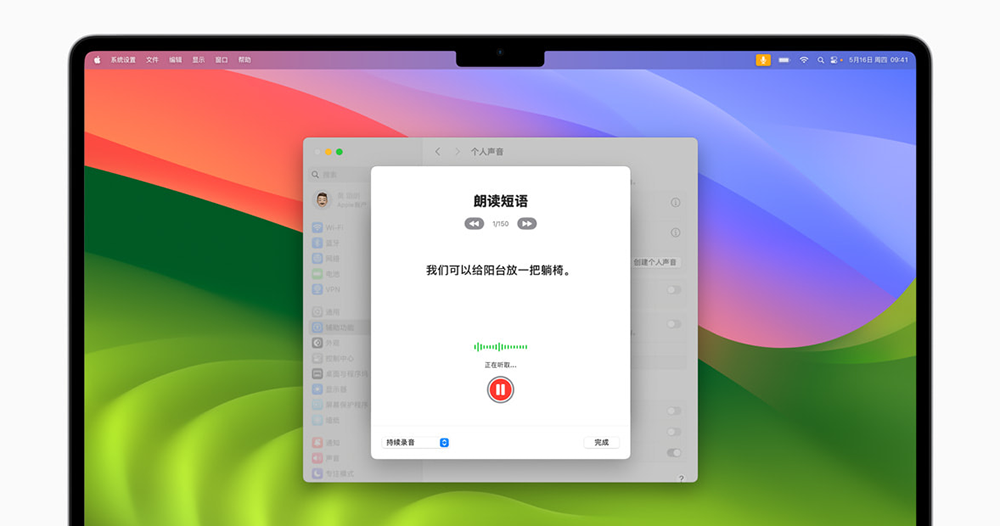
Seeing this function that can teach iPhone to learn speech, I believe everyone will immediately think of the “Personal Voice” function that Apple has previously announced for people at risk of aphasia, right? This update allows Chinese users to continue to speak for themselves through smart devices.
Aiming at functional parts that allow people with disabilities to experience the world more deeply. Apple also uses the haptic engine on iPhone devices to provide “musical touch” somatosensory functions for people with hearing impairments through tactile effects such as taps, touches, and delicate vibrations. The point is, the API used by this feature has also been officially opened to developers for use in other third-party music services. The above-mentioned friendly features can also make it necessary to purchase additional eye-tracking sensors or vibration accessories in the past, and no longer hinder people with disabilities from feeling or interacting with the world.
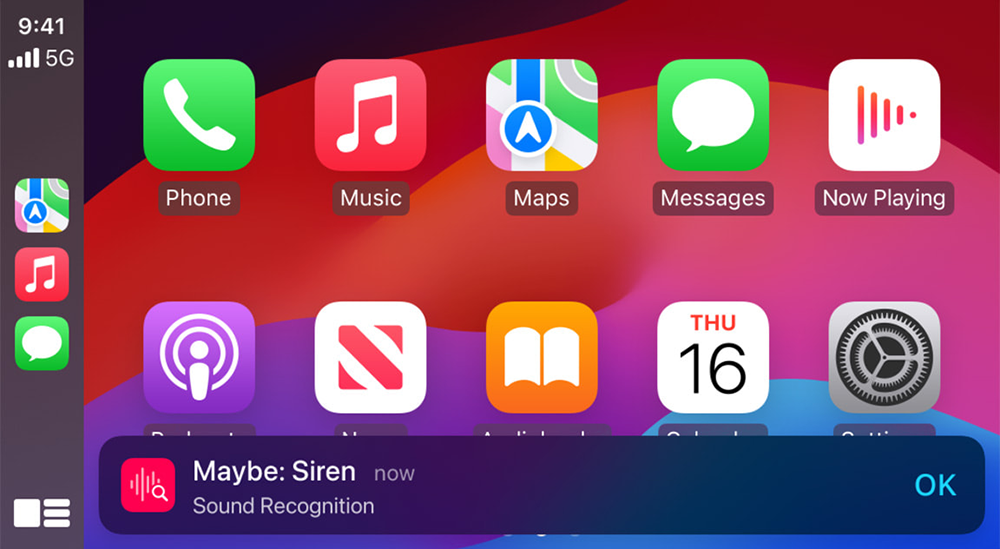
This time Apple has also brought the “voice recognition” function and auxiliary functions on iOS such as “voice control”, “color filter” and “voice recognition” to the vehicle. In the form of CarPlay system updates, it will be able to support display functions that allow the system to be more friendly and non-contact system control and even respond to emergency situations such as sirens.
Personally, I feel that this function is not only helpful for users with disabilities, but also for ordinary people, it can be turned on depending on the situation to provide safer hands-free control. It can also avoid the situation where emergency vehicles on the road may not be noticed during music or chat (at least I would like to open it and try it – it would be even better if the possible “direction” of the alarm bell can be identified through machine learning!).
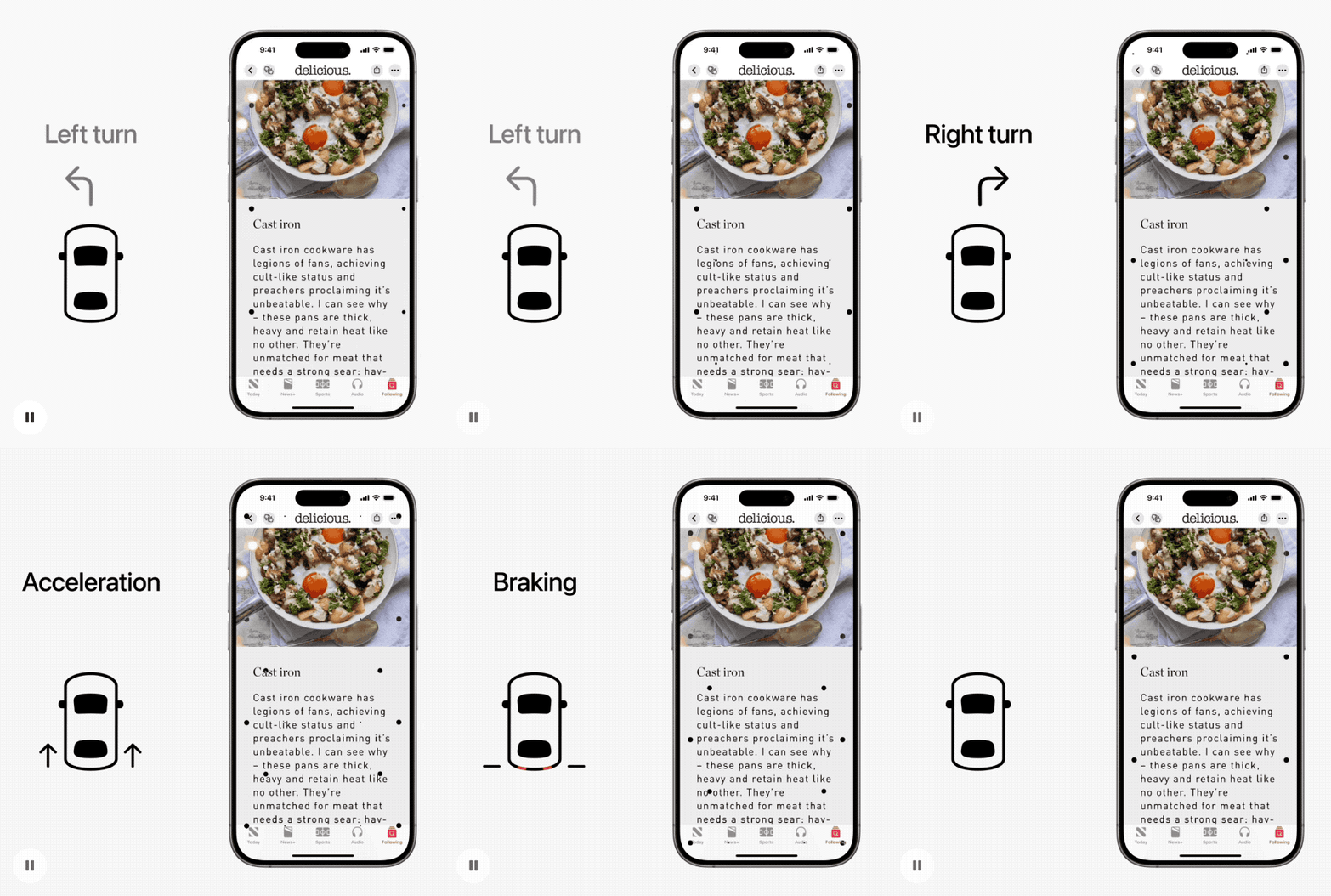
Another function that is somewhat related to vehicles, “Vehicle Movement Alert”, is a function that allows users who like to slide their phones in the car, but may suffer from dizziness and other problems caused by sensory conflicts between vision and feeling, to alleviate the sense of conflict by guiding visual “little dots” that do not block the screen as much as possible – it feels quite magical, and I really look forward to the effect of using it.
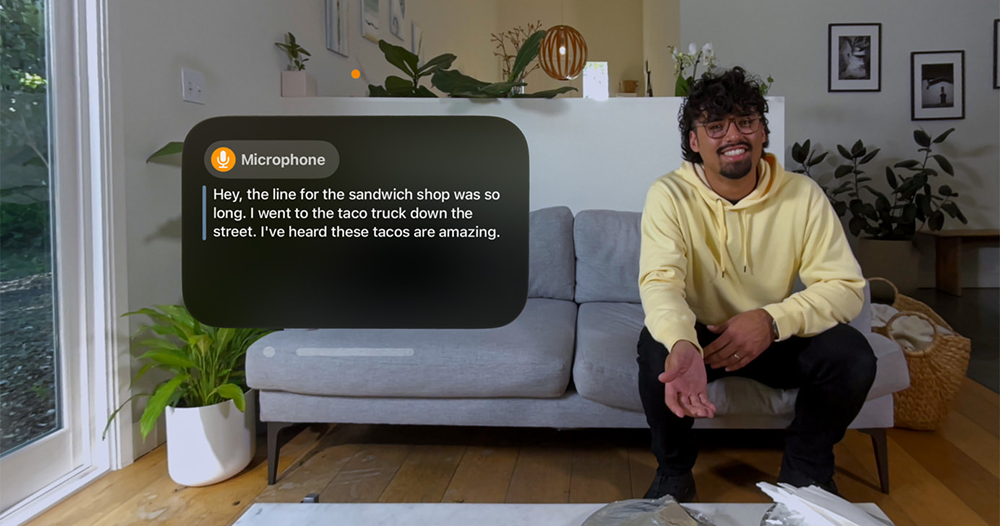
Finally, in terms of the preview of the accessibility update that gives people the feeling of a WWDC outpost, the related functions of visionOS used by Apple’s latest spatial computing device Vision Pro have not been missed.
According to official information, they will next bring to visionOS the ability to automatically display voice messages received by the microphone, and automatically convert them into “real-time subtitles” for display in the field of view; during use of Immersive Video, there will also be a function of moving subtitles. There will also be new “Reduce Transparency”, “Smart Inversion” and “Dim Flickering Lights” functions.
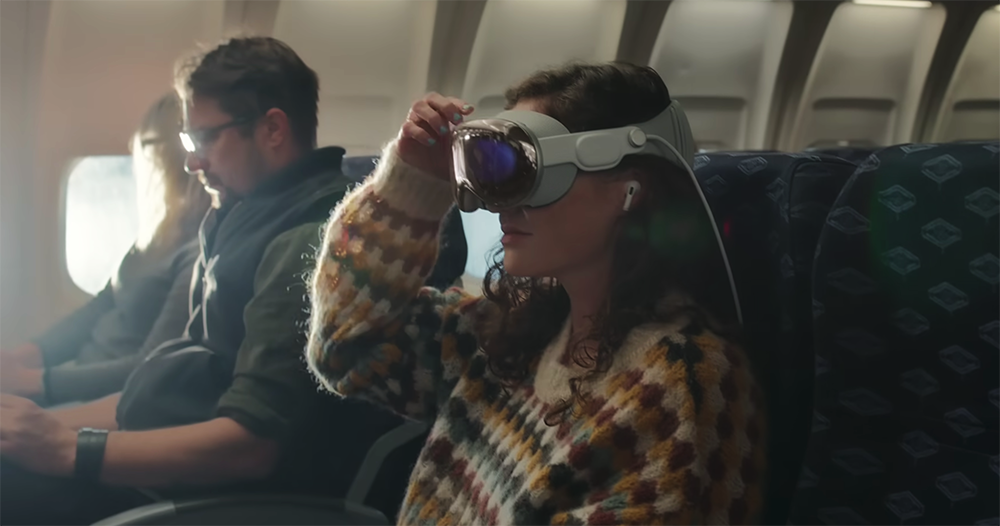
In fact, when Vision Pro was first released, some people discovered that they provided many accessibility-related functions (see more:More control details of Vision Pro are revealed: not only the eyeballs, but also the cursor can be controlled by fingers or by shaking the head.). In fact, as far as we know, Apple has indeed considered the design of accessibility features from the perspective of the entire system from the beginning of the design of the entire spatial computing device system.
However, what is surprising about this update is that I personally would have thought that Apple would also introduce automatic detection functions similar to “Vehicle Movement Alert” into Vision Pro – after all, many previous reviews have mentioned that you need to switch to Travel Mode if you want to use it in a moving vehicle or on an airplane – wouldn’t it be great if it could be switched automatically? However, it seems that similar functions may have to wait until WWDC 2024 for a chance to see it.
Further reading:
Source: KOCPC Chinese