


We have previously introduced the ReaderGPT tool that can extract article summaries. This is a browser extension and cannot be used by mobile users. Although you can copy the entire article to ChatGPT to sort the summary yourself, the operation is very troublesome. Recently, a developer finally put the summary function into the news app! This “MixerBox News Artifact” provides a one-click AI summary function, and also uses ChatGPT. It supports both domestic and foreign news, and foreign news will also be replied in Traditional Chinese. This is very good, completely free, and is available in iOS and Android versions. I recommend it to everyone.

“MixerBox News Artifact App” has a built-in ChatGPT AI summary function. You can get the key points of articles with one click, including domestic and foreign news.
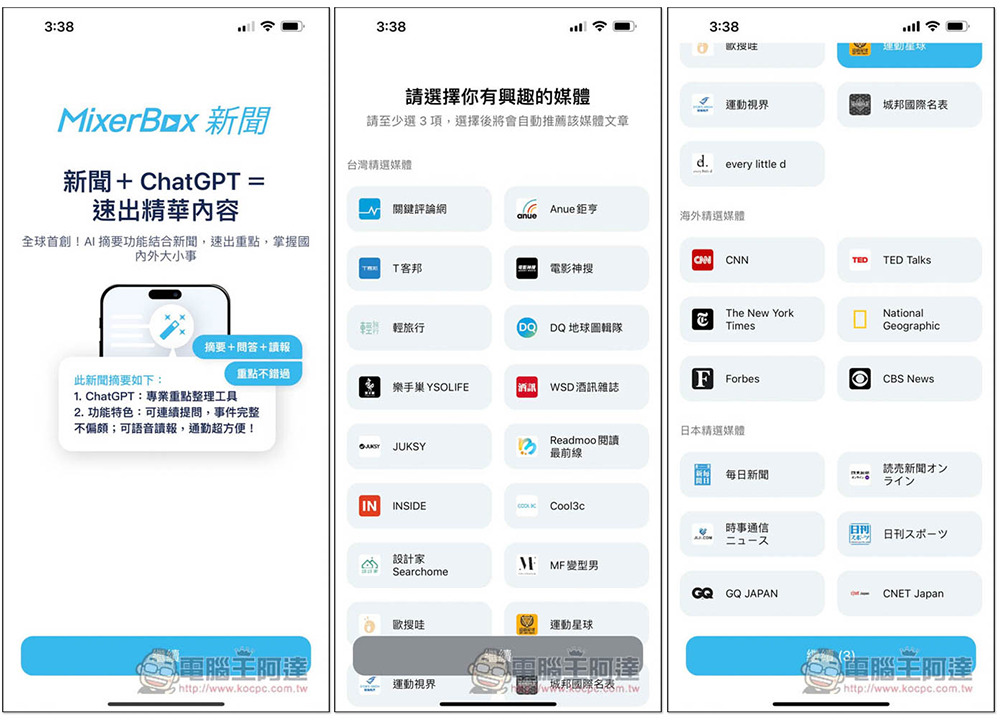
When you open the MixerBox News App for the first time, you will be asked to select at least three media of interest, both domestic and foreign. I tested this part and it will not affect anything. I just make sure that the media news you selected appears on the homepage, and you can change it later. In addition, you may notice, why are there no major news media? In fact, there are, but they are not listed here:
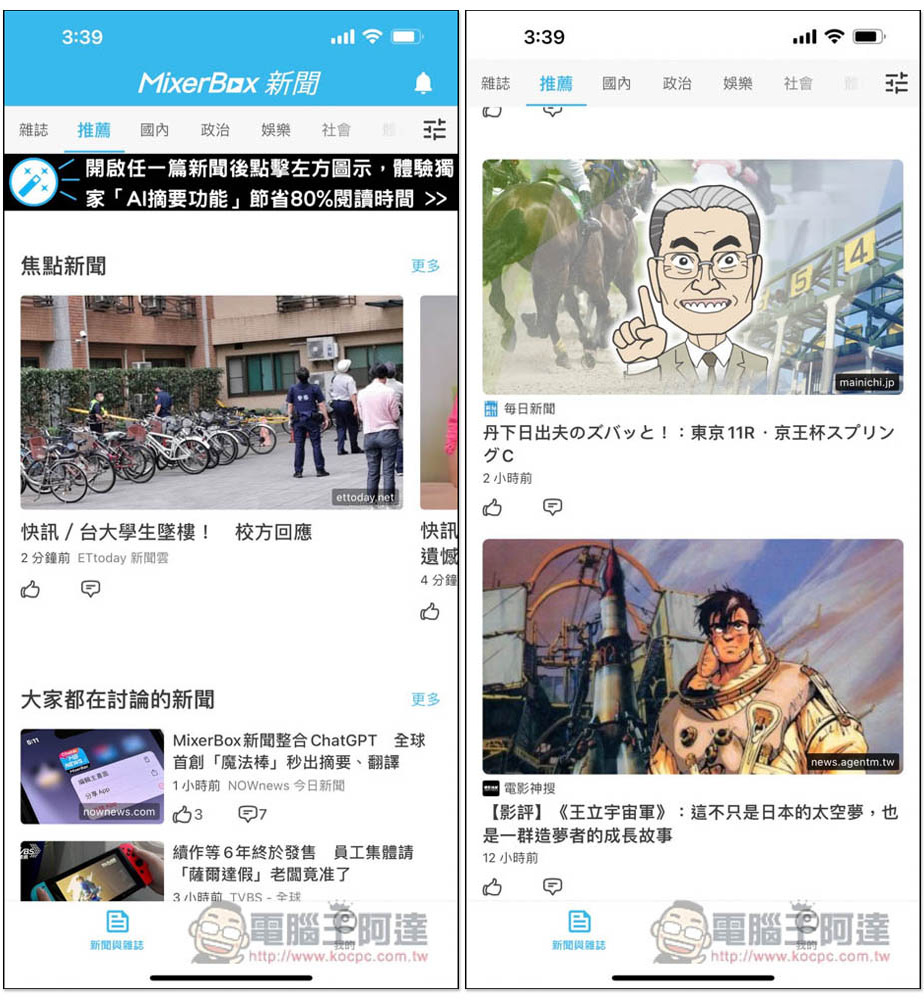
Then you can start browsing news. When you enter the homepage, you can see major news media, such as: ETtoday, NOWnews, etc. Some unselected media will also appear. It feels that the setting has not been designed at the beginning, and it may be related to the fact that there are not many media options currently provided:
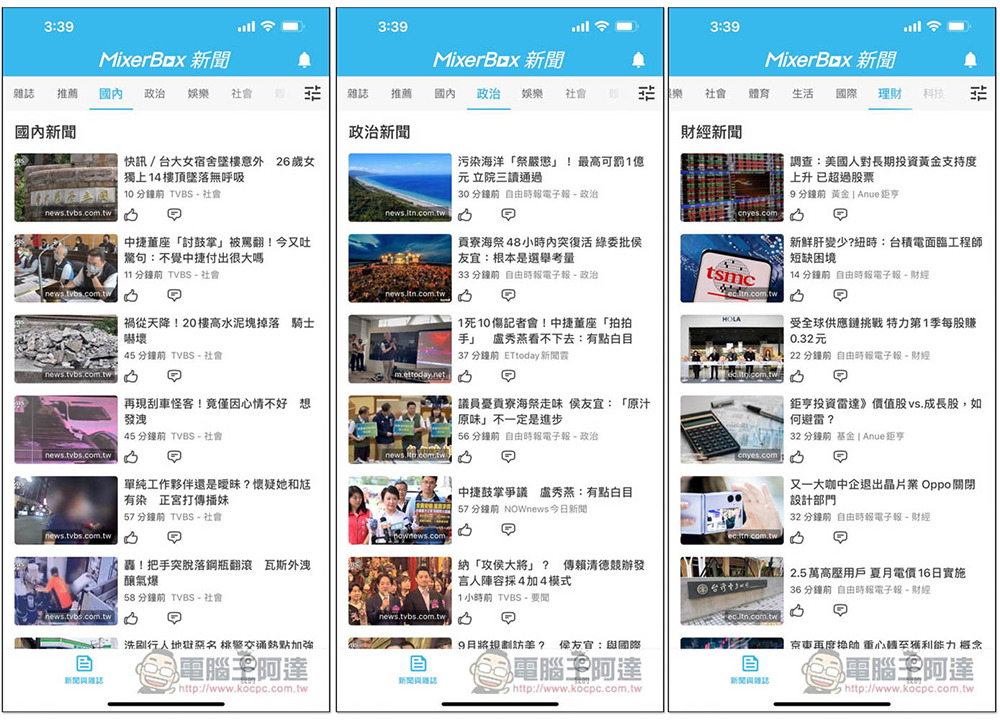
The categories are at the top, including politics, entertainment, society, financial management, international, technology, etc.:
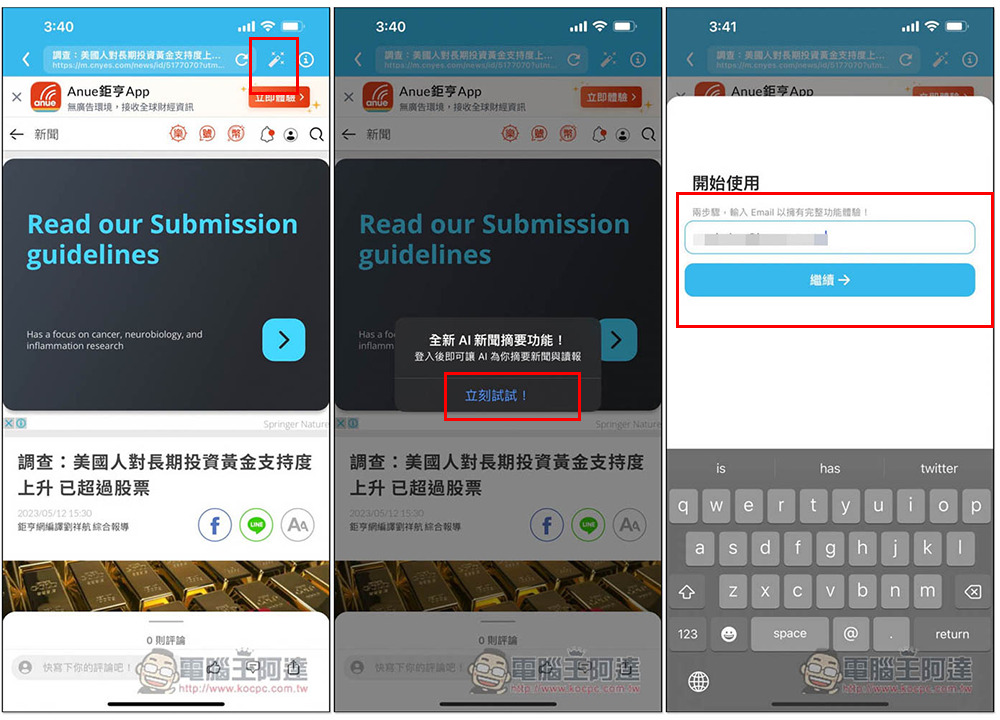
After entering the inside page of the news article, there is a pencil icon in the upper right corner. This is the AI summary function. However, you need to log in to your E-Mail account before using it. You will need to receive a verification code, so remember not to fill it in randomly:
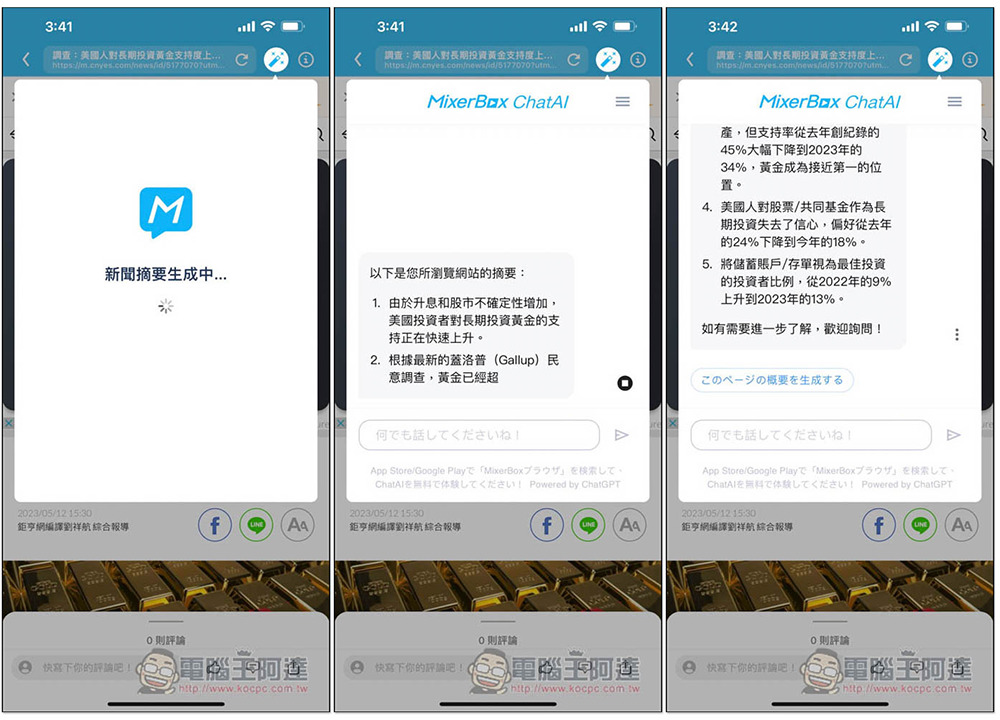
After the verification is successful, it will start to generate a summary, which will tell you the key points of this news in a columnar manner. In addition, I am in Japan, so the interface in the picture below is in Japanese. Don’t worry about it. No matter where you are, the AI has been set to answer in Traditional Chinese:
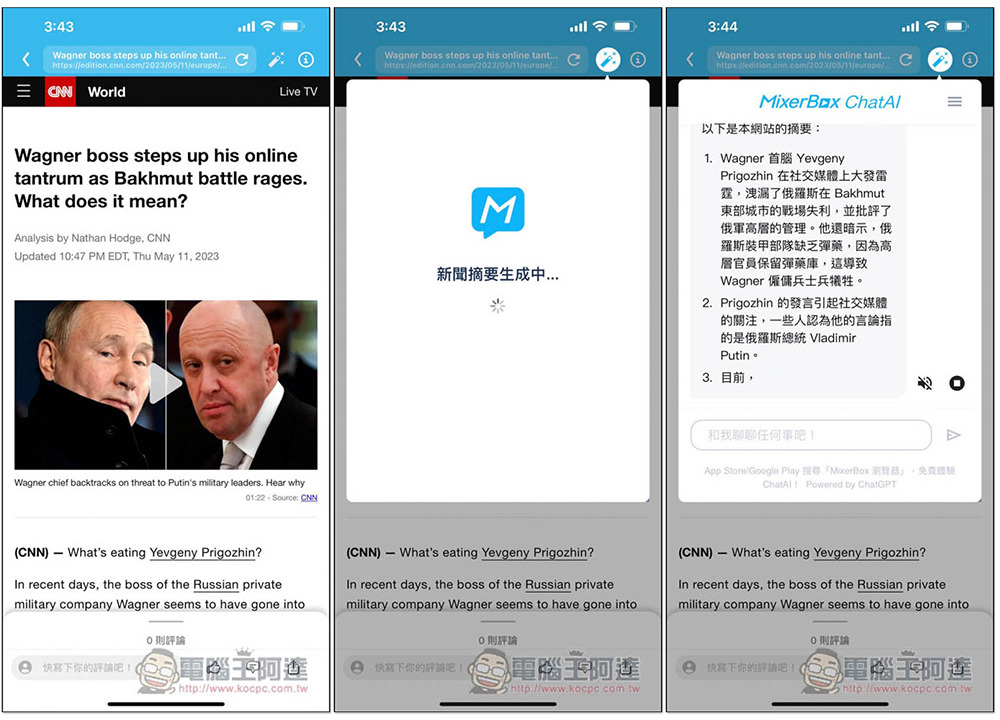
Next, I tested CNN’s English news. There was no problem, and the answer was also in Traditional Chinese:
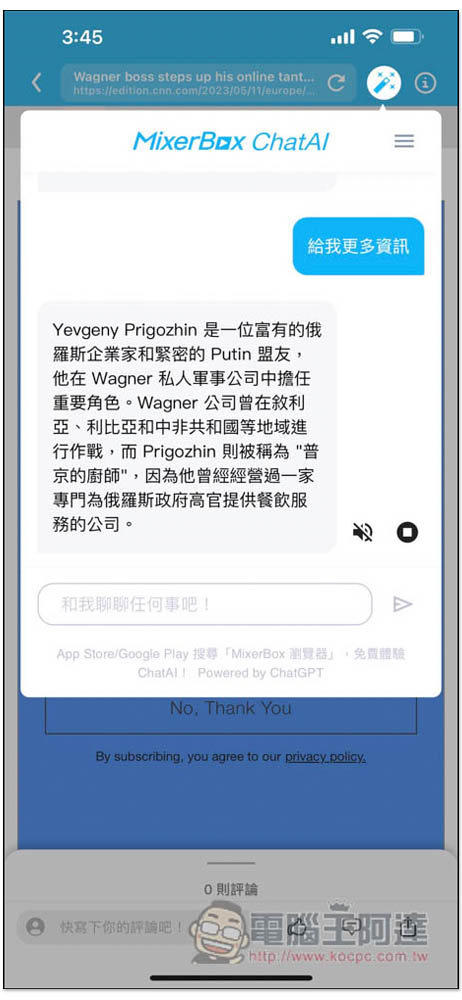
If you feel that the summary is too short and the information is not rich enough, you can also talk to it and ask it to provide more information. Or if you want to know something, just ask AI directly if there is this article, etc.:
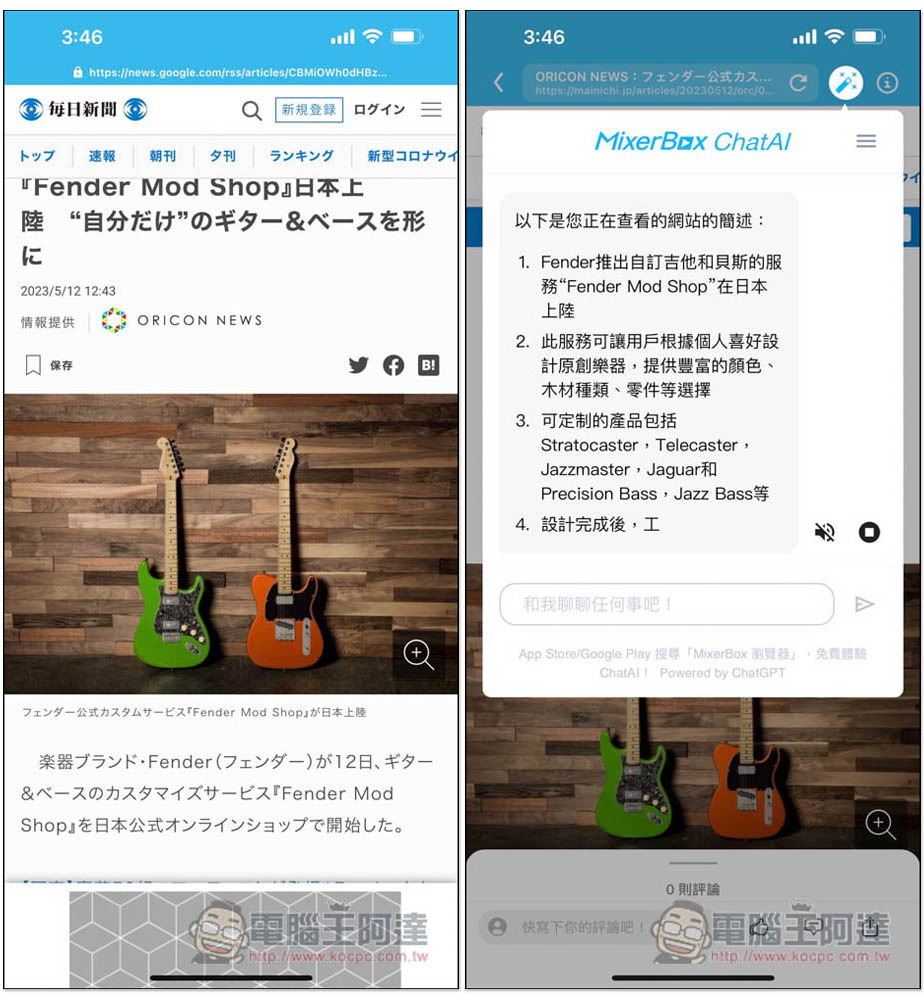
There is no problem with Japanese news, so basically news from all countries should be fine. Unfortunately, the MixerBox News App currently does not support custom sources. It only has official news sources, so it is possible that the news media you want to read are not available yet:
The order of classification can be adjusted by yourself:
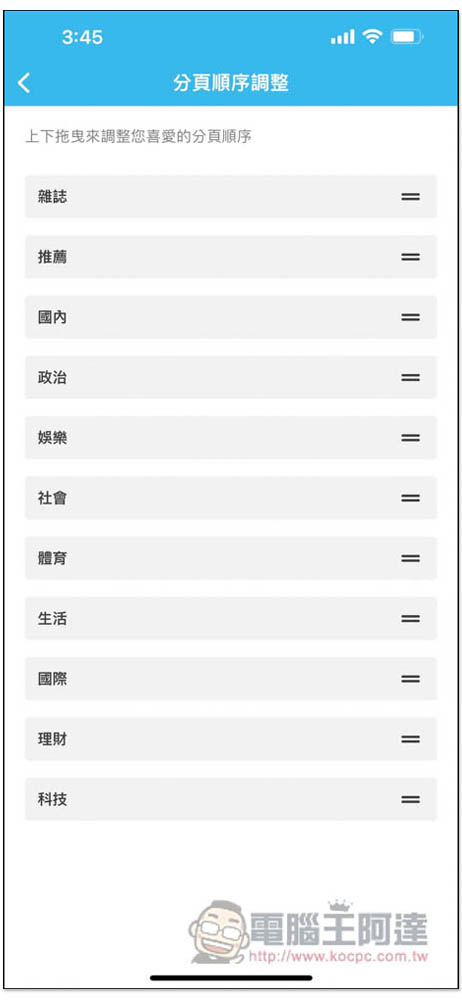
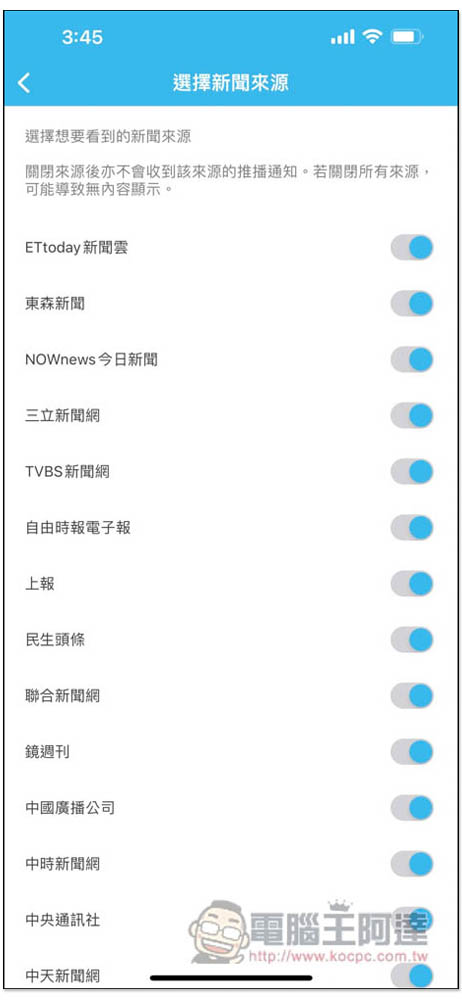
If there is a news source you don’t want to see, you can turn it off in settings. The default is to turn them all on:
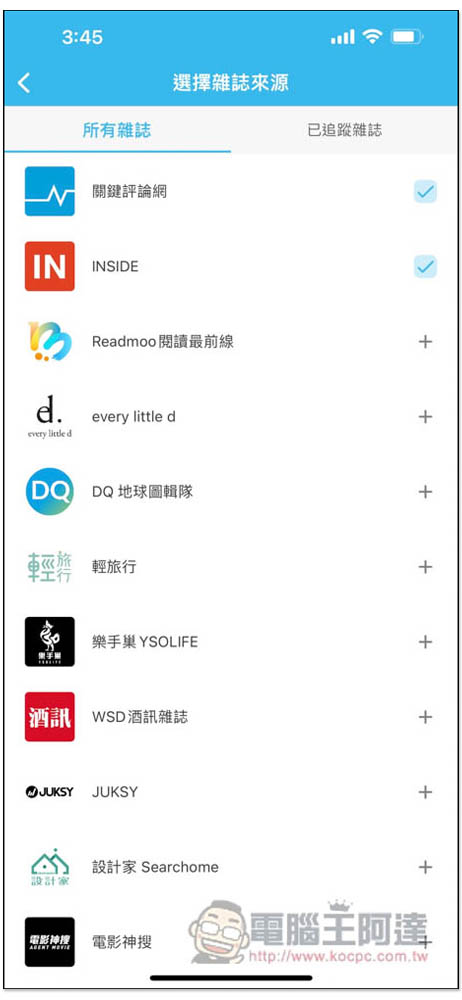
The same goes for the magazine section (at least three media you choose at the beginning), you can add or cancel tracking yourself. But as mentioned before, even if you don’t follow this magazine, it may still appear on your magazine wall:
Currently, the MixerBox News App is relatively new, so there are still many areas worth improving, and I believe it will get better and better.
Source: KOCPC Chinese