


Finished readingUnboxing our Chromecast (with Google TV), also want to make your TV smarter and enjoy the latest smart TV experience? Then you may just experience the latest system initial setup steps they recently prepared for Google TV. Continue reading. Install the App first. It is reported that Google TV will have an Android-like system initial setting experience.
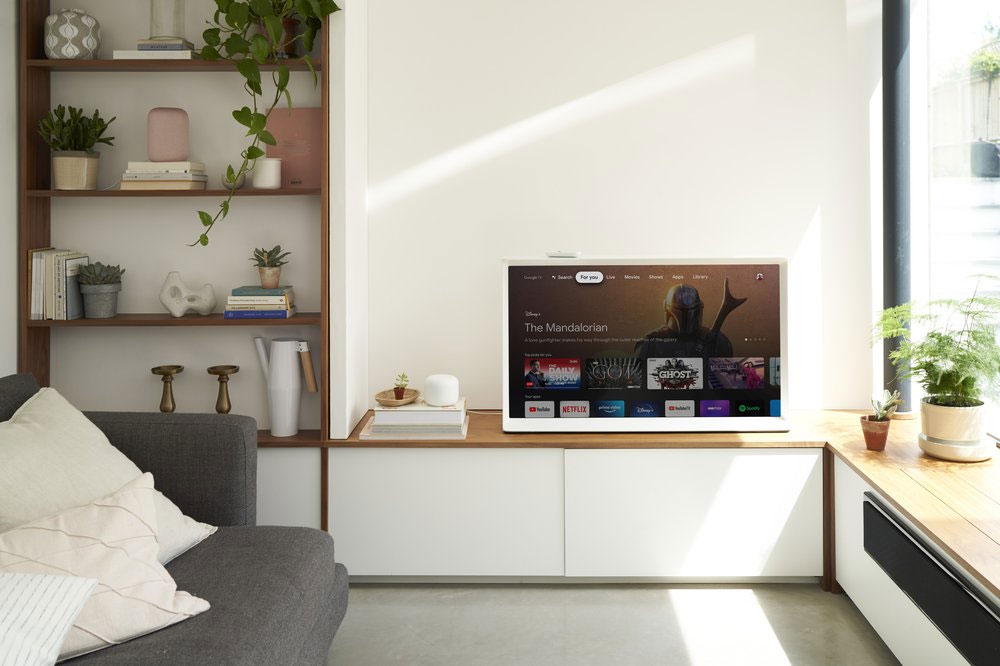
▲Image source: Google
Install the app carefully first, it is reported that Google TV will have an Android-like system initial setting experience
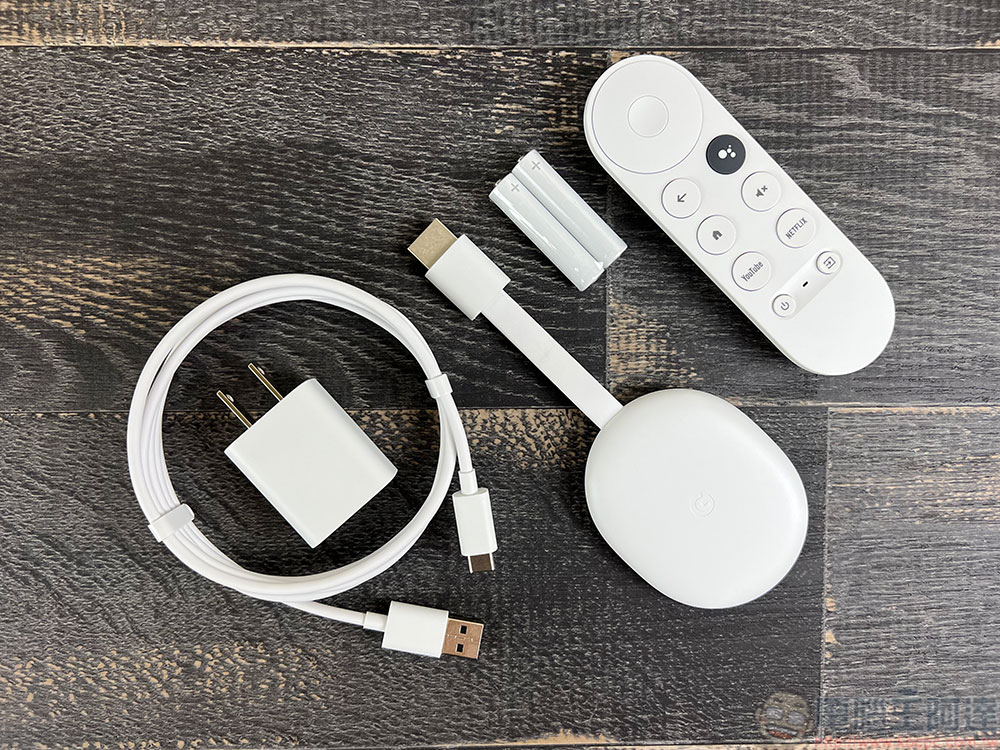
Basically, hardware installation is as simple as plugging in HDMI and connecting to power. However, Google seems to want to give you a “more brainless” experience even in the initial settings of Google TV smart TV products. The method of implementation is surprisingly simple and smart.
Signs found through foreign media’s recent APK teardowns indicate that Google TV’s initial setup function will know how to automatically install your favorite apps (TV-related, of course), and will also provide installation suggestions based on related services you have subscribed to.
Yes, it’s so considerate.
Several apps come with your TV and will be installed during setup: %1$s. Additionally, apps for your subscriptions will also be installed.
App info from devices linked to your Google Account will be used to set up and sign in to these apps on your TV.
According to the description of the Google TV settings app, which was first disassembled by 9to5Google and disassembled the APK. In the new design step, Google TV will prompt that in addition to installing pre-loaded apps, it will also provide additional app installations based on your current subscription services.
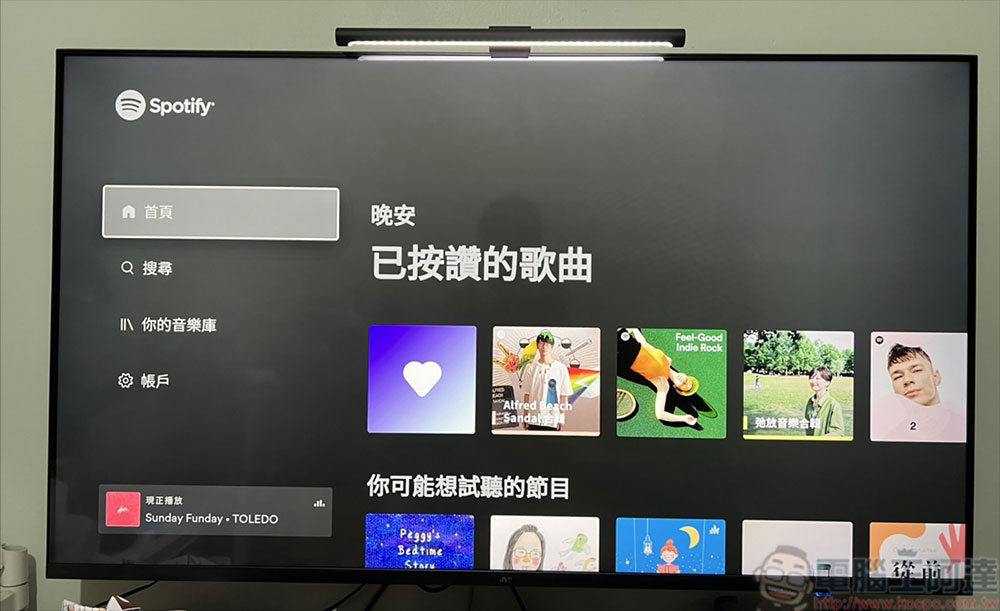
How does Google TV know you subscribe to these services?
Since the keyword is “Apps associated with Google Account”, it seems that they will use the subscription services you have associated with your Google account (in fact, you will also see these items when you open the Google Home app), and if they find these services and are also compatible with TV applications, the initial settings will recommend you to install additional applications. However, some foreign media have speculated that this program may also involve data on the device.
However, it is reported that although the system will help you install the smart TV version of the application first, it will not directly help you log in to your account. So relatively speaking, you don’t have to worry about being stolen?
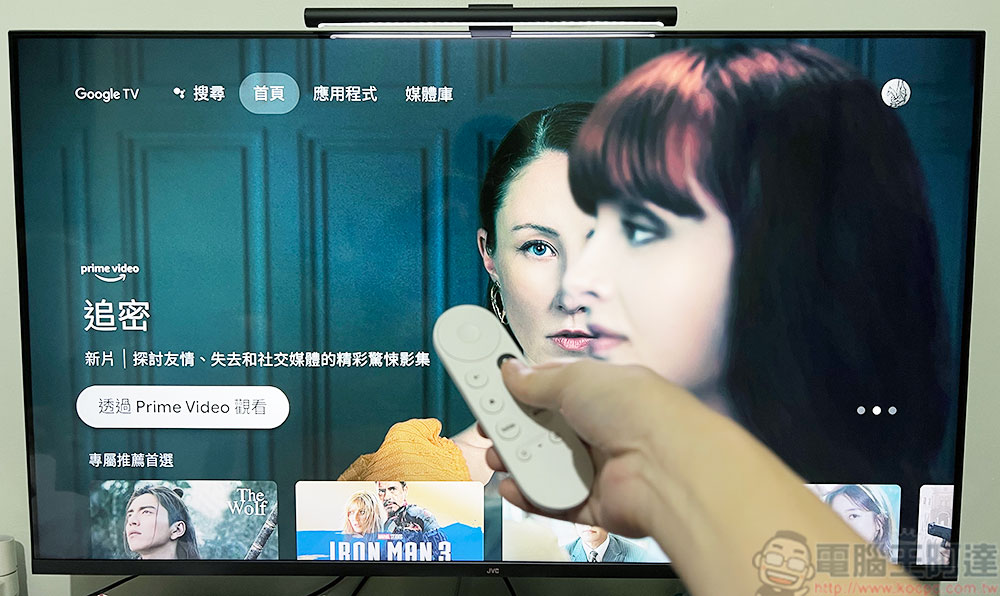
Even though the new version of Chromecast (supporting Google TV) is already equipped with a voice-enabled remote control, there are many ways for Google TV to collaborate with smartphones. It is quite sufficient to cope with ordinary smart TV usage experience. However, during the initial setup of the system, after all, it is still not as intuitive to operate directly with a mobile device. Google is also very active in trying to eliminate users’ troubles, so that people can basically start enjoying the smart audio and video experience on a larger screen smoothly as soon as they buy it.
Further reading:
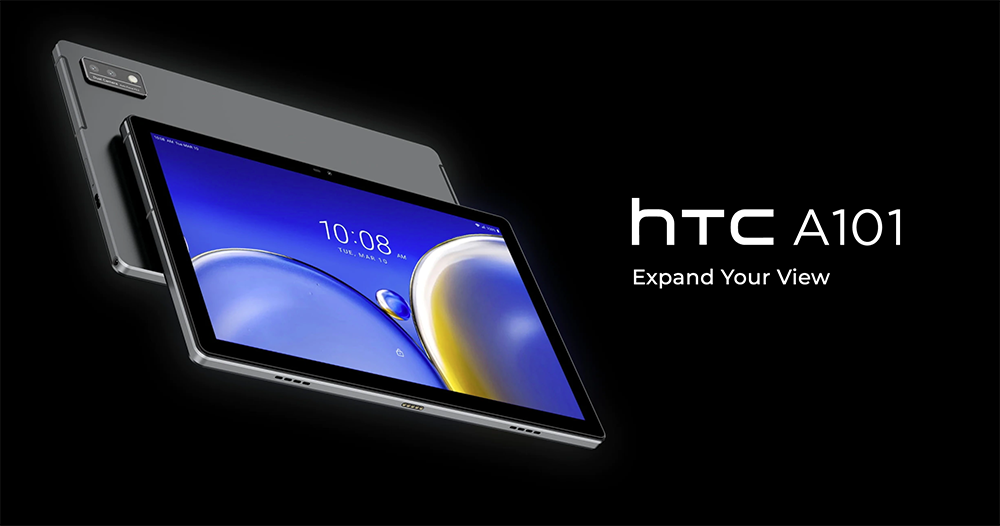
Following the Yuanverse mobile phone, HTC A101 new tablet also evolves
Source: KOCPC Chinese