


After its introduction, SSD quickly became the primary storage medium for all computers, storing our most commonly used data, such as operating systems and frequently used applications. Although the overall quality of SSDs has improved over the past 10 years, not all SSDs are the same. In fact, some SSDs may not be worth your money depending on your use case, so check the following 5 specifications before buying an SSD every time.
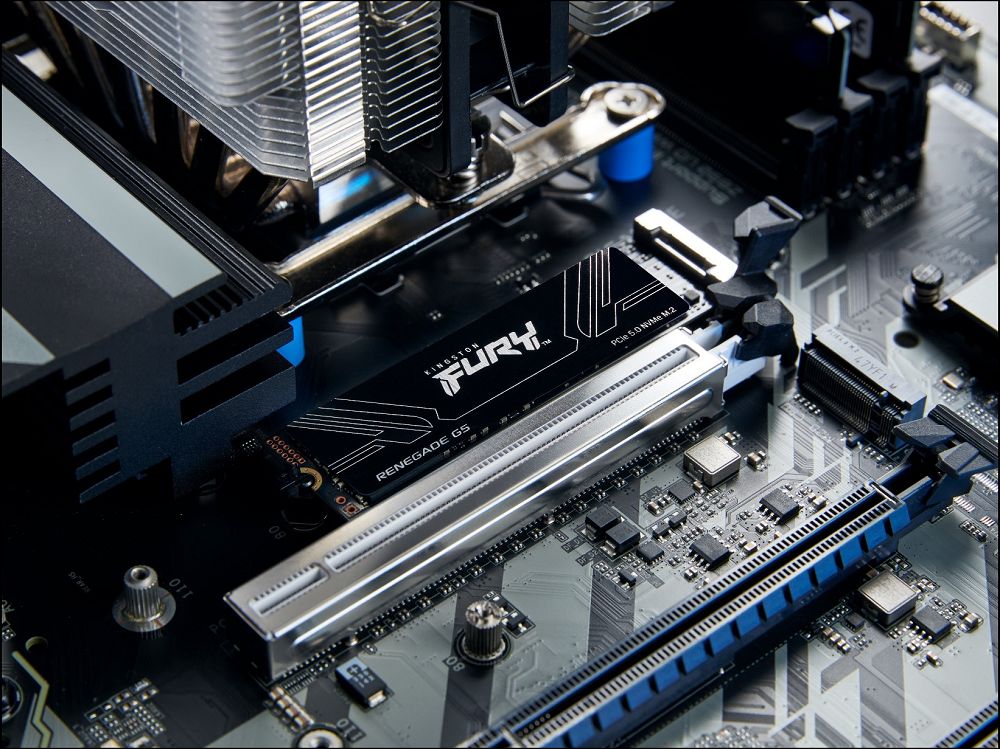
5 important specs to look out for when buying an SSD
interface
Beyond purely cosmetic considerations, the difference between an SSD running over SATA and an SSD running over a PCIe lane is quite significant. If you don’t have an M.2 slot free, you’ll probably be stuck with a SATA drive unless you want to add an expansion card, which will be slower in most cases. If you are just using the drive to do less write-intensive tasks, or to improve an old system, a SATA SSD is perfectly fine. But the difference in interface is a very important factor before buying an SSD, which experienced DIY enthusiasts must be well aware of.

capacity
The general public should know that when buying a new hard drive, capacity must not be ignored. It sounds basic, but SSD capacity matters depending on what you plan to use it for. If this is something you use every day and consider yourself an advanced user, you may need more than a few terabytes. If you’re using it to add some secondary game storage to your computer or console, the type of games and space requirements matter, but if you don’t install games often, 1TB or even less may be enough.
speed
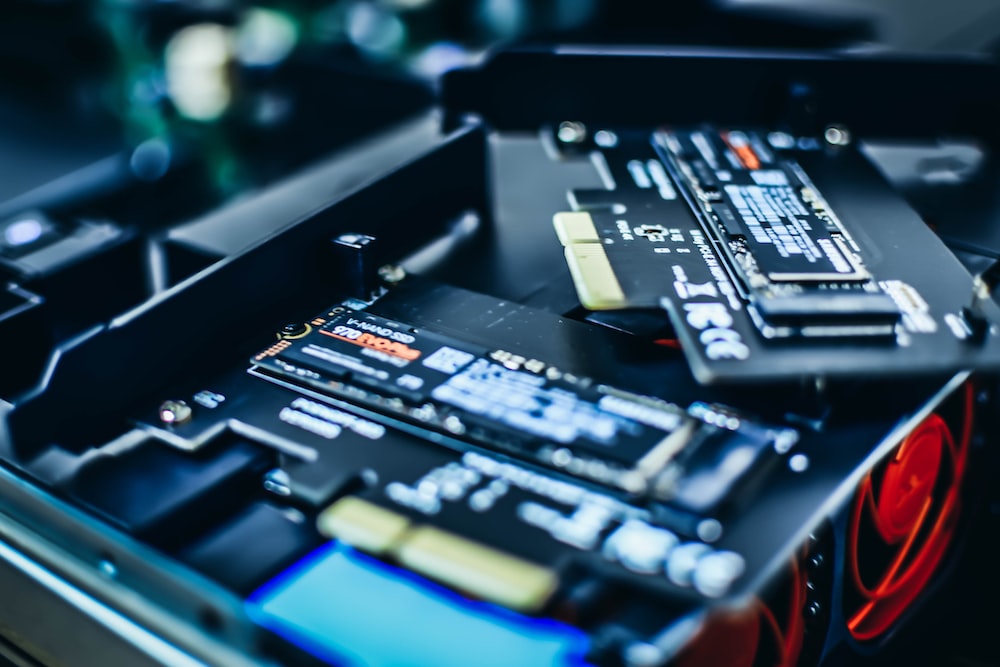
I’ve covered the more obvious parts before, and now I can get into the more nuanced areas. SSD speeds vary depending on how tested. Sequential read and write speed refers to large-scale and continuous file transfer; random read and write speed is also called IOP. High random read and write speeds are most evident in operating systems, game texture streaming, and certain productivity applications. Both are important, but also think about what kind of work you want to use it to perform.
If you’re buying an SSD to use as a bootable drive, you’ll want a device with excellent IOPs; but if you’re constantly processing large amounts of data on the secondary drive, higher sequential speeds are more important. High-end SSDs offer decent speeds for both features, but prioritizing one over the other based on your workload will get the most out of your new drive.
Durability
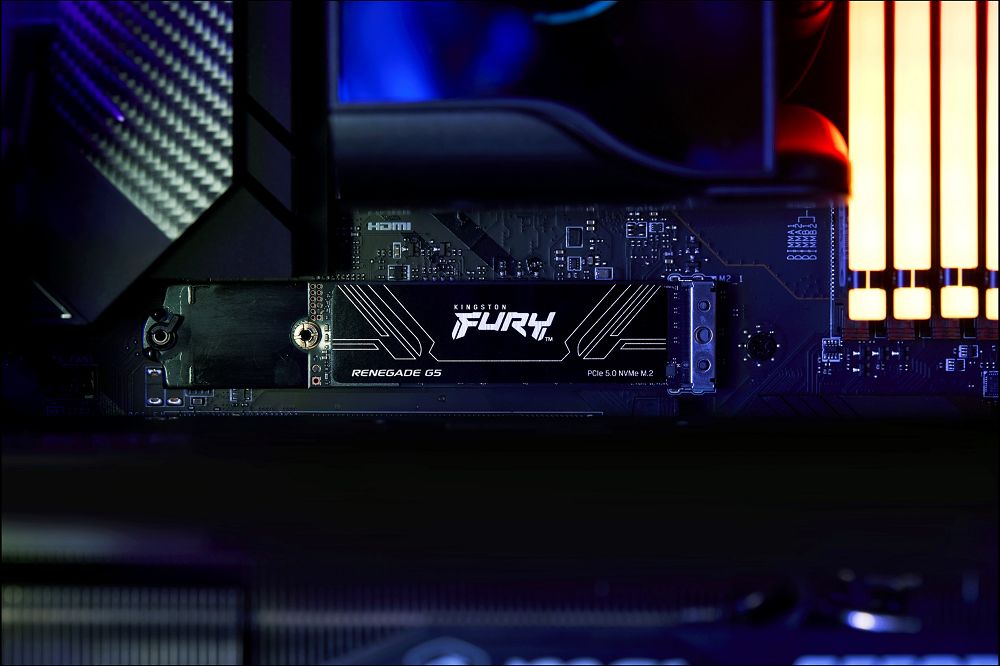
While most users will never have to worry about SSD lifespan, if you do data-heavy work, make sure you buy an SSD that has a long lifespan. For example, frequent use of a virtual machine will aggravate the write cycle. TBW is the main specification and refers to TB bytes written, with higher numbers indicating longer usability. For most people this may not matter for day-to-day work, but once you’re doing a lot of reading and writing on your computer all the time, it’s very important.
DRAM cache
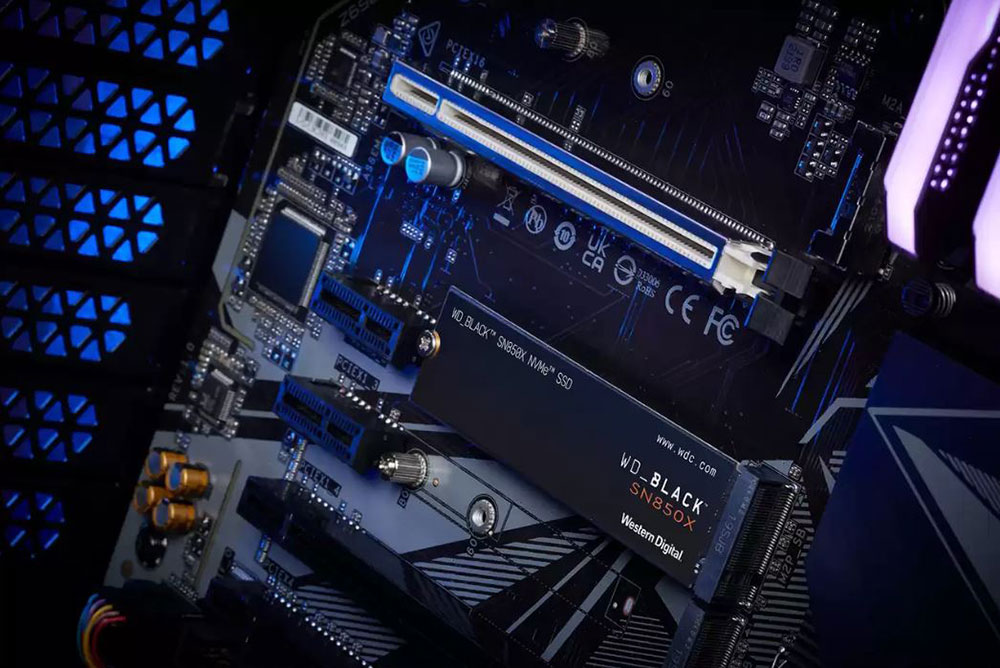
Aside from hard drive battery life, nothing is more important to actual performance than DRAM cache. It basically allows your hard drive to access the data you need faster and achieve higher random read and write speeds. An SSD without DRAM will feel quite sluggish when running the operating system or writing large files. They’re fine for breathing new life into an old system or doing any heavy sequence reading, but should be avoided if you plan on doing anything else.
It’s hard to check whether a DRAM cache is present, and many platforms don’t clearly indicate whether a drive has a DRAM cache, so you may have to check it yourself. Check the manufacturer’s product page, as online store spec sheets often miss this information.
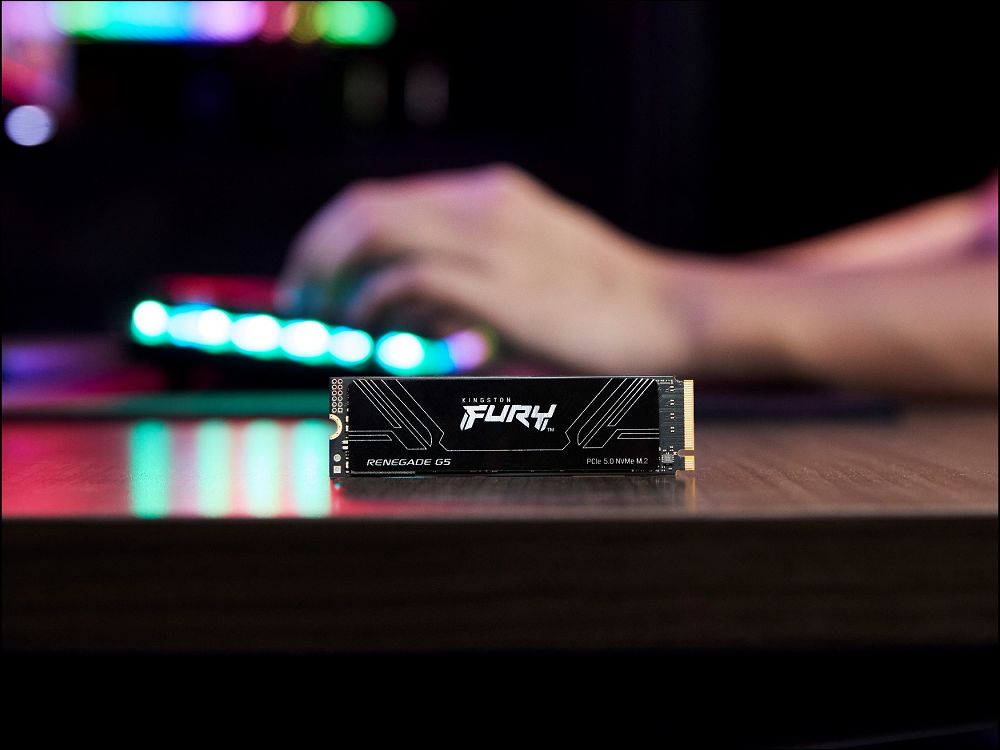
An SSD can be the difference between a smooth and slow experience, and not all specs are worth considering. When you’re shopping for a brand new hard drive, whether it’s to replace your primary storage or just to expand your growing game library, it’s important to check these 5 specs. However, if you’re considering using an SSD for mass storage in a NAS, there are some important factors that might make you reconsider.
Source: KOCPC Chinese