


With the advancement of technology, no matter how advanced your computer is, with the iteration of games, you will soon feel that your computer needs to be upgraded, but it does not necessarily have to change the graphics card to bring about the biggest difference. There are some less obvious upgrades that can bring greater impact to your computer. But make no mistake, if your GPU is really old, replacing it with a new one is definitely one of the biggest improvements you can make to your computer.
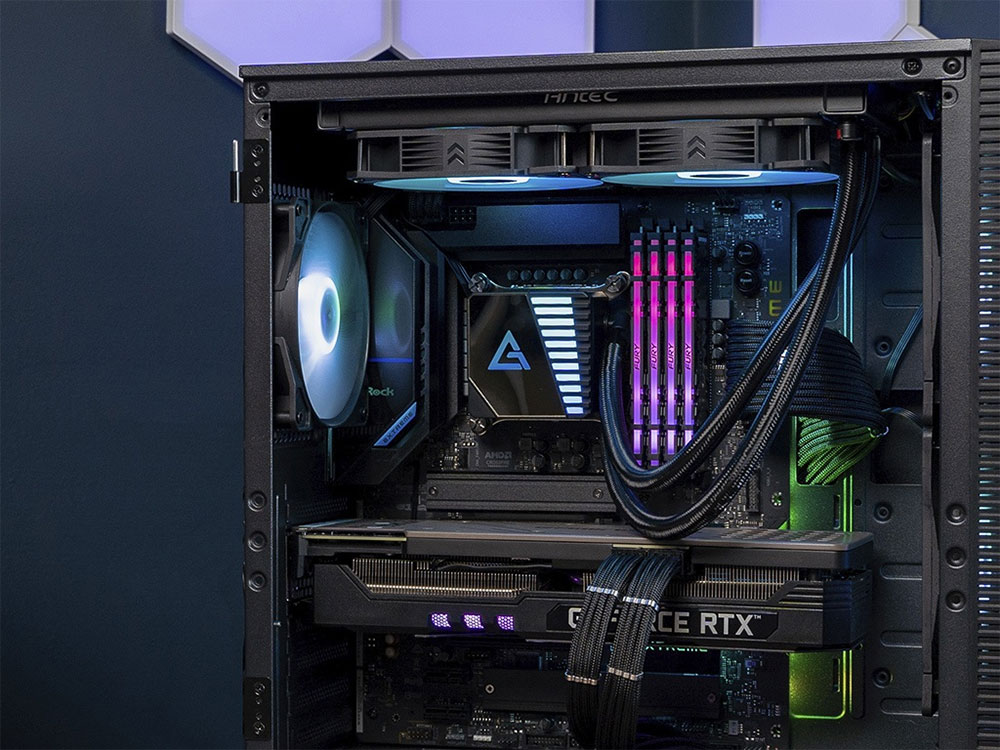
Don’t be obsessed with your GPU, these four upgrades are also important
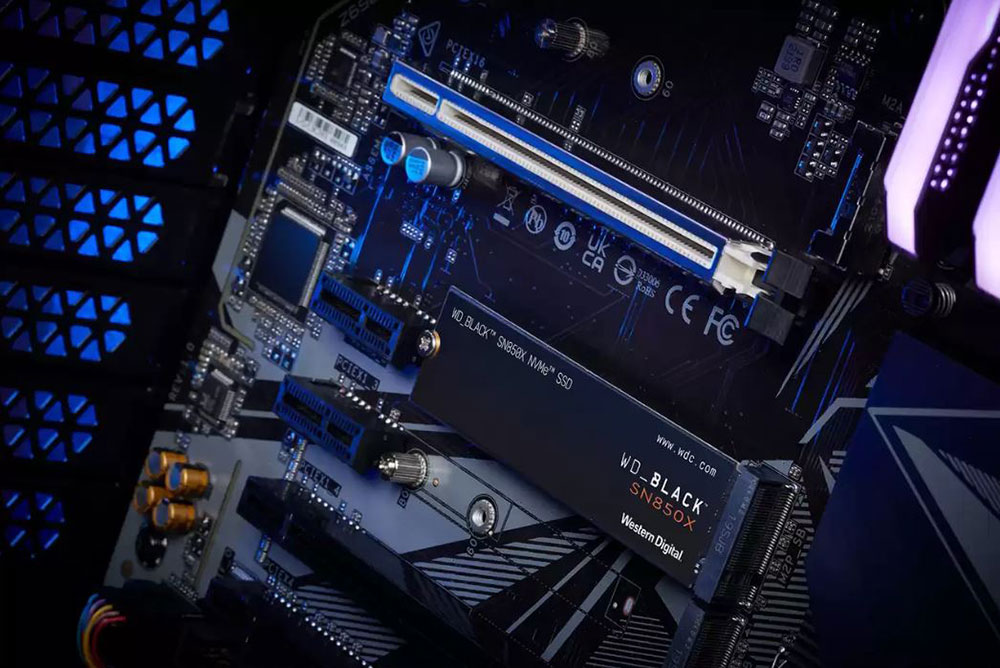
If you don’t have an SSD yet, I suggest you buy one
If you already have a newer GPU, there’s something else you should consider, and that’s an SSD. A lot of people have switched from traditional HDDs to SSDs, and if you’re not one of them yet, this is definitely one of the best things you can do for your computer. Unless you experience it yourself, you won’t realize how much better an SSD is than an HDD. Almost every aspect will be improved by upgrading to SSD, including boot time, game loading time, application startup, opening folders, etc., will be significantly faster. Your computer will feel faster than ever in almost every way, and SSDs are fundamentally better than HDDs. You don’t need the fastest SSD on the market, but just switching to one will feel great.
That’s why if you already have a modern mid-range GPU, but no SSD, upgrading that GPU will have a very different impact on making the SSD your primary storage drive. Replacing a new graphics card will mainly only affect your gaming experience, but switching from HDD to SSD will completely change your computer and make it much better to use. Hard drives do have their benefits as secondary storage, but seriously, if you haven’t made the switch to an SSD yet, do it as soon as possible. This is not to say that all other storage methods are useless. In fact, there are many storage configurations that are more useful than a large SSD.
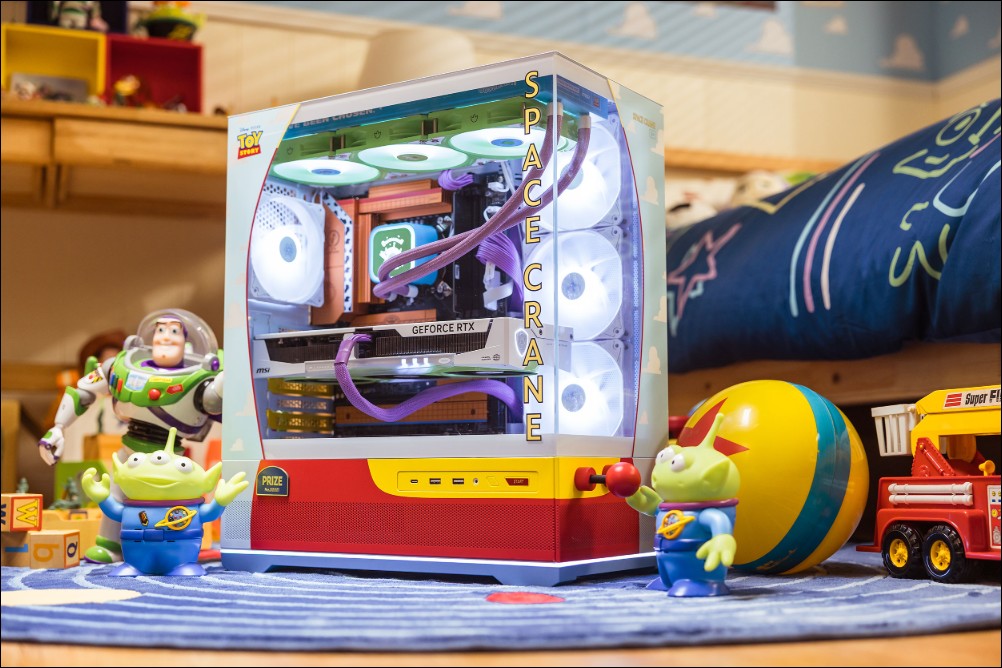
Upgrade your cooling system
There is a big gap between “useable” and “easy to use”, and the gap between “passable” and “excellent” is even bigger. Most computer users won’t even notice the cooling system, either maintaining the device’s factory default configuration or opting for a cheaper, unobtrusive option that’s adequate but doesn’t have much to spare. If you feel that your computer is not performing well, especially under heavy load, it may be worth upgrading your cooling system rather than getting a new graphics card. A decent cooling system may not cause direct harm, but it will definitely slow down your progress. If the heatsink cannot maintain adequate cooling under heavy loads, thermal throttling can significantly impact your computer’s performance. The original cooling fan may also be larger than some off-factory products you buy yourself. High CPU temperature and wind noise will make the use of your computer less smooth.
Upgrading to something that keeps your computer cool and quiet can go a long way toward the overall experience, and it doesn’t have to cost a fortune. Some relatively inexpensive cooling fans will do the job just fine, but it depends on how heavily loaded your computer is. Even so, mid-range all-in-one liquid cooling is sufficient for computers other than the highest-end devices.
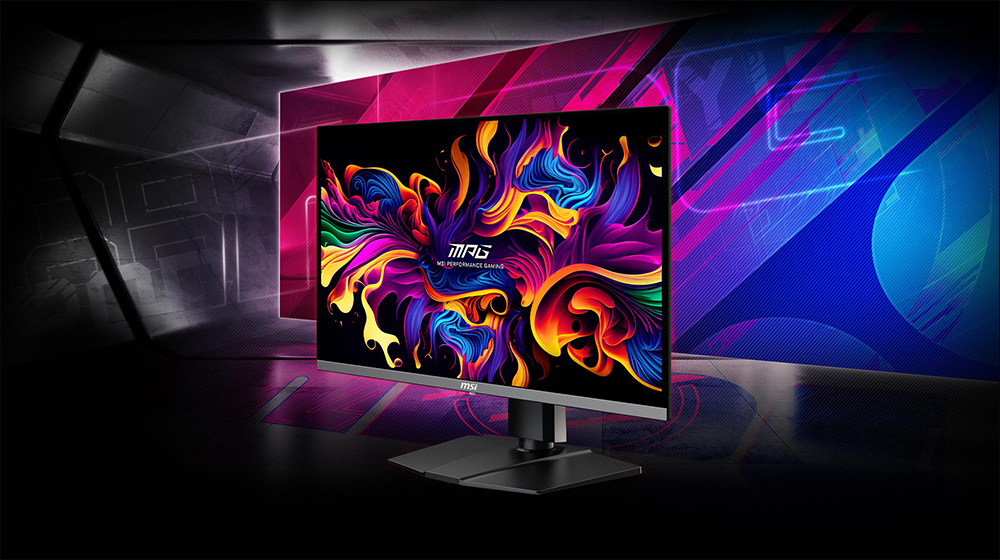
Buy a screen that allows your computer to reach its potential
Maybe you have the best GPU on the market, or at least a very good one, but somehow your game graphics just don’t look as good as you imagined. If your problem with your computer is “looks,” even though you’re using good computer components, it’s probably the screen itself that needs an upgrade. After all, if your GPU can pump out 4K 120FPS, but your screen can’t keep up with that number, you’re not enjoying the full performance experience.
A monitor that can truly harness the power of your GPU is an absolute must-have for serious gamers. There are also many things to consider when upgrading. You’ll want a device with a high refresh rate, but you can’t ignore the panel, after all, so much of your experience depends on the screen, including HDR quality, sharpness, smoothness, brightness, color, contrast, resolution and more.
All in all, a screen upgrade can have a huge impact on how your computer feels when used both inside and outside of gaming. You don’t necessarily have to jump to the most expensive screen on the market, there are some mid-range options that combine size and performance. Of course, if you choose a device that can take full advantage of the GPU’s performance, you’ll definitely experience a significant increase in performance.
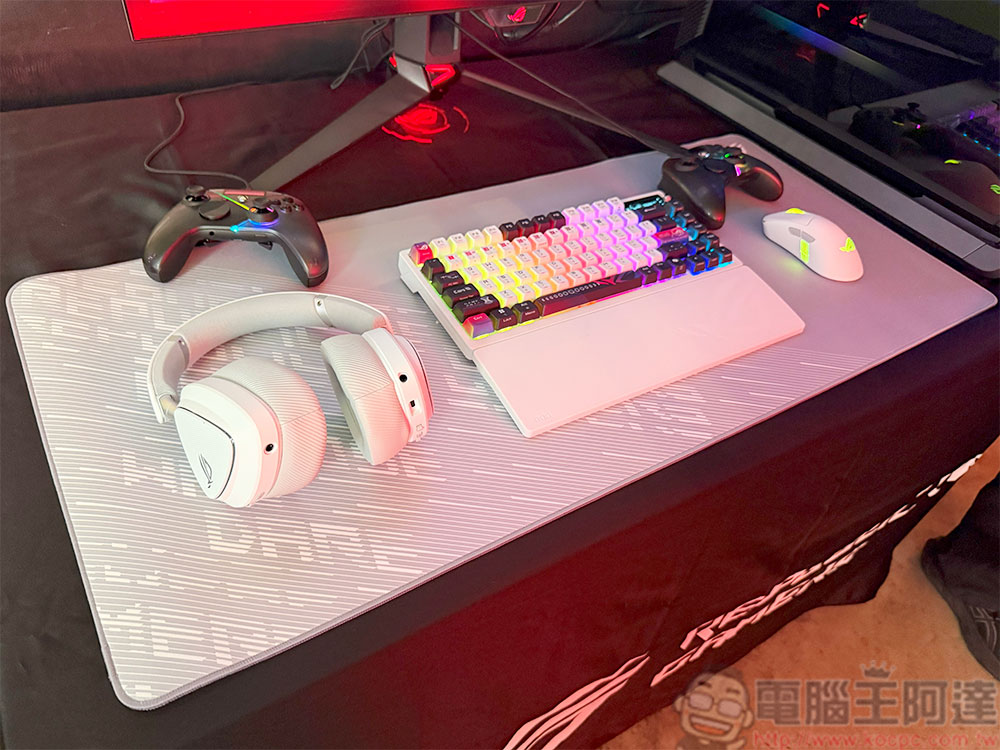
Excellent peripherals can completely change your experience
While not as important as the other parts mentioned above, your computer peripherals can have a big impact on how you feel about using your device, both in and out of gaming. Even if you have a great GPU, having a super cheap mouse or keyboard that doesn’t feel good, has noisy headphones, or has a microphone that echoes during conversations is just not pleasant to think about. Individually, these are minor annoyances, but when added together, they significantly degrade the quality of your use. Likewise, if you use high-quality peripherals, your experience can be greatly improved.
Trivial points are annoying, and they can make or break the entire piece. It’s true that peripherals are definitely not as important as an SSD or a good screen, but if you no longer know what to upgrade and feel that your computer is not as high as you want, you may want to review the accessories you use.
There are many devices you can choose from to upgrade your computer. The importance of these upgrades really depends on how you use your computer. Of course, if your computer is still using an old graphics card, replacing it may be a priority. But new graphics cards can be expensive, so if you want to improve performance without spending too much money, it might be worth it considering all the factors we’ve discussed this time.
Source: KOCPC Chinese