


iPhone ’s alarm clock interface is finally under the knife! In the upcoming iOS 26.1 update, Apple has quietly brought back the classic “slide to unlock” gesture from 2007, but this time it is used on the alarm clock. When the alarm goes off, you have to swipe the screen to actually turn it off, instead of just clicking the big “Stop” button. This small change may seem insignificant, but it can prevent countless tragedies of accidentally pressing the button while asleep. For many “severe bed sleepers”, it is simply a life-saving update.
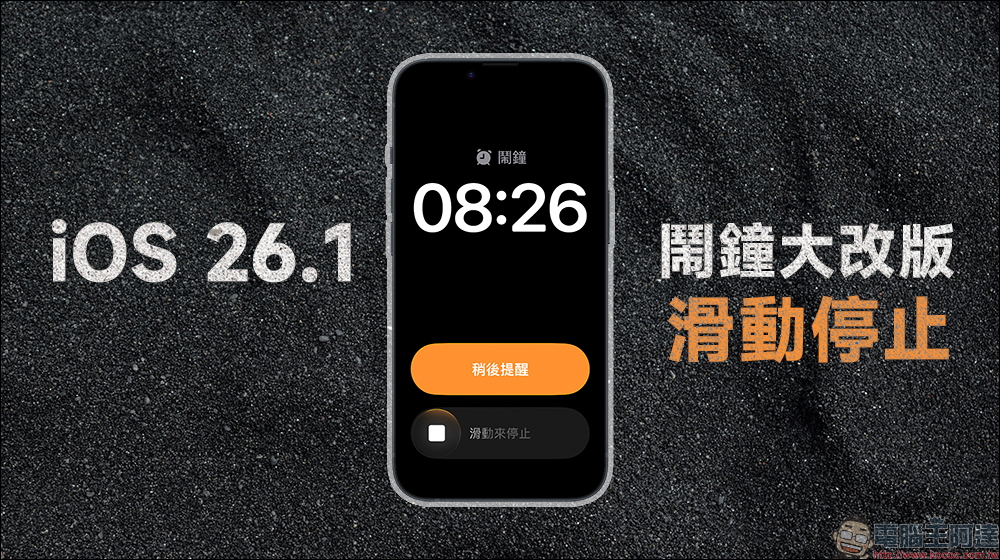
iPhone alarm clock overhaul! iOS 26.1 uses “Slide to Stop” to prevent you from accidentally closing the door
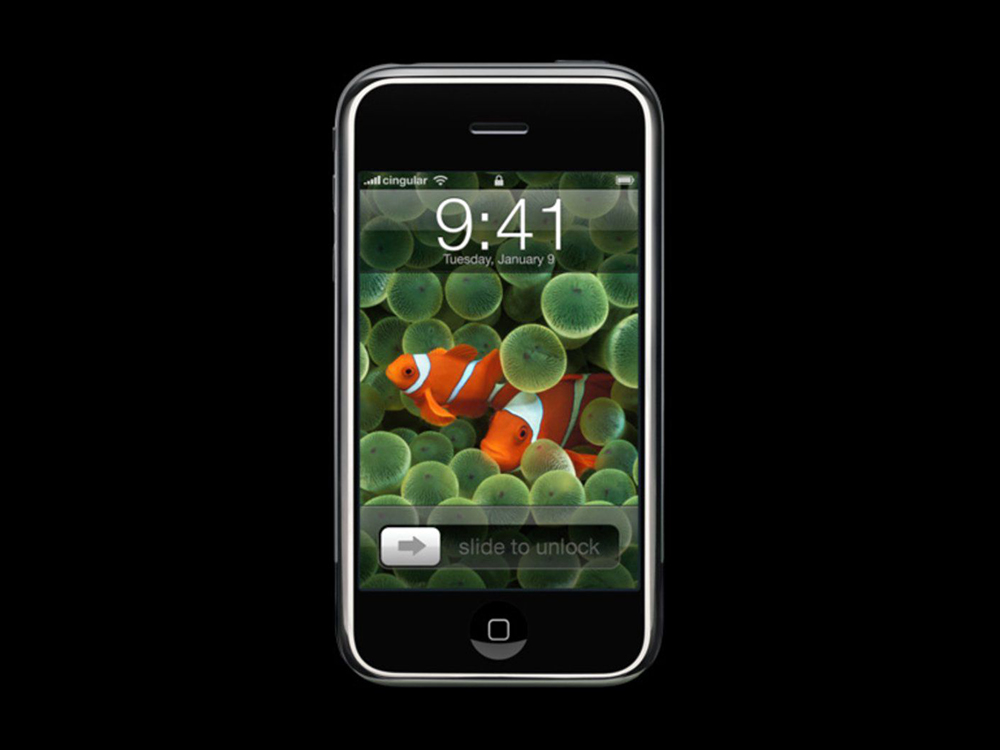
Remember the original iPhone? In the era when you had to “slide to unlock” to turn on the phone, the white light when your fingers crossed the screen was many people’s first memory of smartphones. Now, in iOS 26.1, Apple has brought back this classic action, but this time it appears in the “Alarm Clock” function.
exist iOS 26 In the official version, when the alarm clock sounds, a huge “Stop” button will pop up on the screen. Although this makes the operation more obvious, it also creates a problem: it is too easy to accidentally touch it! Many people want to press “Snooze” when they are half asleep, but instead slide their hand to “Stop” and turn off the alarm clock directly. As a result, they oversleep, are late for meetings, or miss the early morning bus.
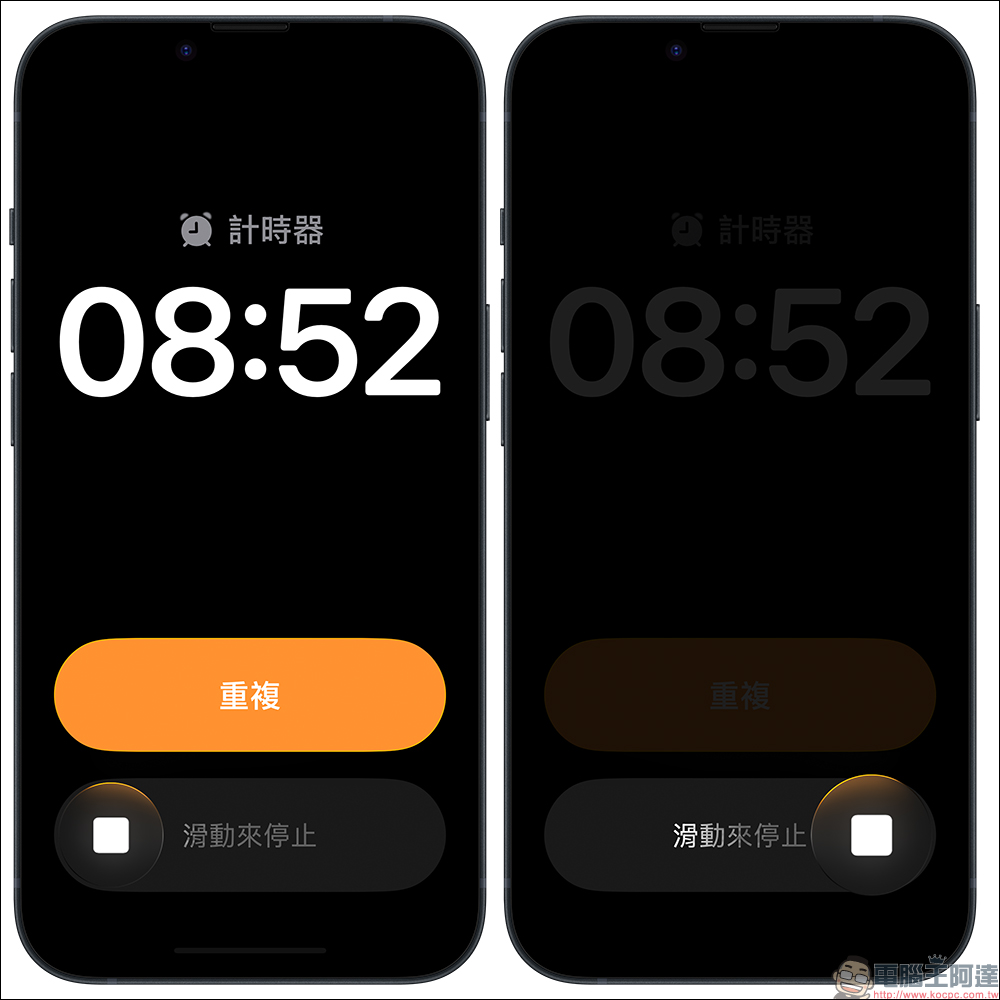
In order to avoid this embarrassing situation, Apple changed it to a “slide to close” design in the iOS 26.1 update. When the alarm sounds, a “Slide to Stop” bar will appear at the bottom of the screen, and you must slide from left to right to turn off the alarm. Not only is this operation safer, it’s also more conscious. You have to be really sober to finish skating.
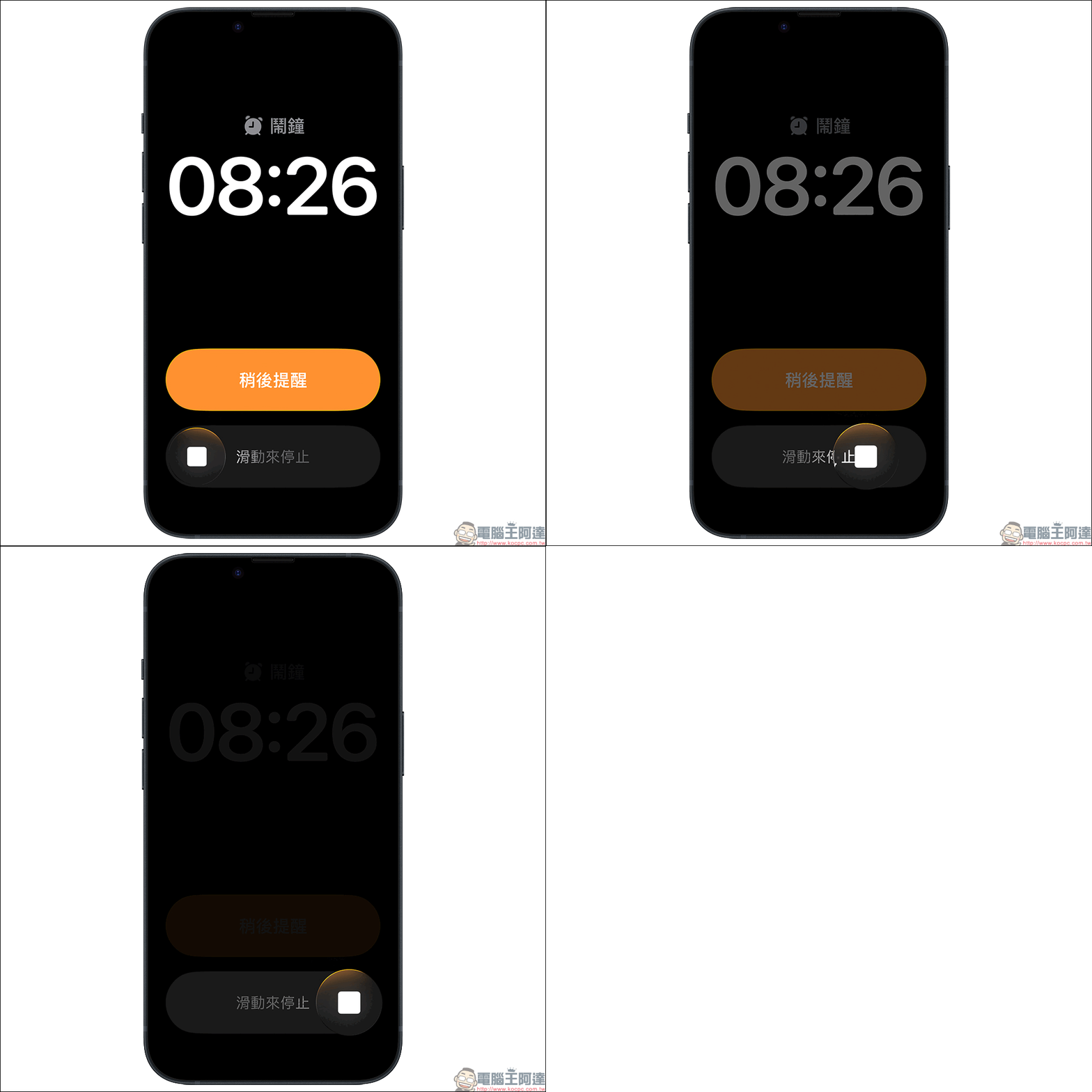
The visual design this time almost pays tribute to the classic white strips of that year. From the first generation of iPhone to iPhone 6s, Apple has used the iconic action of “slide to unlock”. It did not officially disappear until iPhone 7 introduced Touch ID.
Now it returns with a new attitude. While people miss it, they also feel that Apple still pays attention to the kind of “conscious action” in design. Not just for nostalgia, but also to let users “really know what they are doing.”
Apple’s change this time is mainly to avoid accidental touch. Alarm clocks and timers are both “high-risk operations” by design because they often sound when the user is least awake. From the perspective of human factors engineering, “swiping” requires more hand-eye coordination and attention than “clicking”, which means that you are already a little more awake before sliding.
In addition, the sliding operation also greatly reduces the chance of accidental touches. Assuming that the phone is placed next to the bed, even if the screen is touched by the quilt, the alarm clock will not be turned off by mistake. For those users who often sleep until noon, this is great news.
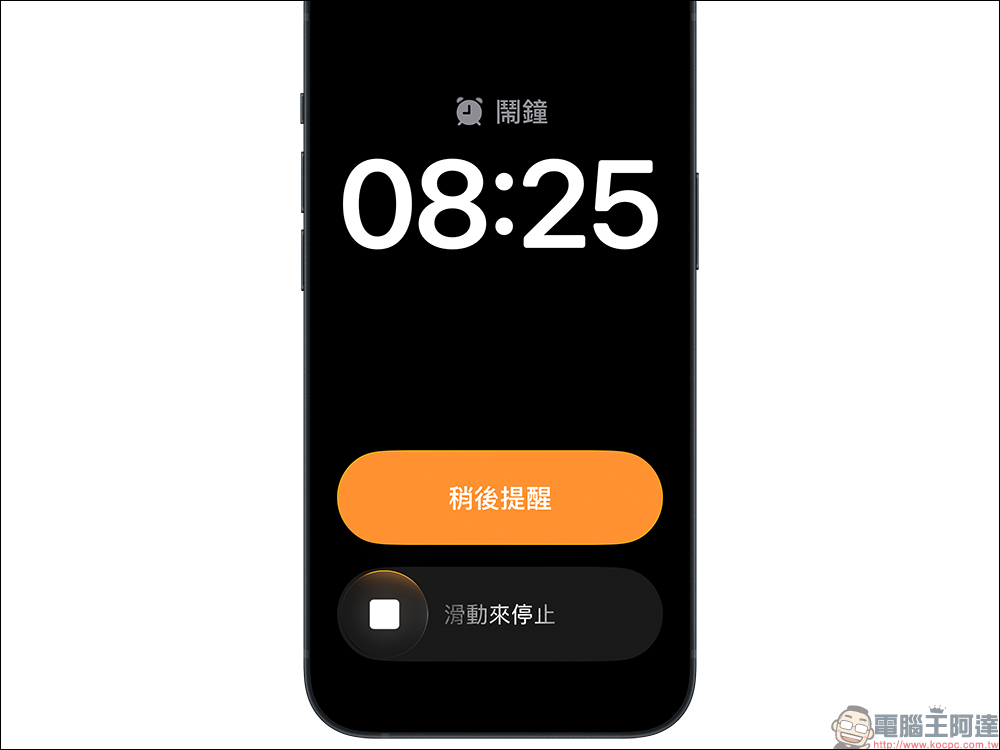
According to the current actual test experience, this change works smoothly on the iPhone 15 series and iPhone 17 series, and the sliding range is just right, not too long or too short. The “slide to stop” animation displayed on the interface is clear and easy to understand, and combined with the brightness adjustment during Face ID unlocking, the overall experience is natural and a bit nostalgic. The only small drawback is that some people report that it is more troublesome to operate it with one hand when getting up in the middle of the night, because you need to completely slide the screen to stop the alarm clock. But that’s the point of this design, you have to wake up.
It is worth mentioning that this time “slide to close” is not only applied to the alarm clock, but also the “timer” in the clock is also updated simultaneously. In other words, when you are cooking instant noodles or baking, if the timer sounds and needs to be turned off, it must also be slid to end. In this way, the countdown will not be interrupted due to manual errors, which is a great thoughtfulness in a small place.
Conclusion
Sometimes, behind a seemingly minor interface adjustment, there is actually a profound observation of user behavior hidden behind it. The “slide to turn off alarm clock” in iOS 26.1 is the best example. It allows us to not just turn off the alarm clock at that moment in the morning, but to “confirm that we are really awake.” The next time your alarm goes off, stop wondering why you can’t just press it. Just swipe and you might win five more minutes of waking life.
The RC version of iOS 26.1 has been released, which means the official version is right around the corner.
Further reading:
Source: KOCPC Chinese