


WordPress.com has finally launched AI website-building features! Just like other AI tools, you can chat with text to ask WordPress to create the website and web pages you want, and it will also automatically generate and insert suitable images based on the content. More importantly, the resulting website can be hosted directly on WordPress.com.
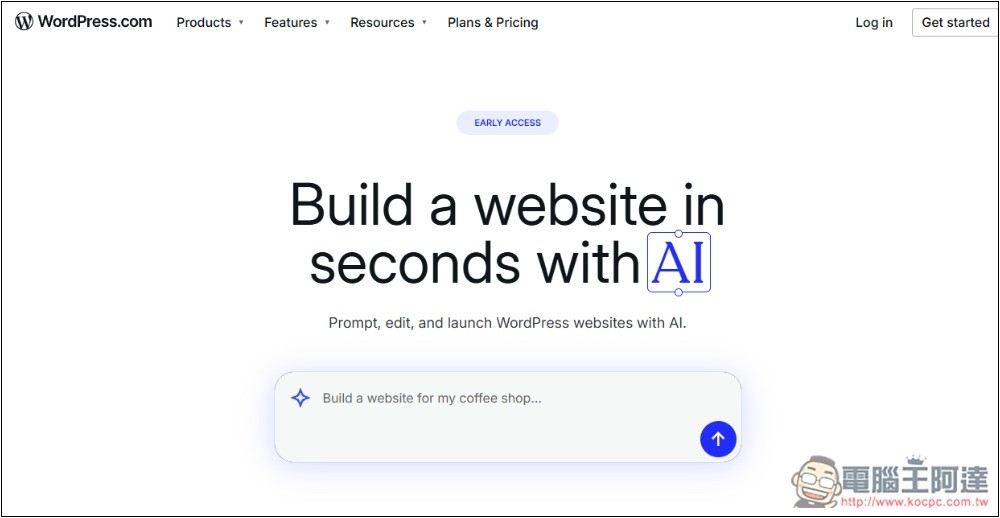
WordPress.com launches new AI Website Builder feature.
To use WordPress.com’s latest AI Website Builder feature, you first need to have a WordPress.com account, which can be registered for free.
The way to use it is very simple, just like a typical chatbot. First, tell the AI what kind of website you need to build. After the AI analyzes, it will ask you for the information it needs. WordPress.com mentions that the first prompt should be as detailed and specific as possible, so that you can get the best results.
To create a good website, you can later use AI to fine-tune it or generate more pages. For details, please watch the official video below first:
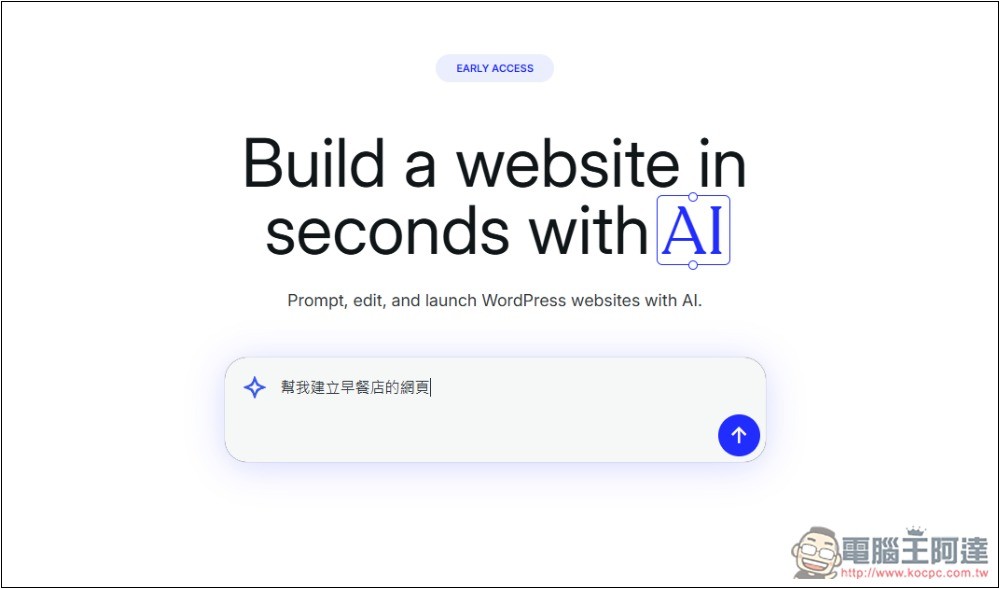
I tried it, although there is currently no Chinese interface, it supports Chinese prompts:
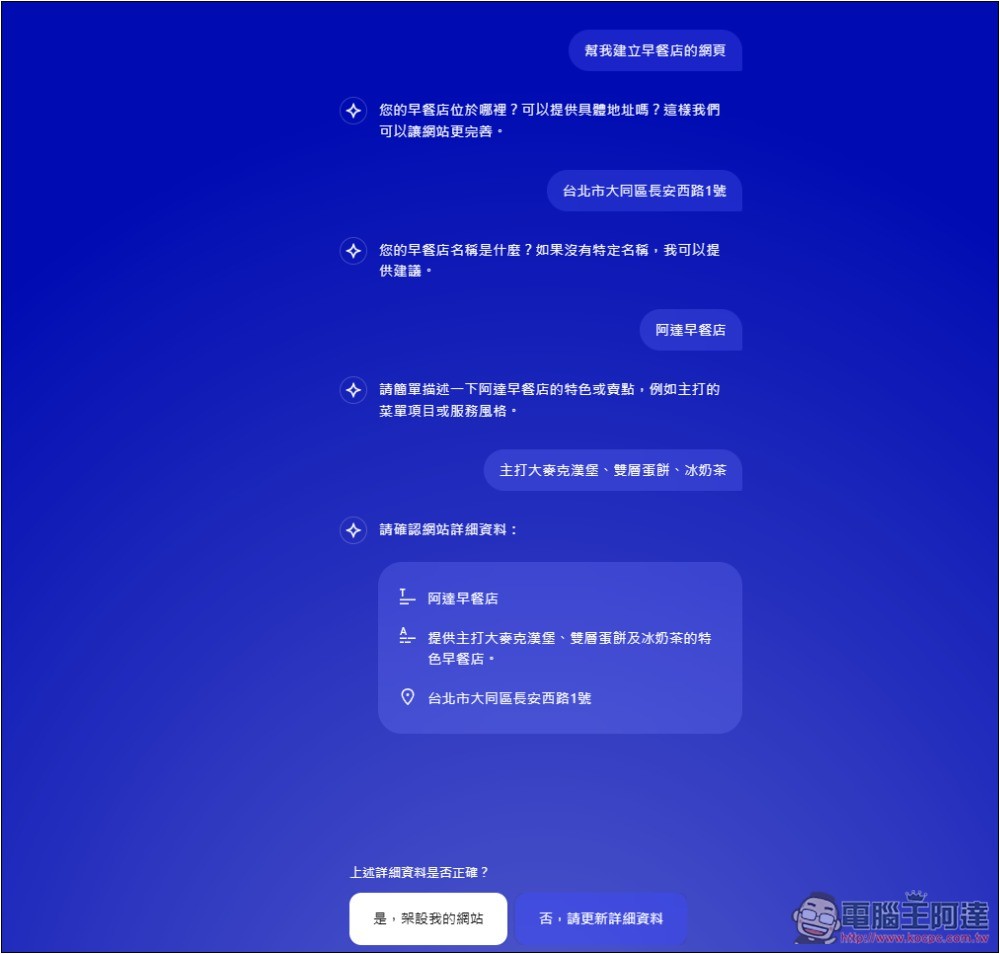
After telling the AI the website topic you want to create, the AI will ask for the information it needs. For example, if I want to create a webpage for a breakfast shop, the AI asks me for the address, name, and a brief description of the shop’s features and selling points. Once it gets all the information, it will organize it into a list for me to confirm whether it’s correct.
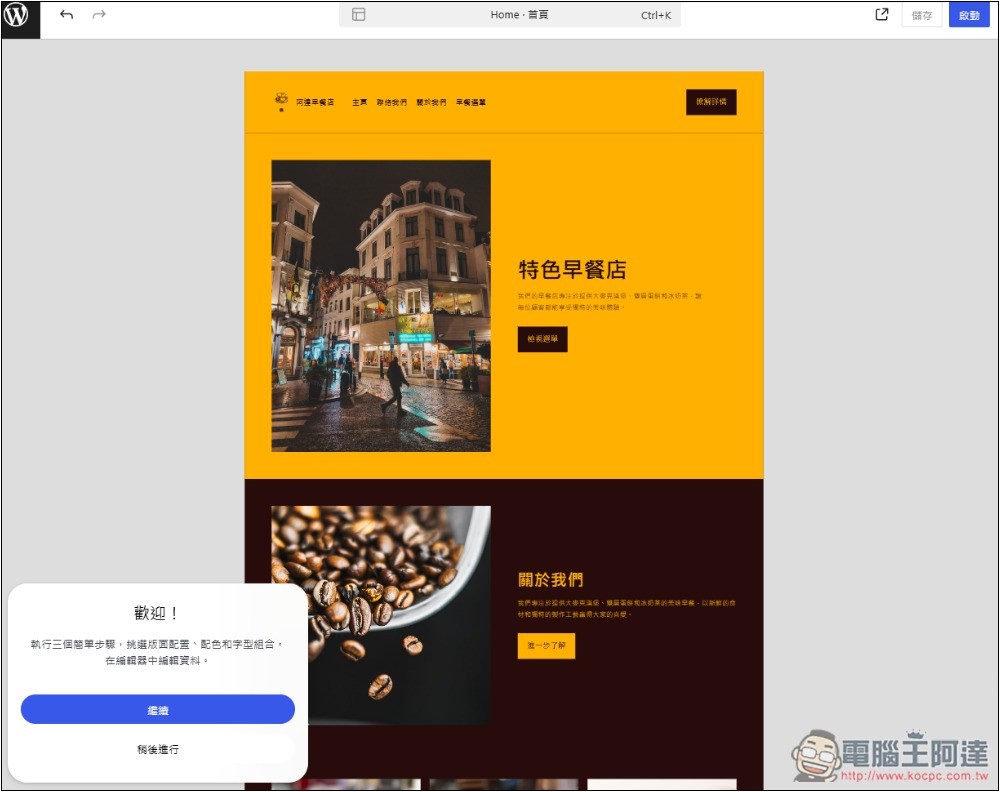
The generation speed was faster than I expected—it finished in under a minute. Each page also generates suitable images based on its content. Of course, you can also regenerate them or insert your own images:
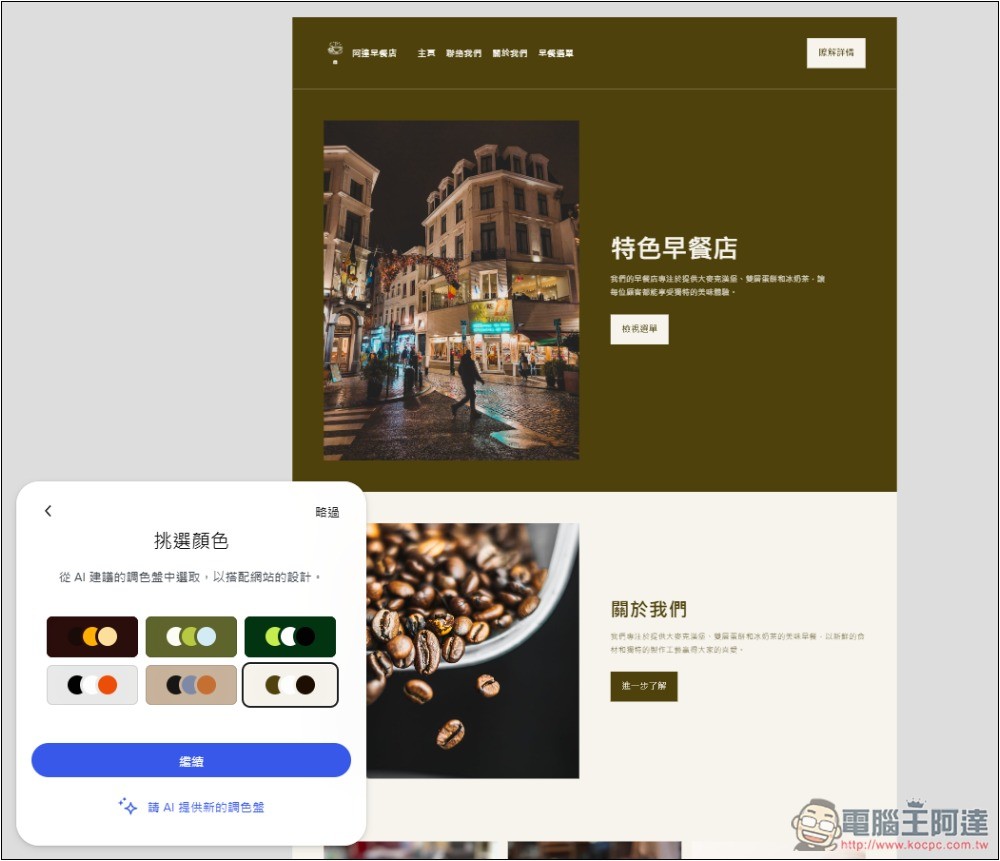
Further modifications can be made later, such as the website’s color scheme:
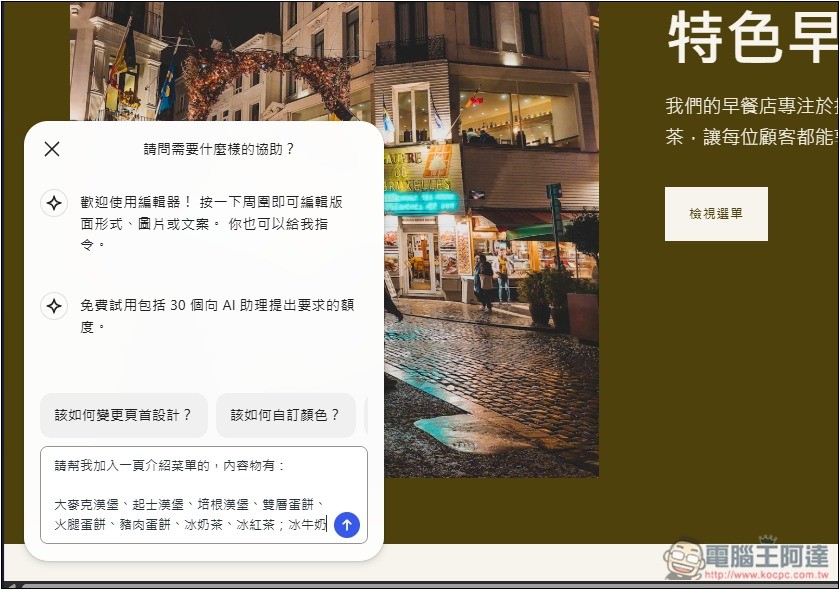
You can also ask the AI to create new web pages, like asking it to build another menu page. Note that the free trial only includes 30 chat credits, so it’s best to state all your requirements in one request each time.
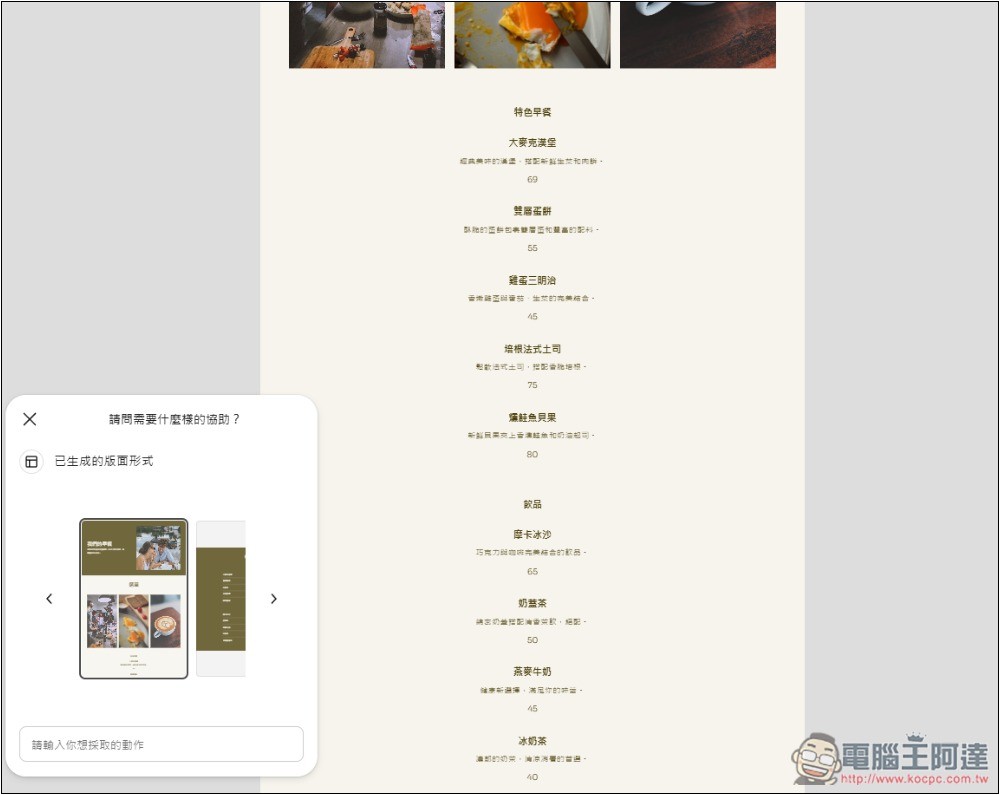
In just a few seconds, the menu page was completed:
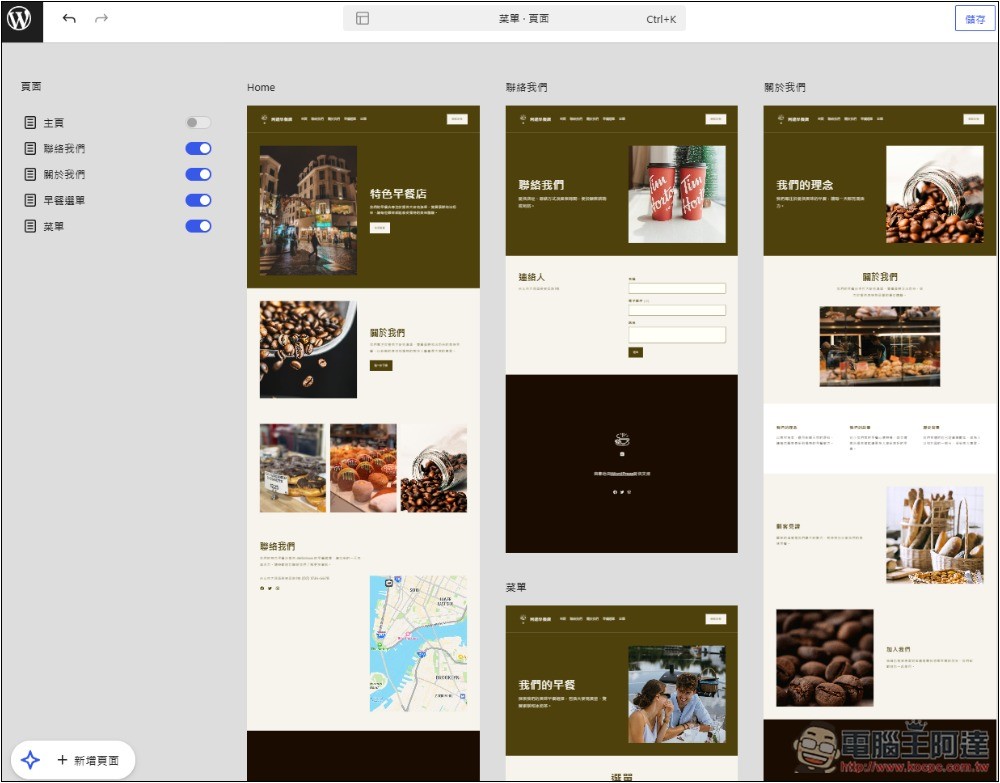
Going back to the homepage lets you browse all the generated web pages at once. The menu was something I requested later, which means the AI Website Builder had already generated the homepage, Contact Us, About Us, and breakfast menu from the start.
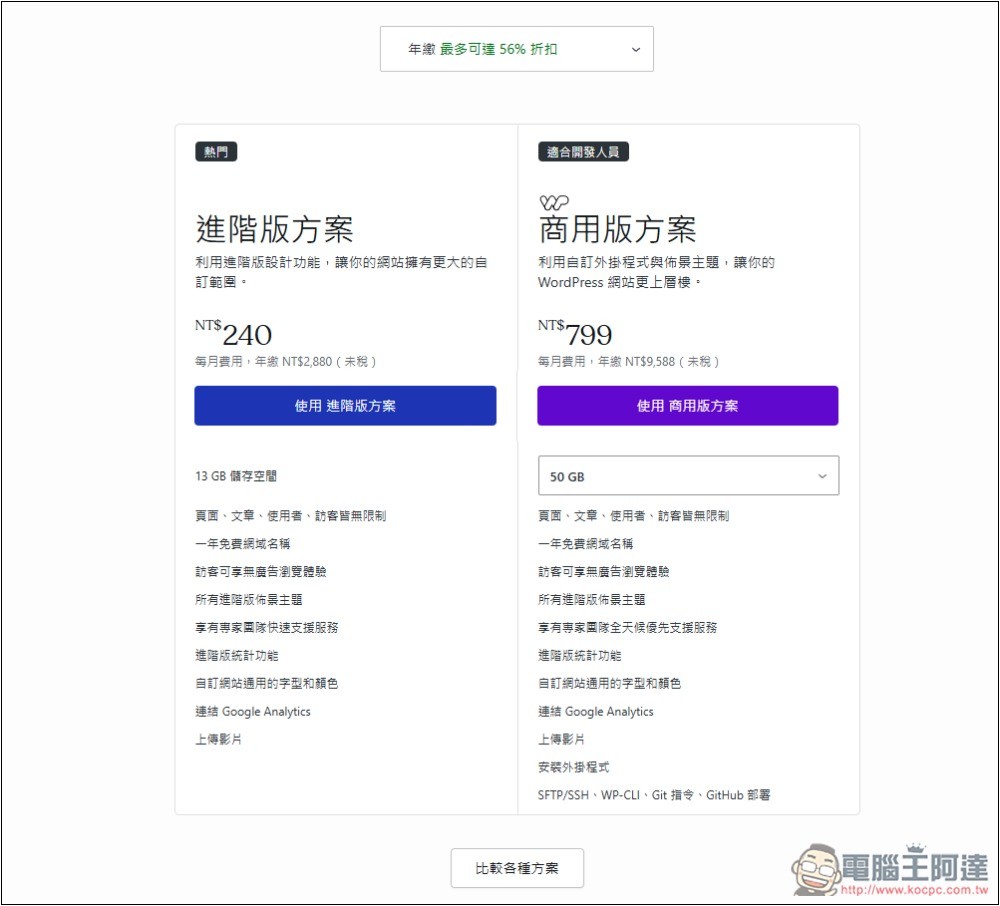
Websites generated through the AI Website Builder must be hosted on a paid WordPress.com site, and there is no way to download the website files:

There are two paid plans: Advanced and Commercial.
The AI Website Builder is limited to new websites and can’t modify existing ones, which is a bit of a shame.
Additionally, as seen in the screenshot above, AI-generated webpages have a certain level of polish, but the color scheme still lacks a refined feel. However, compared to using templates, the AI Website Builder offers more flexibility and is easier to use—you can simply tell the AI what content you want.
Currently, the AI Website Builder is still in the Early Access stage. Once it’s officially launched, we can expect more features or that the websites it produces will be more refined.
Source: KOCPC Chinese