


Since its first release more than 10 years ago Apple Watch Since its launch, it has grown to become a leader in wearable devices. Over the years, Apple has made significant changes to subsequent models, including many Apple Watch features that we may not know much about, especially those that aren’t part of our daily lives. From everyday tasks like a handwash timer or navigating a new city to acting as a remote control for your iPhone, many people have little idea of what it can do, so it may also have some surprising unique features on its parts, like the little hole on the side.
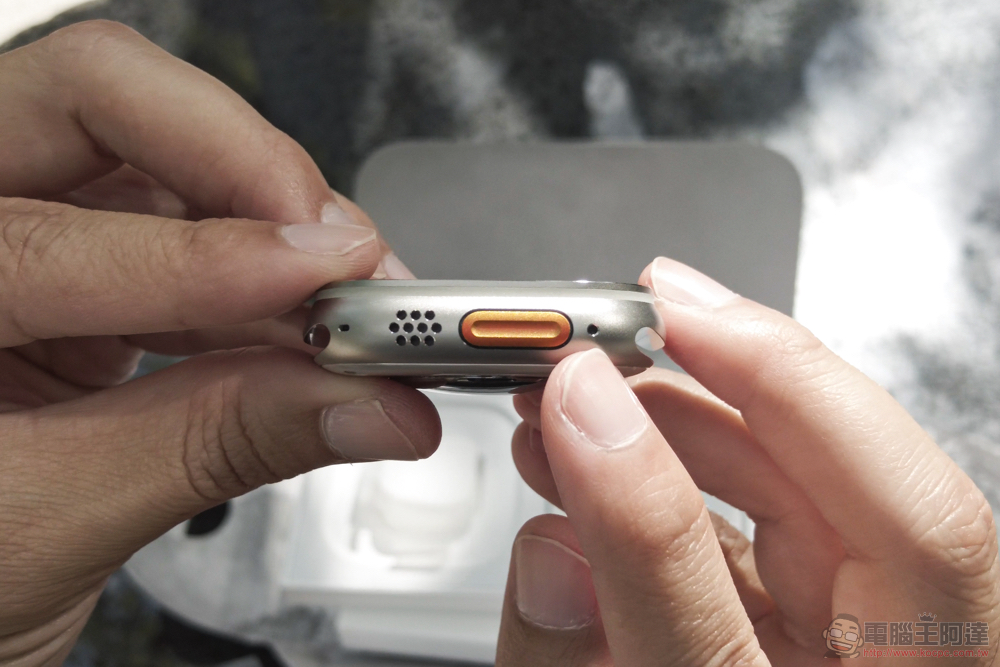
What is the purpose of the hole on the side of the Apple Watch?
According to Apple, the holes actually support three different functions: speakers, microphones, and water depth measurement on some Apple Watch models. By now, most people know that you can use your Apple Watch to answer calls, issue Siri commands, or record audio. In addition to this, a small microphone can be used to check for ambient noise and alert you if it is too loud for discomfort. The first two functions are simple and easy to understand, but how does the hole actually perform the function of measuring water depth? While not all Apple Watch models are suitable for playing in the water, below we discuss how water-friendly Apple Watches work, how to enable the feature, and their limitations.
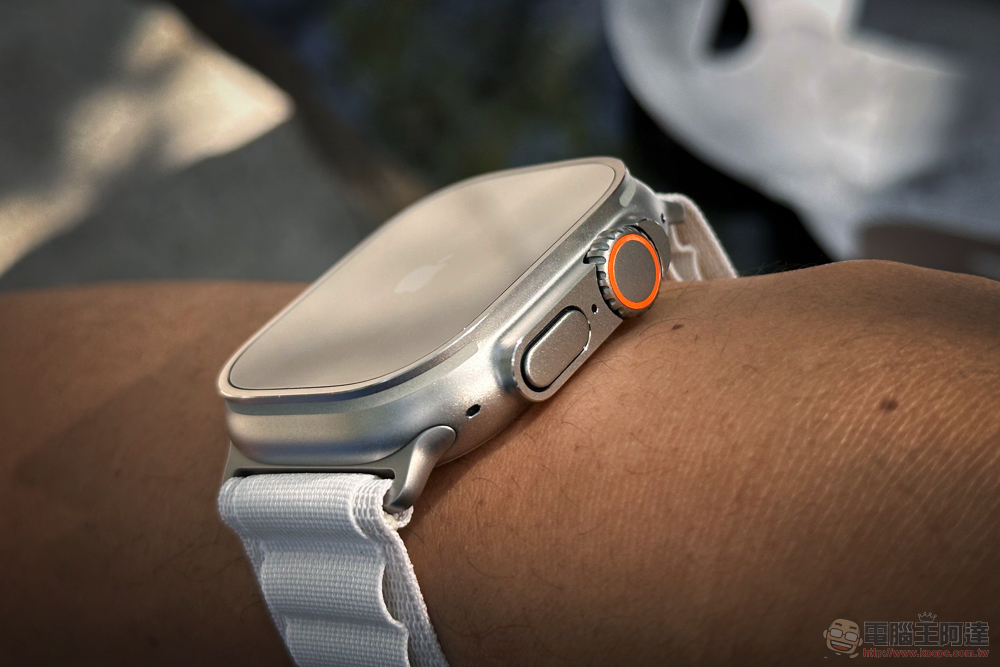
How does bathymetry work?
With newer models like the Series 2, SE, and Ultra, there’s more room for summer water play, especially with the latter. Used in conjunction with the Apple Watch Depth app (Depth), the small hole on the side of Apple Watch can help you understand three additional information underwater, including the length of your dive, current and maximum water depth, and temperature. Of course, the Apple Watch can also tell the time like a watch. Although you can slightly exceed the measurement range, the depth measurement function helps protect your device and warns you when the measurement is reached. Apple says the Watch’s sensor is accurate to ±1 meter when all conditions are met.
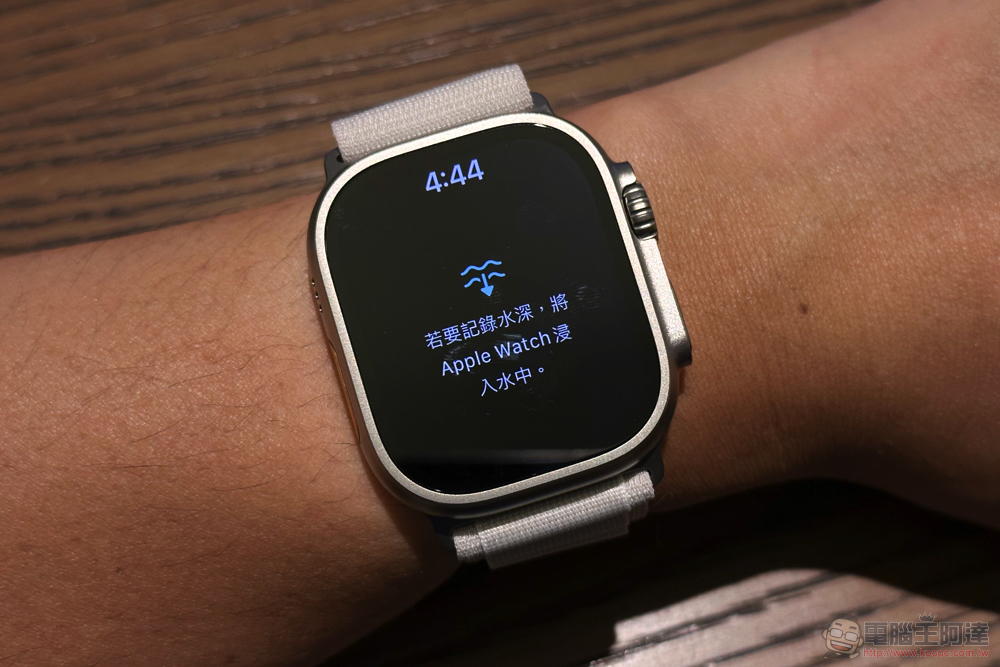
To use the water depth measurement function while diving, you can manually open the water depth application, or you can start it through the operation button. Alternatively, if you set auto-start, the watch will automatically access this function when you reach a depth of 1 meter and dive for at least 5 seconds. That being said, Apple doesn’t recommend it as a replacement for professional dive watches, mainly because it doesn’t provide key information like decompression stops.
Which Apple Watch models use small holes to measure water depth?
As of today, Apple has two watches that work with the Water Depth app: the Apple Watch Series 10 and the Apple Watch Ultra. The key difference, however, is the depth of diving supported by the two watches. The Apple Watch Series 10 has a diving depth of only 20 feet, which makes it ideal for freediving or snorkeling, since even with open water scuba certification you can dive up to 60 feet, three times as deep. The Apple Watch Ultra, on the other hand, is made from sturdier materials and is rated for a maximum depth limit of 130 feet, which is about PADI’s recreational diving limit. Additionally, it’s rated safe for use underwater in water temperatures of 32 to 104 °F, and there are a number of third-party dive apps available, such as Oceanic+ and Garmin Dive, to name a few.
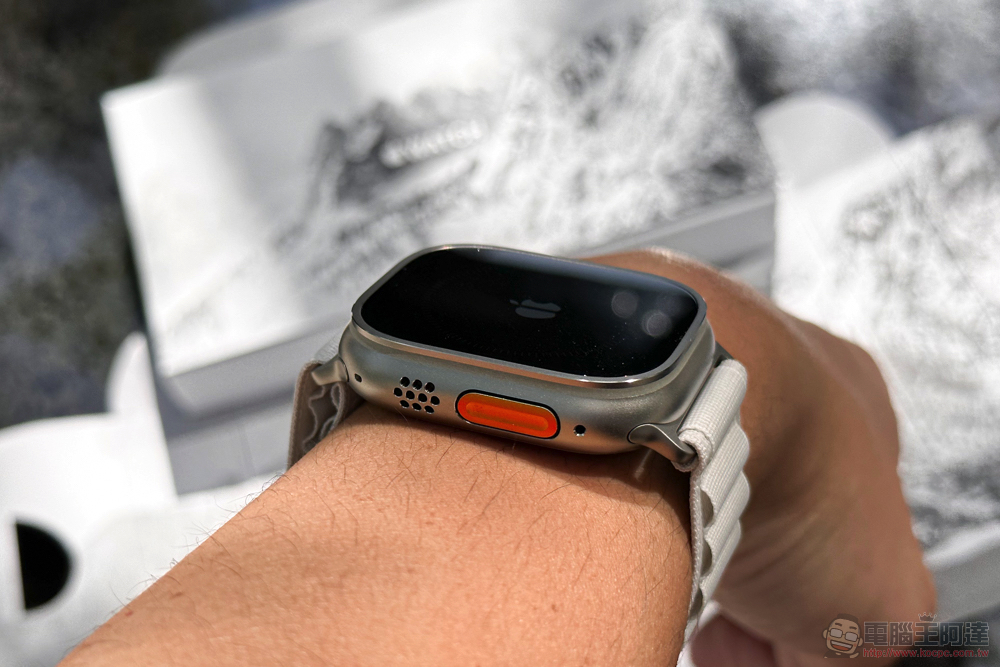
It’s important to note that no device is foolproof, and the materials used to protect it from water damage may gradually lose effectiveness over time, especially if you regularly use it in harsh conditions. Having said that, as long as you don’t plug the hole unnecessarily with toothpicks or safety pins, you can prevent damage from happening early. Additionally, there are many things you can do to extend the overall lifespan of your Apple Watch, such as cleaning it regularly, avoiding prolonged exposure to extreme temperatures, and staying within the maximum waterproof depth range.
Source: KOCPC Chinese