


Many high-end laptops have 1TB or 2TB of built-in storage, which is plenty for most consumers. However, if your workflow involves working with larger files, such as content creation or 3D rendering, then you will realize how quickly storage space can be consumed. While cloud storage services like Google Drive are a convenient option, they are less suitable if your work requires instant access, especially if you lack a stable Internet connection.
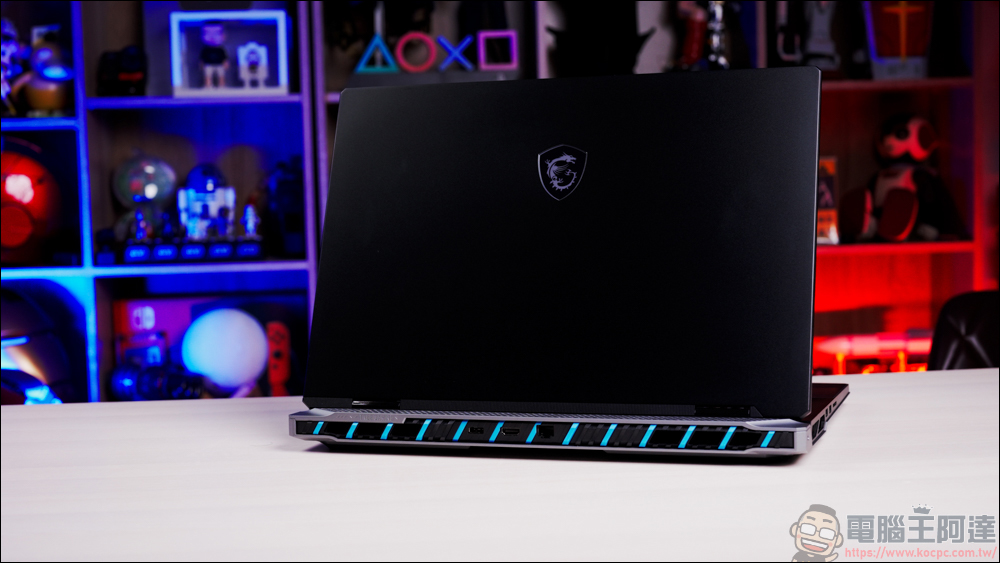
What is the maximum storage capacity of a laptop?
At this time, it is very important to find the laptop hardware that suits you best. Laptops with 2TB SSDs aren’t hard to find, but most entry-level laptops start at around 500GB, and it’s even worse if you buy a MacBook Air, which only has 256GB of storage. In addition, please be sure to confirm whether the laptop uses welding to secure the storage hard drive. If so, it cannot be upgraded after purchase. MacBooks and some Windows laptops come with soldered SSDs, and the capacity can only be upgraded if purchased at checkout.
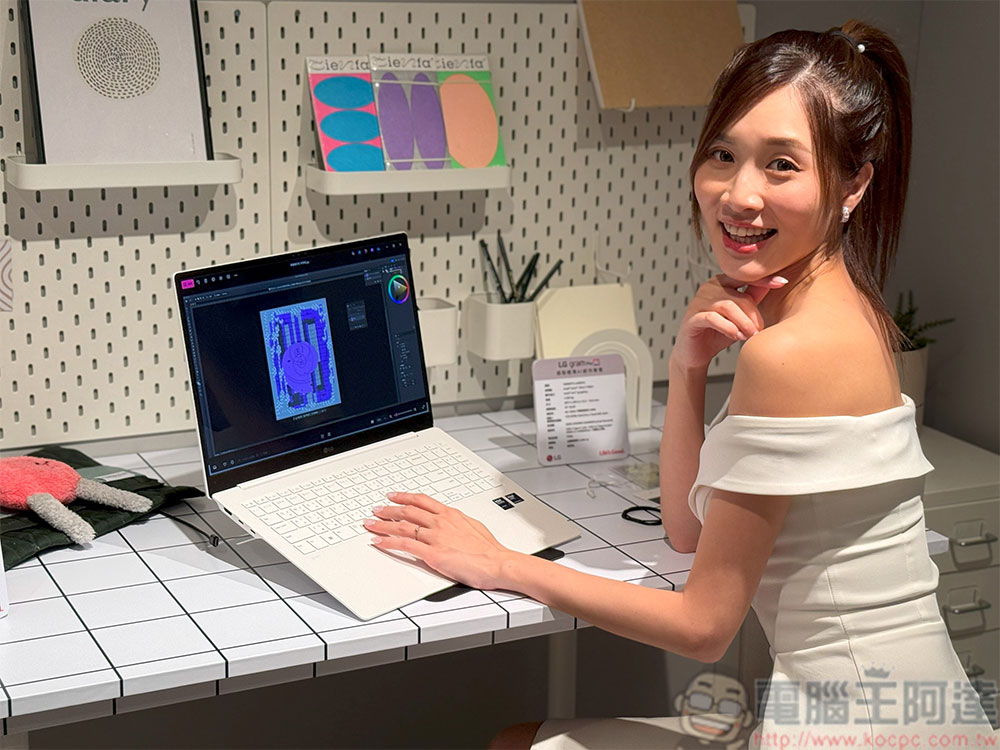
That being said, Windows laptops often have the convenience of replaceable memory cards and storage. The increase in internal storage space of a laptop depends on the interface type it supports and the number of available slots. This isn’t the only storage expansion option, either, as external storage options are plentiful. Simply put, laptops come in different sizes of storage space, and there isn’t necessarily a maximum.
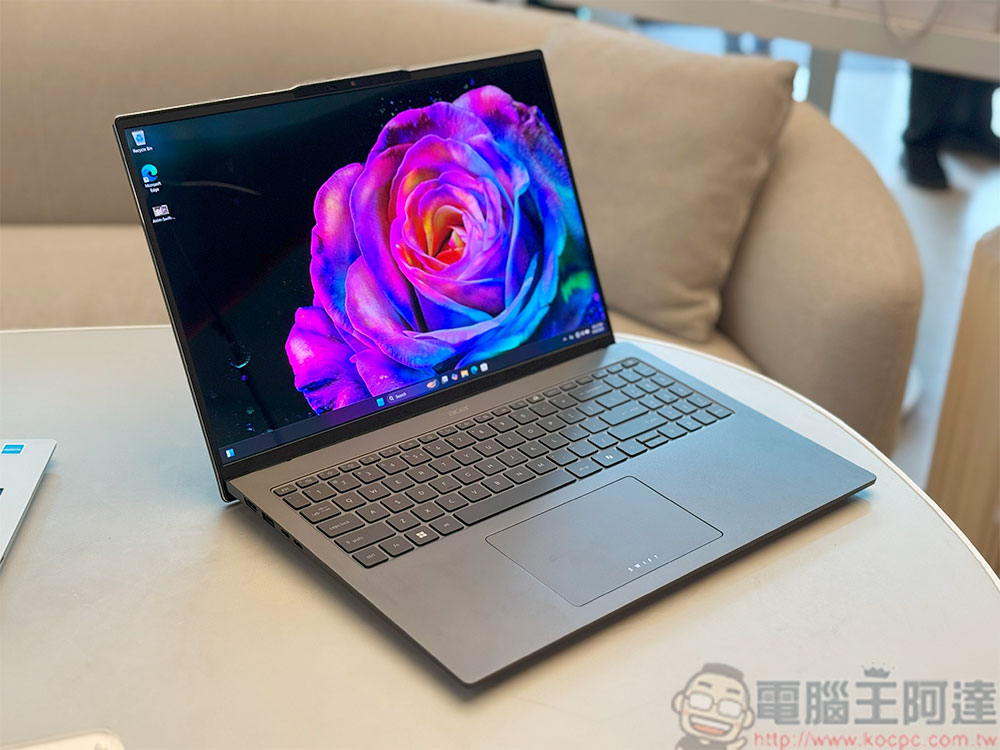
If your laptop is relatively new, you most likely rely on an M.2 form factor SSD for storage. M.2 NVMe SSDs are small, fast, and available in a variety of capacity options. Common storage sizes include 250GB, 500GB, 1TB, and 2TB, but you can buy flagship consumer-grade NVMe SSD storage in sizes up to 8TB. So, if your laptop only has one M.2 slot, you can replace your existing SSD with an 8TB SSD.
Some laptops are equipped with two M.2 slots, which can theoretically configure about 16TB of internal storage space. Older models may still use a 2.5-inch SATA hard drive slot, in which case you’ll need to find a suitable SSD or HDD. The easiest way to check what type of storage your laptop uses, or whether it can be replaced and upgraded, is to refer to the technical specifications of your specific model. Some laptops are difficult to pry open and can be easily damaged, so it is recommended to seek professional help. It’s also important to differentiate between SATA M.2 SSDs and NVMe M.2 SSDs. Understanding M.2 SSDs can be tricky, especially with so many varieties and sizes available. The former still relies on older SATA technology and has slower read and write speeds than NVMe drives.

Technically, any storage device that can be used with a laptop counts, but if you’ve run out of internal upgrade options, an external hard drive comes in handy. If you’re looking for file storage or extra space for operations that don’t mind running slower, an external hard drive is still a very cost-effective option.
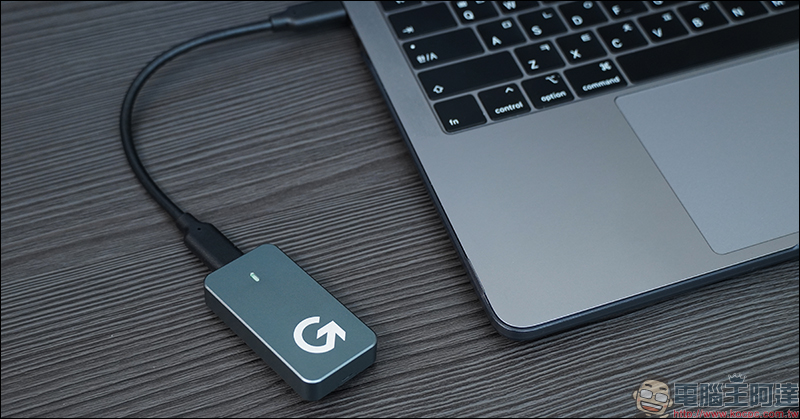
If your budget permits, I always recommend you choose an SSD, which is faster, lighter, smaller, and more resistant to drops than a spinning HDD. Some of the fastest portable SSDs on the market have read and write speeds of up to 3,000MB/s, which may be slightly lower compared to built-in M.2 solutions, but the right external SSD will allow you to access and write files smoothly. You can edit 4K videos without downloading all media files to the laptop’s internal storage, and you can even run games directly from a portable SSD. Many fast SSDs sold online rely on the newer USC-C interface and can only deliver maximum speeds if the USB-C port on the device is Thunderbolt-compatible.
Source: KOCPC Chinese