


When applying for online services, if you use your own mailbox, you will receive a lot of advertising letters in the long run. In order to avoid this situation, many people will switch to temporary mailboxes. 1SecMail, which I will introduce in this article, is one of the good choices. You can get a free temporary mailbox by opening the web page. If you are not satisfied, you can also customize the user name and domain you want. It is simple and easy to use.
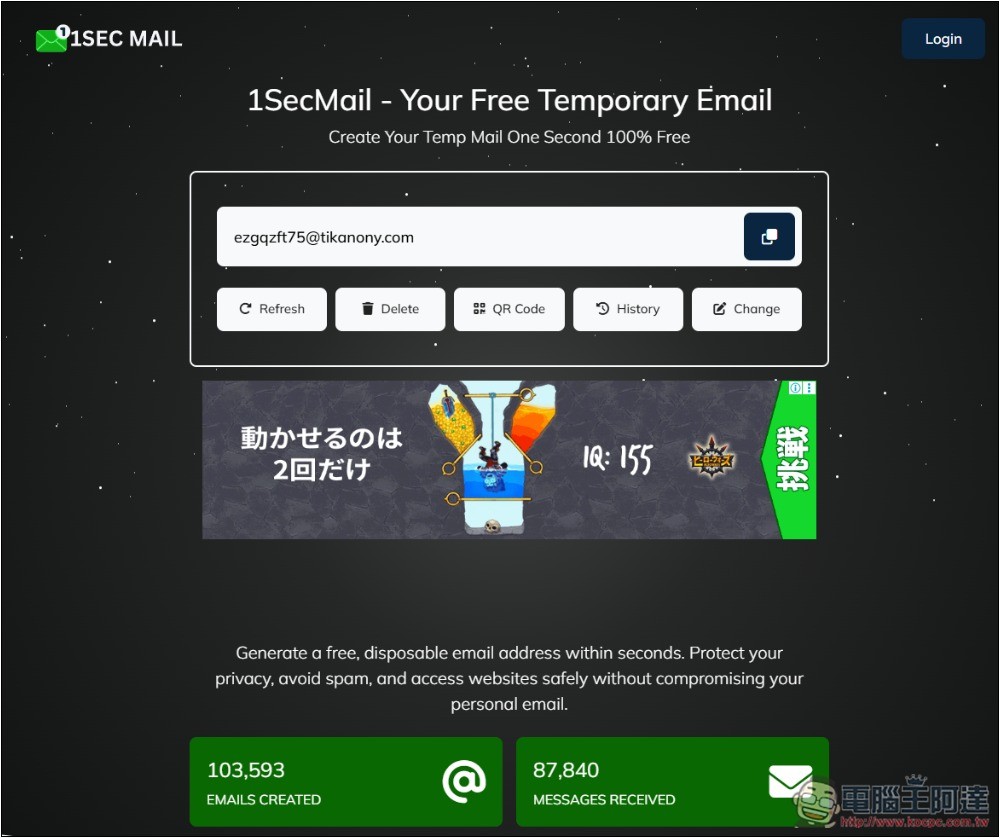
1SecMail one-click creation of free temporary mailbox introduction and operation tutorial
1SecMail is a free service that provides temporary mailboxes. It is very different from other similar tools. It has very few advertisements, so it is very comfortable to use, will not be affected by advertisements, and can be used without registration. However, it also offers a paid version, where you can choose a dedicated domain for a fee.
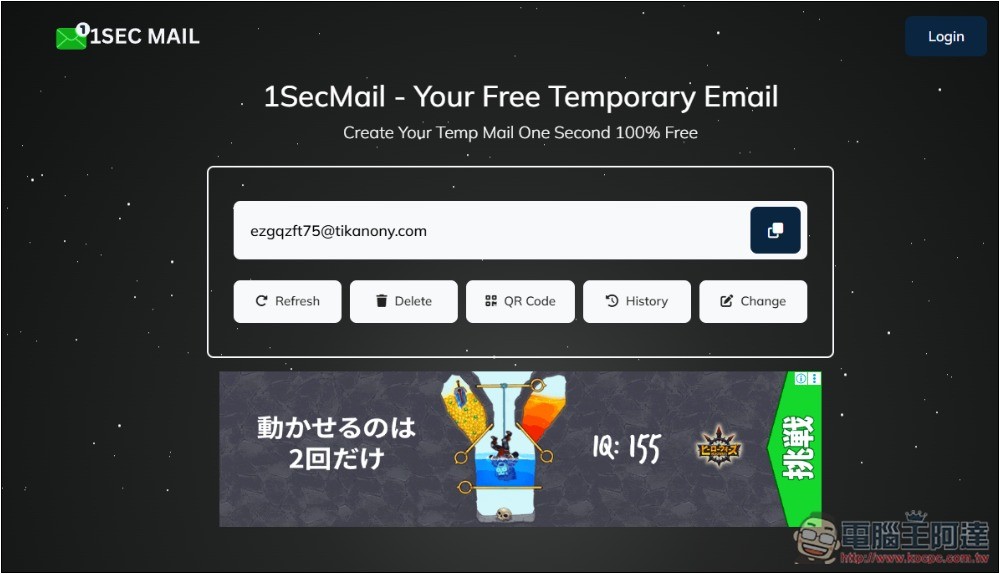
The usage is very simple. After clicking the link above to enter 1SecMail, you will get a temporary mailbox. This mailbox will still be there even if you reorganize the page. Press the button on the right to copy the mailbox address with one click. There are several functional options below, including rearrange, delete, QR Code, history, and change:
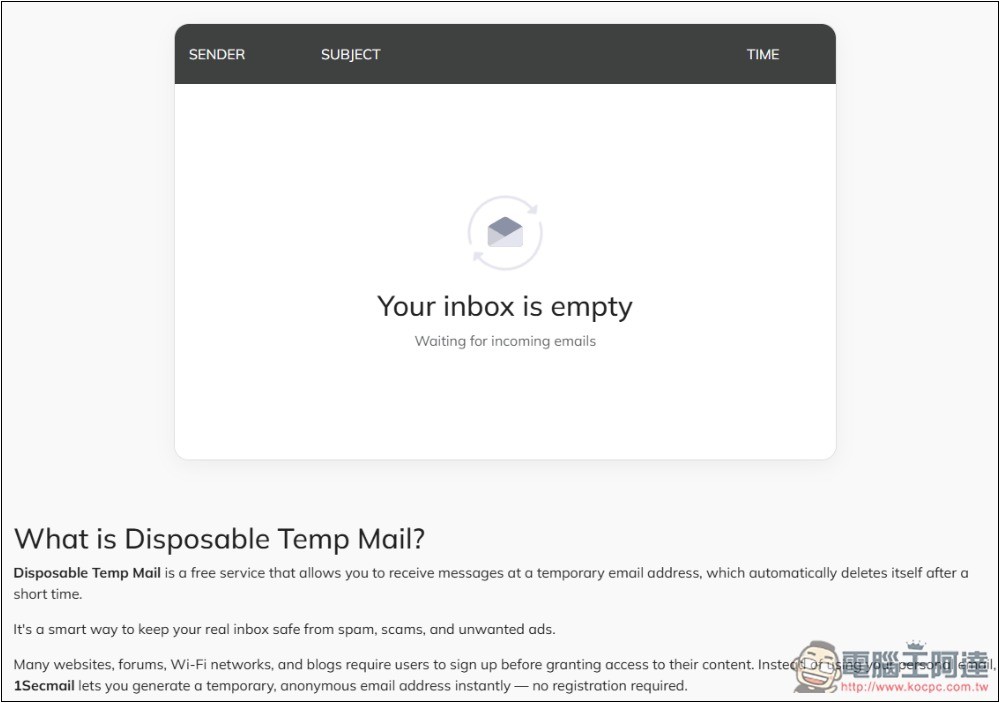
Scroll down the webpage and you will find the inbox. Letters received in this temporary mailbox will be displayed here, and the sender, letter subject, and time information will also be provided:
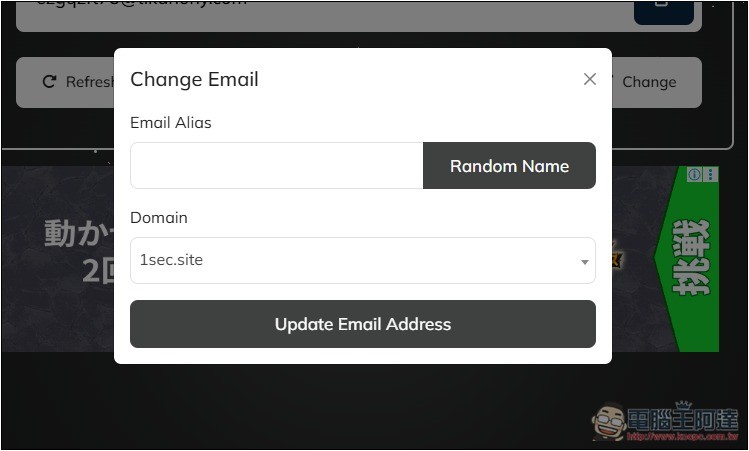
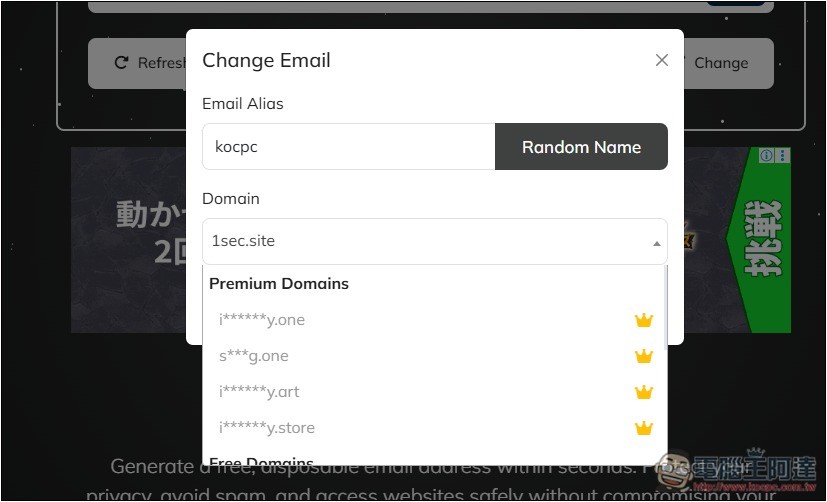
If you want to customize the name of the temporary mailbox, after pressing Change, the mailbox will pop up. Enter the user name you want above, or use the button on the right to randomly generate it:
The domain section provides a lot of options, but the top ones are exclusive to paid users (Premium Domains), and free users cannot choose:
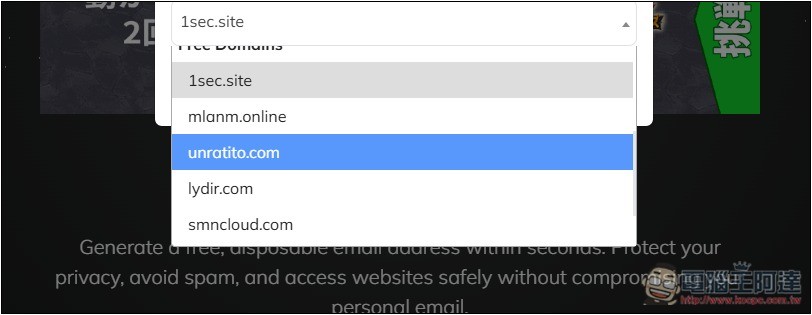
Scroll down to find more domains available in the free version:
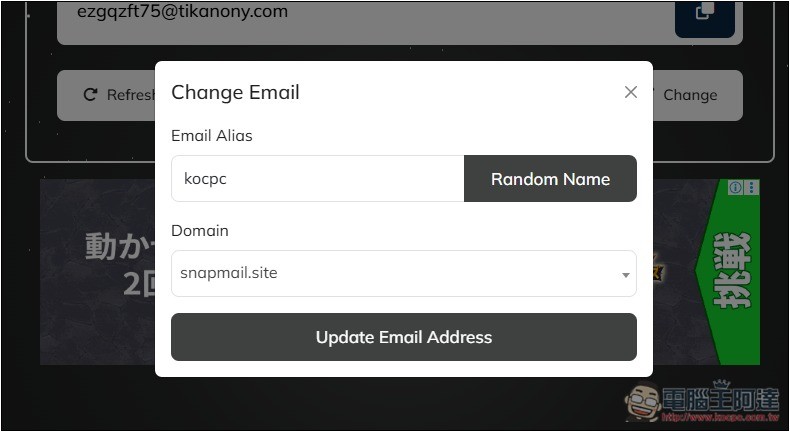
After the user name is set and the domain is selected, click Update Email Address and the temporary mailbox will be updated. Before clicking, remember to make sure that you will not use the previous temporary mailbox at all, and the letters you have received will also be deleted:
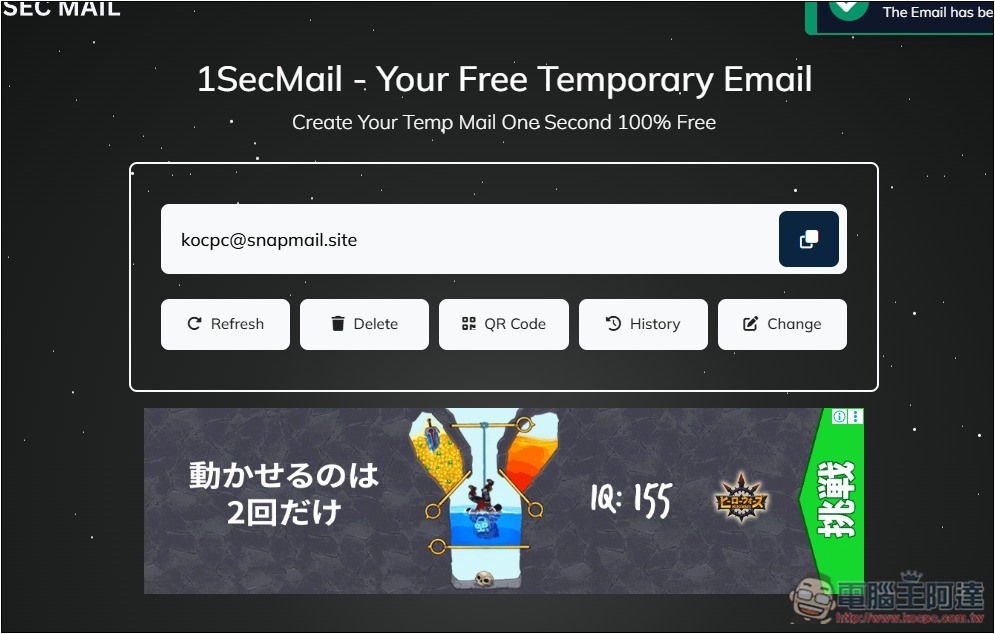
As shown in the picture below, the kocpc@snapmail.site I set appears:
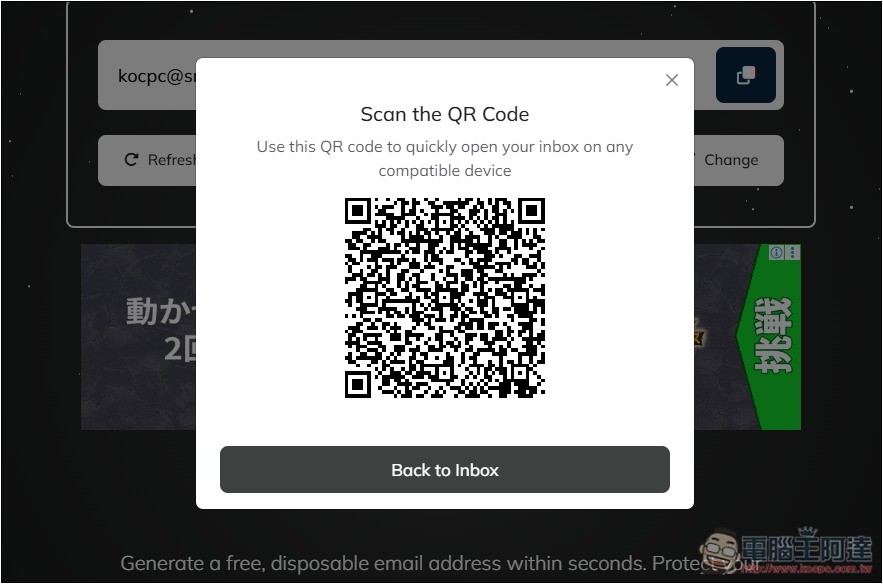
The QR Code part is convenient for you to scan with other devices and open this mailbox. For example: after scanning with a mobile phone, you can also view the letters received in the temporary mailbox on the mobile phone:
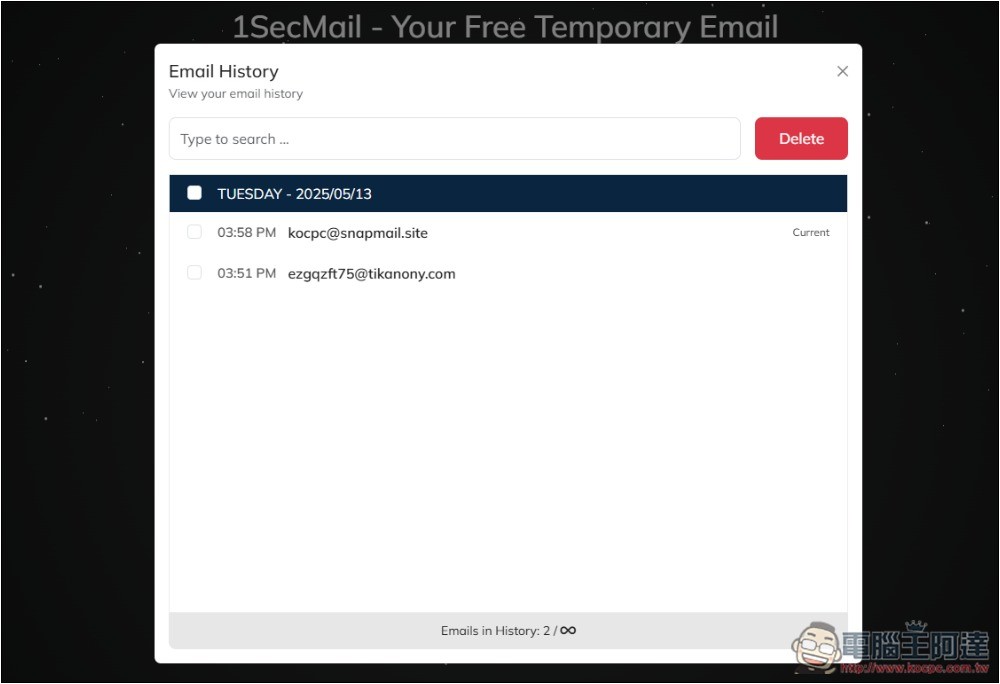
The History section will record the temporary mailbox addresses you have used in the past. It is only a query function and cannot be restored:
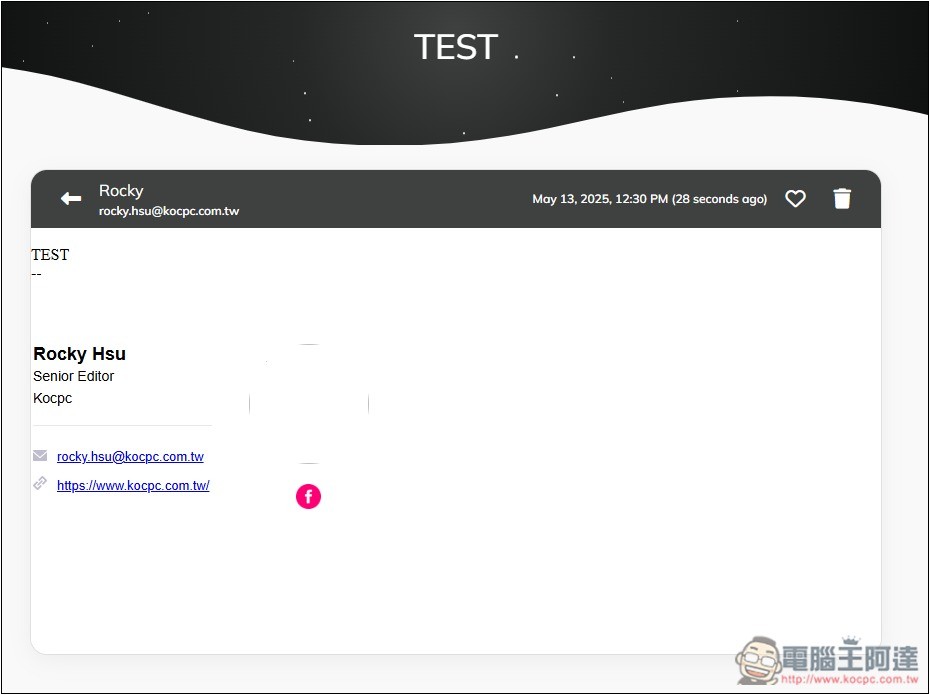
I tested that I could indeed receive the email, but although the website advertised it as instant, it took me about 10 seconds to receive it. The screen for opening a letter is as shown below. You can delete it at any time if you don’t need it. There is also a function to add to favorites in the upper right corner:
1SecMail is already a very easy-to-use temporary mailbox service, but if you still feel it is not enough or want to try other services, we have compiled them before 5 free temporary mailbox servicesYou can also refer to the articles.
There are a few things to note when using a temporary mailbox. Remember, there must be no personal or important content in the letters you receive, because the security of this kind of mailbox is very low. In addition, since it is called a temporary mailbox, it also means that it may become unusable after a period of time, and you will no longer be able to access the mail in this mailbox.
Source: KOCPC Chinese