


The video size of each social platform is different. Uploading videos on different platforms requires different video sizes. Today we will introduce a video resizing app “Resize Video” that is available for free download in the App Store for a limited time. Resize Video allows you to quickly adjust the video to a size suitable for Instagram and YouTube, and also add a background to the video. Friends who are interested should not miss the free downloadable video size editing tool Resize Video.
Resize Video is now available for free download! Quickly adjust video proportions and add backgrounds with ease
Resize Video can adjust the video size according to your needs, so that your video can be used on various social platforms such as Instagram and YouTube. And Resize Video also allows you to resize multiple videos in batches, without having to slowly resize them one by one in the phone’s photo album.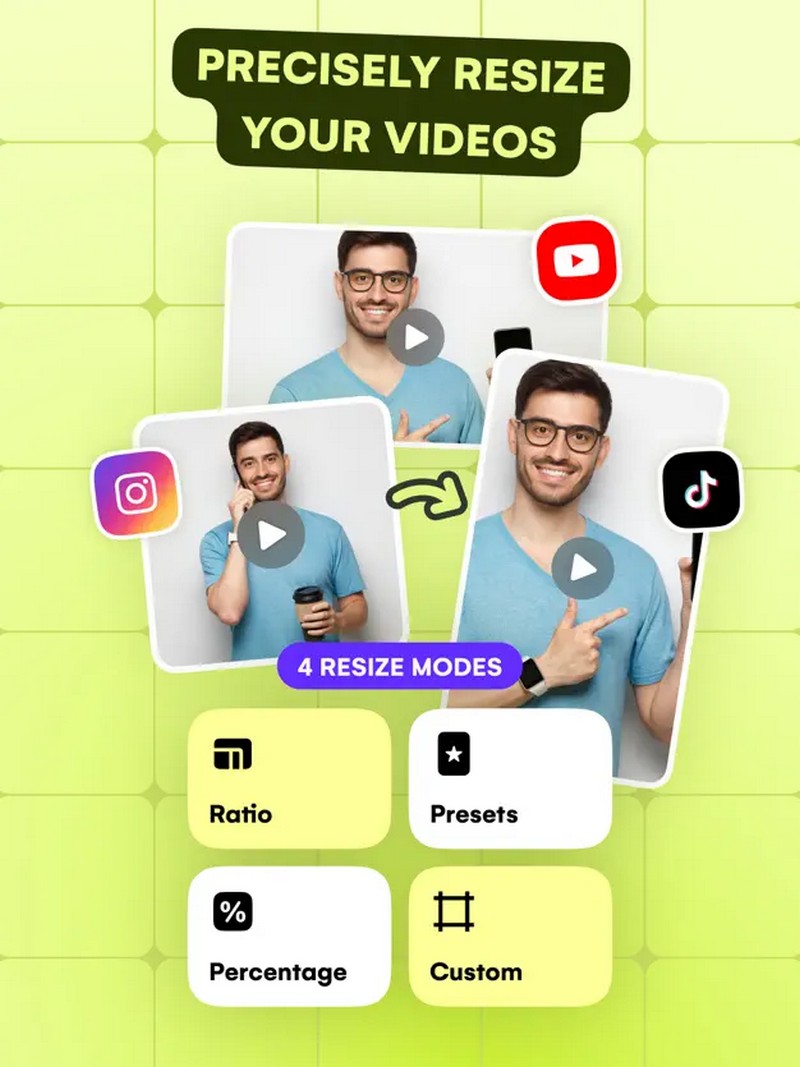
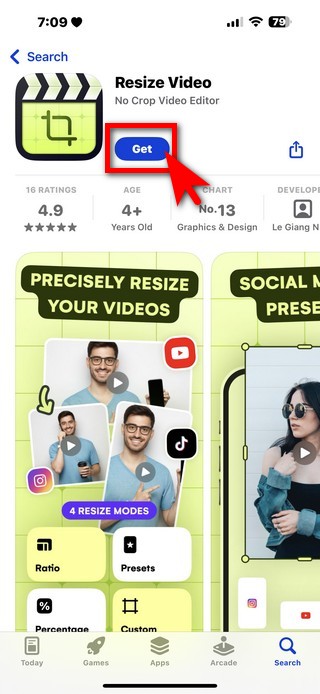
Go to App Store to download Resize Video
When you go to the App Store to download Resize Video, if you see downloading, it means that the limited exemption is still continuing. If it shows that you need to spend money, it means that the limited exemption has ended.
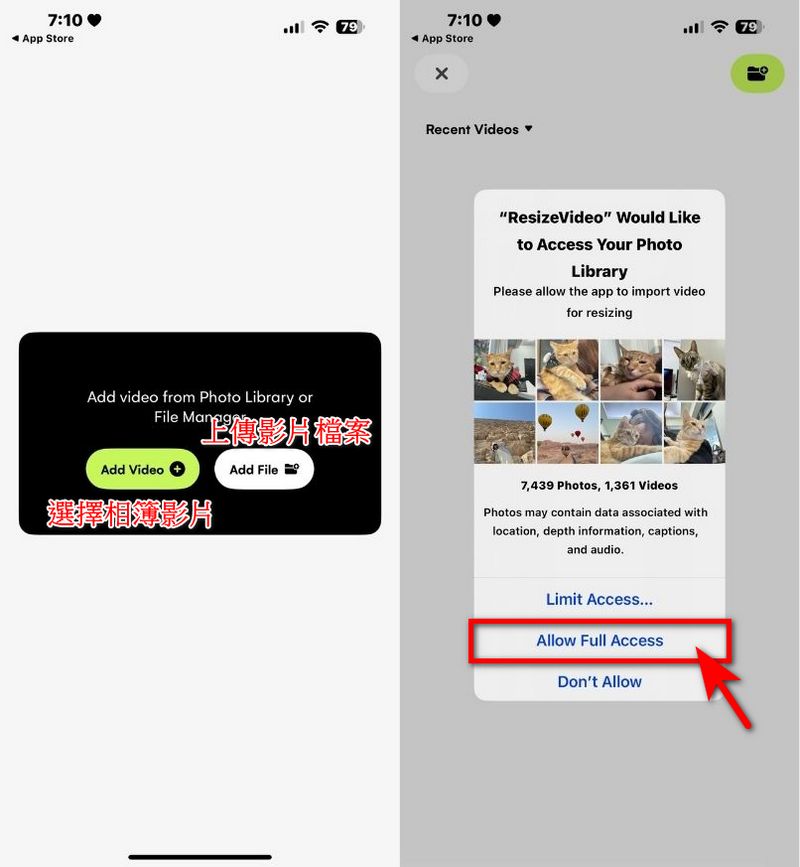
After downloading, open the app and you can use it directly. You can upload video files or find the video you want to edit from the photo album on your phone. You will be asked to open the album usage permission, please remember to click all to agree.
Then you can select the video you want to edit. After selecting, you will see four options: Preset, Ratio, Custom, and Percent on the homepage. Preset allows you to choose the preset size of videos from social platforms such as Instagram, YouTube, Facebook, X, TikTok, etc. You only need to select the option to adjust the video to the appropriate size immediately.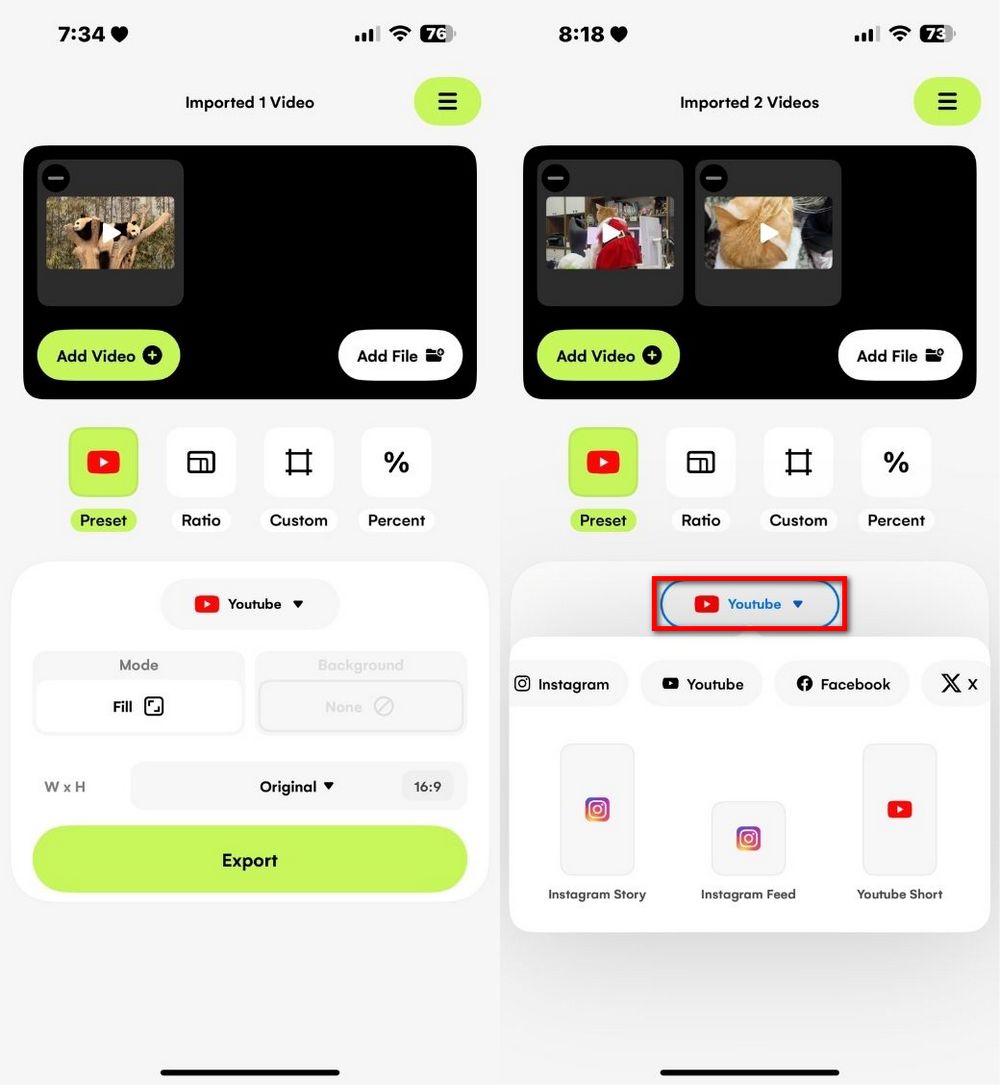
Ratio allows you to select the video ratio, such as square, 9:16, 16:9, 2:3, 4:5, etc.
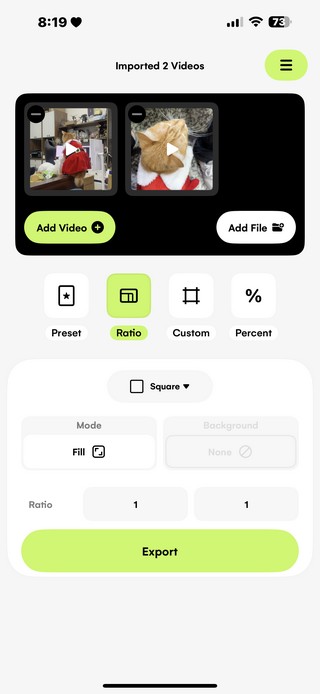
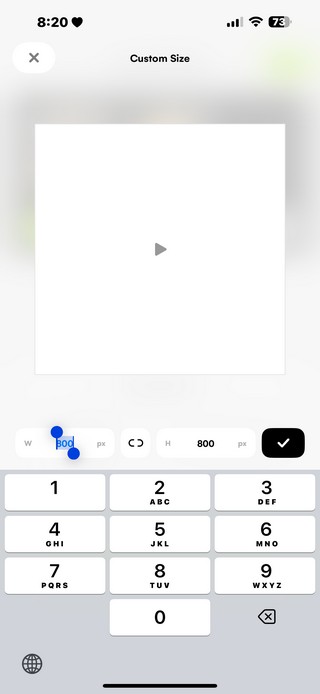
Custom allows you to set the desired video size and enter the number to adjust the size yourself.
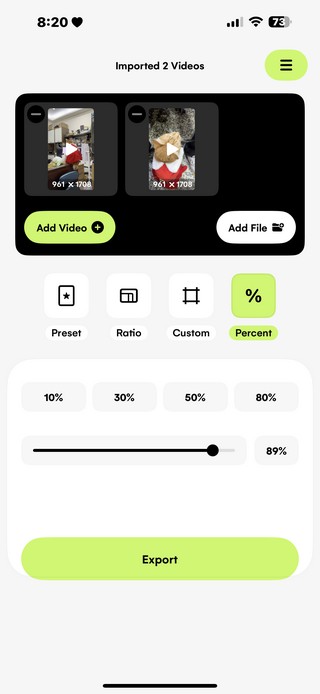
Percent allows you to adjust the video size by a specific percentage, allowing you to precisely control the desired size of the video.
After selecting the mode, you can choose whether to add a background to the video. If you want the original video to fill the entire screen, select Fill. If you want the video to have a background, choose Fit. Fit allows you to select a background, whether it is blurring or adding a colored background.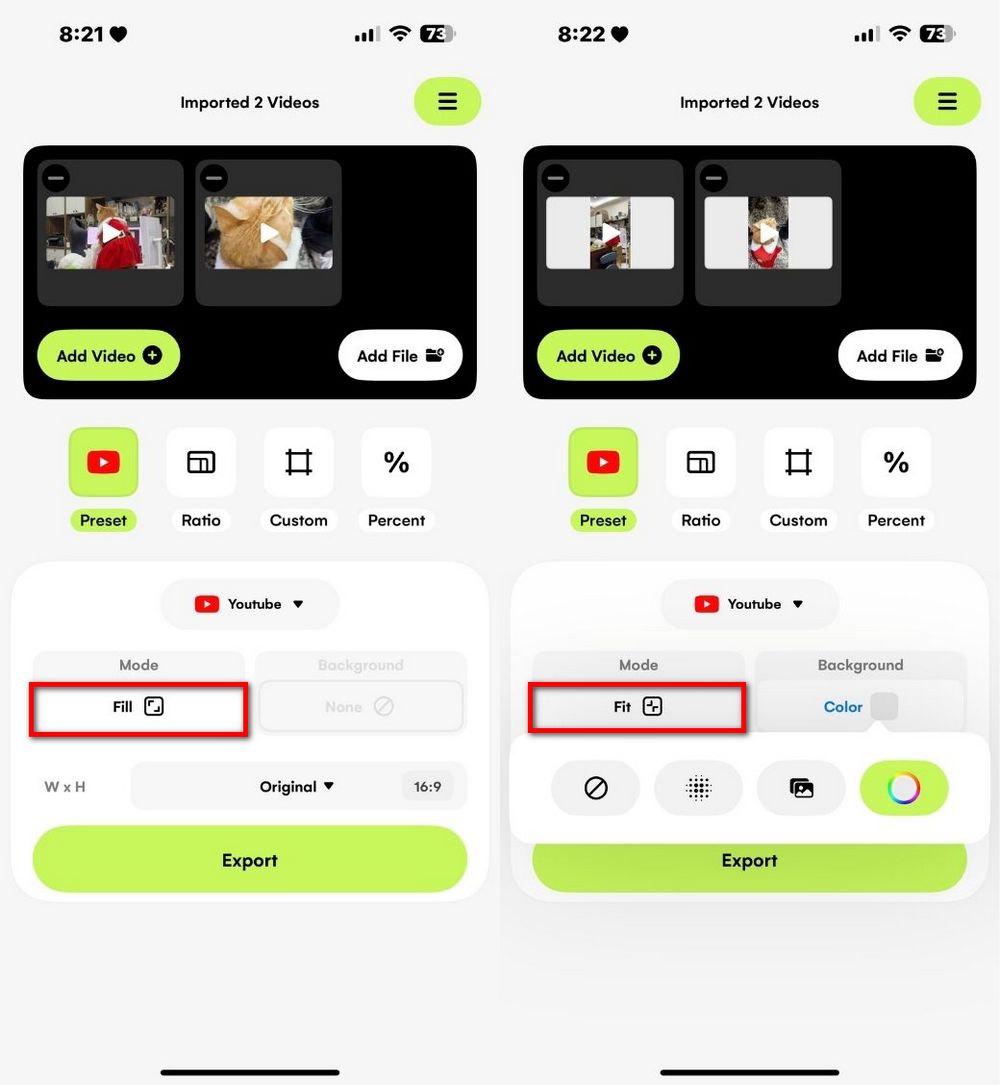
After selecting all the above options, you can WxH the video, and then click Export. The video with the changed size will be automatically saved to your mobile phone album. Of course, you can also share it directly with friends. Friends who are interested can go to the App Store to download Resize Video and use it. It is now free for a limited time, not sure when it will end.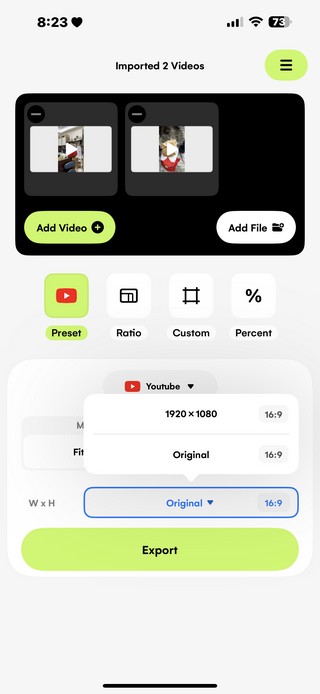
Source: KOCPC Chinese